Learnify
تفاصيل العمل
How it works
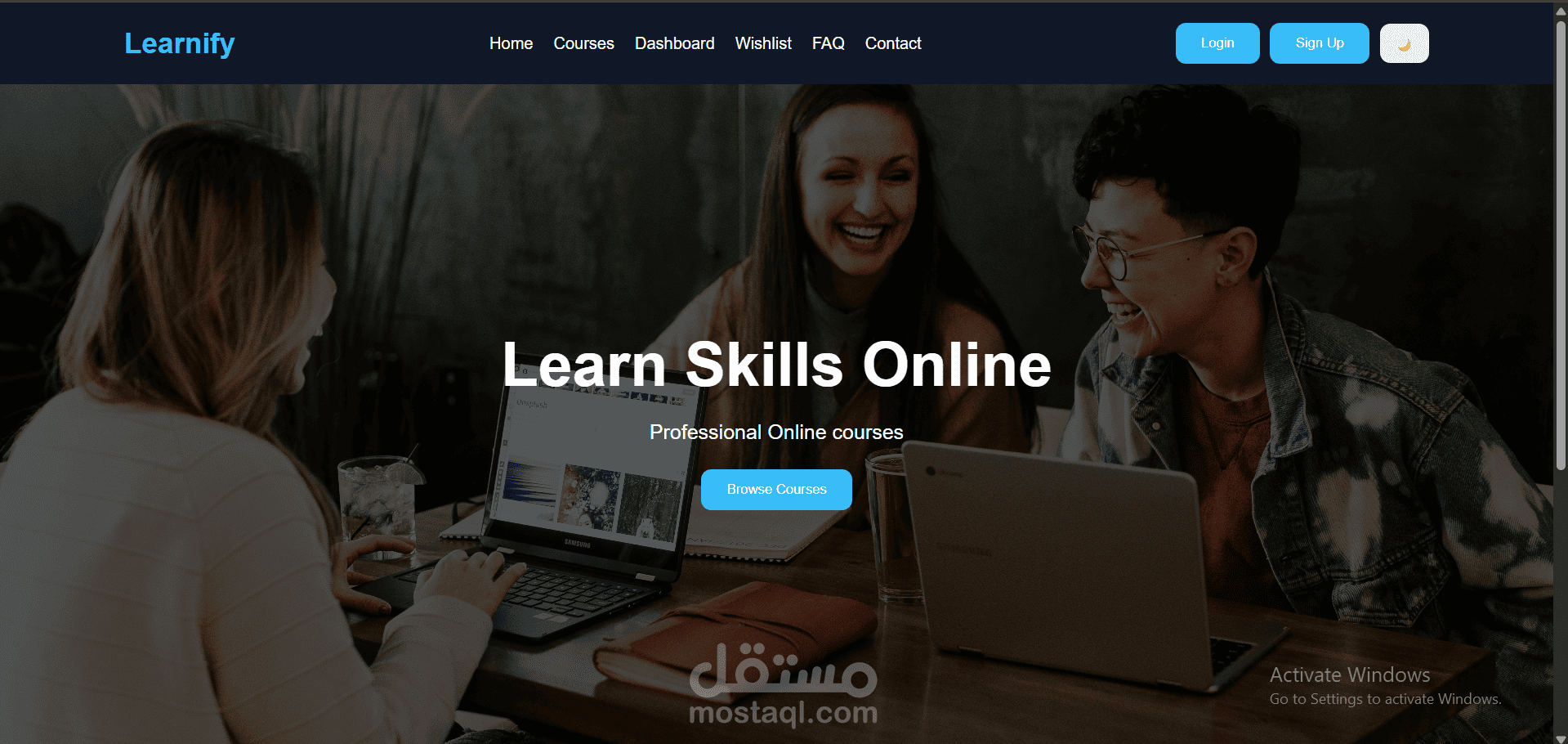
The home page introduces the platform with a "Learn Skills Online" banner and a Browse Courses button.
The navigation bar gives quick access to Home, Courses, Dashboard, Wishlist, FAQ, and Contact.
Visitors can create an account (Sign Up) or Login to use their own dashboard.
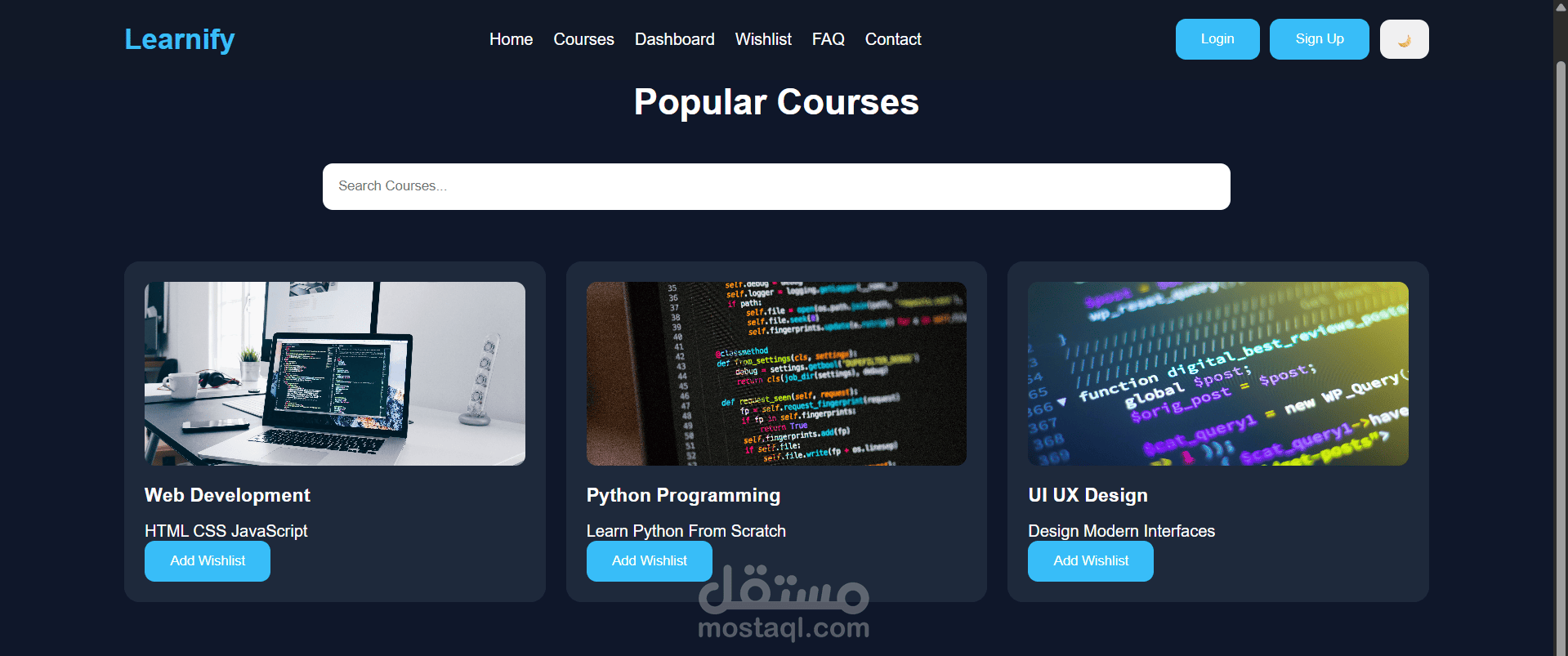
The Courses page lists popular courses (Web Development, Python Programming, UI/UX Design) as cards.
A search bar filters the courses by name so students find what they want fast.
Each course has an Add Wishlist button to save it for later.
A dark and light mode toggle lets users pick the theme they read best in.