Moving an image
تفاصيل العمل
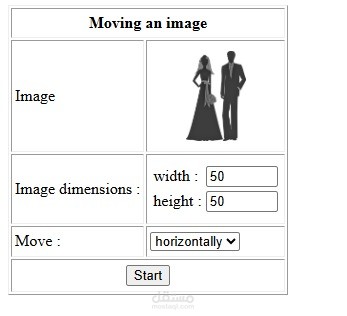
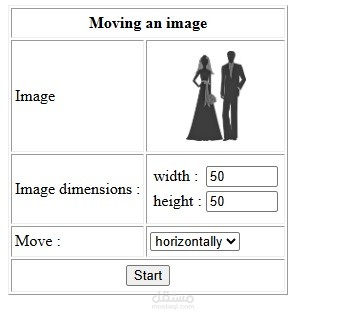
• The image is displayed in the table with 60x60 dimensions.
• Width and height must be numeric and contain initially 50.
• Move: list containing two options ‘horizontally’ and ‘vertically’.
• Table height is set to 290 pixels.
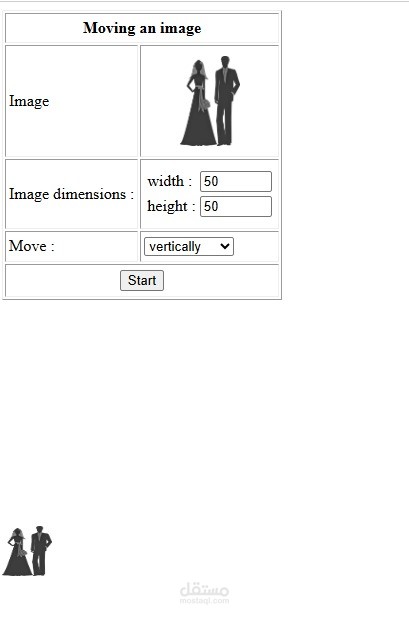
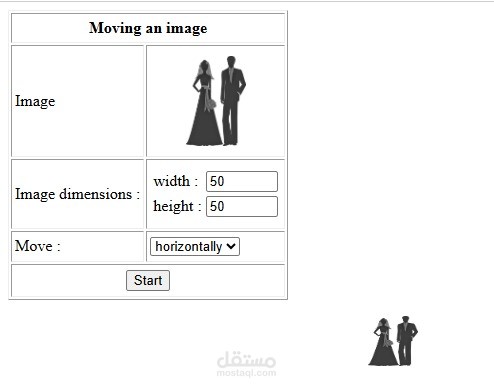
• Once the start button is clicked, the same image appears below the table (at a position left=0 and top=0 from its relative position) with dimensions given in the form and starts to move according to the value selected from the select box.
• When the image reaches one of the borders of the window, the image returns to its initial position and continues to move.