edit master
تفاصيل العمل
Edit Master
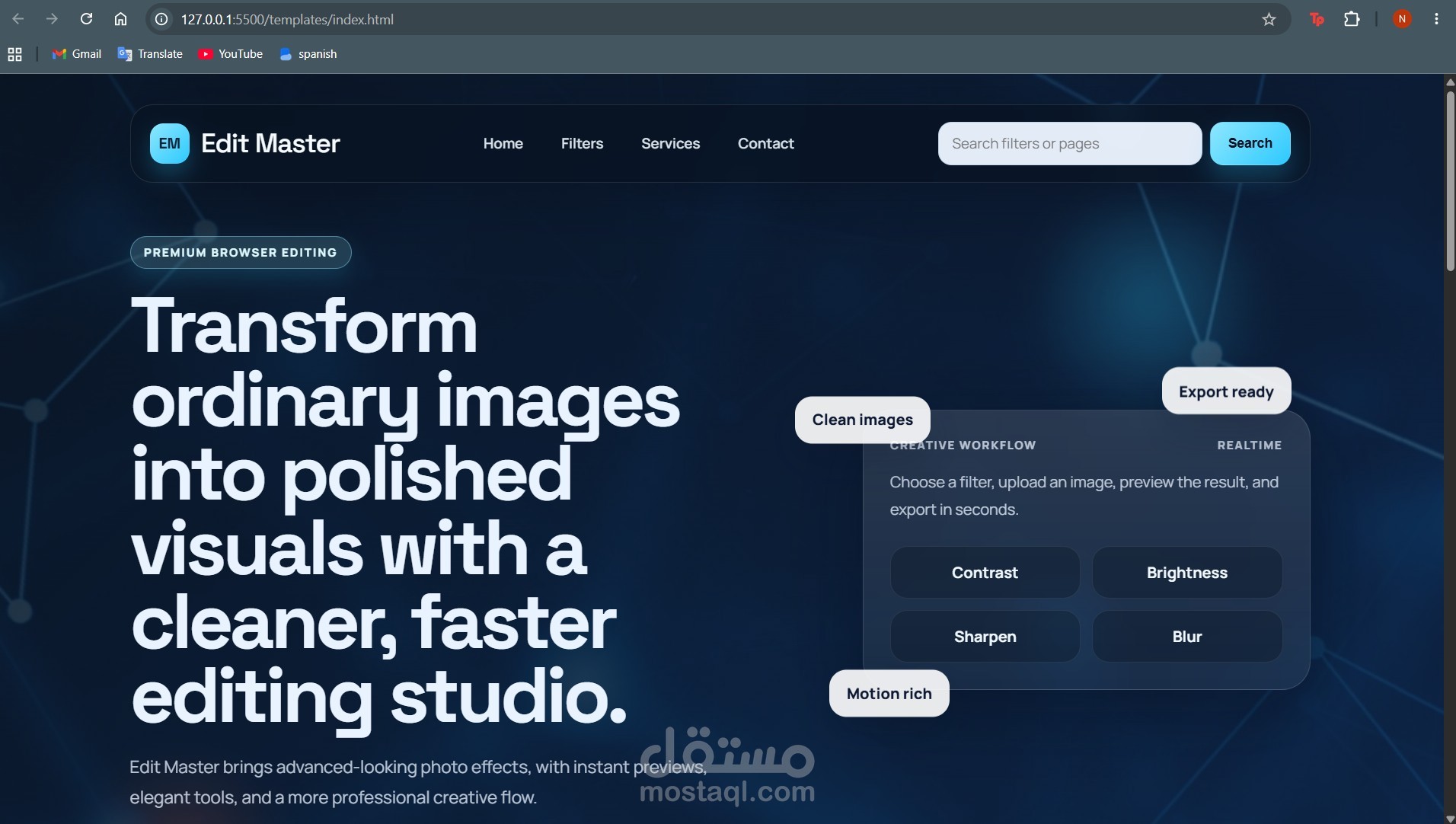
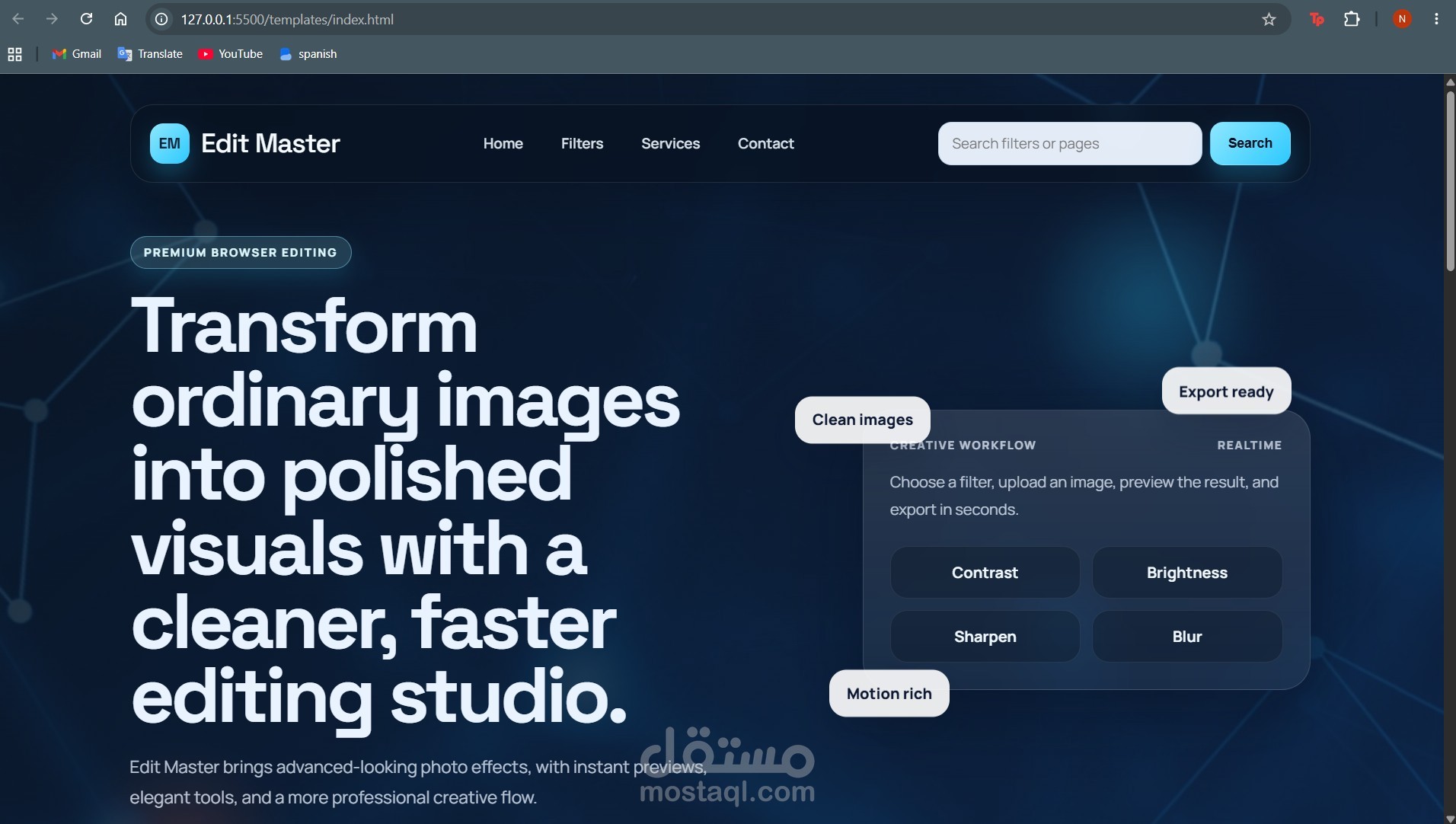
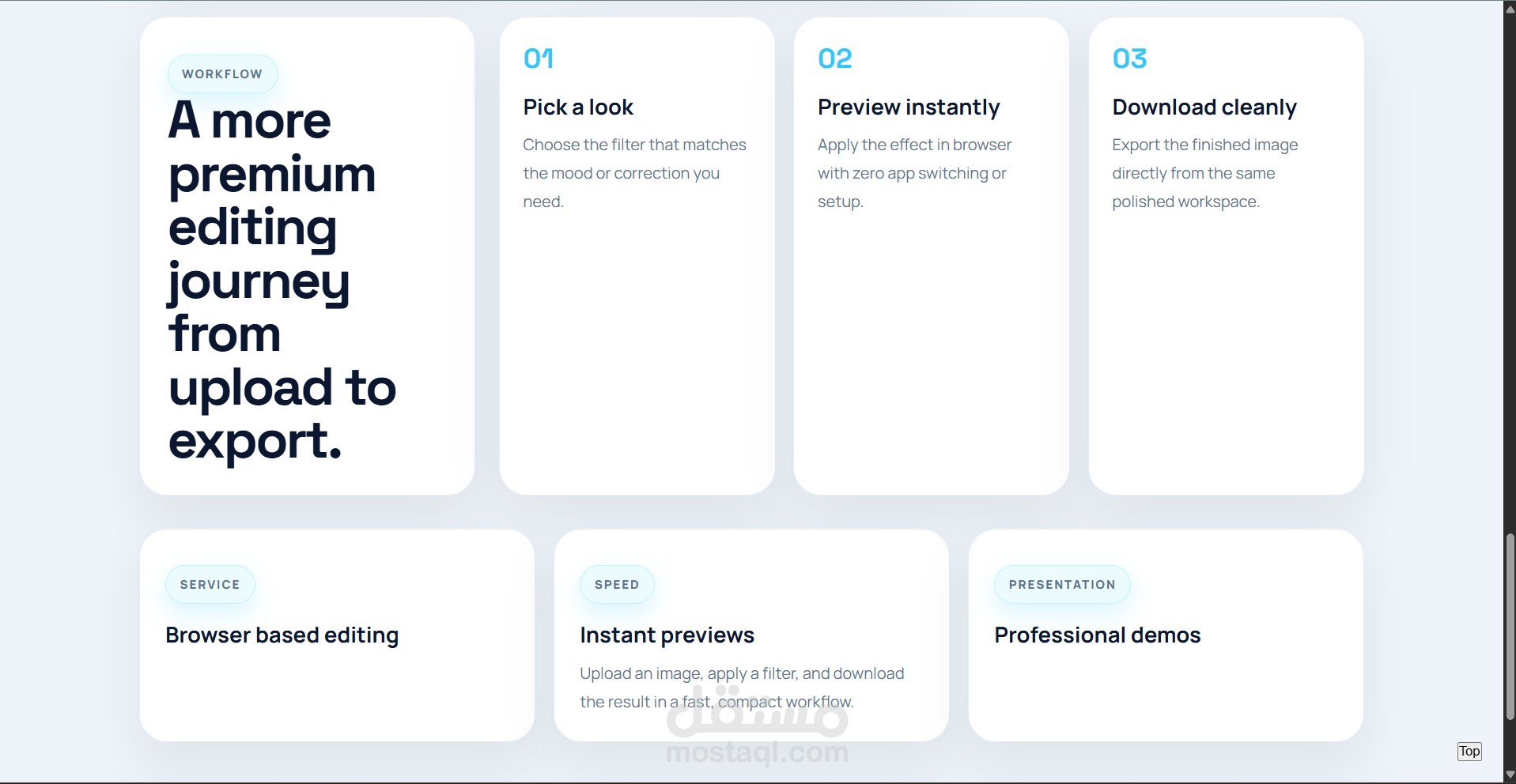
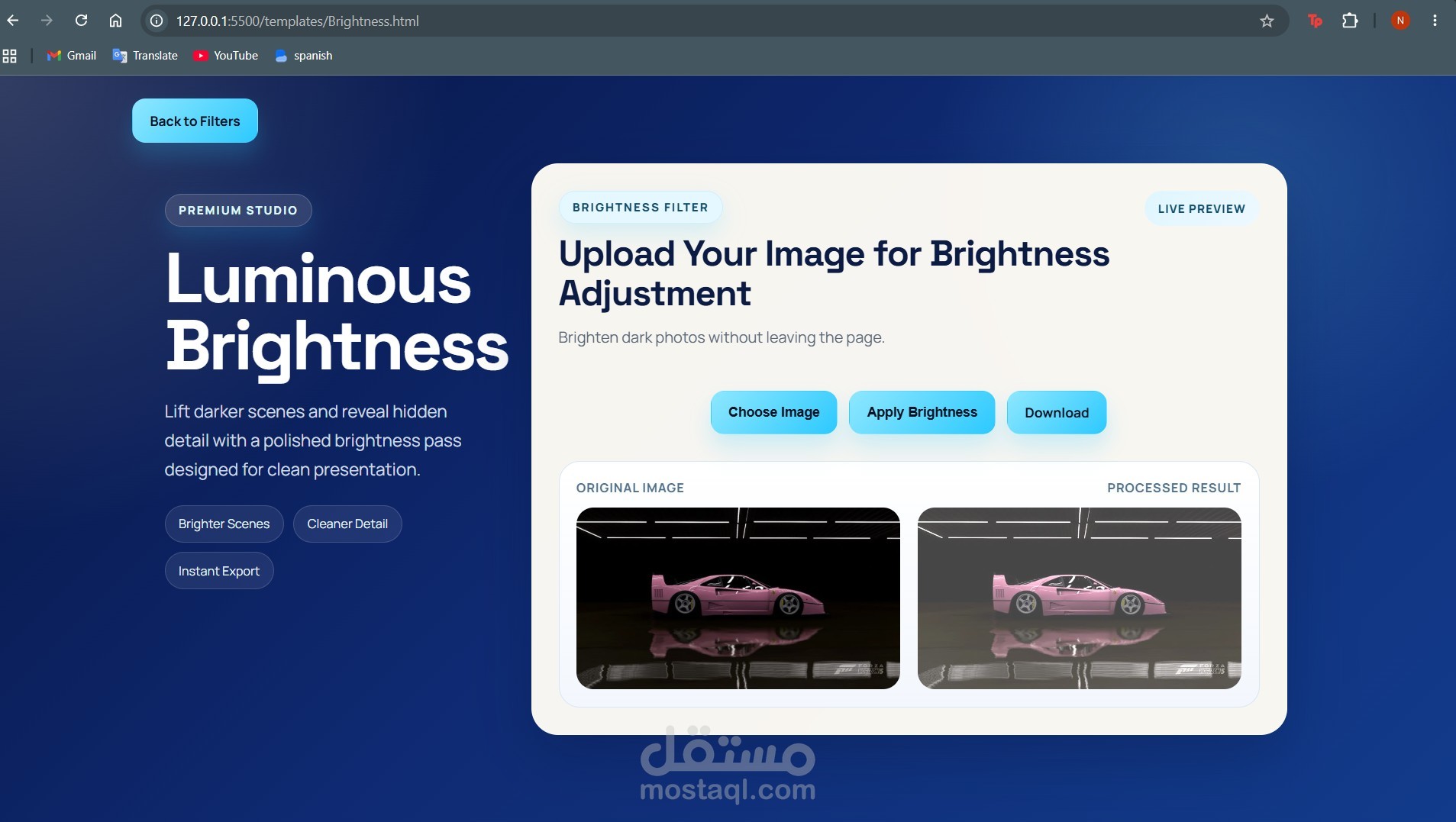
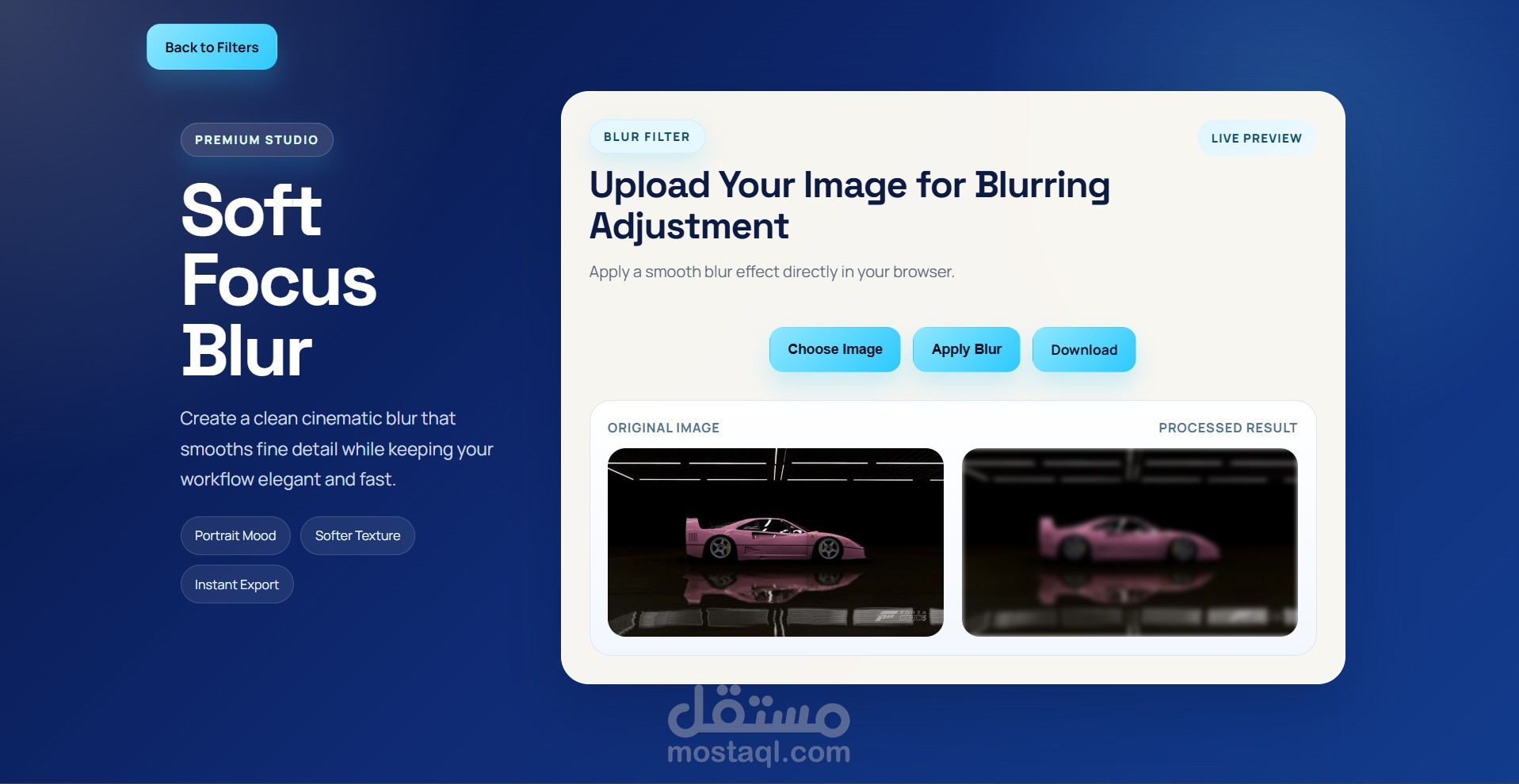
Edit Master is a image enhancement web application designed to run entirely in the browser. The platform provides users with an elegant interface for uploading images, applying enhancement filters, previewing results in real time, and downloading the processed output.
Overview
This project was built to deliver a premium and responsive user experience for basic image enhancement tasks. It combines a modern visual design with browser based image processing to create a lightweight editing environment that is simple to run and easy to present.
Key Features
responsive user interface
Real time image preview and processing
Browser based filter application using JavaScript
Search functionality for faster navigation
Instant image export after processing
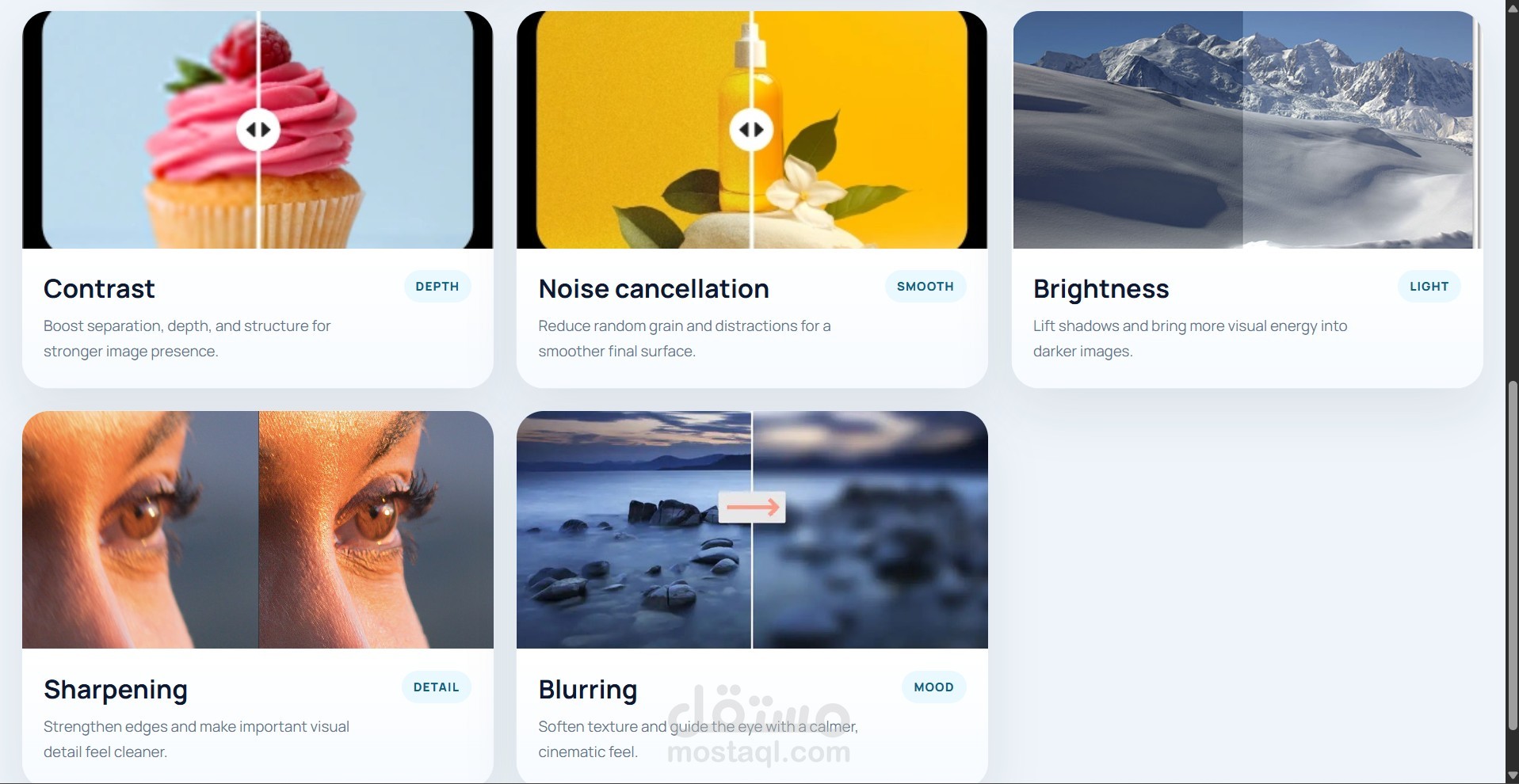
Available Enhancements
Contrast adjustment
Brightness adjustment
Blurring
Sharpening
Noise cancellation
How to Run the Project
Open the project folder in Visual Studio Code.
Install the Live Server extension if it is not already installed.
Right-click the root index.html file.
Select Open with Live Server.
The application will then open in the browser and redirect to the main homepage.
Technical Approach
Edit Master uses HTML, CSS, and JavaScript for the user interface and client side functionality. Image processing is handled directly in the browser through the HTML5 Canvas API, allowing users to apply effects instantly without relying on server side frameworks or external services.