Educational Dashboard System (Edumatik)
تفاصيل العمل
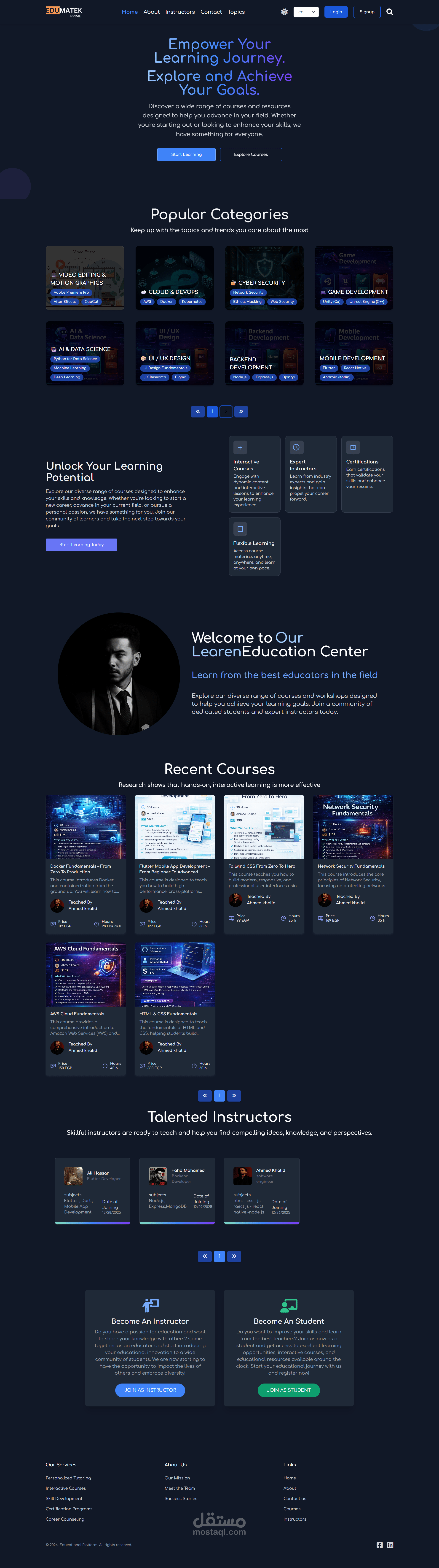
The first part of the project focuses on building a comprehensive Dashboard System that manages the entire educational platform workflow for Admins, Super Admins, and Instructors.
?? Admin Role
The Admin can register and access the dashboard with limited administrative permissions.
Their main responsibilities include:
Reviewing instructor applications.
Providing initial approval for submitted teachers.
Monitoring basic platform activities.
This role acts as the first validation layer before final authorization.
?️ Super Admin Role
The Super Admin has full system access and complete control over all platform features.
Key permissions include:
Final approval or rejection of instructor applications.
Access to all dashboards and system features.
Managing platform-wide settings and data.
Overseeing Admin decisions and instructor status.
This role represents the highest authority in the system.
?? Instructor Role
Once approved, instructors gain access to their dedicated dashboard where they can manage their educational content.
Main Capabilities:
Perform full CRUD operations on:
Categories
Subcategories
Courses
Sections
Lessons
Upload lesson materials including:
Video links
File attachments
Deliver and stream lessons directly on the platform.
Create and manage exams:
MCQ (Multiple Choice Questions)
Oral Exams
? Purchase Approval Feature
A special feature allows instructors to control course sales:
Instructors can view purchase requests from students.
They can approve or reject course purchase requests.
This ensures instructors have full control over course distribution.
? Backend Technologies Used
bcryptjs → Password hashing & security
cloudinary → Media storage & file hosting
express → Backend framework
joi → Data validation
mongoose → MongoDB object modeling
multer → File upload handling
? Frontend Technologies Used
react → UI development
axios → API requests
formik → Form handling
redux → State management
yup → Form validation
react-toastify → Notifications & alerts