SKAFE Store-Multi-Actor E-commerce System
تفاصيل العمل


Multi-Actor E-commerce System
Description:
Objective: Develop a comprehensive e-commerce system using HTML, CSS, JavaScript, and Bootstrap. The
system should cater to three main actors: Customers, Sellers, and Admins. Each actor will have specific
functionalities and access levels.
Key Features:
1. User Authentication:
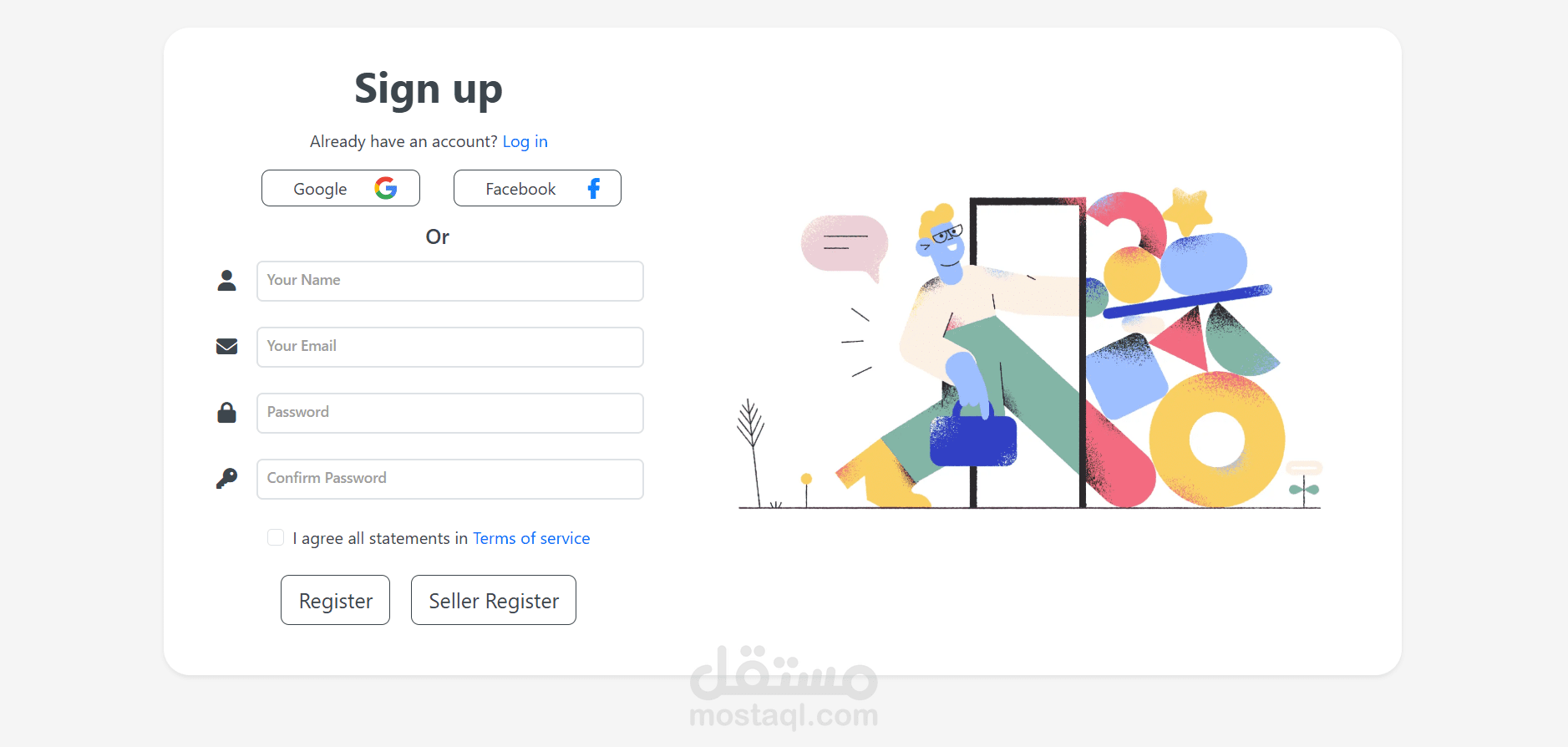
∙ Implement user authentication to distinguish between Customers, Sellers, and Admins.
∙ Provide secure access to different sections of the system based on user roles.
2. Home Page:
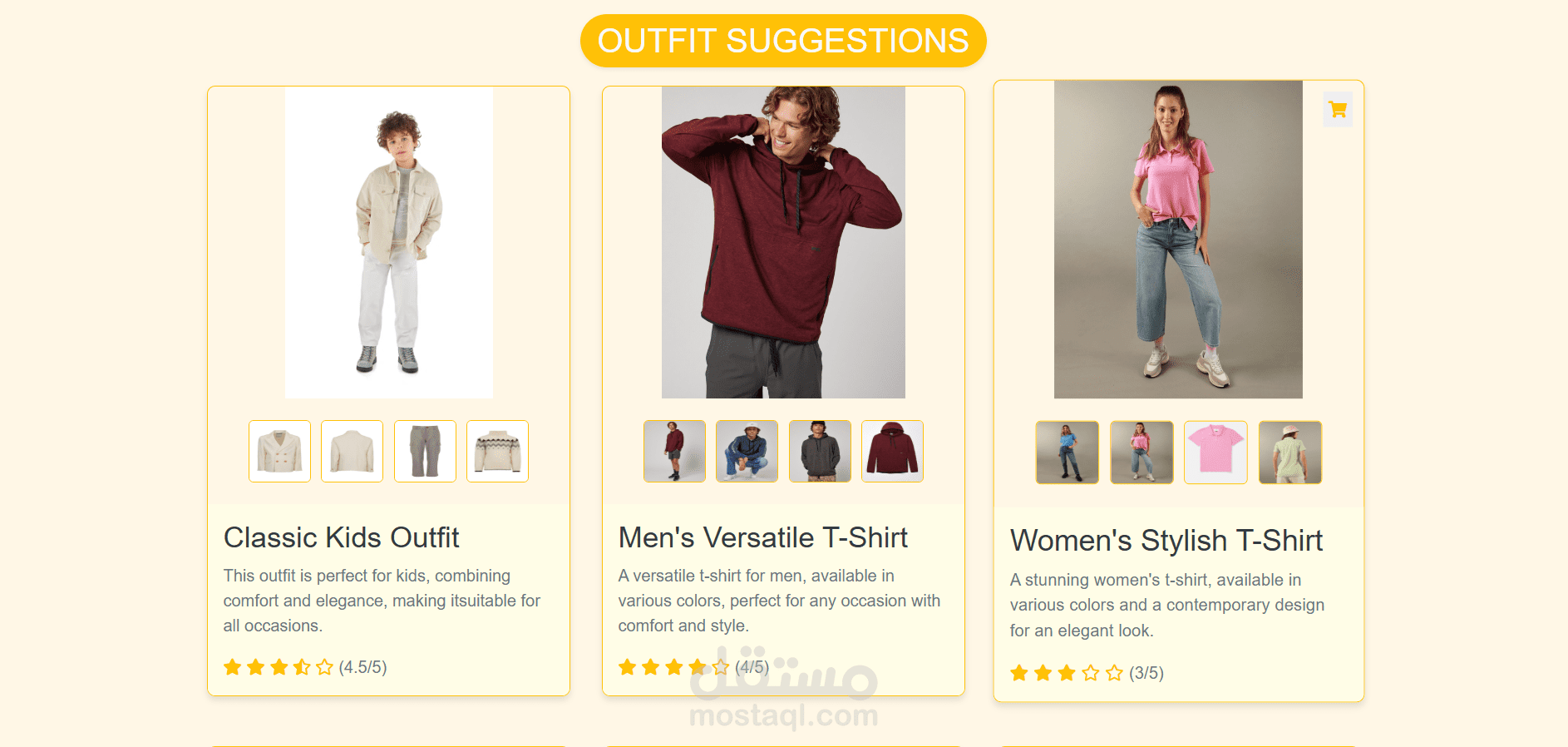
∙ Create a home page displaying featured products and promotions.
∙ Utilize Bootstrap components for a clean and responsive layout.
3. Product Catalog:
∙ Display a list of products with relevant details such as product name, image, price, and an "Add to Cart"
button. ∙ Allow Customers and Sellers to browse and search for products.
4. Product Details Page:
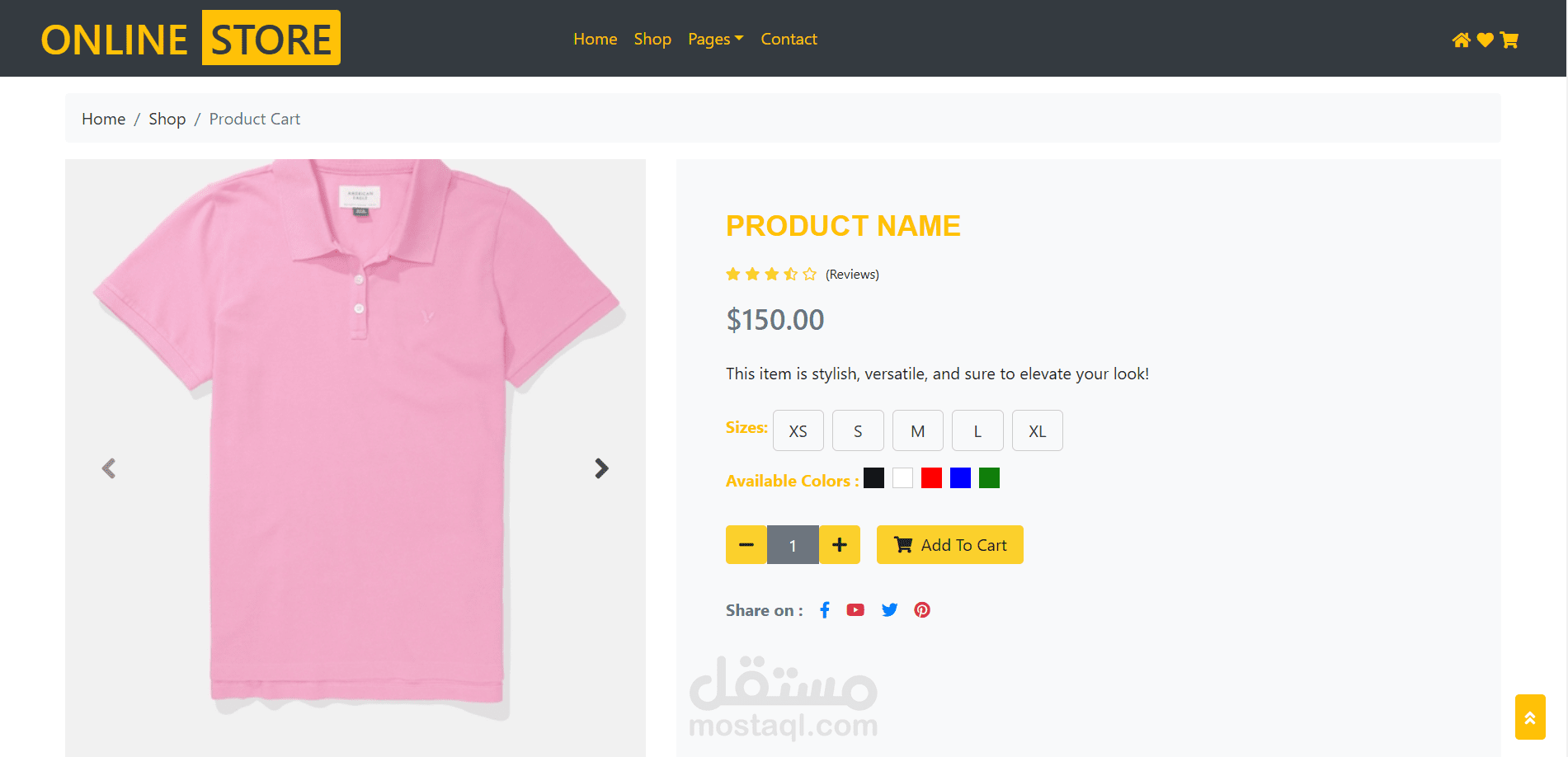
∙ Create individual pages for each product, showing detailed information, images, and options.
∙ Include a "Back to Catalog" button for easy navigation.
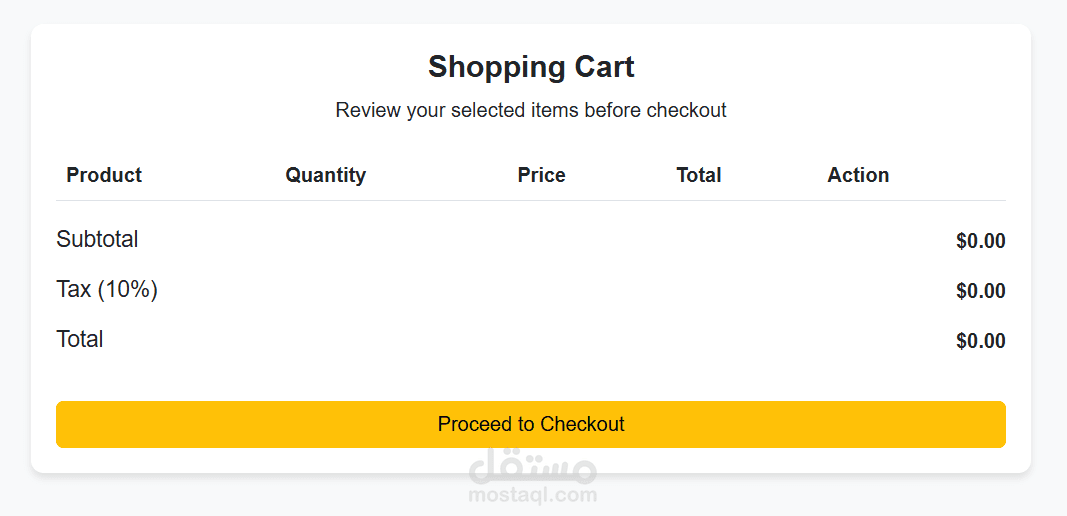
5. Shopping Cart:
∙ Implement a shopping cart for Customers to keep track of selected items.
∙ Allow Customers to add or remove items from the cart.
∙ Display the cart contents, including product names, quantities, prices, and a total.
6. Checkout Process:
∙ Develop a checkout process with a form for Customers to enter shipping and payment details.
∙ Include a summary of the order before finalizing the purchase.
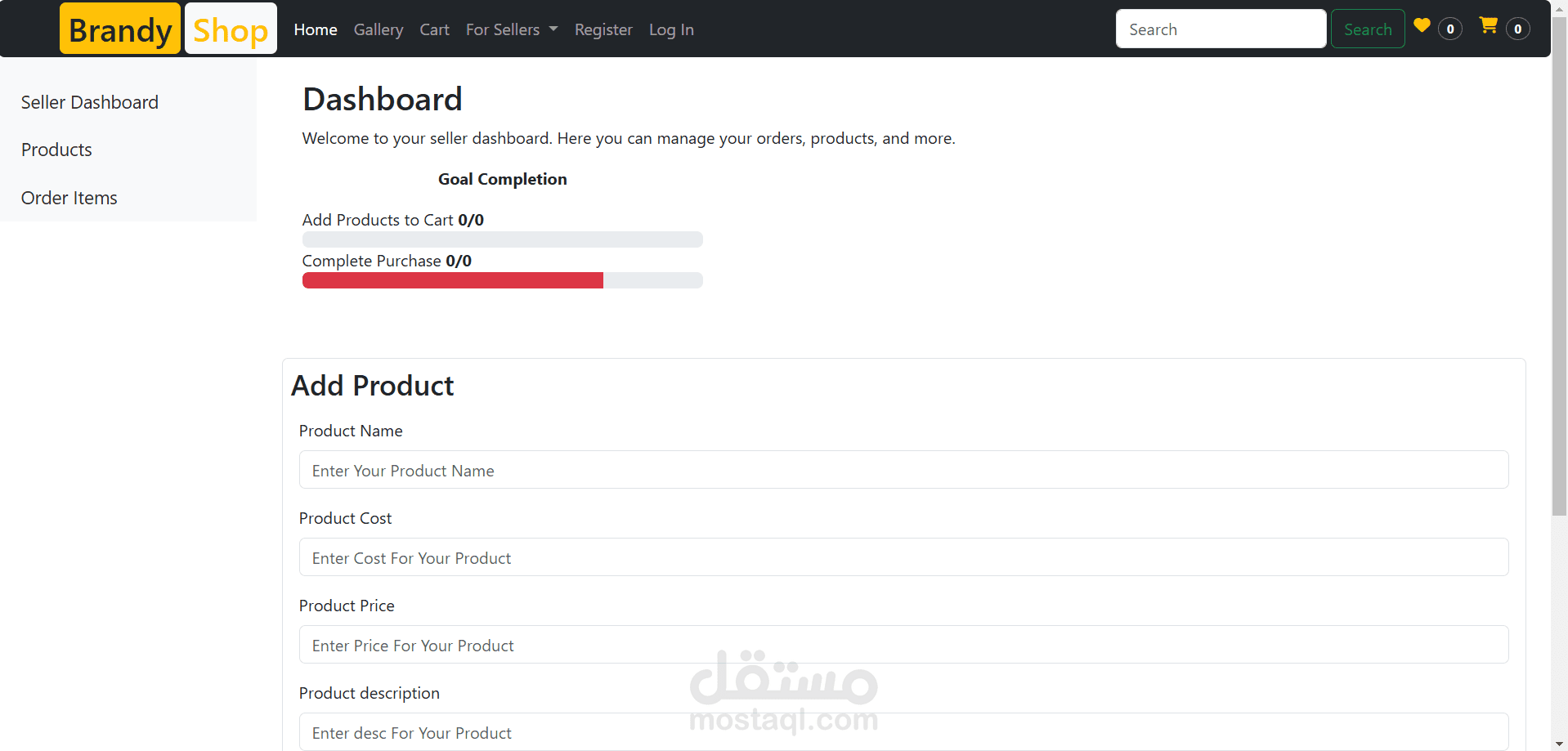
7. Seller Dashboard:
∙ Create a dashboard for Sellers with sections for managing products, processing orders, and viewing
sales analytics.
∙ Allow Sellers to add, edit, and delete products.
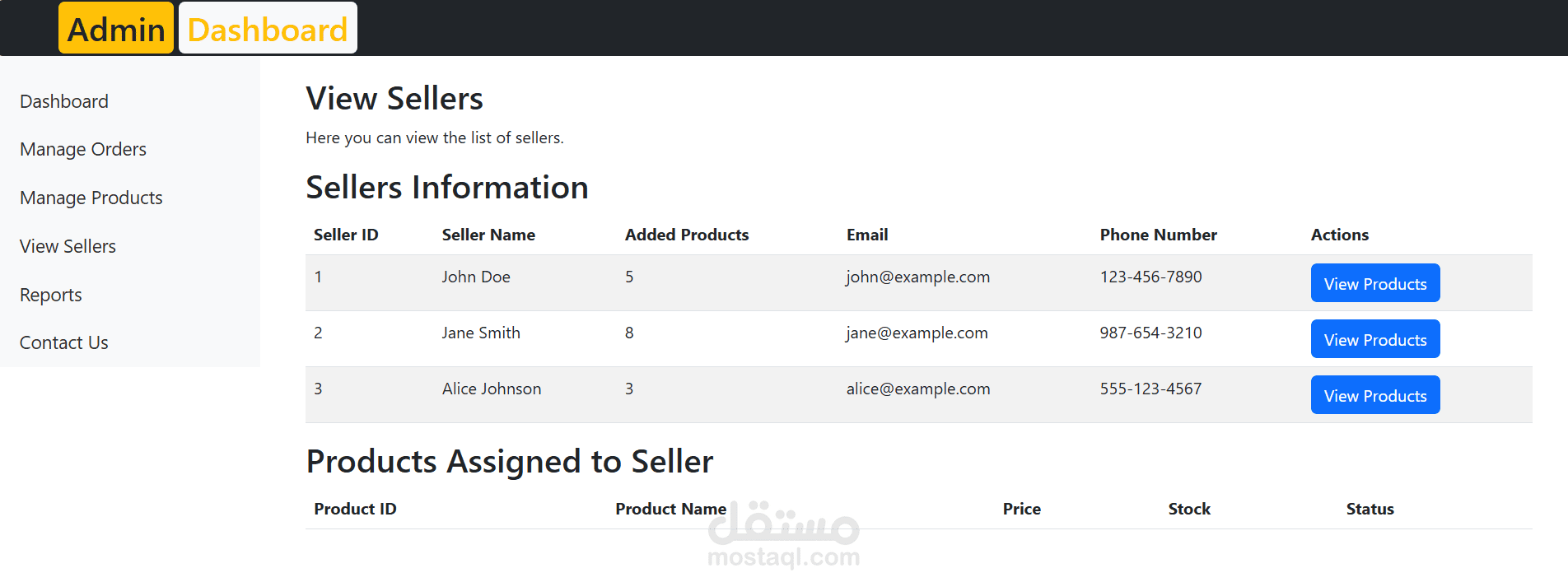
8. Admin Panel:
∙ Implement an admin panel with access to all features.
∙ Admins can manage user accounts, review and moderate product listings, and handle customer service
tasks. 9. Responsive Design:
∙ Ensure the system is responsive and works well on various devices, including desktops, tablets,
and smartphones.
Technical Details:
1. HTML:
∙ Structure the web pages using HTML, defining sections for the home page, product catalog, individual
product pages, shopping cart, checkout process, and user dashboards.
2. CSS and Bootstrap:
∙ Style the pages using CSS, incorporating Bootstrap for a clean and responsive layout.
∙ Utilize Bootstrap's grid system for responsive design.
3. JavaScript:
∙ Use JavaScript for dynamic interactions, such as updating the cart, handling form submissions, and
providing a smooth user experience.
4. Local Storage:
∙ Use local storage to store and retrieve product, user, and order data.
User-Specific Functionalities:
1. Customers:
∙ Can browse products, add items to the cart, and complete purchases.
∙ View order history and manage account details.
2. Sellers:
∙ Can add, edit, and delete products.
∙ Manage order processing and view sales analytics.
3. Admins:
∙ Have full access to all features.
∙ Manage user accounts (remove, reset password), moderate product listings, and handle customer service.
Documentation: Provide clear documentation with examples and usage guidelines for Customers, Sellers, and
Admins. Include instructions on how to browse products, manage user accounts, and complete transactions.
Usage: Users can access the e-commerce system through a web browser. Customers, Sellers, and Admins will have
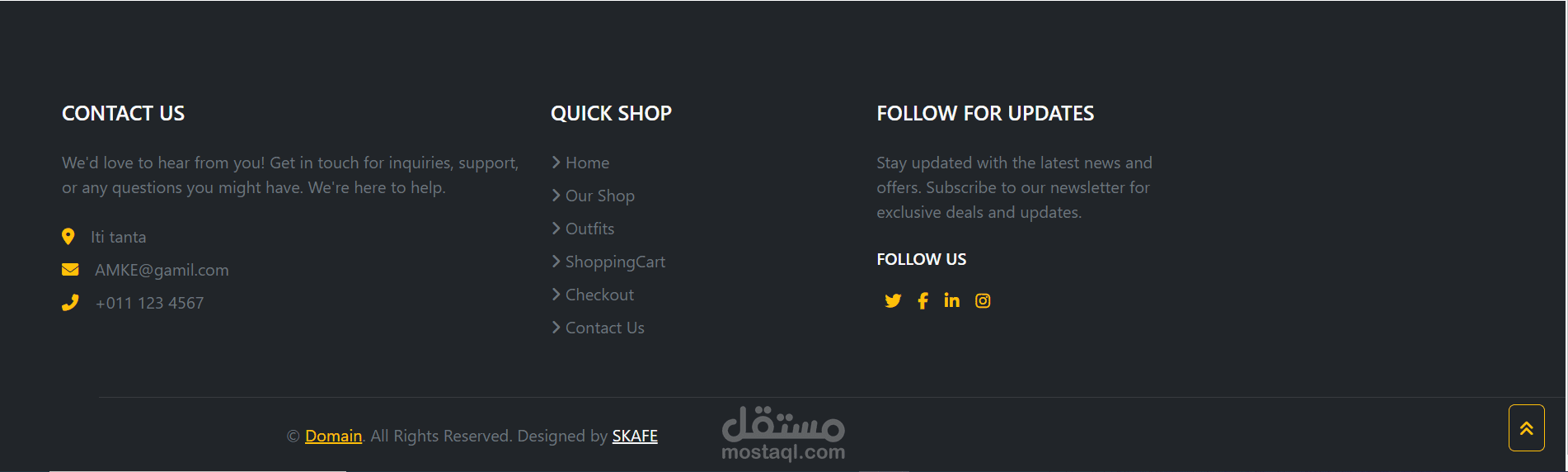
different levels of access and functionalities based on their roles.