Meal Planner
تفاصيل العمل
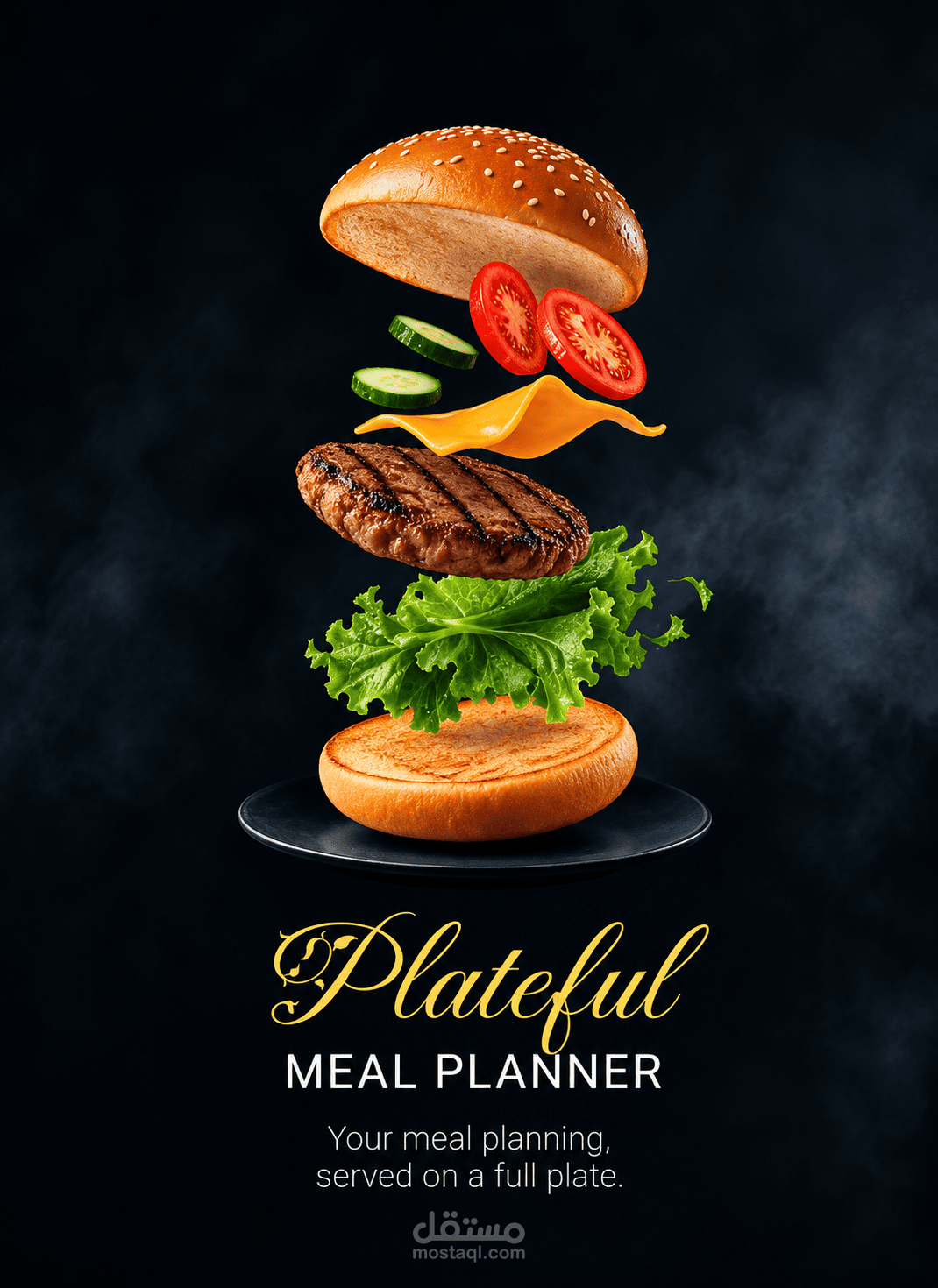
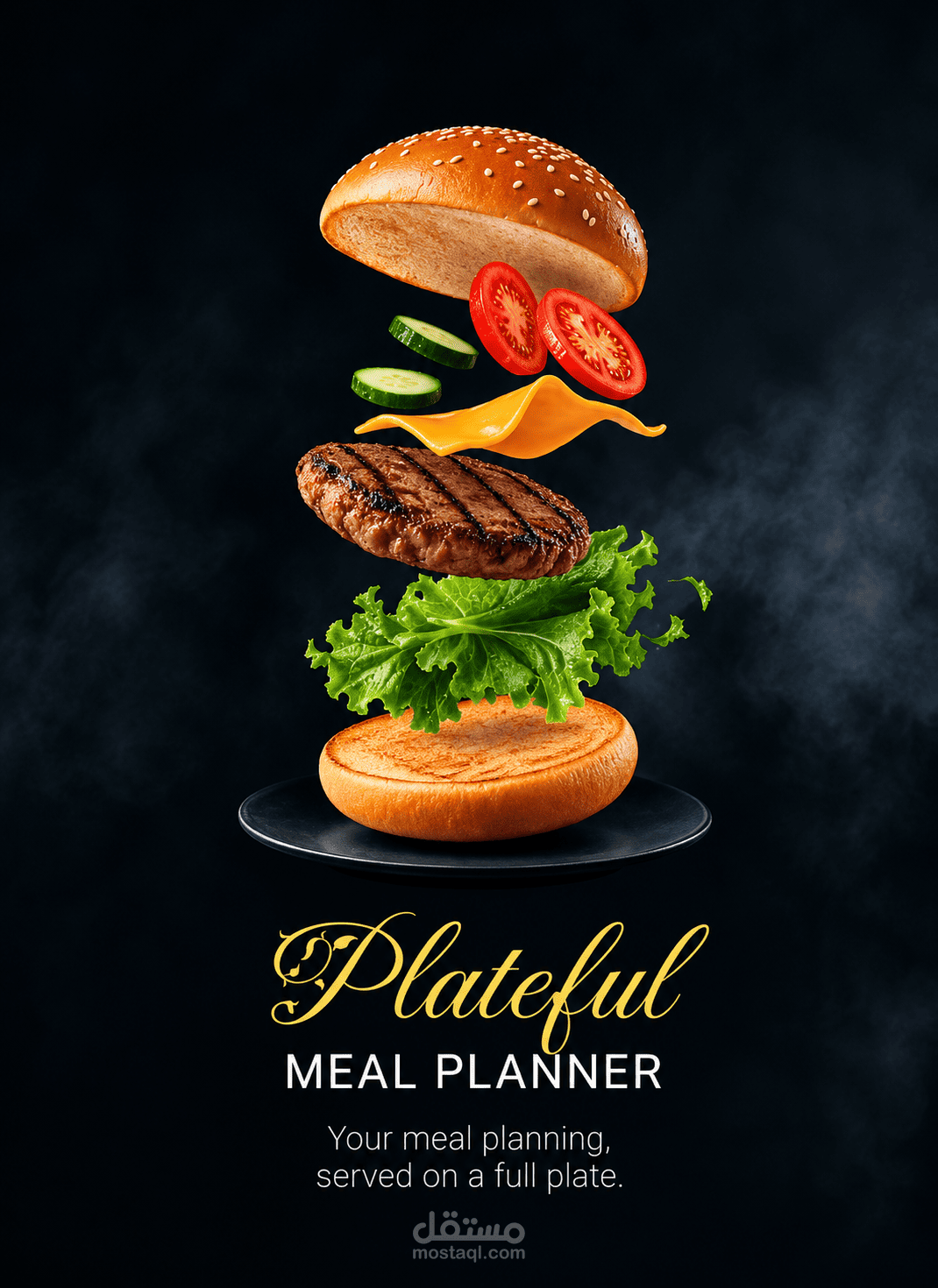
🍽️ MealPlan
MealPlan is a Flutter meal-planning application designed to help users discover meals, explore different cuisines and categories, manage favorite recipes, and organize meals through a calendar, starting from authentication and continuing through meal discovery, search, exploration, favorites, and planning.
📱 Project Overview
MealPlan is a mobile application built using Flutter and Dart, following a feature-based project structure.
User journey:
🚀 Splash screen
👤 Sign up / Sign in
🏠 Browse meals from Home
🔎 Search for meals
🌍 Explore categories and cuisines
❤️ Manage favorite meals
📅 Plan meals via Calendar
🍝 View a meal ready to prepare
📖 View full meal details (ingredients, quantities, steps)
🚀 Splash Screen
The app opens with a splash screen that introduces MealPlan and leads into the authentication flow.
Splash → Sign Up / Sign In
🔐 Authentication
auth_screen.dart is the entry screen offering three options: Continue with Google, Continue with Email, and Continue as Guest.
Option Status
Continue with Email → Sign Up ✅ Built (form UI; doesn't persist a real account yet)
Continue with Email → Sign In ✅ Built (checks against a hardcoded email/password for now — no backend yet)
Continue with Google 🎨 UI only, not connected
Continue as Guest 🎨 UI only, not connected
Splash → Sign Up → Sign In → Main Navigation
🧭 Main Navigation
The app uses a Bottom Navigation Bar with 5 tabs:
┌──────────────────────────────────────────┐
│ MealPlan │
├──────────────────────────────────────────┤
│ Current Screen │
├──────────────────────────────────────────┤
│ Home | Search | Explore | Favorites | Calendar │
└──────────────────────────────────────────┘
Tab Purpose Status
🏠 Home Main meal discovery ✅ Built
🔎 Search Search for meals ✅ Built
🌍 Explore Discover by category/cuisine ✅ Built
❤️ Favorites View saved meals ✅ Built
📅 Calendar Organize planned meals ✅ Built
All five sections are functional. Meal content (images and meal variety) is still limited and can be expanded over time.
🏠 Home
The main discovery screen — meal cards, suggested cuisines, and a daily selection. Favorite state is tracked through a shared favorites data source.
Home → Meal To Prepare → Meal Details
🌍 Explore
Explore → Toggle Categories/Cuisines → Select an item → Explore Details (meal cards)
Made up of two connected screens: a list screen with a search bar and a Categories/Cuisines toggle, and a details screen showing meal cards for whatever was selected.
Navigation between the list and the details view happens without leaving the tab, so the Bottom Nav Bar stays visible throughout.
🔎 Search
Lets users find meals by different criteria (name, country, ingredient, category), moving from a search entry point through suggestions to results.
Search → Enter Query → Suggestions/Results → Meal Details
❤️ Favorites
Users can add and remove meals from their favorites, and revisit saved meals from this tab.
Favorites → Select Favorite Meal → Meal Details
Uses a shared favorites data source so the same favorite state is reflected across Home, Explore, Search, and Favorites.
📅 Calendar
Displays planned meals organized by date.
Calendar → Select Meal → Meal Details
🍝 Meal To Prepare & 📖 Meal Details
Meal To Prepare — meal image, name, ingredients, quantities, favorite option, and back navigation.
Meal Details — full meal info: image, name, cuisine, category, ingredients with quantities, preparation steps, and favorite functionality.
Example ingredient layout:
Ingredient Quantity
--------------------------------
Penne Rigate 1 pound
Olive Oil 1/4 cup
Garlic 3 cloves
🗺️ Application Flow
┌─────────────┐
│ Splash │
└──────┬──────┘
▼
┌─────────────┐
│ Sign Up │
└──────┬──────┘
▼
┌─────────────┐
│ Sign In │
└──────┬──────┘
▼
┌─────────────────────┐
│ Main Navigation │
└──────────┬──────────┘
│
┌─────────────┬───────┼────────┬─────────────┐
▼ ▼ ▼ ▼ ▼
🏠 Home 🔎 Search 🌍 Explore ❤️ Favorites 📅 Calendar
│ │ │ │ │
▼ ▼ ▼ ▼ ▼
Meal To Prepare Results Details Meal Details Meal Details
│ │
▼ ▼
Meal Details Meal Details
📂 Project Structure
lib/
├── main.dart
├── main_navigation.dart
├── splash.dart
├── auth_screen.dart
├── sign_in_screen.dart
├── sign_up_screen.dart
├── meal_to_prepare.dart
└── features/
├── home.dart
├── calendar/
│ └── view/
├── explore/
├── favorites/
├── meal/
│ └── view/
└── search/
🛠️ Technologies Used
Flutter — UI toolkit and app structure
Dart — programming language
Material Design — buttons, icons, cards, navigation, text fields, app bars
google_fonts — custom typography
gap — convenient widget spacing
flutter_lints — consistent code style
🎨 Assets
assets/
├── images/
└── fonts/
└── FleurDeLeah.ttf
The custom FleurDeLeah font is registered in the project configuration. Meal images are currently a limited placeholder set and can be expanded with more variety.
🔗 Navigation Approach
Named routes handle the main authentication and app-level flow (splash, sign in, sign up, home). Pushing a new screen for a deeper view (like meal details) uses a standard page route.
The Explore tab is the one exception: it switches between its list and details view internally, without pushing a new screen, so the Bottom Nav Bar stays visible.
📊 Application Screens
Screen Status
Splash ✅ Built
Sign Up ✅ Built
Sign In ✅ Built
Continue with Google 🎨 UI only
Continue as Guest 🎨 UI only
Home ✅ Built
Search ✅ Built
Explore ✅ Built
Explore Details ✅ Built
Favorites ✅ Built
Calendar ✅ Built
Meal To Prepare ✅ Built
Meal Details ✅ Built
🚀 Getting Started
Make sure Flutter is installed and set up on your machine, then clone the repository, install the project's dependencies, and run the app on any connected device, emulator, or simulator.
Supported platforms depend on your Flutter setup, but the project can target Android, iOS, Web, Windows, macOS, and Linux.
🎯 Project Goals
Practicing: Flutter/Dart development, feature-based project organization, app navigation, reusable widgets, stateful UI, shared state, and building a full meal-planning experience end to end.
🔮 Future Improvements
Real backend authentication (replace the hardcoded Sign In check)
Real Google Sign-In and Guest mode
Expand meal data: more meal types, more images, more variety
Cloud database and user accounts
Advanced filtering, nutrition info
Dark mode, multi-language support
❤️ MealPlan
Discover → Search → Explore → Save → Plan → Prepare → Enjoy 🍽️
Built with Flutter & Dart.