Sales Target Management Report
تفاصيل العمل
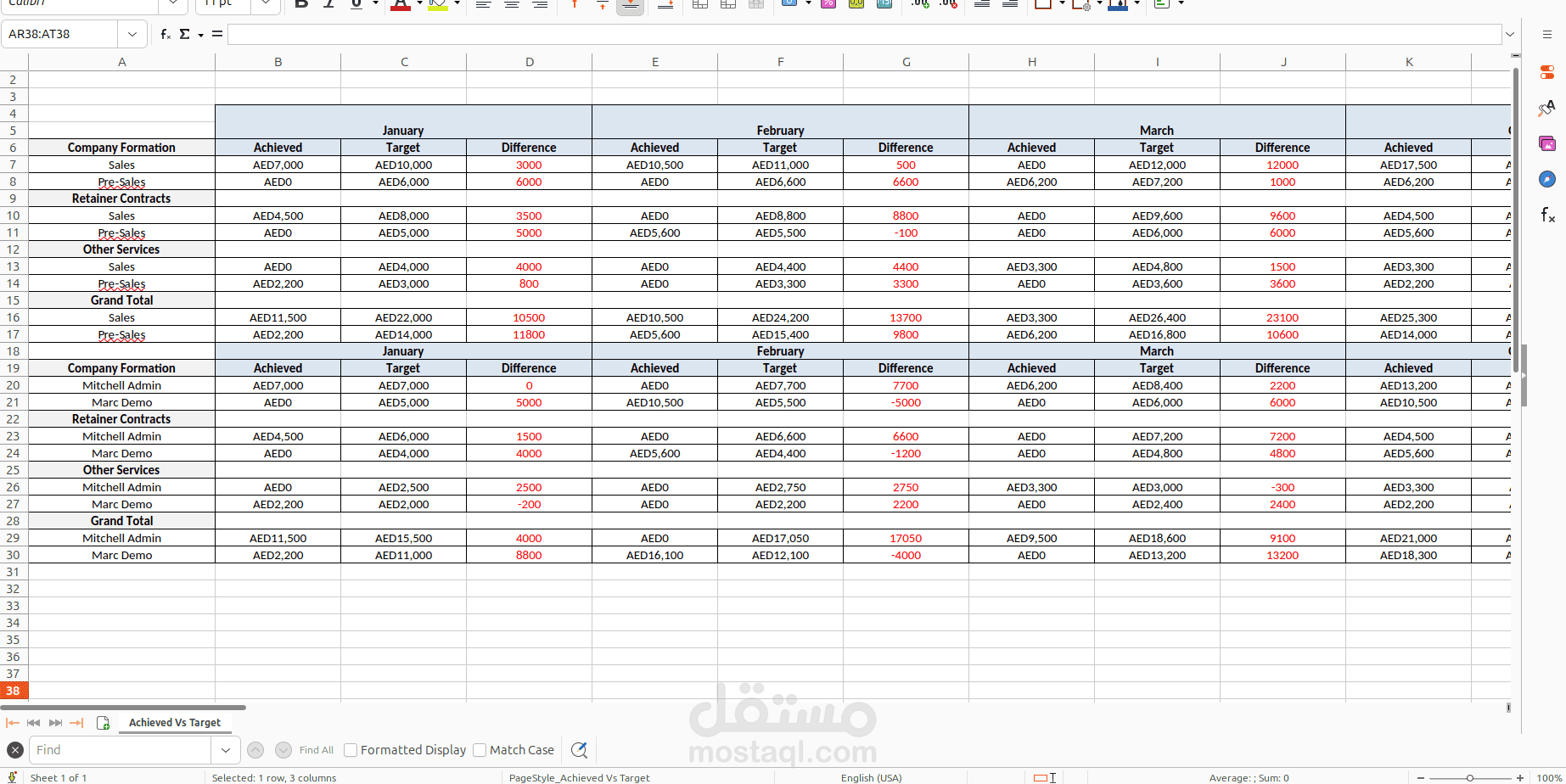
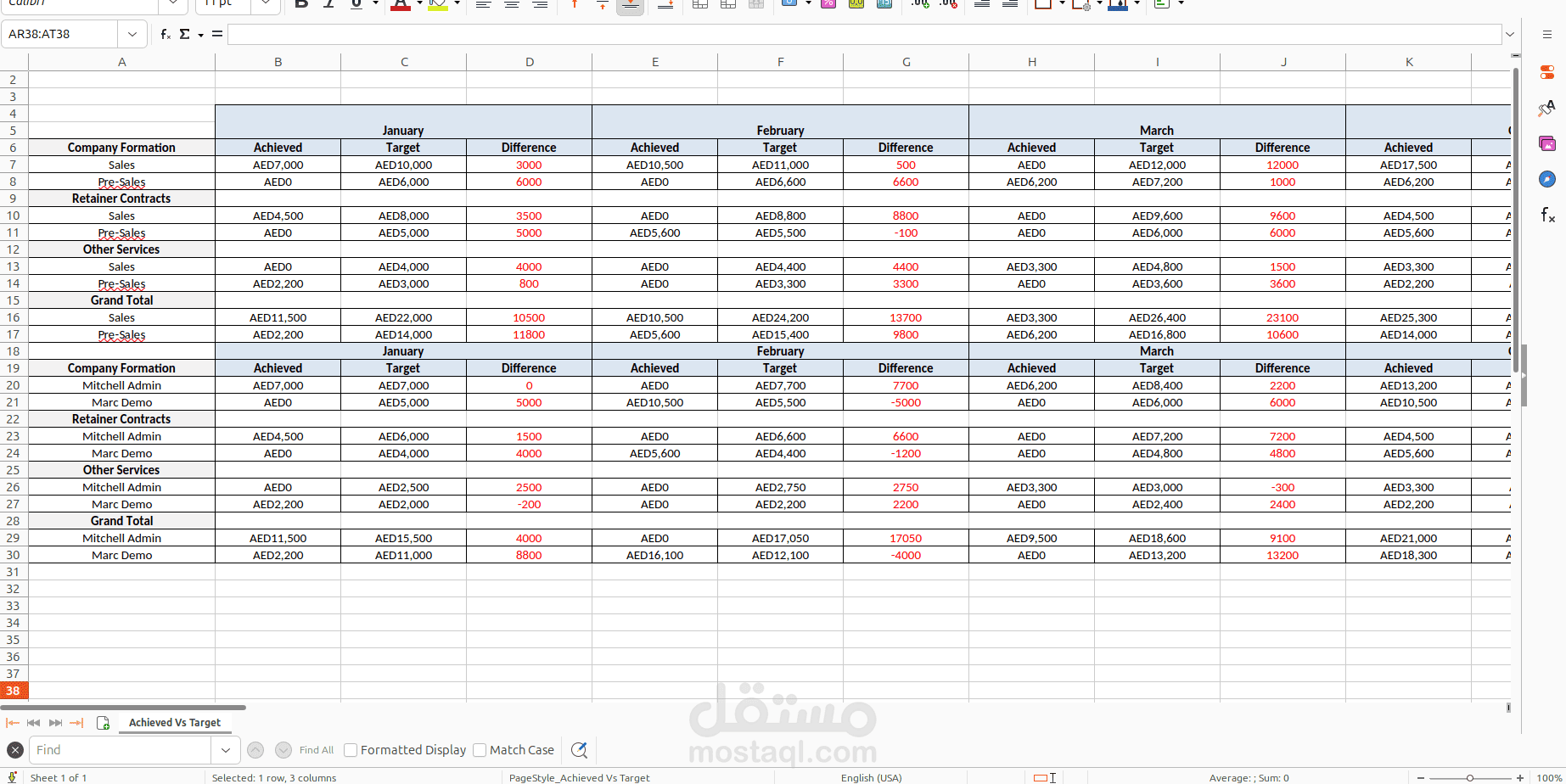
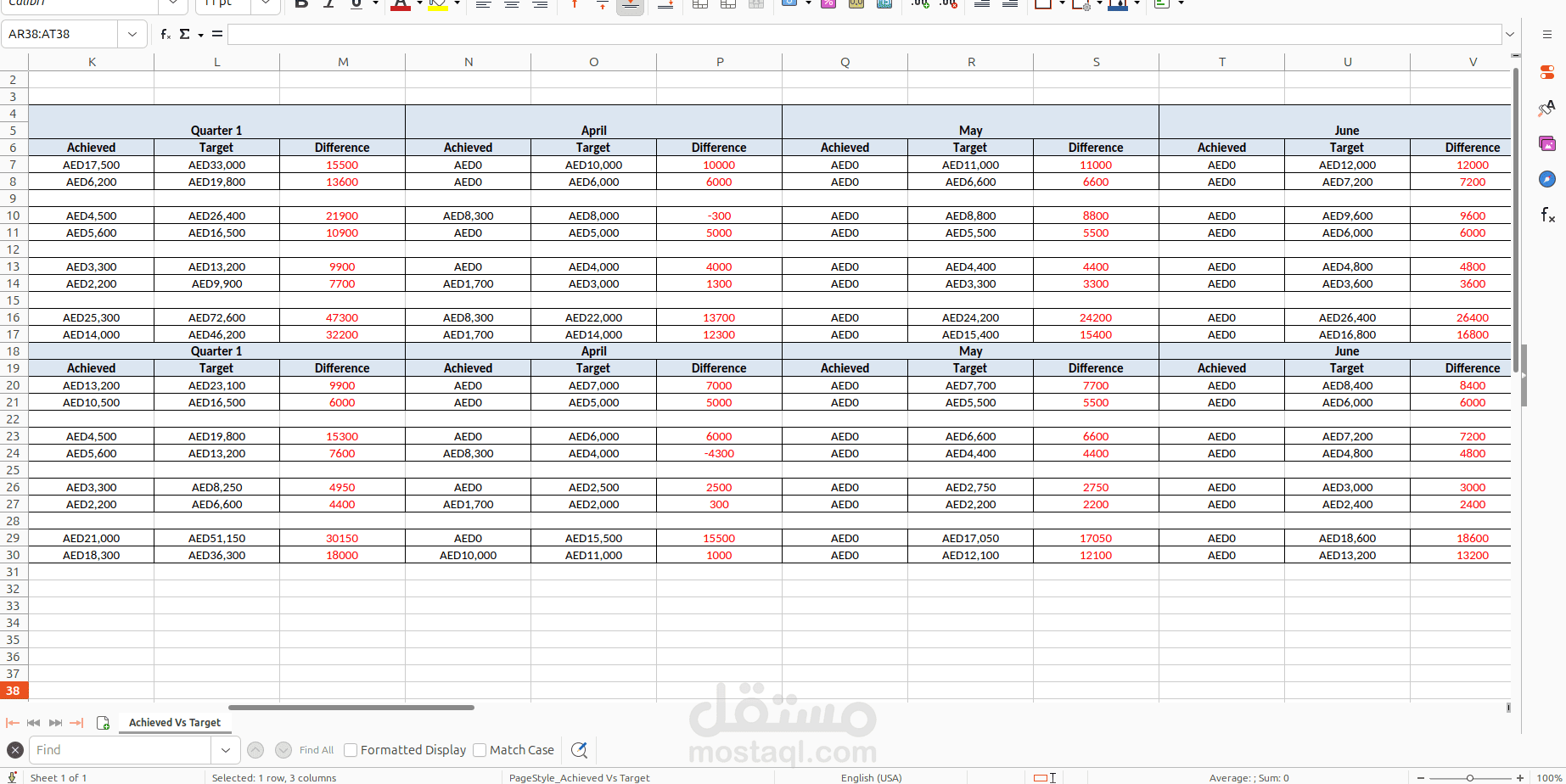
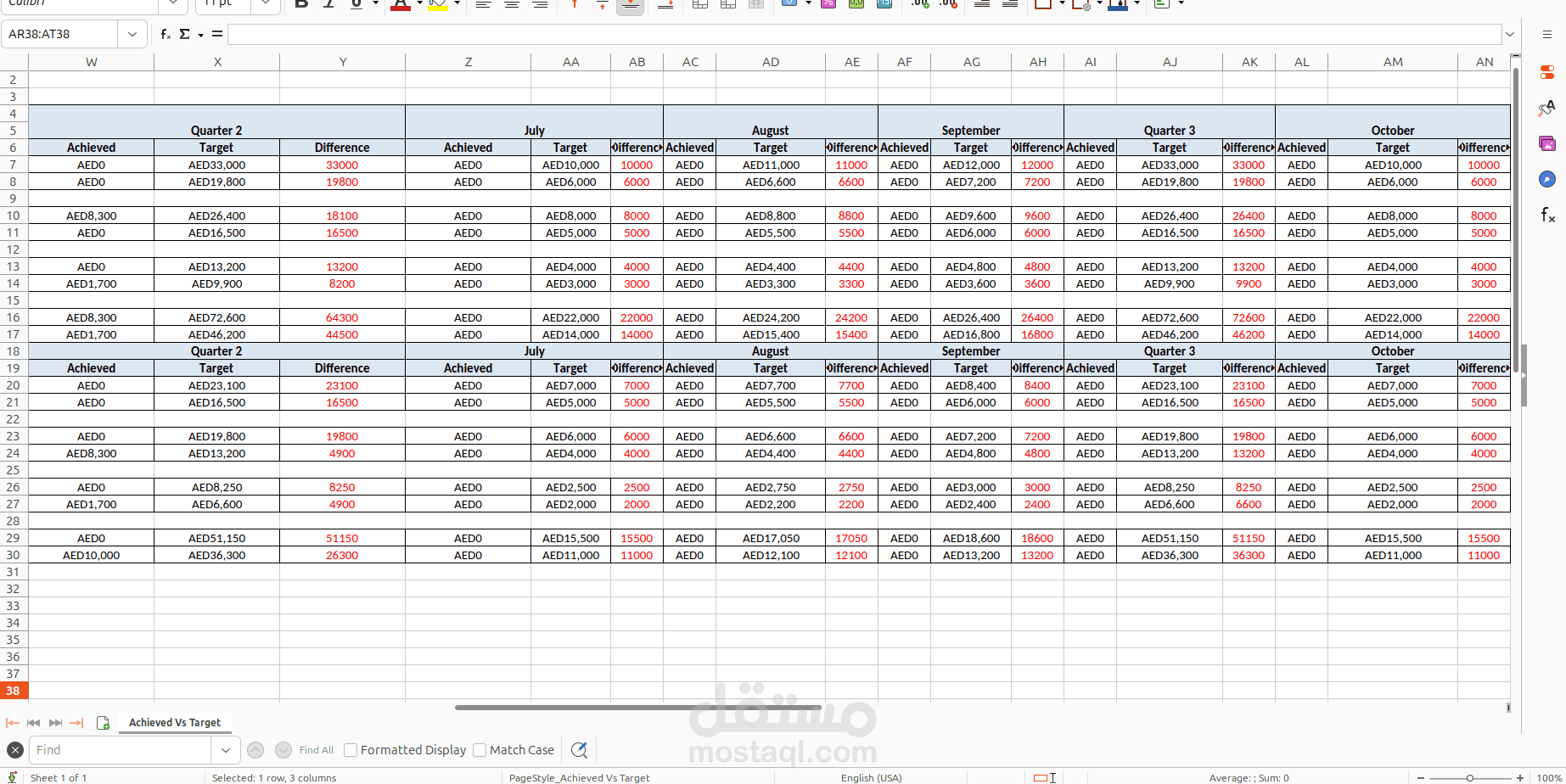
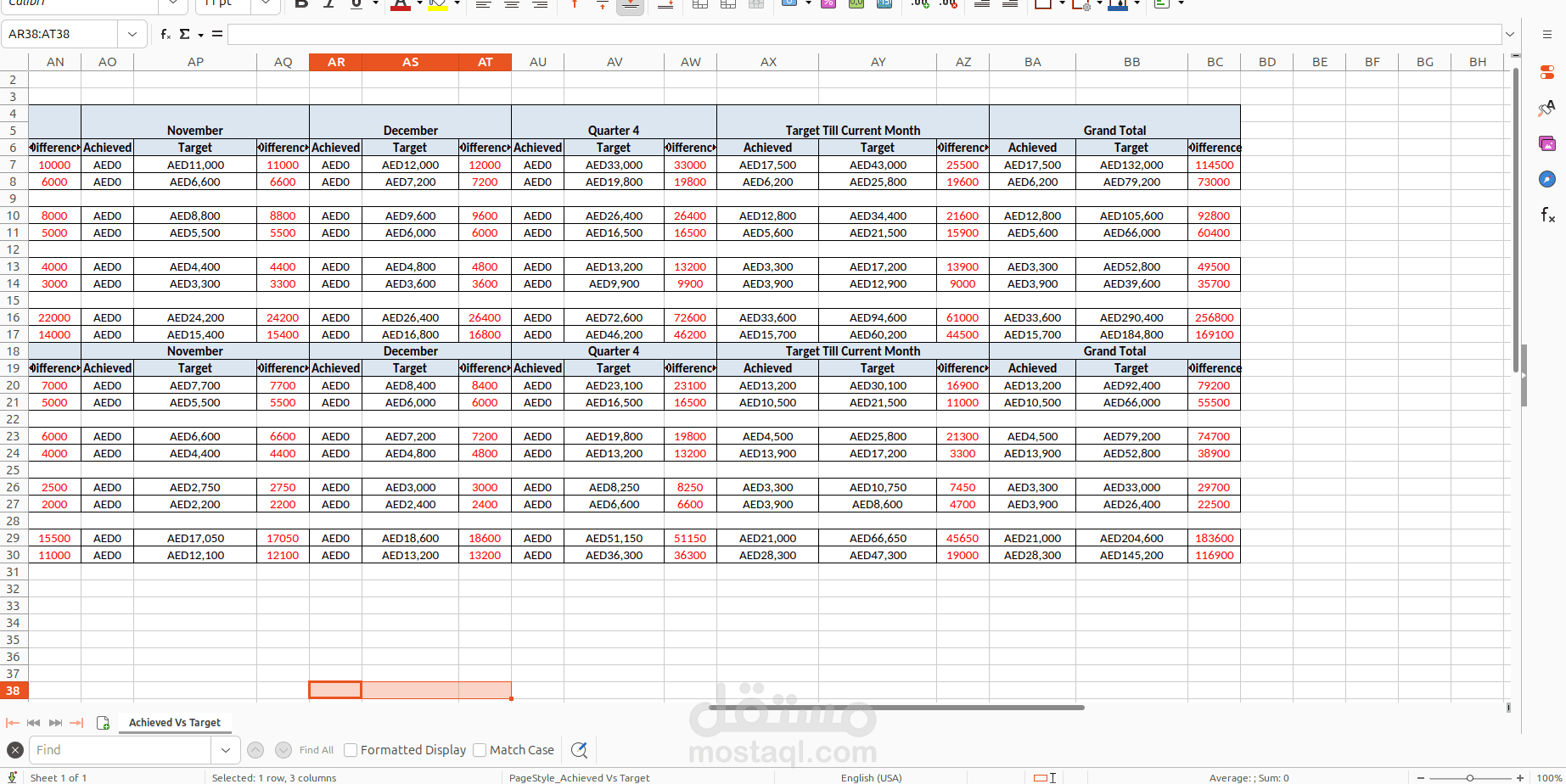
Sales Target Report (“Achieved vs Actual Target”) exports an Excel file that compares what was sold vs what was planned.
How you use it
1. Open Sales → Reporting → Sales Target Report
2. Pick a from / to date (same year only)
3. Click Print → download SalesTargetReport.xlsx
What the Excel shows
For each month (and quarters / year totals), it shows three numbers:
- Achieved: Real revenue from confirmed sale orders (net_revenue)
- Target: Planned amount from Sales Target records
- Difference: Target − Achieved (positive = still short of target)
Revenue is split into 3 types
1. Company Formation – normal sale orders (not subscription, not “other service”)
2. Retainer Contracts – subscription orders
3. Other Services – orders marked as other service
Two sections in the sheet
1. By department (sales teams)
2. By salesperson
So in short: it answers “Did we hit our sales targets this year — by month, by product type, by team, and by person?”