Butcherista-Order-Management-System
تفاصيل العمل
Butcherista — Order Management System
Order management system for butcher/meat delivery customer service teams. Built with React + TypeScript + Firebase.
Tech Stack
Frontend: React 19, TypeScript, Vite, Tailwind CSS v4
State: Zustand, React Context (auth), TanStack React Query
Forms: React Hook Form + Zod v4
Charts: Recharts
Excel: SheetJS (xlsx)
Backend: Firebase (Auth, Firestore, Hosting)
Notifications: Firebase in-app + Telegram Bot API
Auth: Synthetic email pattern ({employeeId}@{companyDomain}.system)
Features
🔐 Authentication
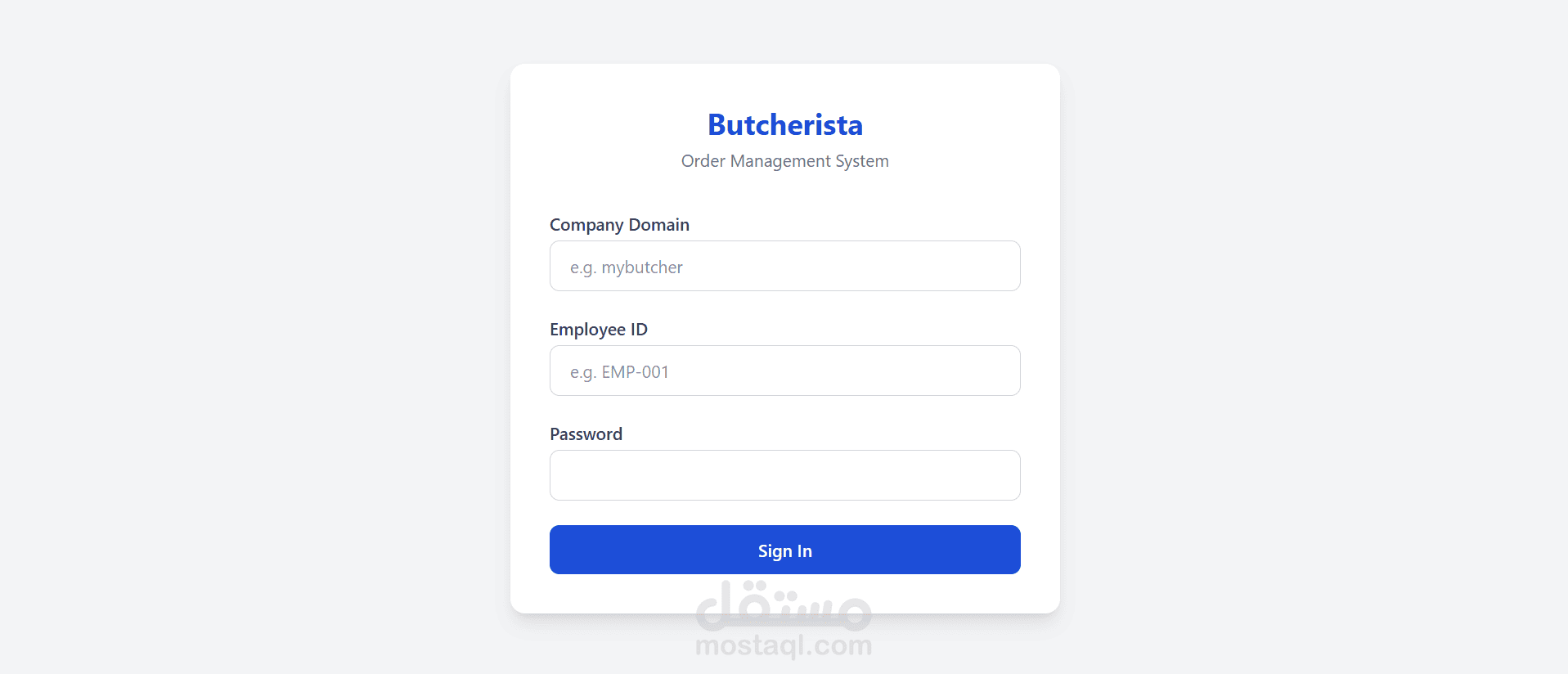
Login with Company Domain + Employee ID + Password
Session per tab (browserSessionPersistence)
Role-based access (Admin / Employee / Super Admin)
📦 Order Management
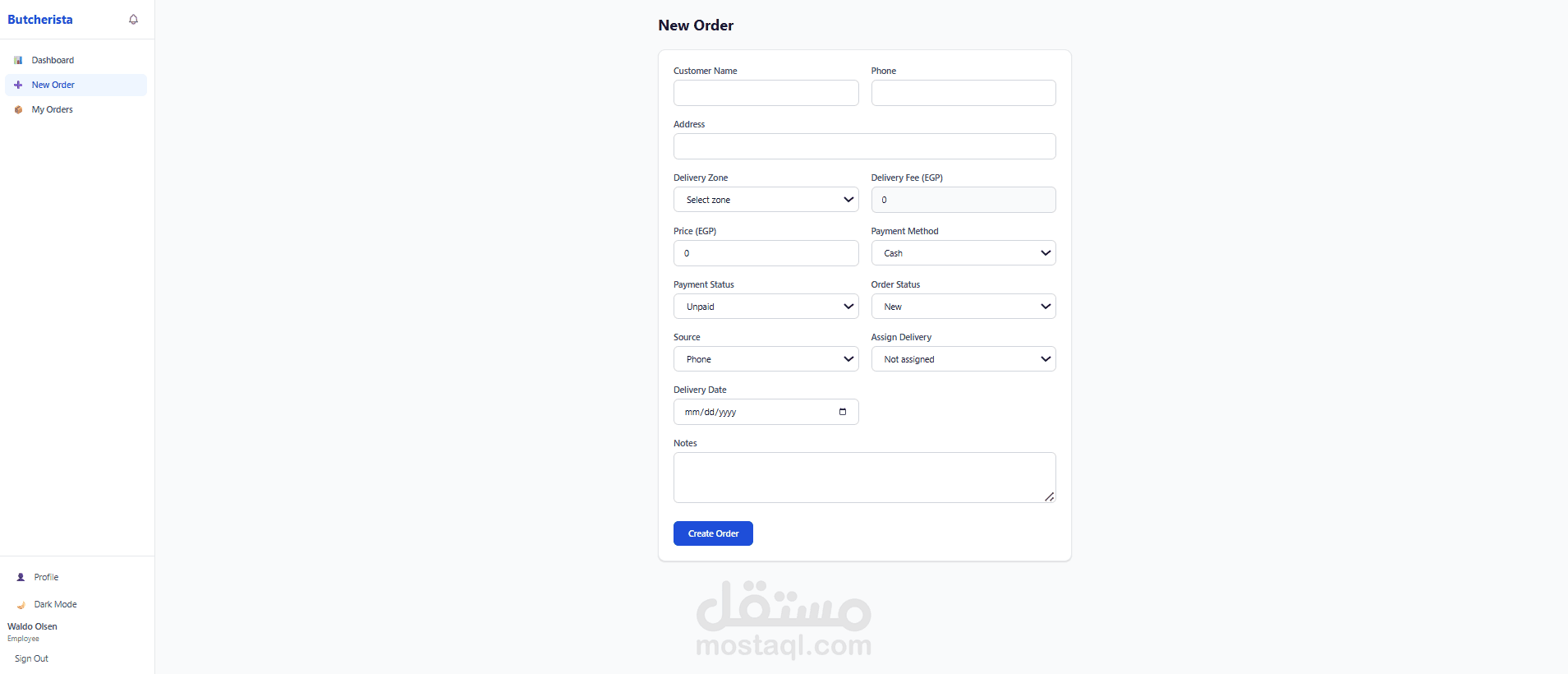
Create, edit, delete orders
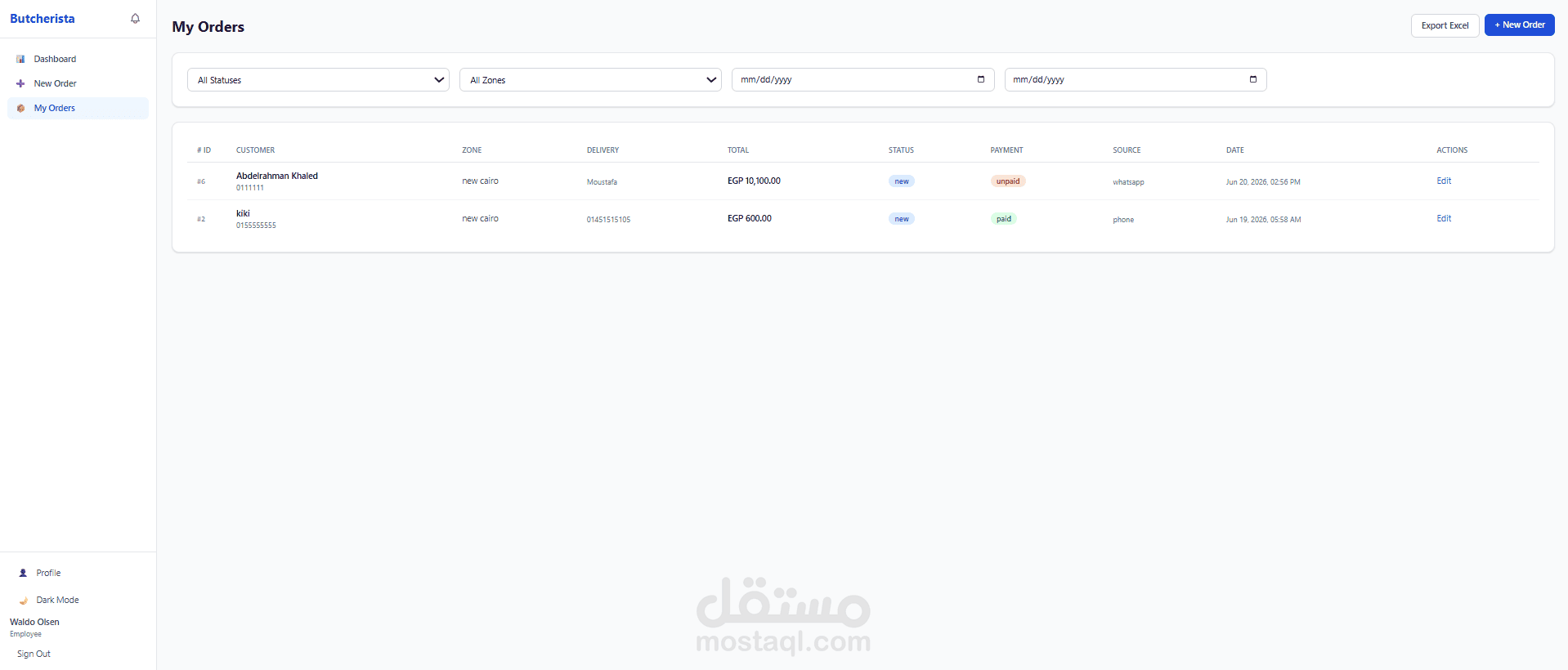
Real-time order list with client-side filtering (status, zone, employee, date)
Sequential order numbers (#001, #002...)
Delivery zone auto-calc (zone → delivery fee)
Payment tracking (cash, visa, InstaPay, e-wallet)
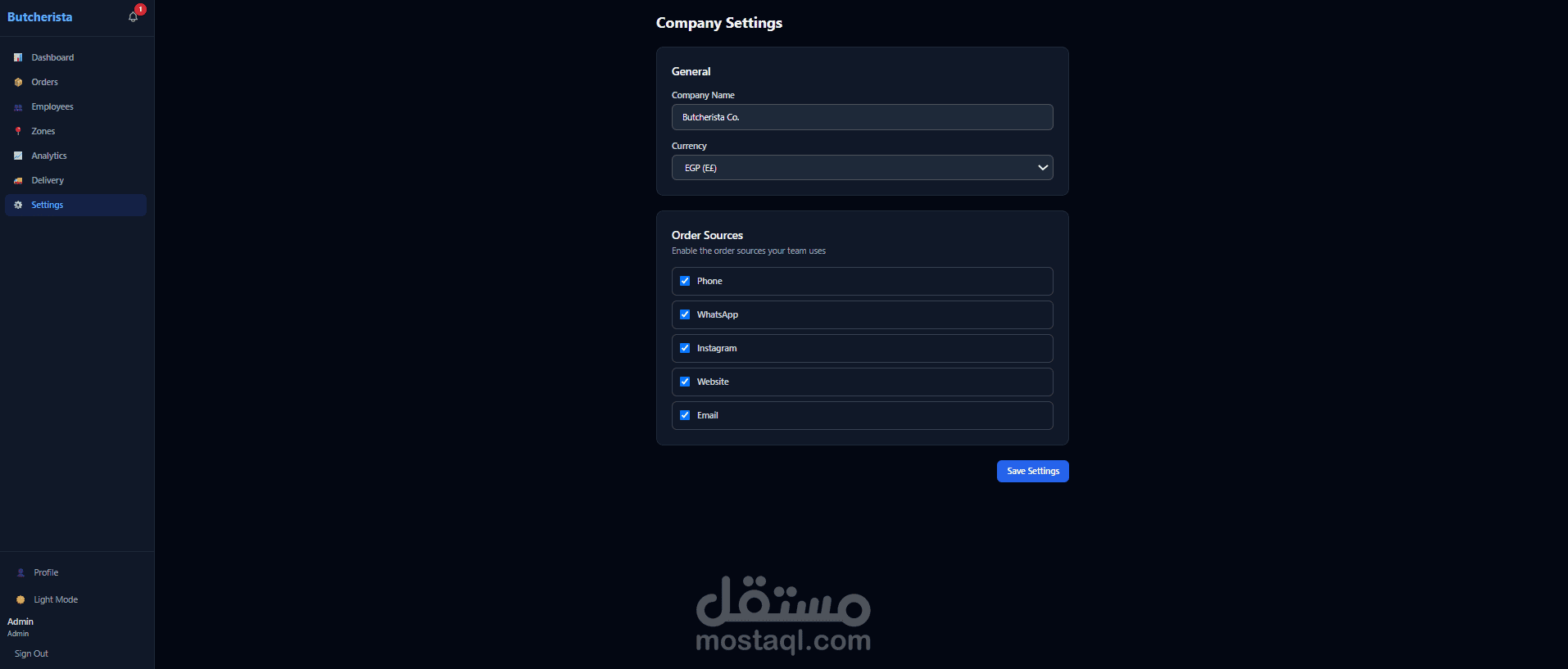
Order sources (phone, WhatsApp, Instagram, website, email)
Excel export
📊 Dashboards
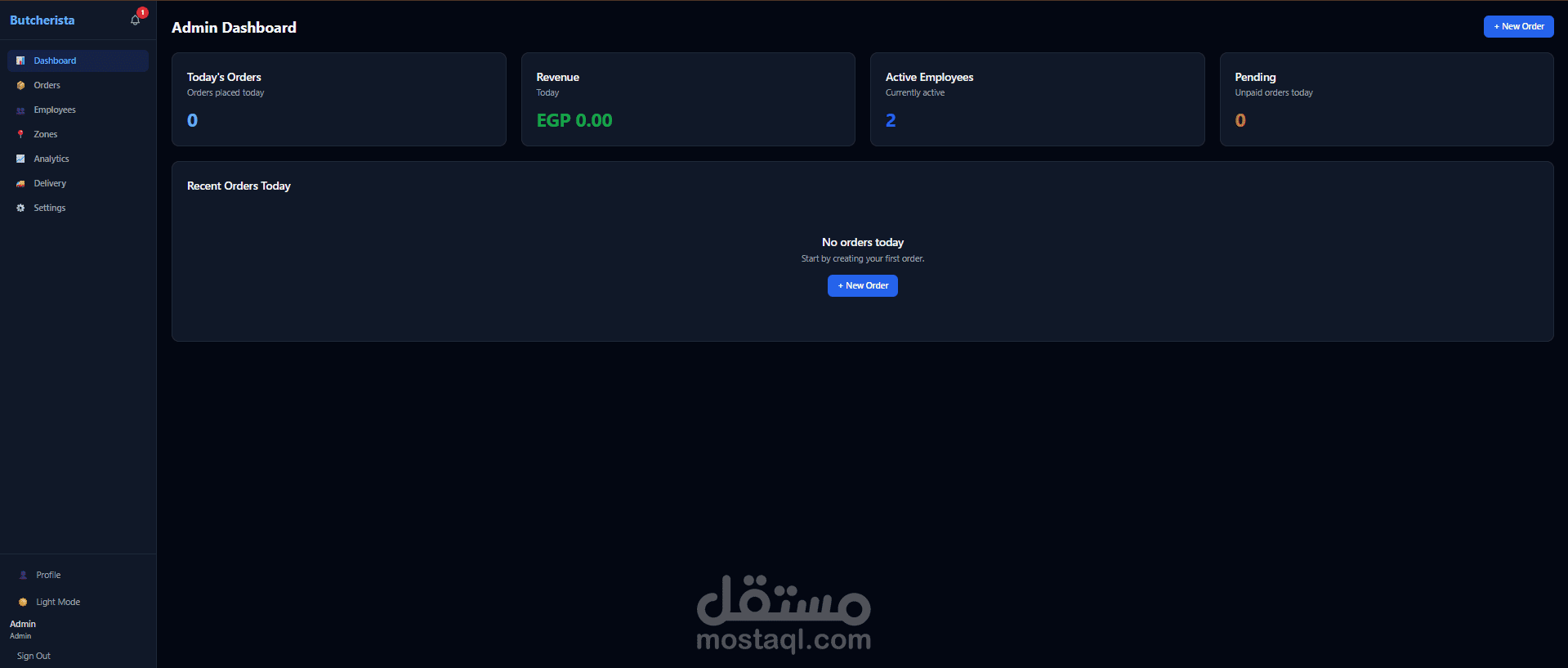
Admin Dashboard: Today's orders, revenue, active employees, pending payments, recent orders
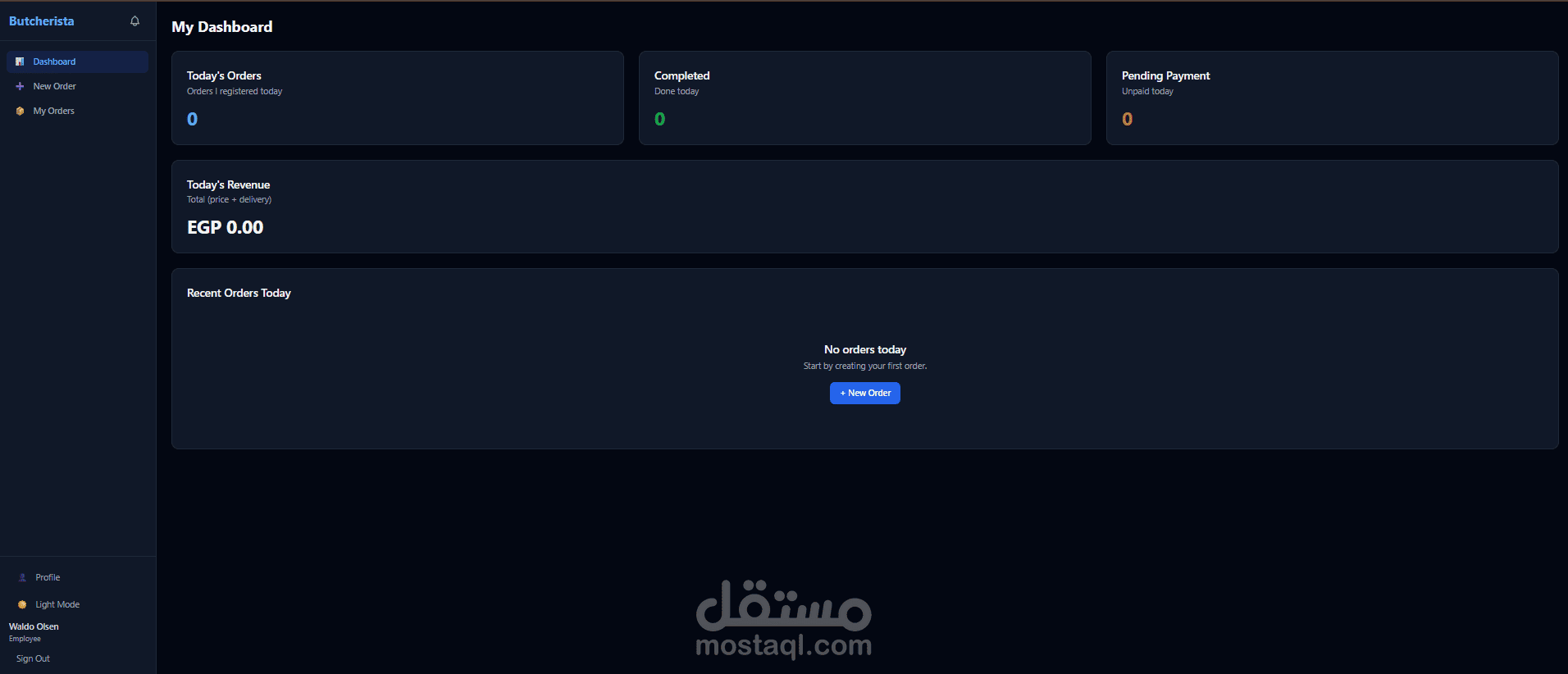
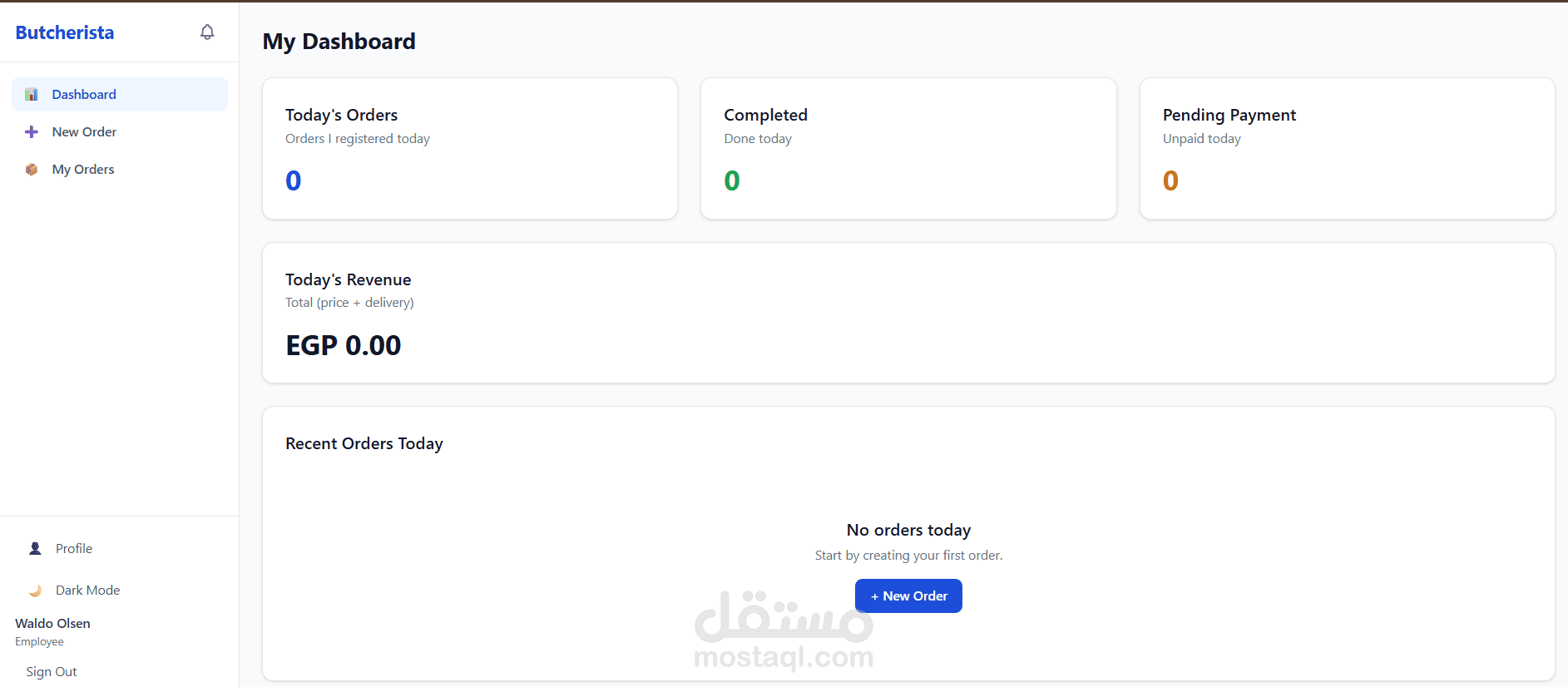
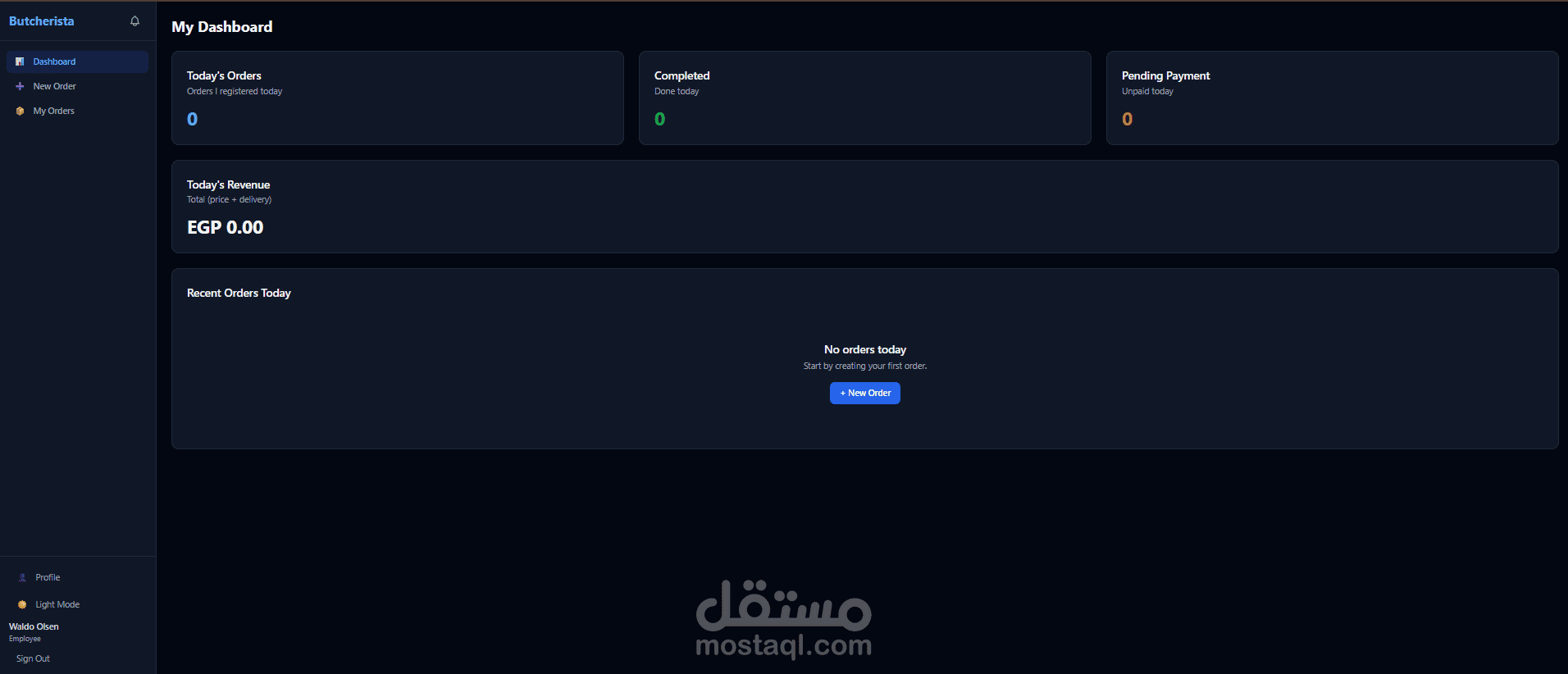
Employee Dashboard: Personal today stats, completed orders, pending payments, pre-booked alerts
👥 Employee Management
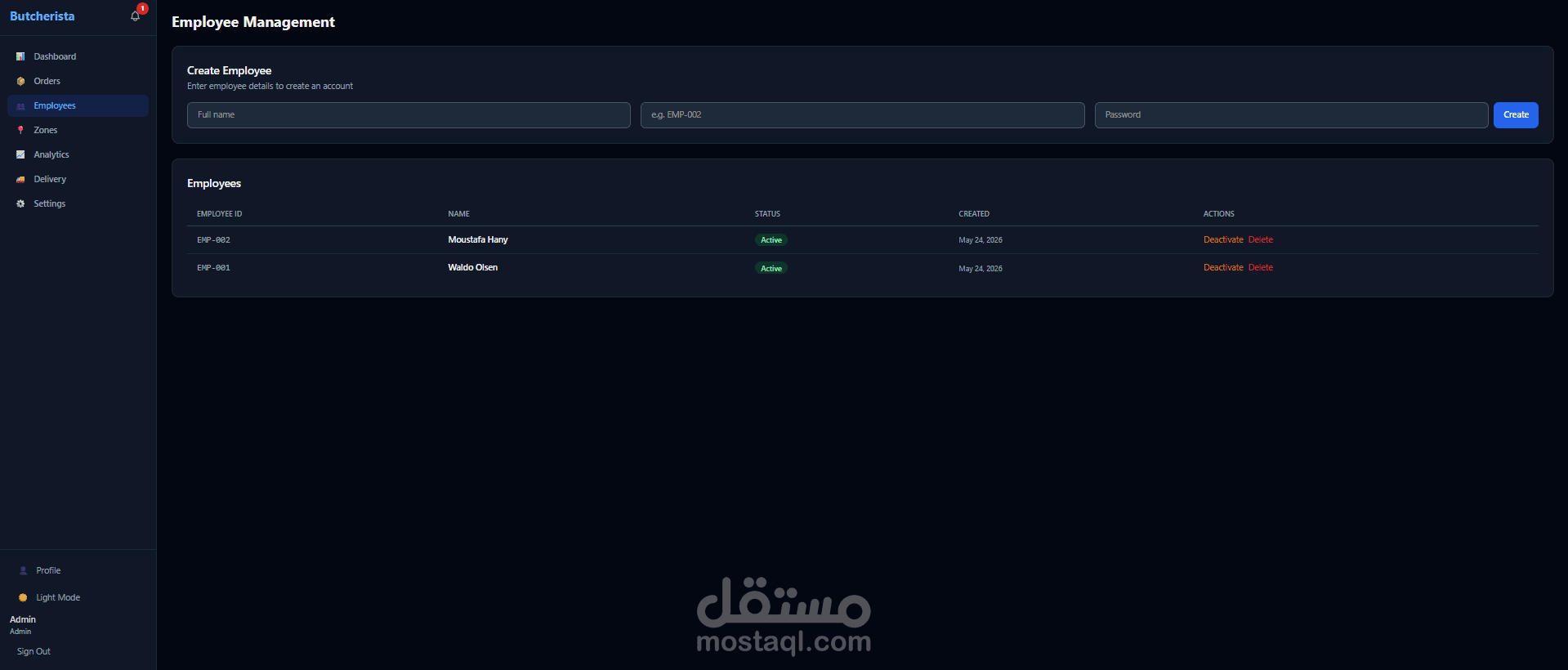
Create employees (Firebase Auth via REST API)
Activate / deactivate employees
Delete employees
Employee performance in analytics
📍 Delivery Zones
Add / remove zones with custom delivery fees
Save to company settings
🚚 Delivery Employees
Manage delivery staff (name + mobile number)
Assign orders to delivery employees
Delivery View Page (/delivery) — delivery staff enter their phone to see today's assigned orders
Telegram Alerts — when an order is assigned to a delivery employee, order details are sent via Telegram bot
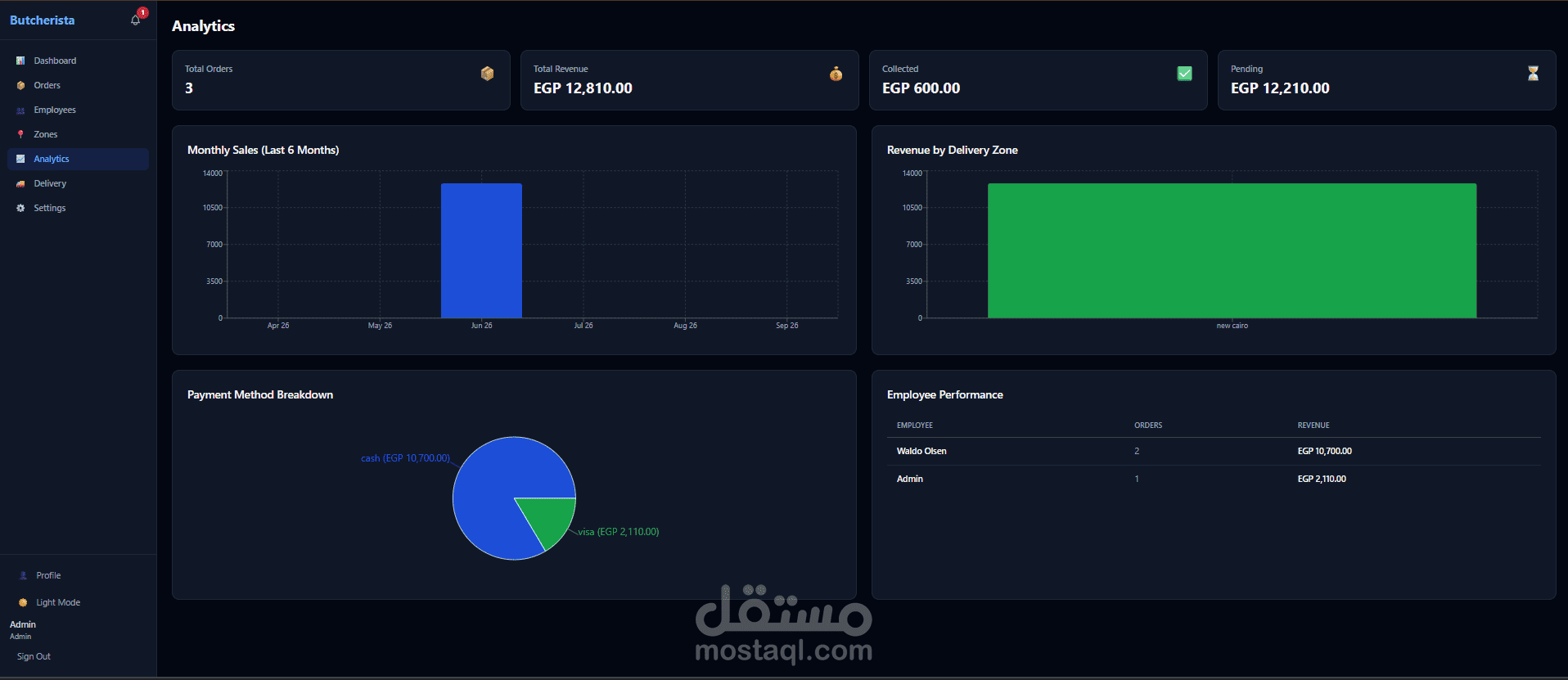
📈 Analytics
Monthly sales chart (last 6 months)
Revenue by delivery zone
Payment method breakdown (pie chart)
Employee performance table
🔔 Notifications
In-app notifications on order create / update
Unread badge in sidebar
Mark as read / mark all read
⚙️ Settings
Company settings (name, currency, order sources)
Profile page (edit name, change password)
🚀 Onboarding Wizard
3-step first-time setup: Company Info → Delivery Zones → Order Sources
🛡️ Super Admin
View all companies, plans, and statuses