AI‑Generated VBA Automation Tool
تفاصيل العمل
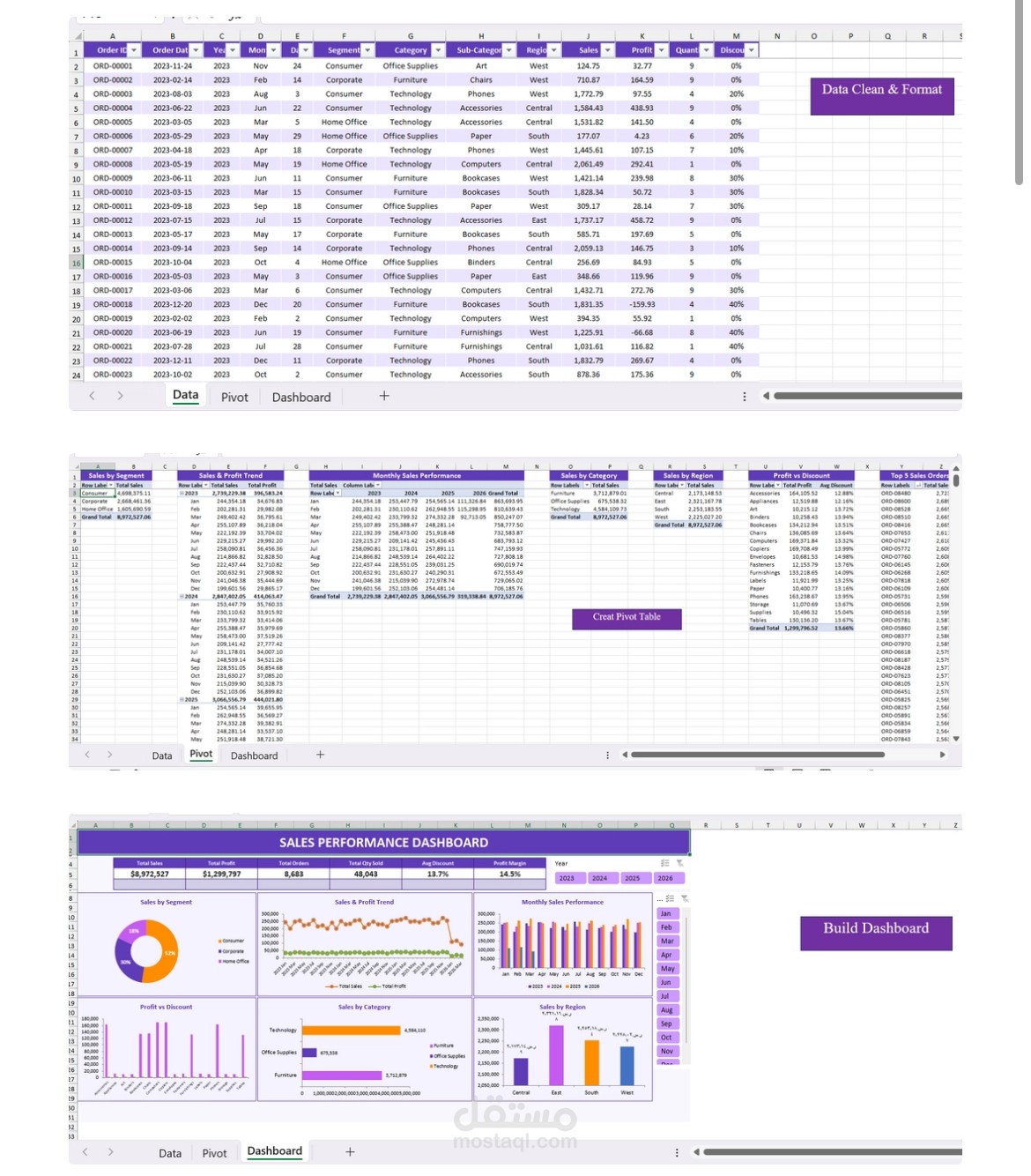
# **My AI‑Generated VBA Automation Project ⚡🤖**
**What’s this project about?**
So, I wanted to make my Excel workflow faster and smarter ,instead of spending hours formatting data by hand.
I wrote a simple prompt and gave it to a cloud AI model, and it generated a full VBA macro for me.
After that, I added the code into Excel through the Developer tab and created a button that runs everything with **one single click**.
Now, what used to take forever literally happens in **just a few minutes**.
### **How I did it (My Process):**
- **First, I wrote the prompt:**
I explained exactly what I wanted the macro to do ,detect the dataset, format everything, convert it into a table, and apply a clean purple theme.
- **AI generated the VBA code:**
The cloud model returned a complete script based on my instructions, ready to paste into Excel.
- **Adding the code into Excel:**
I opened the Visual Basic Editor from the Developer tab and inserted the code into a new module.
- **Creating the one click button:**
I added a button inside Excel and linked it to the macro.
Now, instead of manually formatting every column, I just click once and the macro does all the work.
- **Testing the automation:**
I ran the macro multiple times to make sure the formatting, table style, and alignment all looked clean and consistent and honestly, it saved me so much time.
### **Key Insights 💡**
- **One click replaces hours of manual work:**
The macro formats the entire dataset instantly , alignment, dates, table creation, colors and everything.
- **AI can write clean VBA code:**
I didn’t have to code anything myself. The AI generated the full script based on my prompt.
- **Reusable for any dataset.**