Library Management System built using Python.
تفاصيل العمل
Project Overview
This project is a Library Management System built using Python. It allows users to browse, borrow, and return books, while enabling administrators to manage the library's inventory and user accounts.
The project consists of two different versions for execution:
maincode.py: A CLI (Command Line Interface) version that runs entirely in the terminal using text prompts.
gui_finaly.py: A GUI (Graphical User Interface) version built using the Tkinter library, providing a visual and user-friendly experience with windows and buttons.
1. Data Storage (JSON Database)
The system uses lightweight text-based databases via JSON files to store data persistently so that information is not lost when the program closes:
users.json: Stores user data, including Name, Email, Password, and Role (admin or user).
books.json: Stores details about the books available in the library (Title, Author, Year, Genre).
borrowed_books.json: Records ongoing rentals, linking the username with the borrowed book title, the borrow date, and the expected return date.
2. Core Logic (maincode.py) - Terminal Version
This file contains the foundational logic of the application. It begins with a Login System where users input their credentials. Depending on their role, they are redirected to one of two menus:
Admin Menu (admin_menu): Offers administrative privileges to manage the system:
View Books: Displays all books in the inventory.
Add Book: Inserts a new book into the system.
Delete Book: Removes an existing book from the database.
View Users: Shows a list of all registered accounts.
Add User: Creates a new user account and defines their role (Admin/User).
Delete User: Removes a user account (with a safeguard preventing admins from deleting themselves).
View Borrowed Books: Tracks which books are currently checked out, by whom, and when they are due.
User Menu (user_menu): Designed for regular members:
View Available Books: Displays books that are currently free to borrow.
Borrow Book: Allows the user to borrow a book by entering its title and specifying the duration (in days). The system automatically calculates and saves the exact return date.
Return Book: Removes the book from the borrowed records, making it available for others again.
3. Graphical Interface (gui_finaly.py) - GUI Version
This file upgrades the terminal script into a modern desktop application using Python's Tkinter library.
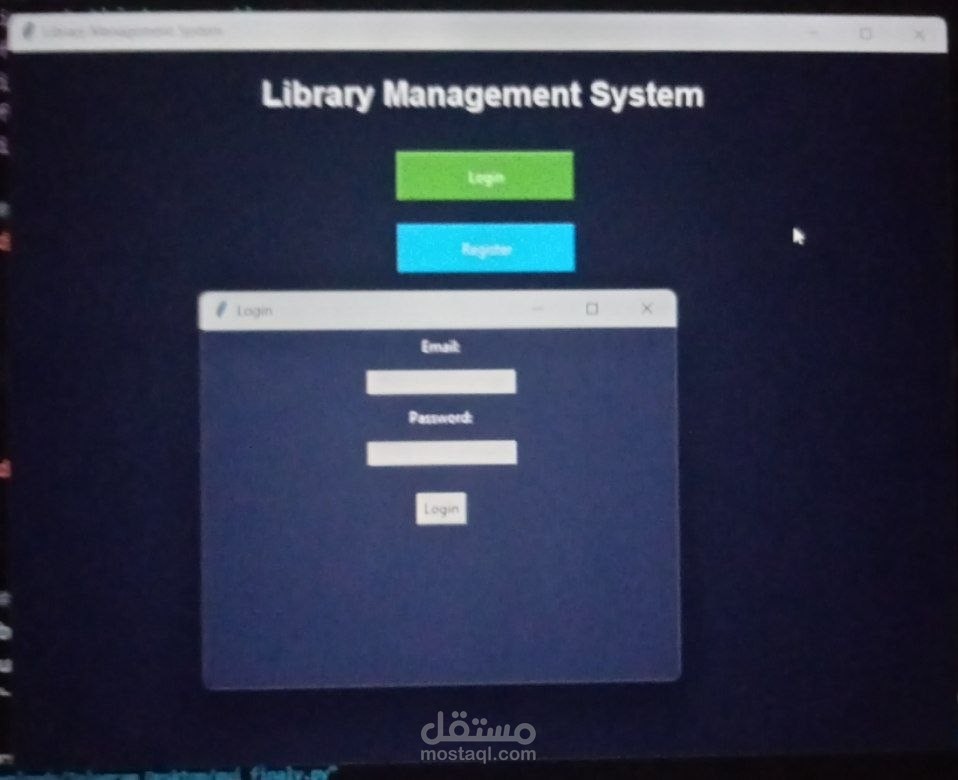
Main Window: Features two primary options: Login and Register.
Registration Window: Enables new users to sign up by entering their Name, Email, and Password. New sign-ups are automatically assigned the user role, and the system ensures emails cannot be duplicated.
User Dashboard: Opens when a standard user logs in, offering buttons for:
Search Book: A sub-window to find books by searching keywords from titles.
Borrow Book: An entry form to rent a book for a specific number of days.
Return Book: An entry form to successfully check a book back into the library.
Admin Dashboard: Opens when an admin logs in, offering a control panel to add new books, edit existing book details (Title, Author, Year), or delete books entirely.
Key Functions Used
load_file(filename): Checks if the specified JSON file exists. If not, it creates an empty one. If it exists, it reads the data and converts it into Python lists/dictionaries.
save_file(filename, data): Saves any changes made during runtime back into the JSON files using clean formatting (indent=4).
datetime operations: Uses date.today() and timedelta to dynamically handle borrowing periods and deadlines.