برنامج القوة الغاشمة معدل
تفاصيل العمل
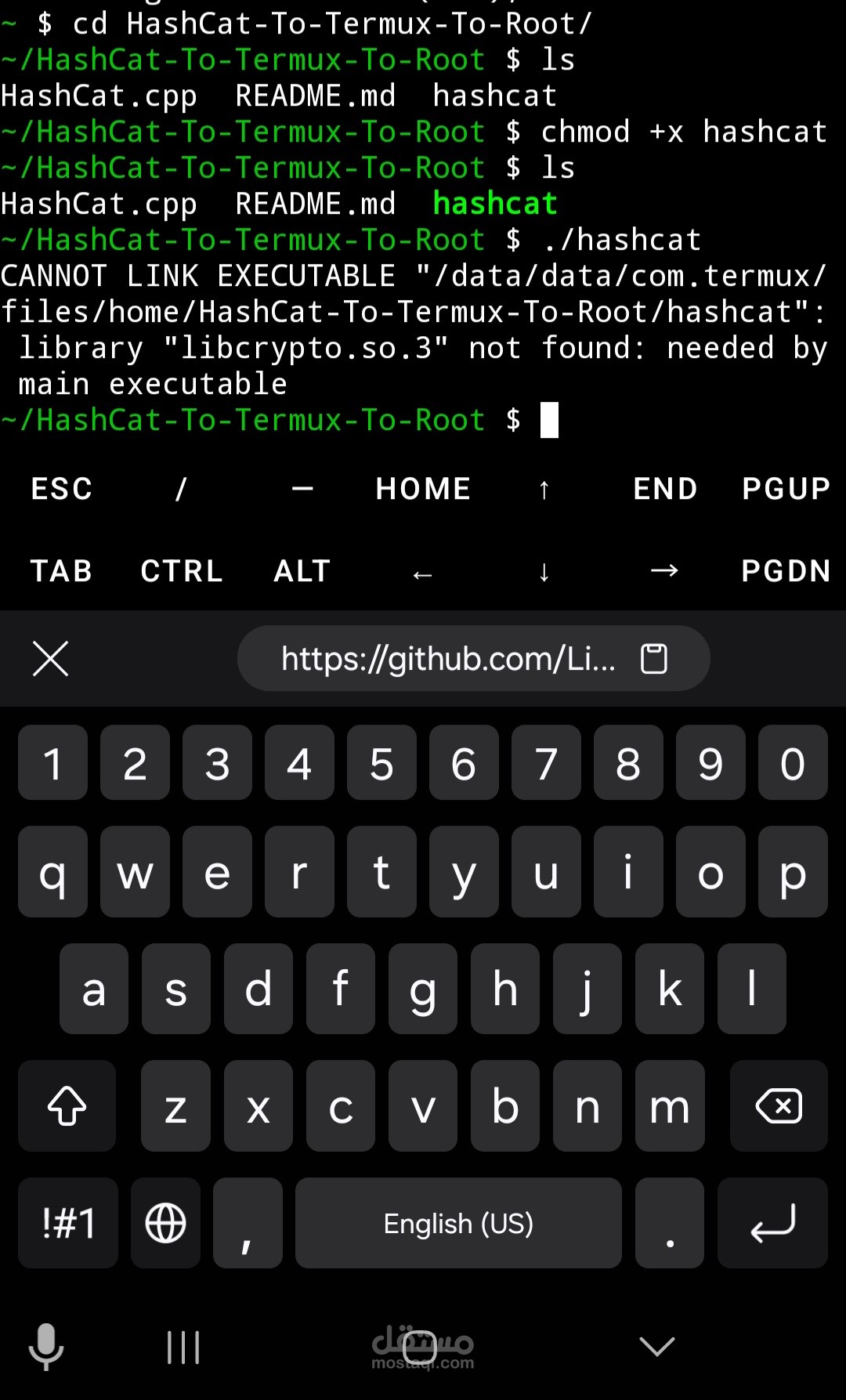
hashcat.cpp is a small tool designed to crack various hash types using the OpenSSL library. It supports a wide range of hash types and allows you to input a list of passwords to test against them.
System Requirements
Operating System: Termux on Parrot Linux or any similar programming environment.
OpenSSL library must be installed on the system.
g++ for compiling the program.
A Wordlist (.txt file) containing target passwords (e.g., rockyou.txt).
Installation
Open a text editor to create the code:
nano hashcat.cpp
Copy the source code into the file.
Compile the code using OpenSSL:
g++ hashcat.cpp -o hashcat -lcrypto -lssl
Usage
The hashcat tool is used as follows:
./hashcat -h <hash_value> -t <hash_type> -w <wordlist_path> -n <processor/threads>
-h: The hash you wish to crack.
-t: Hash type (e.g., MD4, MD5, SHA1, SHA256, etc.).
-w: The path to the wordlist file containing passwords to test.
-n: The number of threads to use (preferably a value according to your processor).
Examples
Cracking MD4:
./hashcat -h 2add09183d0b1dc0428701df9838fba6 -t MD4 -w rockyou.txt -n 4
Description: This example attempts to crack an MD4 hash 2add09183d0b1dc0428701df9838fba6 using the MD4 hash type from the supported hash types. It uses the rockyou.txt file as a wordlist and utilizes 4 threads.
Cracking SHA-256:
./hashcat -h e4d909c290d0fb1ca068ffaddf22cbd0 -t SHA256 -w /path/to/wordlist.txt -n 6
Description: This example attempts to crack a SHA-256 hash e4d909c290d0fb1ca068ffaddf22cbd0 using the SHA-256 hash type. It uses wordlist.txt as the wordlist file and employs 6 threads.
Cracking Bcrypt:
./hashcat -h $2y$10$te6X/Wo4EomK.c1kLq2eBu8s2NfN94I7OrI.eIdJbTzddzEmLbFO -t BCRYPT -w passwordlist.txt -n 8
Description: This example attempts to crack a Bcrypt hash $2y$10$te6X/Wo4EomK.c1kLq2eBu8s2NfN94I7OrI.eIdJbTzddzEmLbFO using the BCRYPT hash type. It uses passwordlist.txt as the wordlist file and employs 8 threads.
Results
Upon finding a password: You will see a message like:
Hash Fragment Found: Password
and you will be exited from the tool.
If no password is found: You will see:
The hash will not be found.
Common Issues and Solutions
Hash not found:
Ensure the hash type used is correct.
Verify the path to the wordlist file.
Library compatibility issues:
Ensure the installed OpenSSL library works correctly.
Additional Notes
You can adjust the number of threads using the -n flag based on the strength of your processor.
Use the full path for files if they are not located in the current directory.