Weekly transfer data between two google sheets
تفاصيل العمل
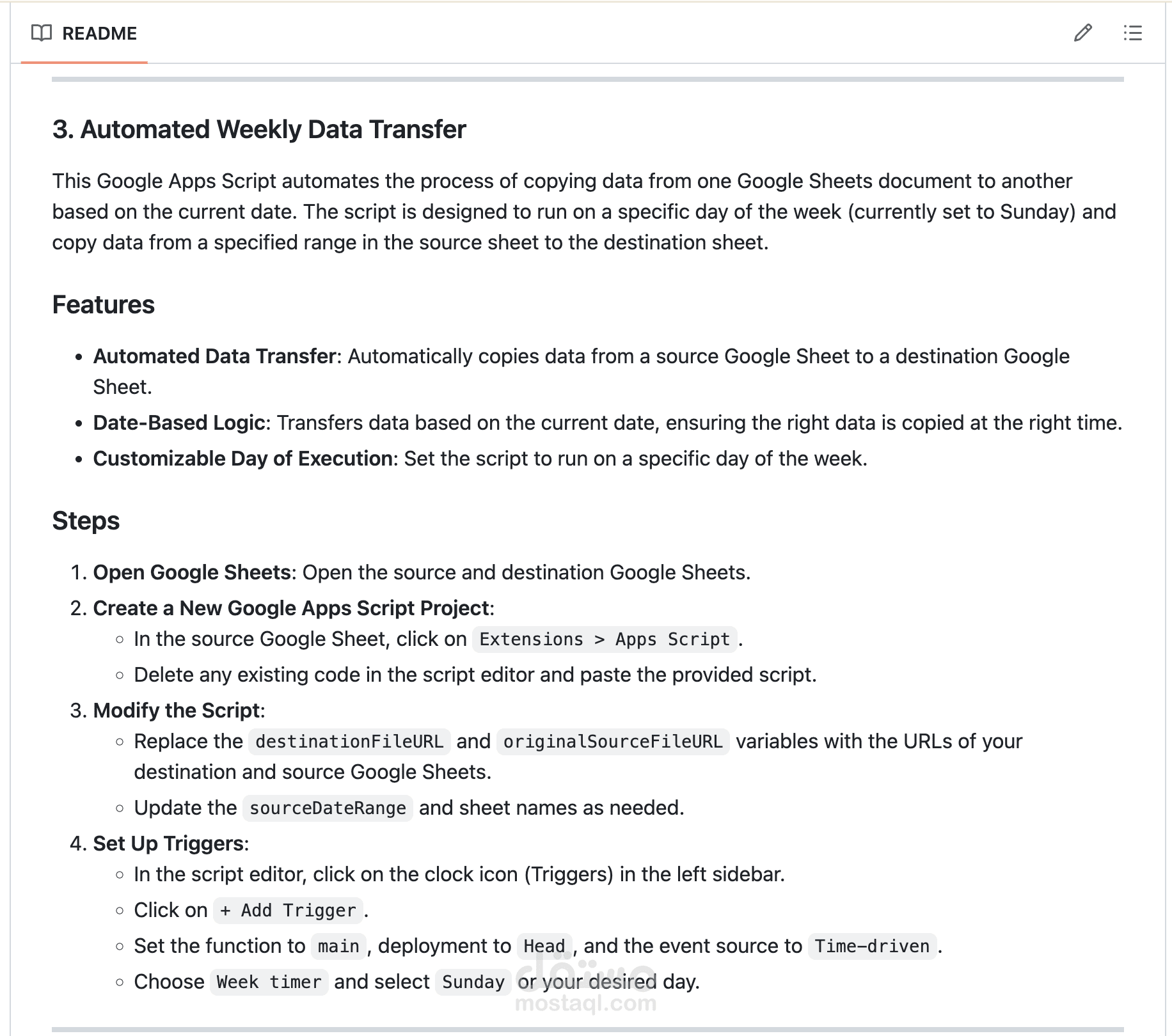
This Google Apps Script automates the process of copying data from one Google Sheets document to another based on the current date. The script is designed to run on a specific day of the week (currently set to Sunday) and copy data from a specified range in the source sheet to the destination sheet.
Features
Automated Data Transfer: Automatically copies data from a source Google Sheet to a destination Google Sheet.
Date-Based Logic: Transfers data based on the current date, ensuring the right data is copied at the right time.
Customizable Day of Execution: Set the script to run on a specific day of the week.
Steps
Open Google Sheets: Open the source and destination Google Sheets.
Create a New Google Apps Script Project:
In the source Google Sheet, click on Extensions > Apps Script.
Delete any existing code in the script editor and paste the provided script.
Modify the Script:
Replace the destinationFileURL and originalSourceFileURL variables with the URLs of your destination and source Google Sheets.
Update the sourceDateRange and sheet names as needed.
Set Up Triggers:
In the script editor, click on the clock icon (Triggers) in the left sidebar.
Click on + Add Trigger.
Set the function to main, deployment to Head, and the event source to Time-driven.
Choose Week timer and select Sunday or your desired day.