Digital Egyptian
تفاصيل العمل
React Dockerized Web Application
This project is a containerized React.js web application that demonstrates how to build and deploy a modern frontend application using Docker and Nginx. The application is developed using Node.js and React, then built into static files and served through Nginx for production.
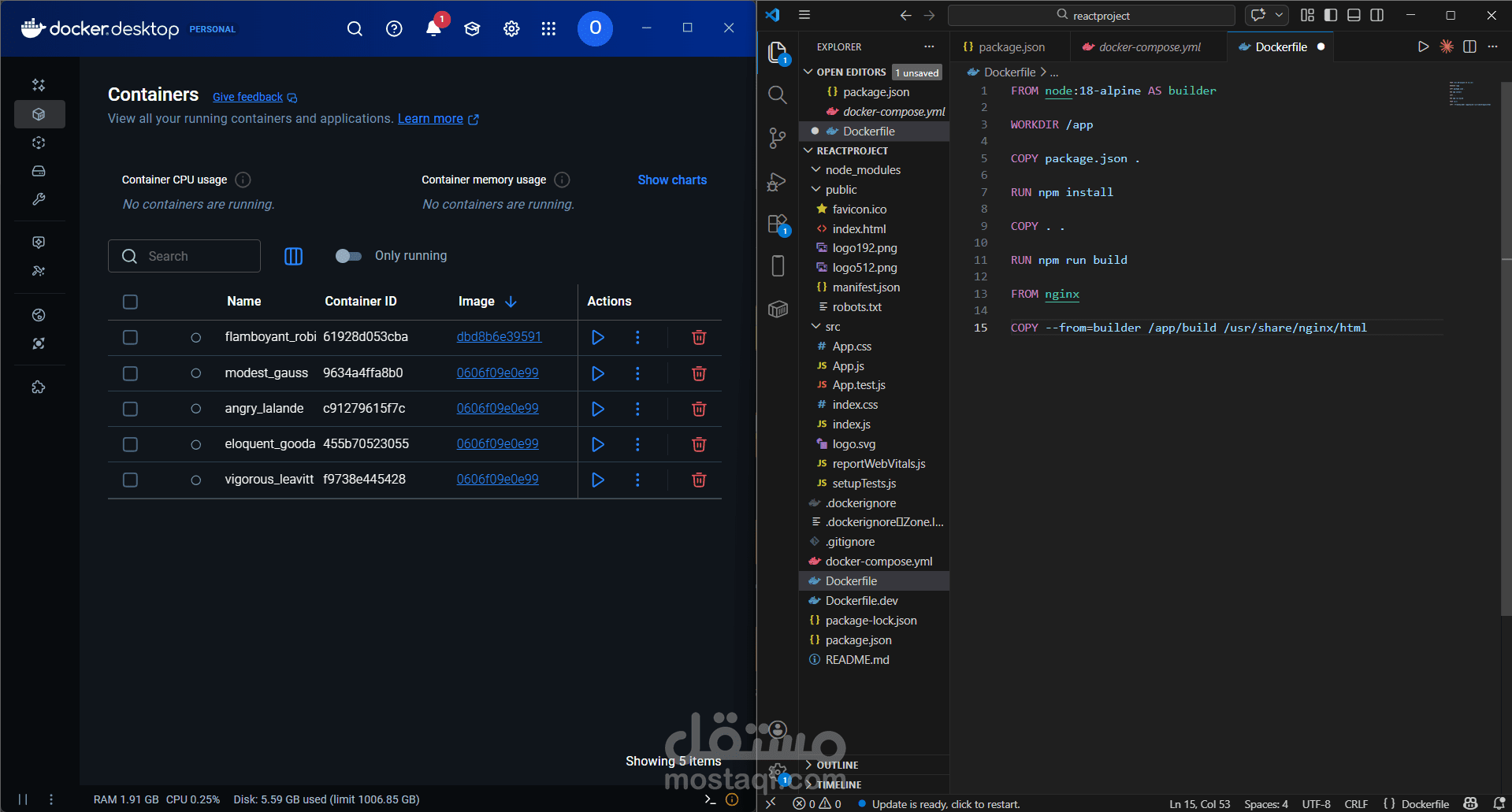
The project uses a multi-stage Docker build to optimize the final image size and improve performance. In the first stage, Node.js is used to install dependencies and build the React application. In the second stage, the generated static files are served using Nginx, which acts as a lightweight and efficient web server.
This approach separates the build environment from the production environment, ensuring a smaller, faster, and more secure deployment.
Key Features
Built with React.js
Uses Node.js for building the application
Docker multi-stage build for optimization
Nginx used to serve the production build
Ready for containerized deployment
Can be run locally or on any server supporting Docker
How It Works
The Dockerfile starts with a Node.js image.
Project dependencies are installed using npm install.
The React application is compiled using npm run build.
The final static files are generated in the build folder.
A second Docker stage uses Nginx to serve these files.
The build output is copied to:
/usr/share/nginx/html
This is the default directory Nginx uses to serve web applications on port 80.
Project Structure
reactproject/
│
├── public/ # Static files
├── src/ # React source code
├── node_modules/ # Project dependencies
├── Dockerfile # Multi-stage Docker build
├── docker-compose.yml # Container orchestration
├── package.json # Project dependencies and scripts
└── README.md # Project documentation
Technologies Used
React.js
Node.js
Docker
Nginx
Docker Compose