Baby-Photoshop---Image-Processing-Tool
تفاصيل العمل
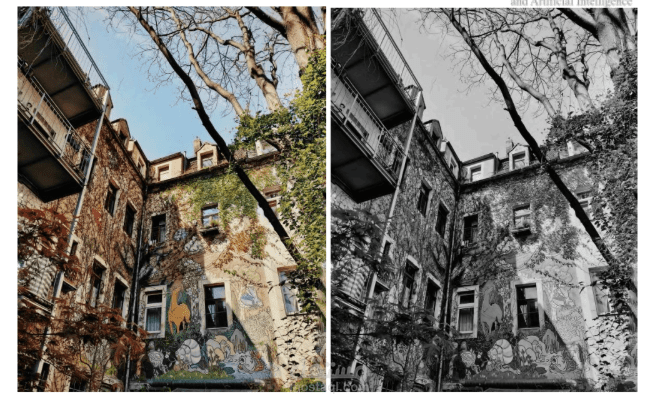
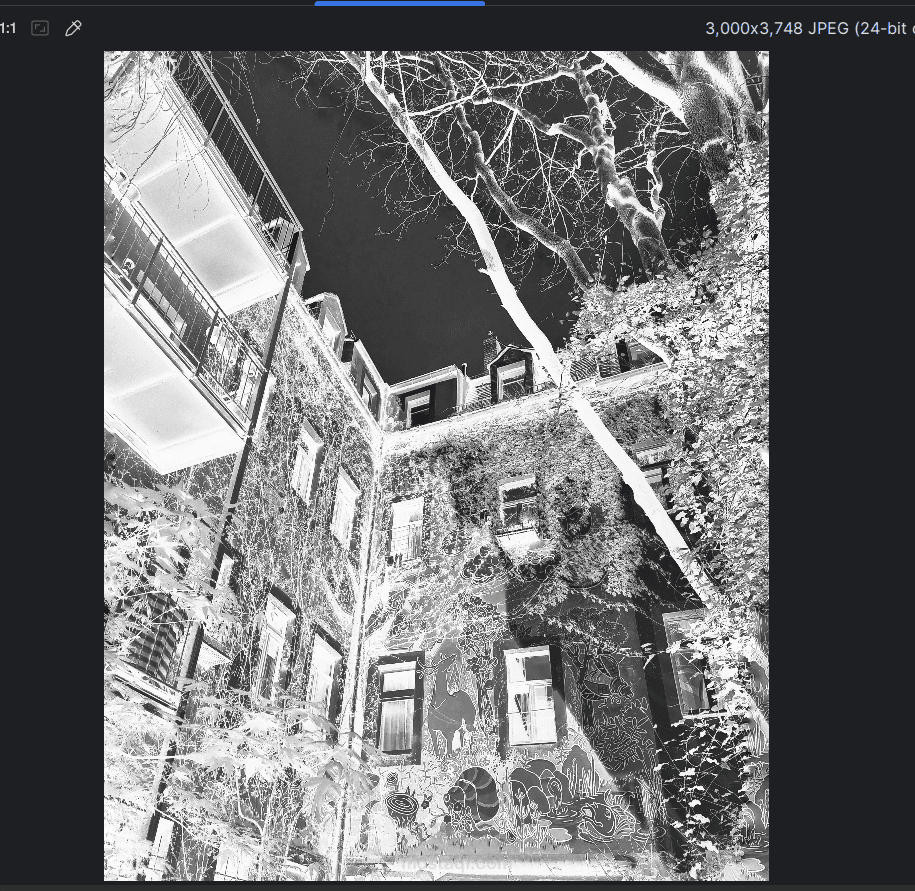
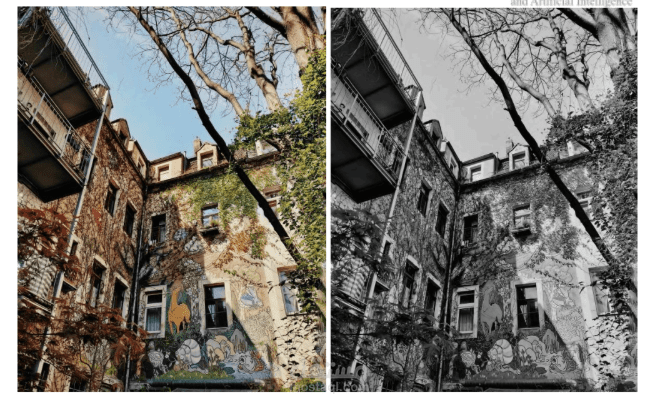

This is a simple image editing program created as a Group Project of 3. It allows you to open an image, apply various filters, and save the results.
How to Start
Compile the code: Use your C++ compiler (like VS Code, CodeBlocks, or Terminal).
Run the program: A menu will appear with all the filter options.
Enter filename: Type the name of the image you want to edit (example: photo.jpg).
Note: Make sure your image name has no spaces!*
Available Filters
Color Changes: Turn photos into Grayscale, Black & White, or Purple. Lighting: Make your photo Darker, Lighter, or add a warm "Sunlight" effect. Artistic: Add a Blur, an "Old TV" look, or a Frame around the edges. Fixing & Moving: Rotate your photo, Flip it, Crop a specific part, or Resize it. Advanced: Merge two images together or highlight the "Edges" of objects in the photo.