Mobile UI Design: Solo Leveling Game Interface
تفاصيل العمل
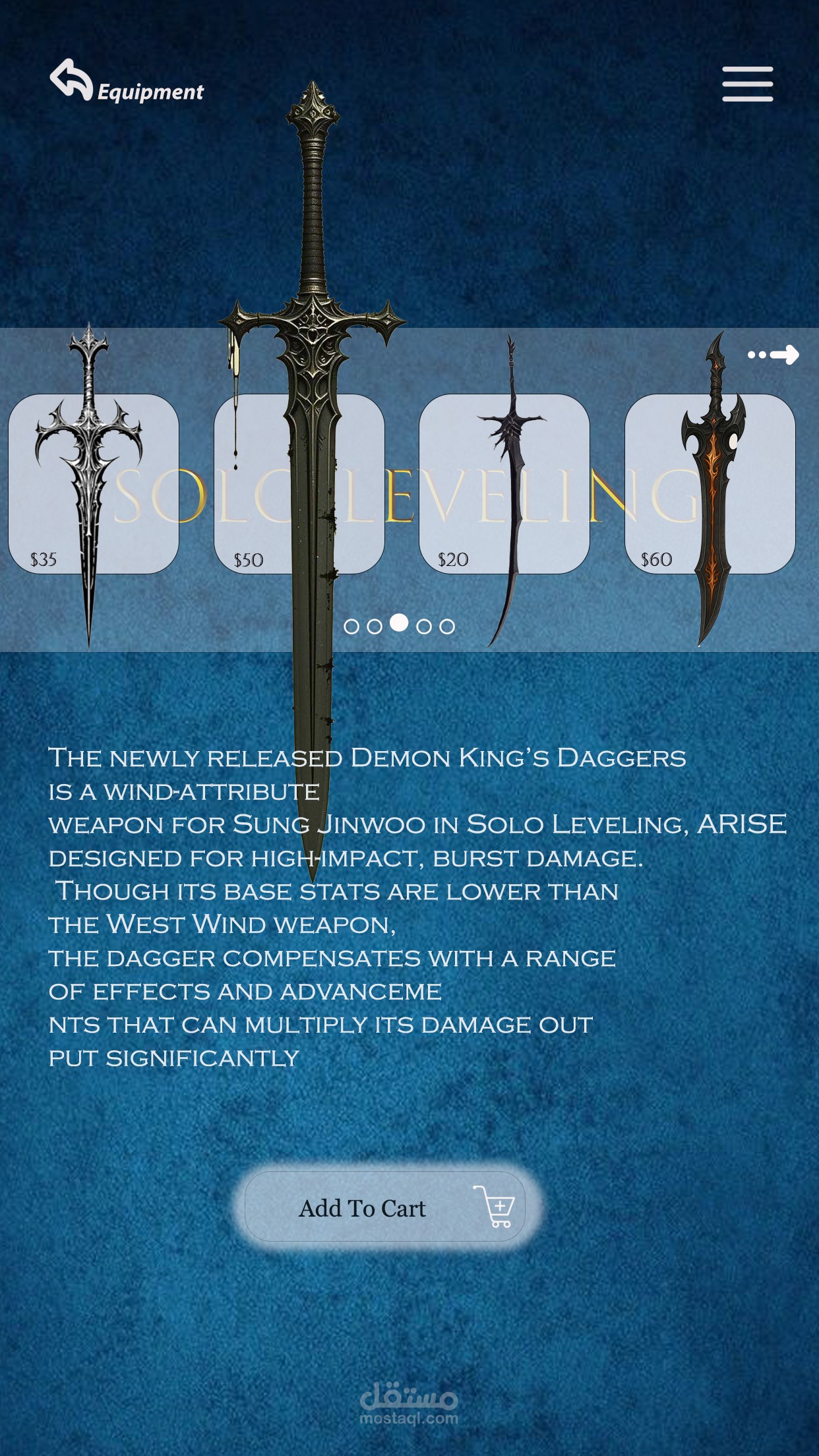
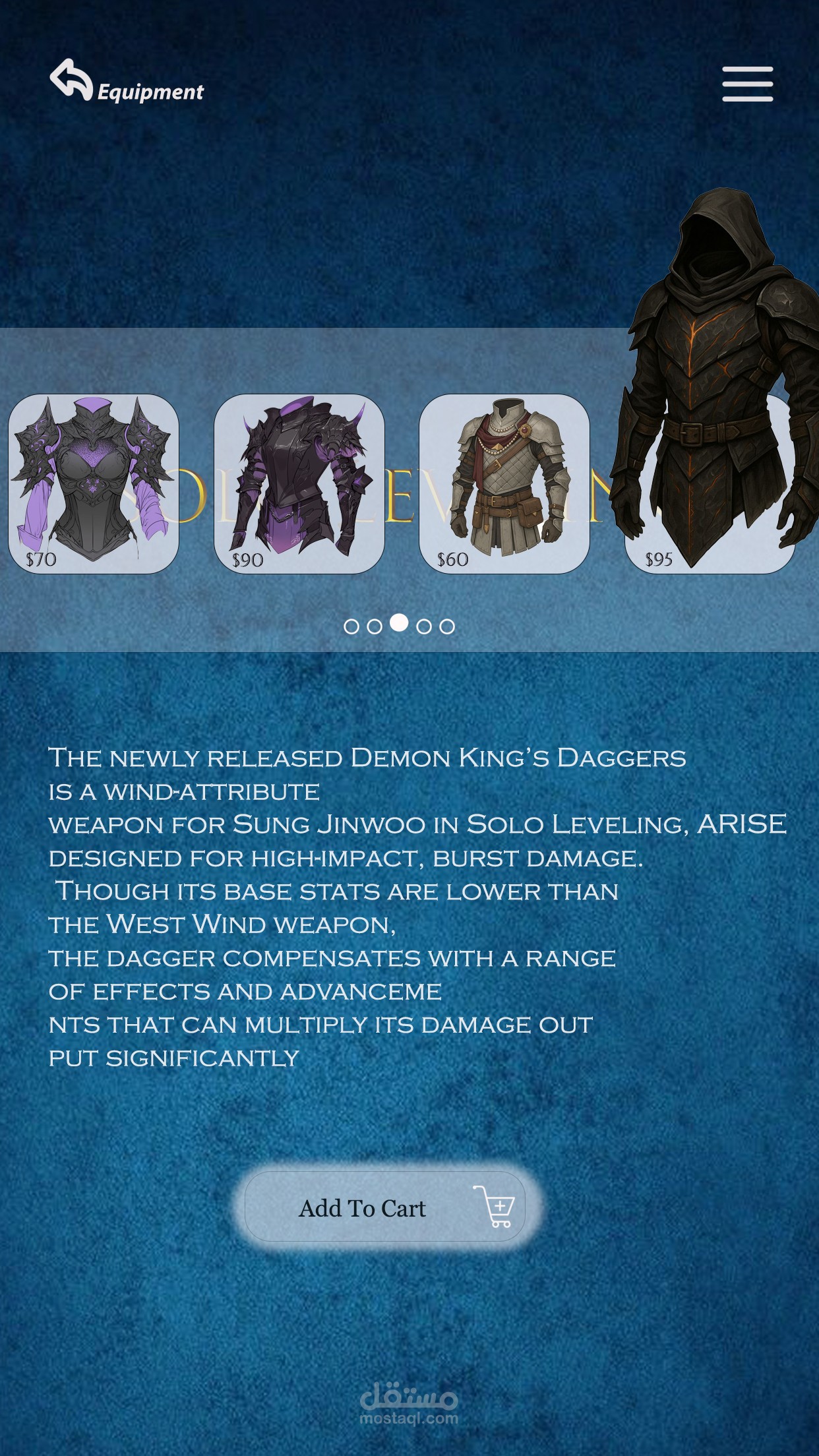
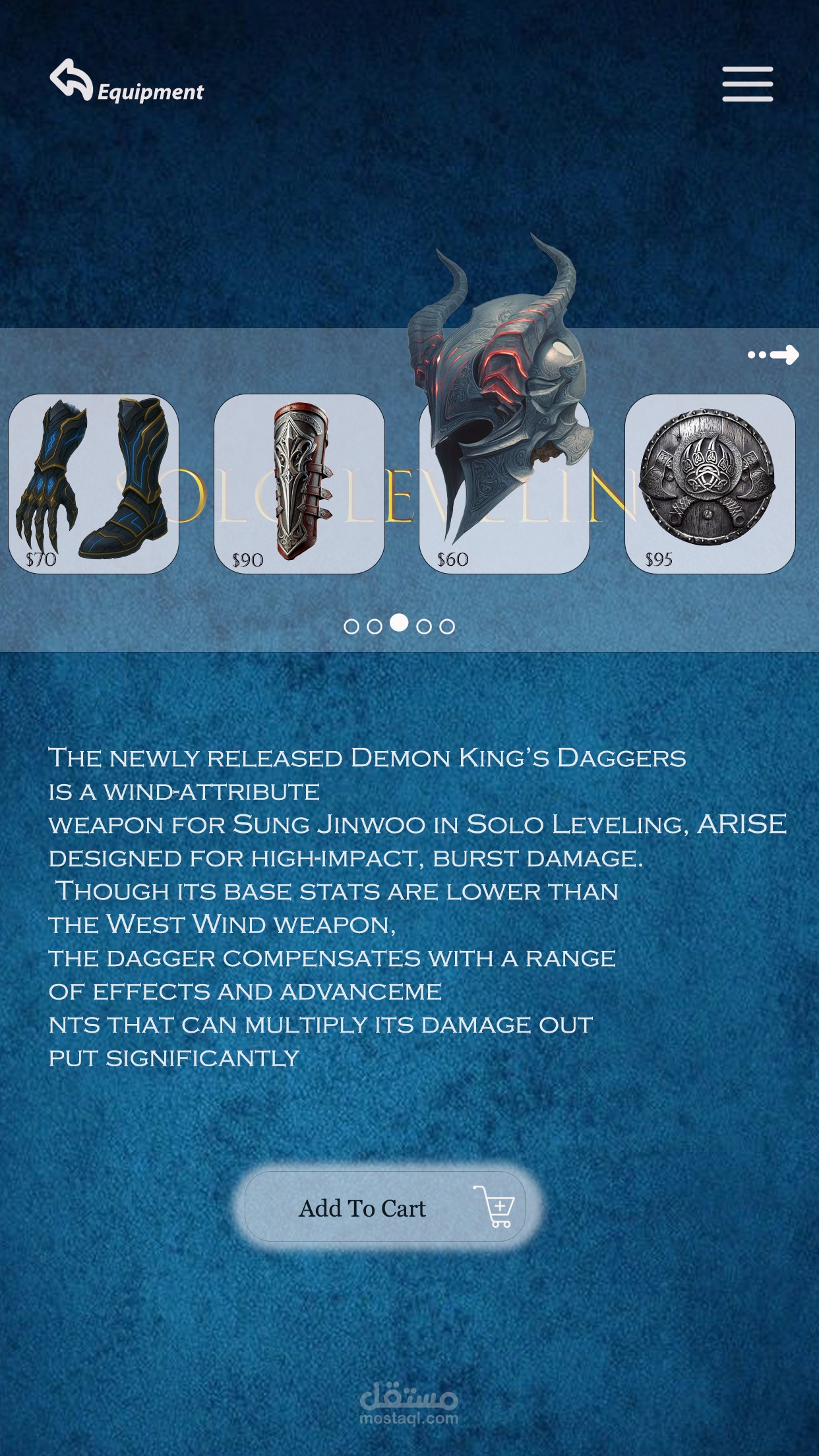
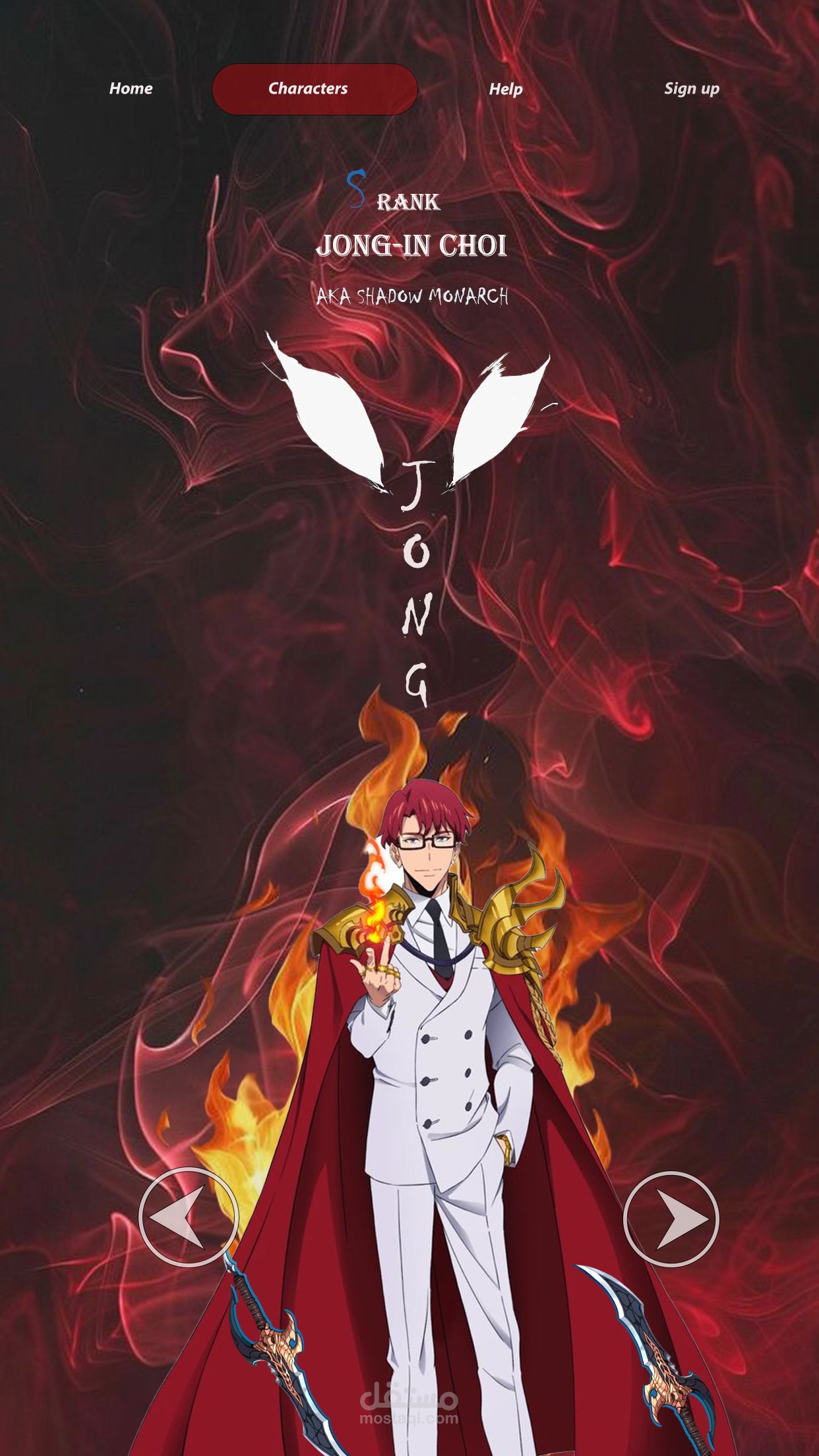
Game UI Design System for a Solo Leveling mobile game concept. Here's the technical breakdown of how I built these screens in Adobe Photoshop:
?️ Technical Implementation:
Layer Architecture & Organization:
• Grouped Layers – Every screen organized into: Background | Character | UI Components | Text | Effects
• Smart Objects – Character renders converted to Smart Objects for non-destructive scaling
• Layer Comps – Saved variations for different character themes (Blue vs. Red)
Background Creation:
• Gradient Maps – Custom blue-cyan gradient for SJ / Red-crimson for Cha Hae-In
• Texture Overlays – Noise filters + Clouds render for atmospheric depth
• Blend Modes – Overlay & Soft Light layers at 30-50% opacity for lighting
Typography & Text Effects:
• Vertical Text – Created using Type on Path tool with custom anchor points
• Layer Styles – Drop Shadow (Distance: 5px, Spread: 0, Size: 10px) + Outer Glow for wing accents
• Font Pairing – Decorative serif for names + Clean sans-serif for UI labels
UI Components (Glassmorphism):
• Shape Layers – Rounded rectangles with 16px corner radius
• Layer Styles Stack:
Fill Opacity
Stroke
Inner Shadow
Drop Shadow
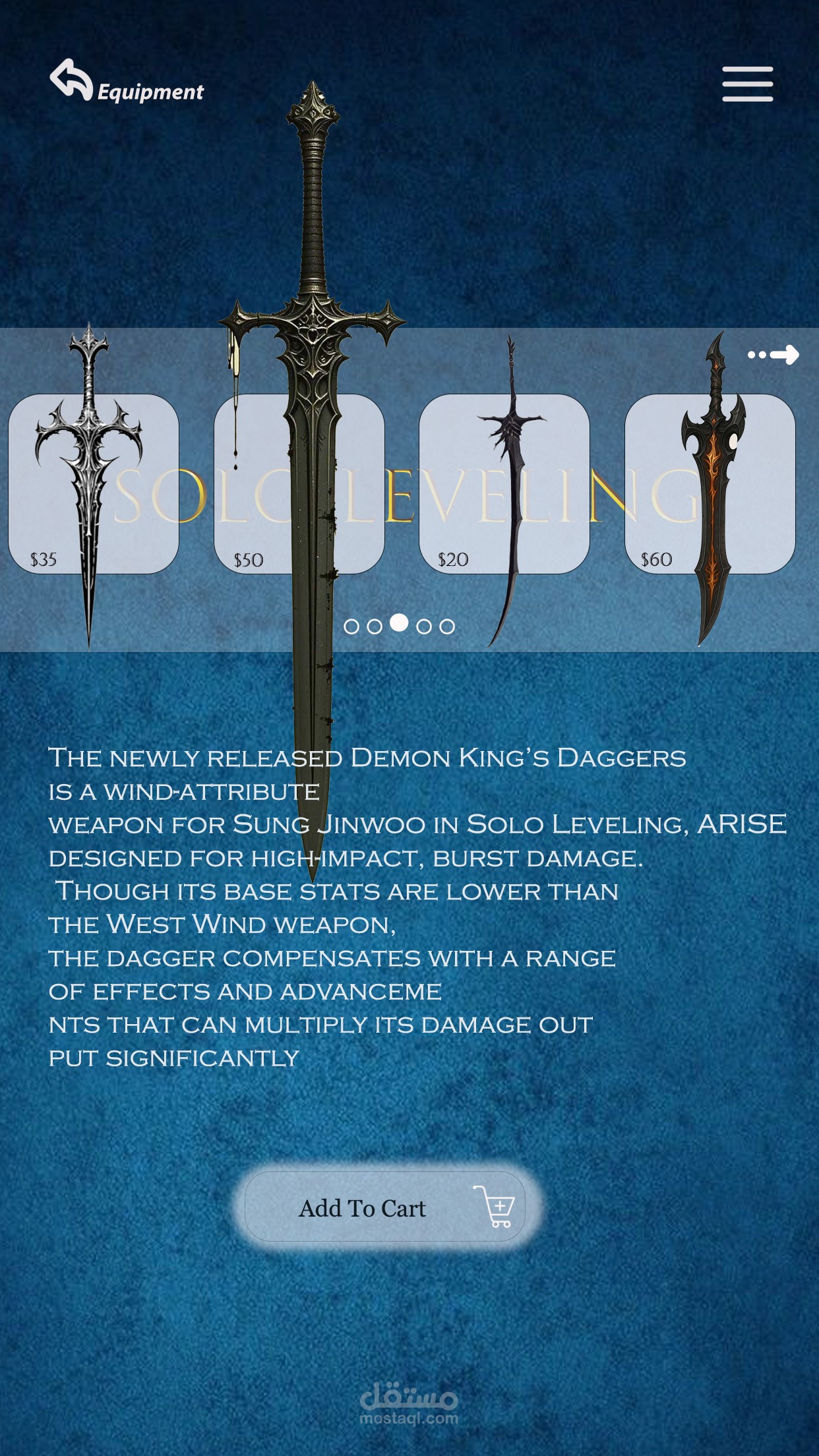
Equipment Cards:
• Clipping Masks
• Price Tags
• Selection States
Advanced Techniques:
• Color Lookup Tables (LUTs)
• High Pass Filter
• Gaussian Blur
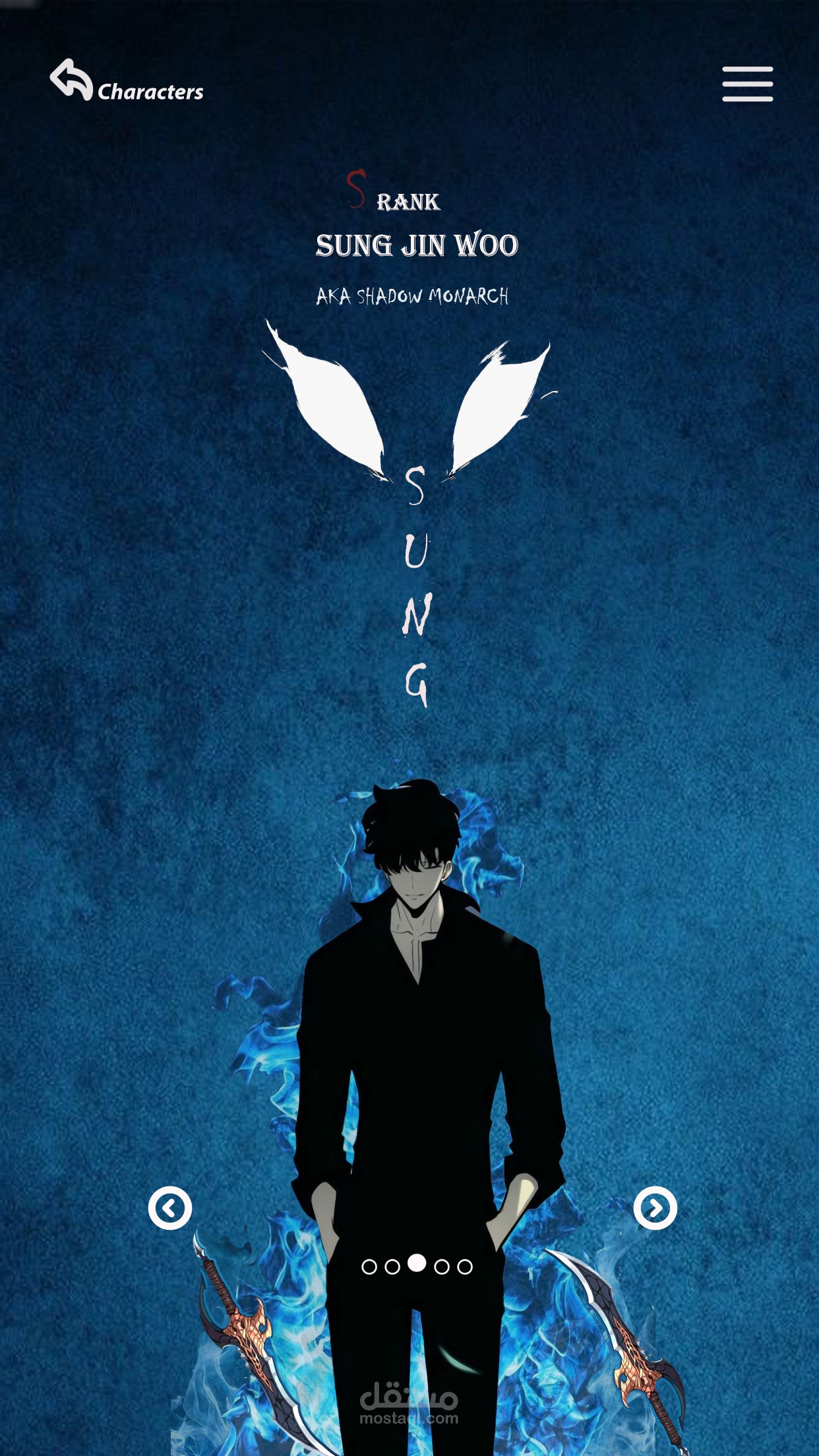
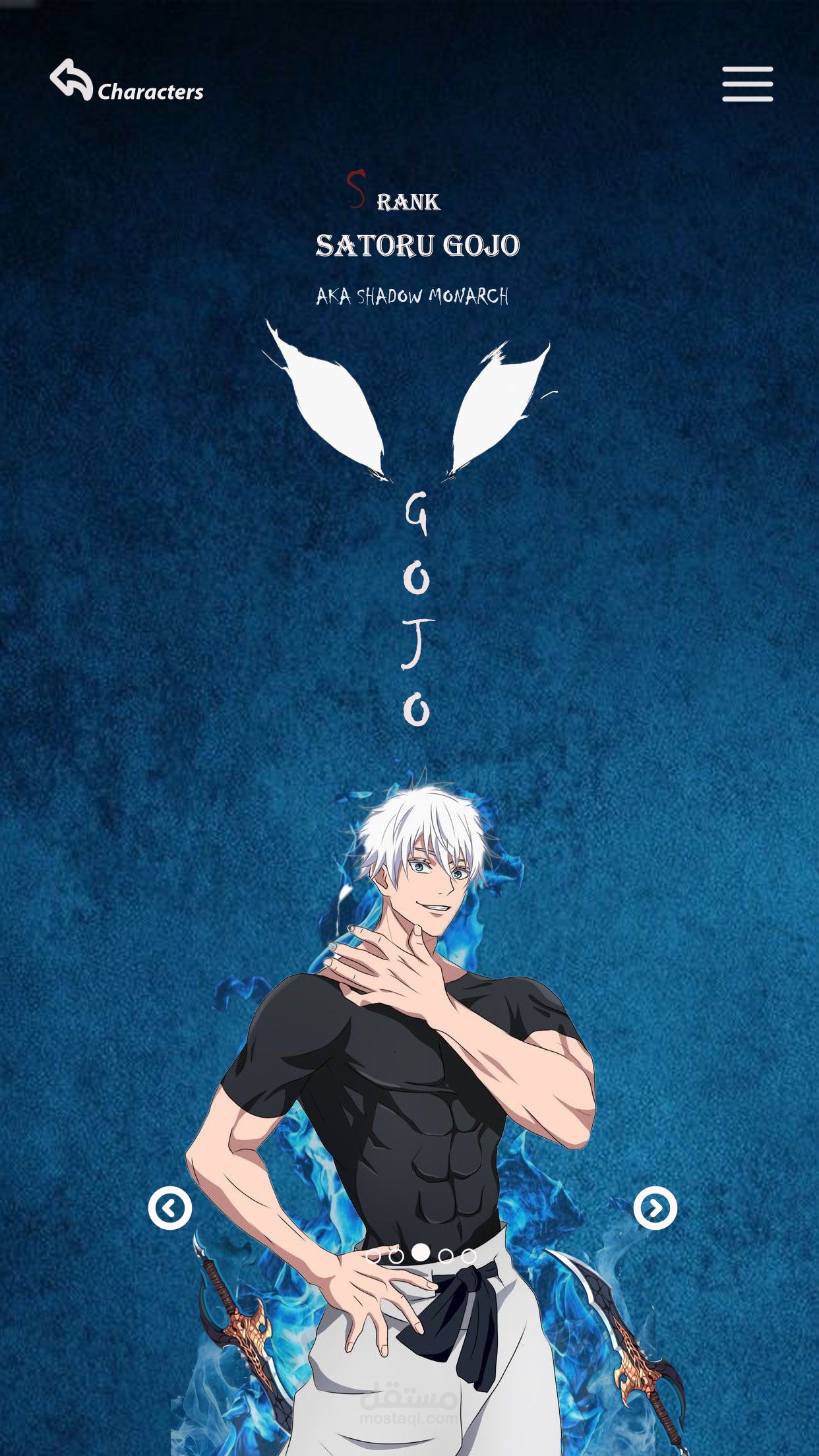
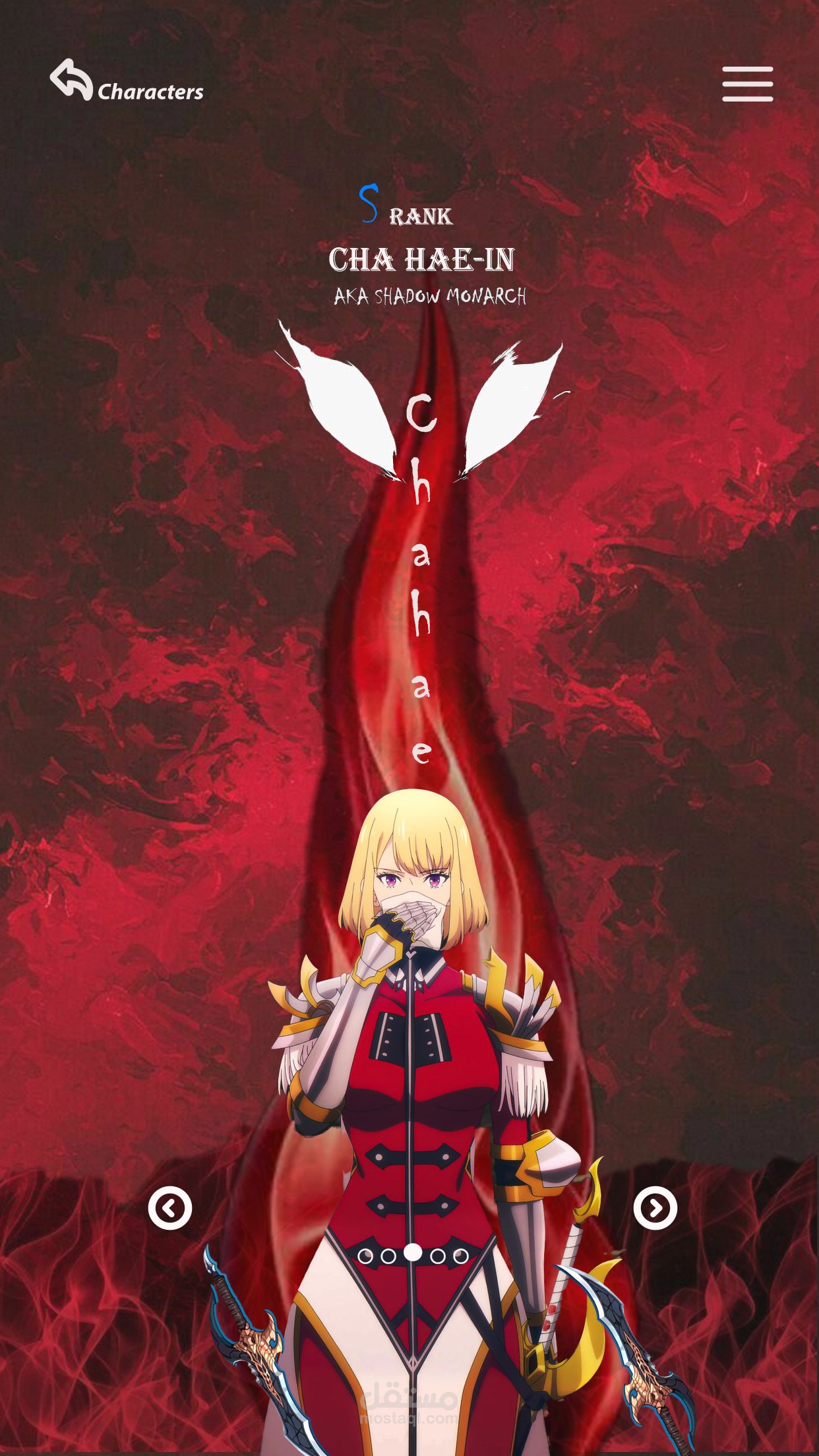
➡️ Character Profile Screens:
• Dual Theme Approach – Blue shadow aesthetic for Sung Jin Woo vs. Red crimson theme for Cha Hae-In
• Vertical Typography – Creative text layout for character names with wing accents
• Visual Hierarchy – Rank badges → Character name → Title → Navigation
• Atmospheric Backgrounds – Character-appropriate colors with texture overlays
➡️Equipment Store Screens:
• Carousel Component – Horizontal scrolling with price tags & selection states
• Glassmorphism Cards – Semi-transparent containers for item displays
• Typography Scaling – Clear distinction between item names, descriptions & stats
• CTA Design – "Add To Cart" button with cart icon & hover states
?️ Tools Used:
• Adobe Photoshop – UI elements, layer effects, blending modes
• Visual Design Principles – Color theory, spacing, contrast, consistency