sql-data-warehouse-project
تفاصيل العمل
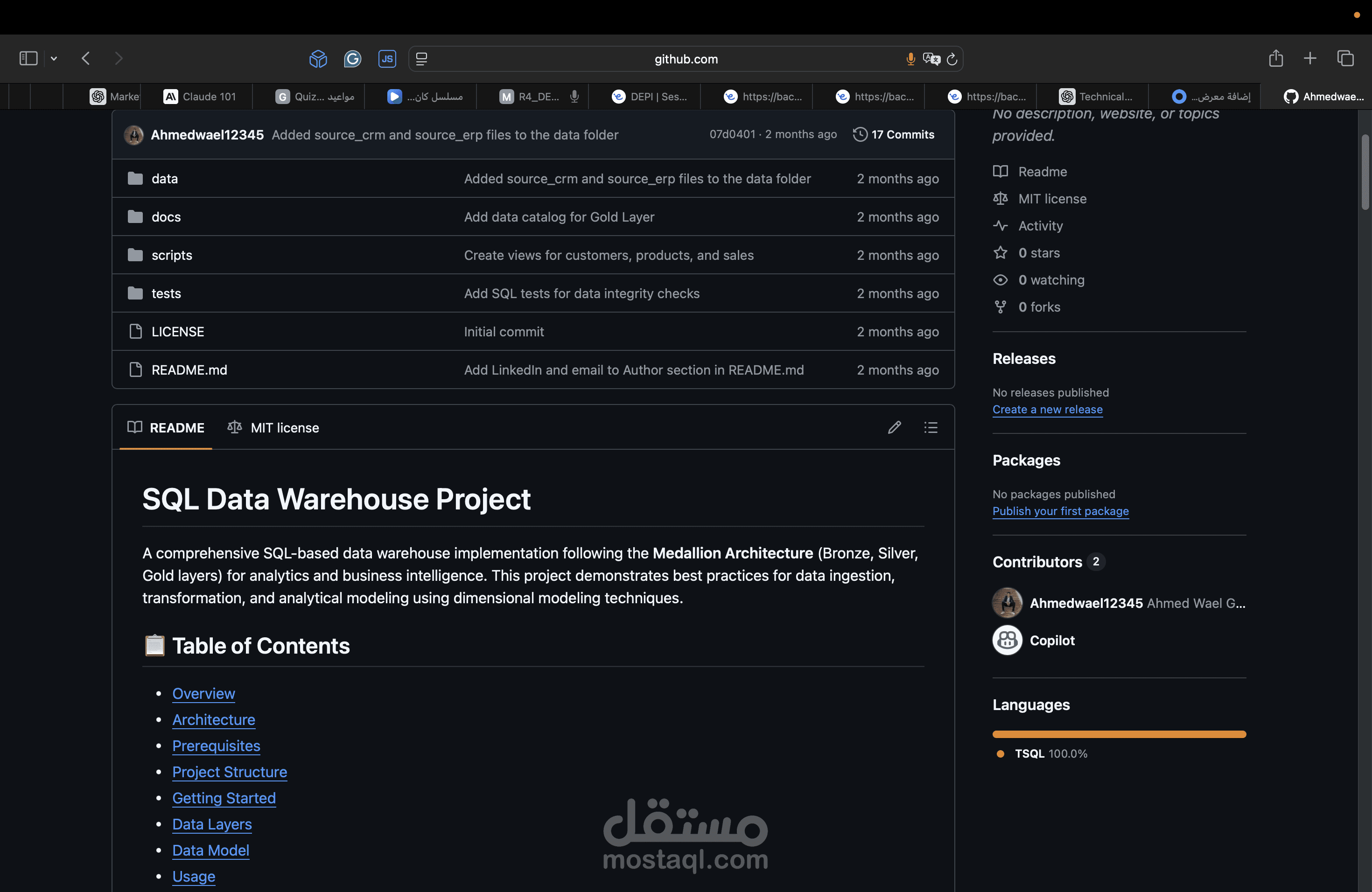
SQL Data Warehouse Project
A comprehensive SQL-based data warehouse implementation following the Medallion Architecture (Bronze, Silver, Gold layers) for analytics and business intelligence. This project demonstrates best practices for data ingestion, transformation, and analytical modeling using dimensional modeling techniques.
? Table of Contents
Overview
Architecture
Prerequisites
Project Structure
Getting Started
Data Layers
Data Model
Usage
Testing
Documentation
License
? Overview
This project implements a modern data warehouse solution that:
Ingests data from multiple source systems (CRM and ERP)
Applies data quality transformations
Creates analytics-ready dimensional models
Supports business intelligence and reporting use cases
The data warehouse processes customer, product, and sales information to enable comprehensive sales analytics.
?️ Architecture
The project follows the Medallion Architecture pattern with three distinct layers:
┌─────────────┐
│ Sources │ (CRM & ERP Systems)
└──────┬──────┘
│
▼
┌─────────────┐
│ Bronze │ (Raw Data Ingestion)
│ Layer │ - crm_sales_details
│ │ - crm_prd_info
│ │ - crm_cust_info
│ │ - erp_px_cat_g1v2
│ │ - erp_loc_a101
│ │ - erp_cust_az12
└──────┬──────┘
│
▼
┌─────────────┐
│ Silver │ (Cleaned & Standardized)
│ Layer │ - Data type conversions
│ │ - Date formatting
│ │ - Audit columns added
└──────┬──────┘
│
▼
┌─────────────┐
│ Gold │ (Analytics-Ready)
│ Layer │ - dim_customers
│ │ - dim_products
│ │ - fact_sales
└─────────────┘
Layer Responsibilities
Bronze Layer: Raw data ingestion with minimal transformation
Silver Layer: Data cleansing, standardization, and type casting
Gold Layer: Business-level dimensional models (Star Schema)
? Prerequisites
Microsoft SQL Server (2016 or later)
SQL Server Management Studio (SSMS) or Azure Data Studio
Access to source data files:
/data/source_crm/prd_info.csv
/data/source_crm/sales_details.csv
/data/source_crm/cust_info.csv
/data/source_erp/px_cat_g1v2.csv
/data/source_erp/loc_a101.csv
/data/source_erp/cust_az12.csv
? Project Structure
sql-data-warehouse-project/
├── scripts/
│ ├── bronze/
│ │ ├── creating_ddl.sql # Create Bronze layer tables
│ │ └── load_bronze.sql # Load data from source files
│ ├── silver/
│ │ ├── ddl_silver.sql # Create Silver layer tables
│ │ └── transform_silver.sql # Transform Bronze → Silver
│ └── gold/
│ └── final_ready_to_analitics.sql # Create Gold layer views
├── tests/
│ └── gol_layer_test.sql # Data quality tests for Gold layer
├── docs/
│ └── data_catalog.md # Detailed data dictionary
├── LICENSE
└── README.md
? Getting Started
Step 1: Create Database Schemas
Create three schemas in your SQL Server database:
CREATE SCHEMA bronze;
CREATE SCHEMA silver;
CREATE SCHEMA gold;
Step 2: Setup Bronze Layer
Run the Bronze layer scripts in order:
-- 1. Create Bronze tables
EXEC sp_executesql @sql = N'$(cat scripts/bronze/creating_ddl.sql)';
-- 2. Load data from source files
EXEC bronze.load_bronze;
Step 3: Setup Silver Layer
Run the Silver layer scripts:
-- 1. Create Silver tables
EXEC sp_executesql @sql = N'$(cat scripts/silver/ddl_silver.sql)';
-- 2. Transform Bronze to Silver
EXEC sp_executesql @sql = N'$(cat scripts/silver/transform_silver.sql)';
Step 4: Setup Gold Layer
Create the Gold layer dimensional model:
-- Create Gold layer views (dimensions and facts)
EXEC sp_executesql @sql = N'$(cat scripts/gold/final_ready_to_analitics.sql)';
Step 5: Verify Installation
Run the test suite to verify data quality:
-- Run Gold layer tests
EXEC sp_executesql @sql = N'$(cat tests/gol_layer_test.sql)';
? Data Layers
Bronze Layer (Raw Data)
Tables in the Bronze layer store raw data from source systems:
bronze.crm_sales_details - Sales transactions from CRM
bronze.crm_prd_info - Product information from CRM
bronze.crm_cust_info - Customer information from CRM
bronze.erp_px_cat_g1v2 - Product categories from ERP
bronze.erp_loc_a101 - Customer location data from ERP
bronze.erp_cust_az12 - Customer demographics from ERP
Silver Layer (Cleaned Data)
Tables in the Silver layer contain cleaned and standardized data:
Type casting (e.g., integer dates → DATE types)
Standardized naming conventions
Added audit columns (dwh_create_date)
Data quality improvements
Gold Layer (Analytics-Ready)
Views in the Gold layer provide business-level dimensional models:
Dimensions
gold.dim_customers - Customer dimension with demographics and location
gold.dim_products - Product dimension with categories and attributes
Facts
gold.fact_sales - Sales transactions with foreign keys to dimensions
? Data Model
The Gold layer implements a Star Schema for optimized analytical queries:
┌──────────────────┐
│ dim_customers │
│ ───────────── │
│ customer_key PK │
│ customer_id │
│ first_name │
│ last_name │
│ country │
│ marital_status │
│ gender │
│ birthdate │
└────────┬─────────┘
│
│
┌────────▼─────────┐
│ fact_sales │
│ ────────── │
│ order_number │
│ product_key FK │
│ customer_key FK│
│ order_date │
│ shipping_date │
│ due_date │
│ sales_amount │
│ quantity │
│ price │
└────────┬─────────┘
│
│
┌────────▼─────────┐
│ dim_products │
│ ──────────── │
│ product_key PK │
│ product_id │
│ product_name │
│ category │
│ subcategory │
│ cost │
│ product_line │
└──────────────────┘
? Usage
Querying the Data Warehouse
Example analytical queries:
-- Total sales by customer
SELECT
c.first_name,
c.last_name,
SUM(f.sales_amount) as total_sales,
COUNT(f.order_number) as order_count
FROM gold.fact_sales f
JOIN gold.dim_customers c ON f.customer_key = c.customer_key
GROUP BY c.first_name, c.last_name
ORDER BY total_sales DESC;
-- Product performance by category
SELECT
p.category,
p.subcategory,
SUM(f.sales_amount) as total_revenue,
SUM(f.quantity) as units_sold
FROM gold.fact_sales f
JOIN gold.dim_products p ON f.product_key = p.product_key
GROUP BY p.category, p.subcategory
ORDER BY total_revenue DESC;
-- Monthly sales trend
SELECT
FORMAT(f.order_date, 'yyyy-MM') as month,
SUM(f.sales_amount) as monthly_sales,
COUNT(DISTINCT f.order_number) as order_count
FROM gold.fact_sales f
GROUP BY FORMAT(f.order_date, 'yyyy-MM')
ORDER BY month;
? Testing
The project includes data quality tests located in tests/gol_layer_test.sql:
Test Coverage
Uniqueness Tests
Validates customer_key uniqueness in dim_customers
Validates product_key uniqueness in dim_products
Referential Integrity Tests
Ensures all fact_sales records have valid dimension keys
Checks for orphaned records
Running Tests
-- Execute all tests
EXEC sp_executesql @sql = N'$(cat tests/gol_layer_test.sql)';
All test queries should return zero rows if data quality is maintained.
? Documentation
Detailed documentation is available in the docs/ directory:
Data Catalog - Complete data dictionary for the Gold layer, including:
Table descriptions
Column definitions
Data types
Business rules
? Contributing
Contributions are welcome! Please feel free to submit a Pull Request.
Development Guidelines
Follow the three-layer architecture pattern
Add appropriate audit columns to Silver layer tables
Document any new tables or views in the data catalog
Include data quality tests for new entities
? License
This project is licensed under the MIT License - see the LICENSE file for details.
Copyright (c) 2026 Ahmed Wael Galal
? Author
Ahmed Wael Galal
? Email: ahmedwaelgalal2@gmail.com
? Support
For questions or issues, please open an issue in the GitHub repository.
Built with ❤️ for data engineering and analytics