MyCar Car - Rental Mobile App | UI/UX Case Study
تفاصيل العمل
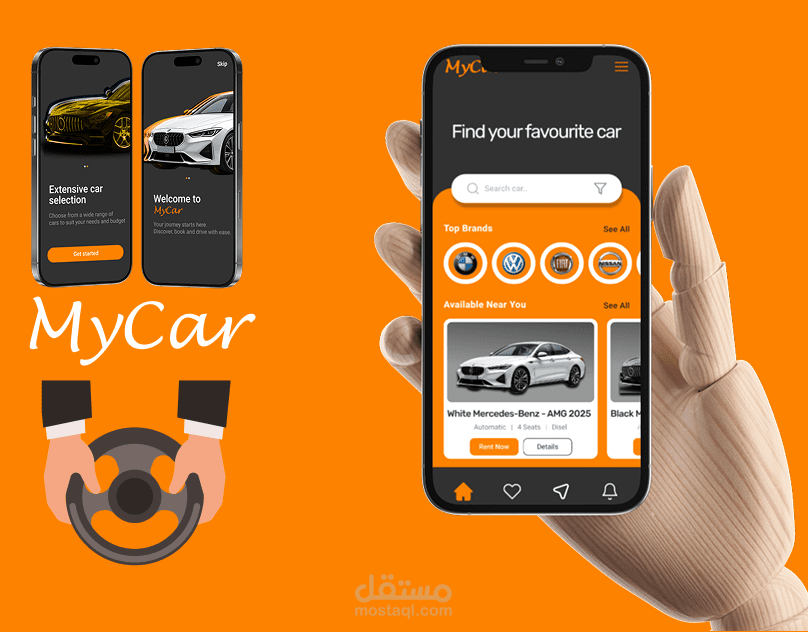
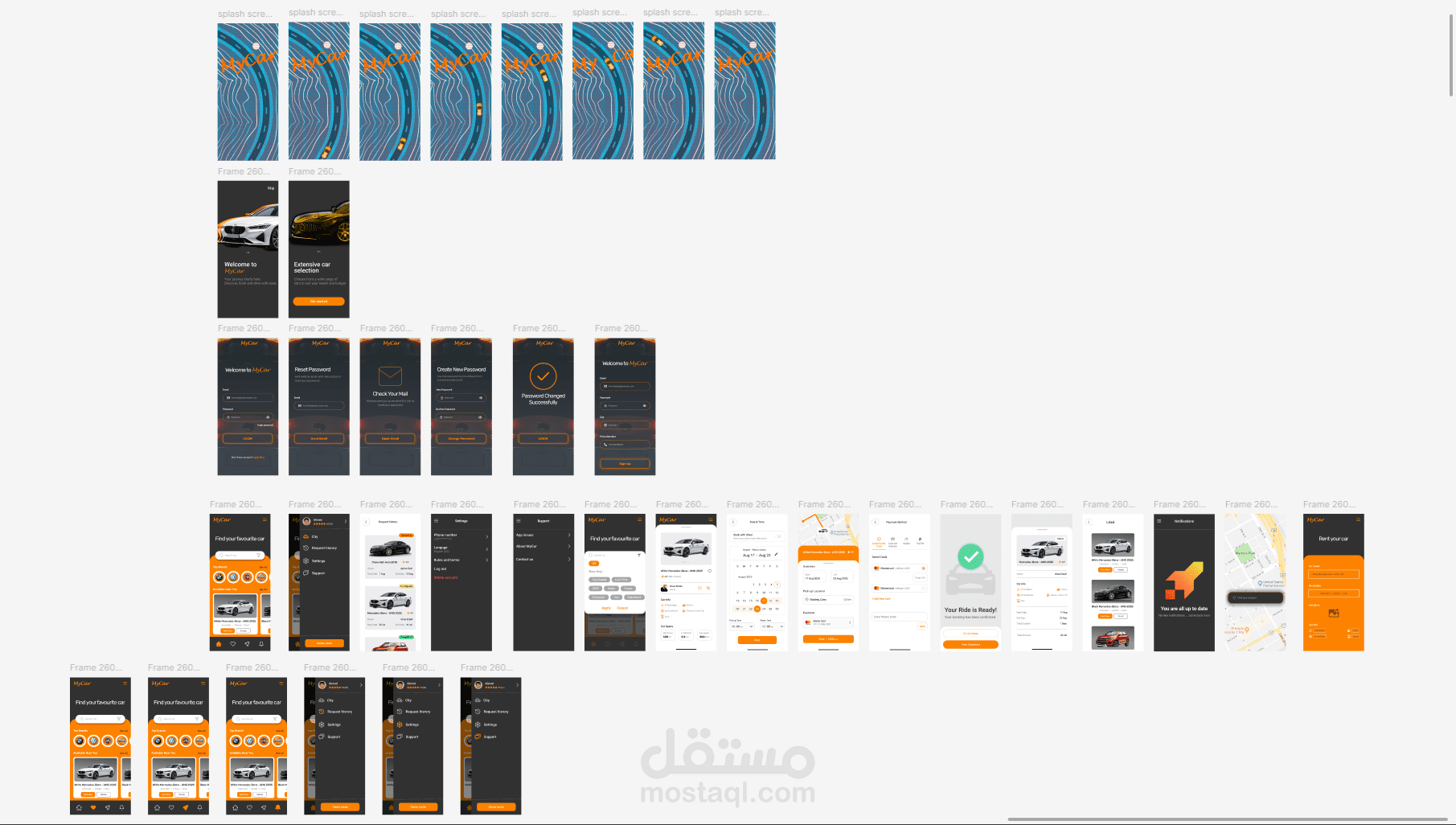
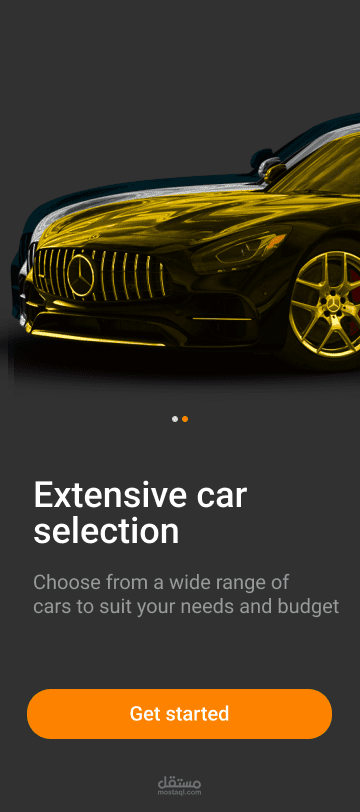
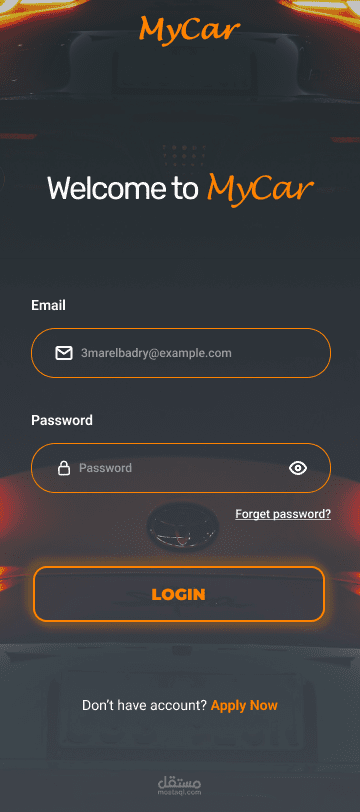
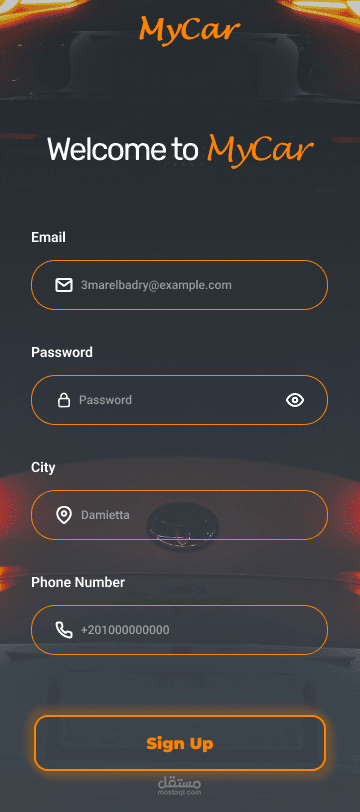
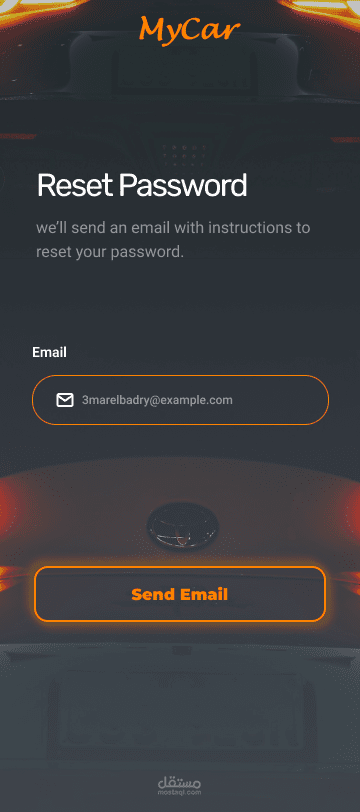
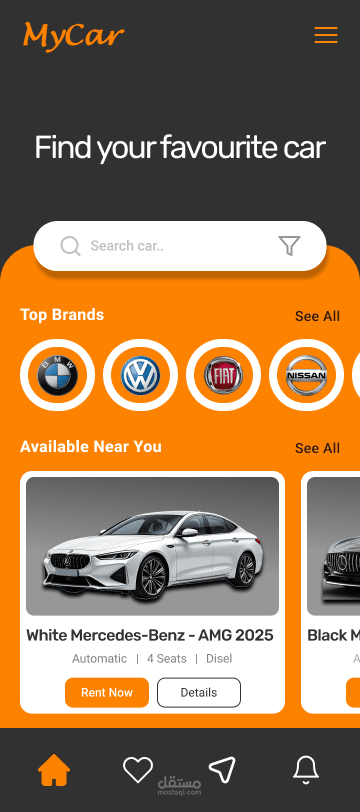
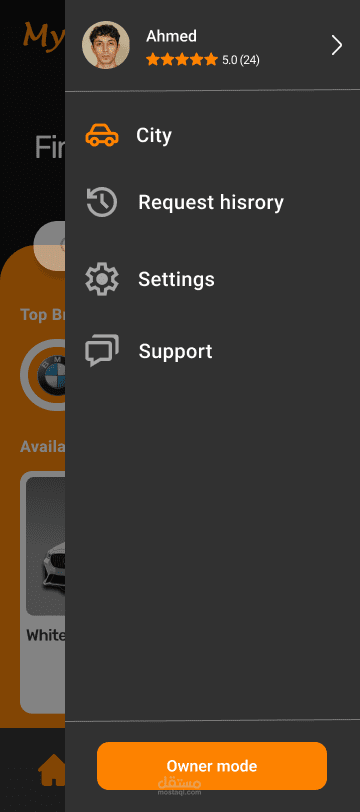
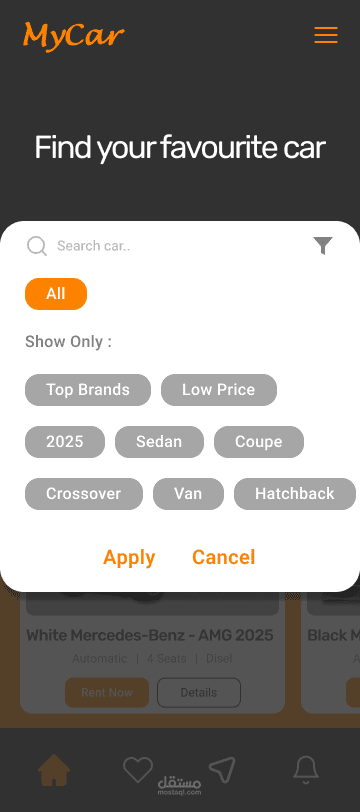
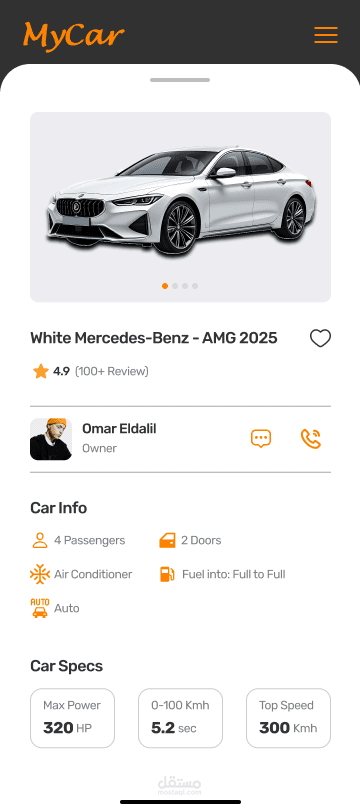
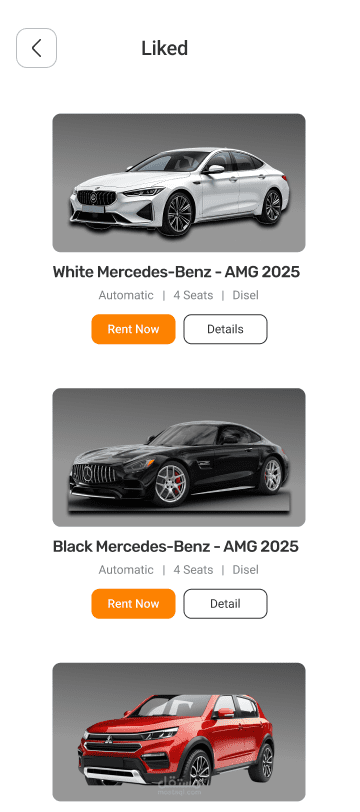
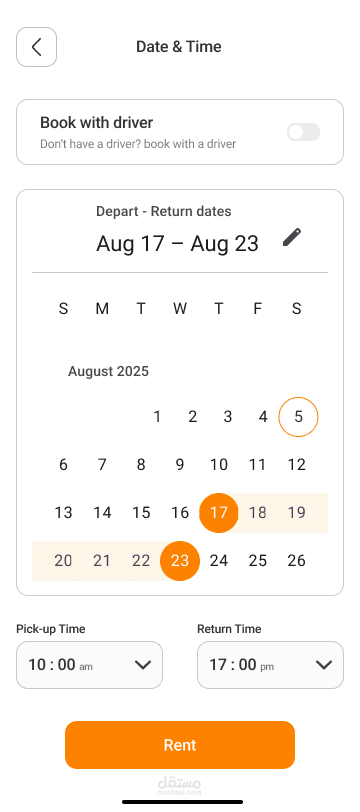
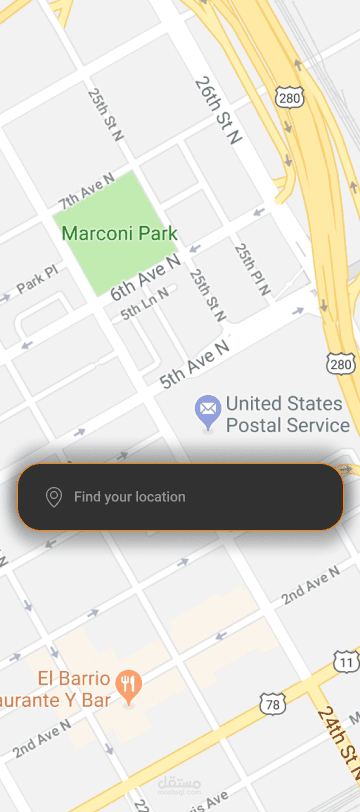
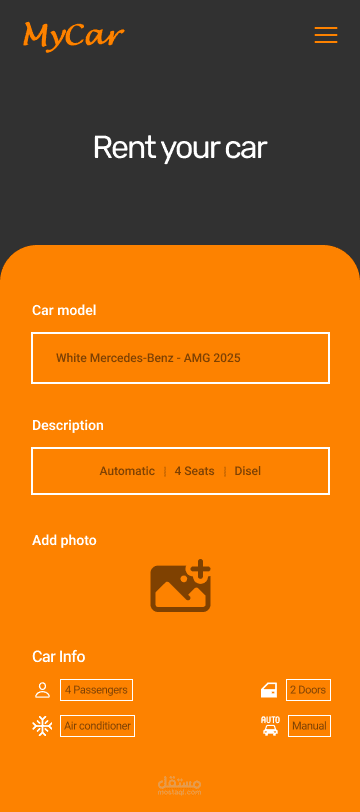
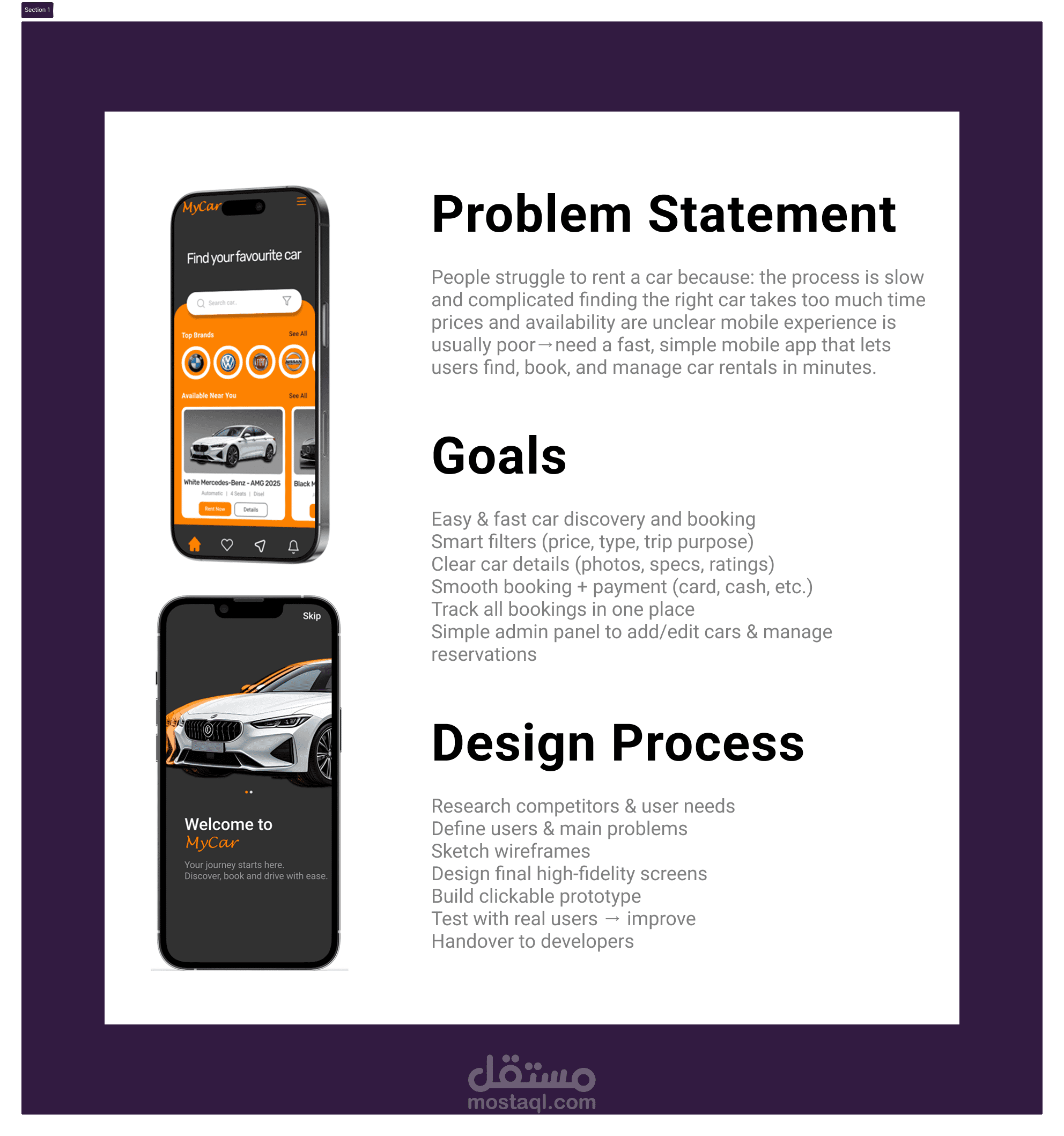
MyCar is a mobile car rental application that enables users to browse, search, book, and manage vehicle rentals quickly and conveniently from their phone.
Type of Work
UI/UX Case Study + High-Fidelity Mobile App Design (iOS/Android)
Core Features & Screens
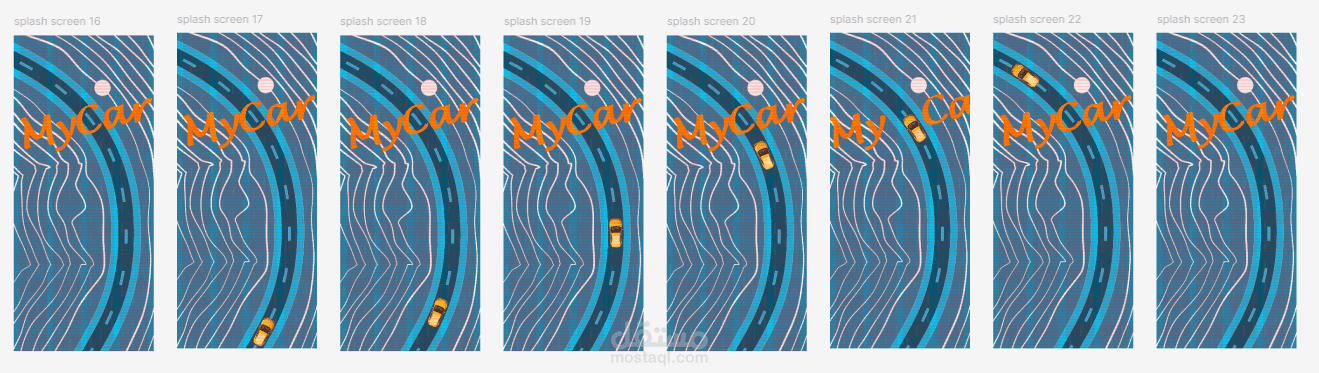
Splash Screen with logo and simple animation
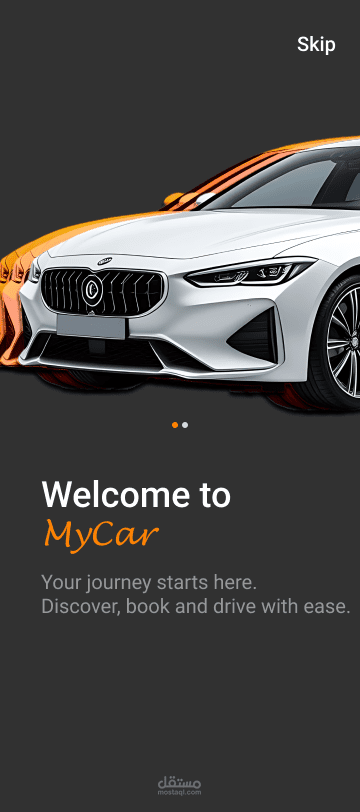
Onboarding (3 screens): explaining the app idea, easy booking process, and available car types (with light icons/illustrations)
Login / Signup (including forgot password)
Home Page: main banner with car images + suggested cars section
Search + Filters: quick filters by price, car type, trip purpose (city errands / travel)
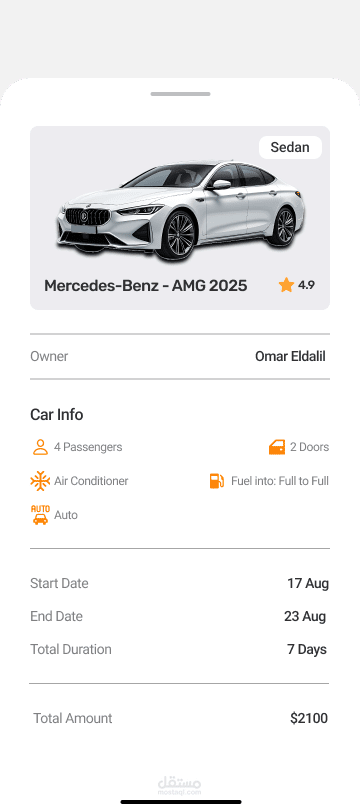
Car Details Page: multiple photos, daily price, full specifications, user ratings, “Book Now” button
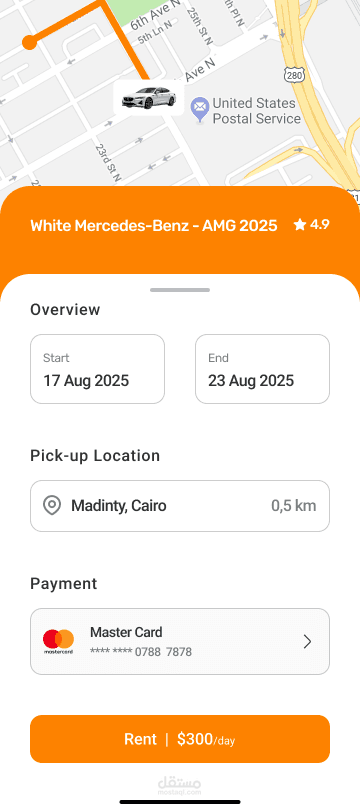
Booking Page: select pickup & return dates/times, final price calculation
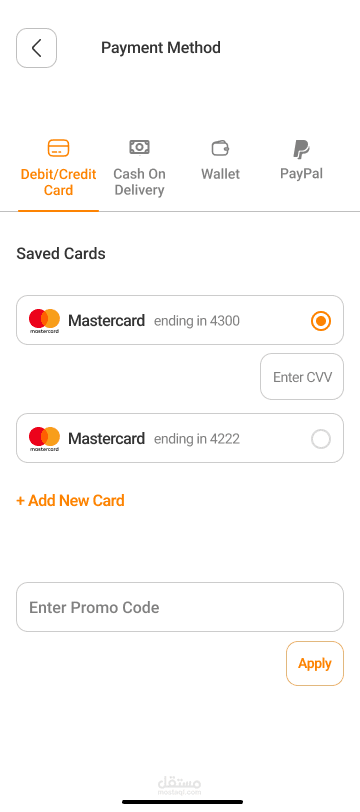
Payment Page: Visa/Mastercard, Fawry (optional), cash on delivery
Booking Confirmation: success message, order number, track booking button
My Bookings: list of current and previous bookings with status
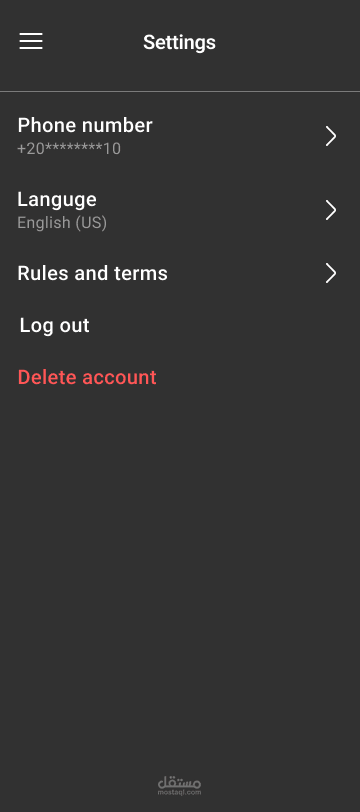
Profile Page: user data, wallet (optional), settings, logout
Admin Pages: add new car, edit car details, monitor/follow bookings
Implementation & Design Approach
The design followed a standard UX/UI process:
Competitor research and user pain point identification
Definition of main user flows and feature priorities
Low-fidelity wireframing to structure navigation and reduce steps
High-fidelity UI design in Figma (clean layout, large visuals, prominent buttons, readable hierarchy)
Creation of clickable prototype for the full booking journey
Basic usability testing + iterations based on feedback
Preparation for developer handoff (specs, components, style guide basics)
Goal: Deliver a straightforward, fast booking experience with transparent information and multiple payment options, while providing owners/admins simple management tools.
Tools: Figma
Target: Mobile app concept
Status: UI/UX case study