AcademiX
تفاصيل العمل

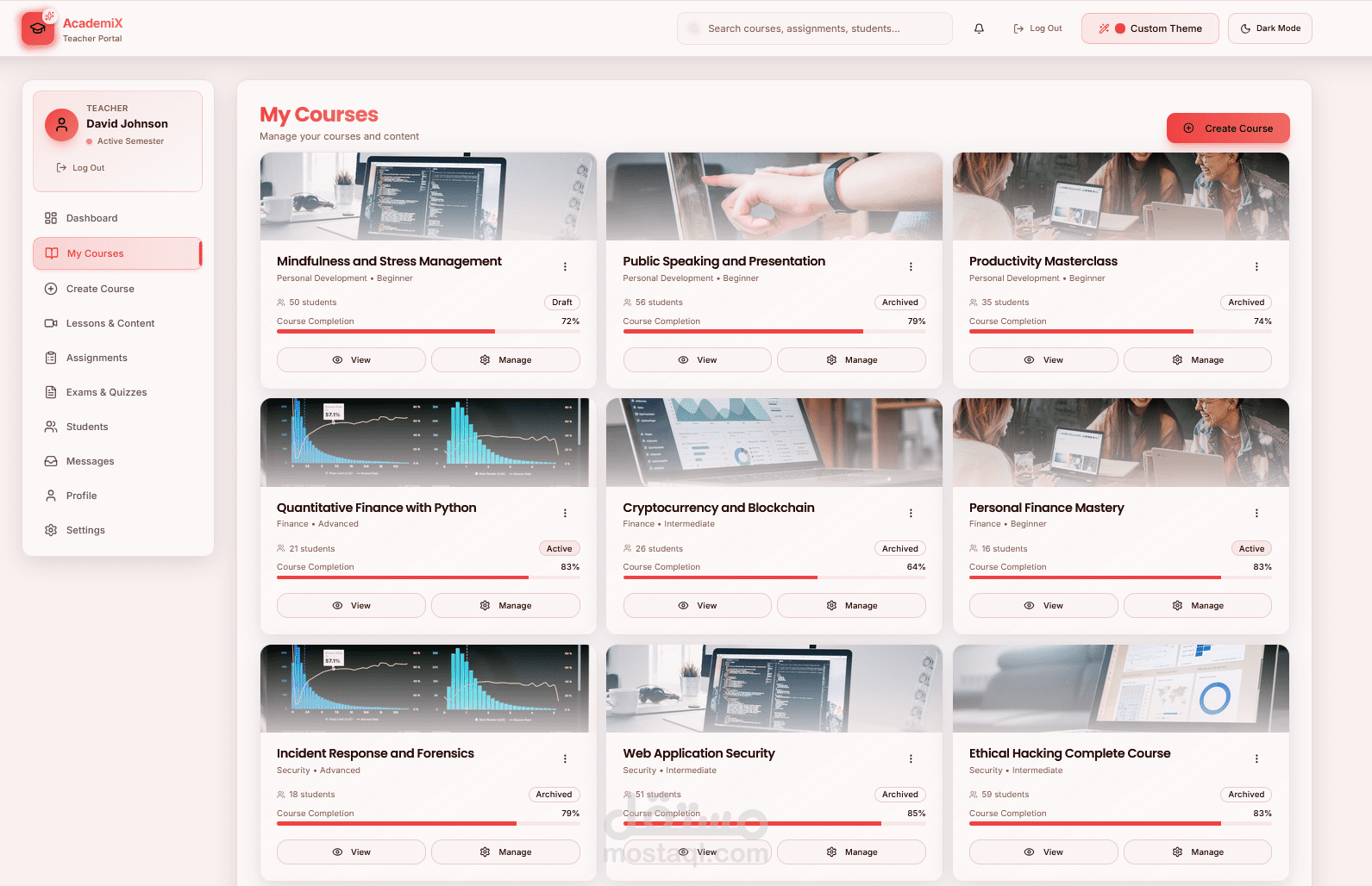
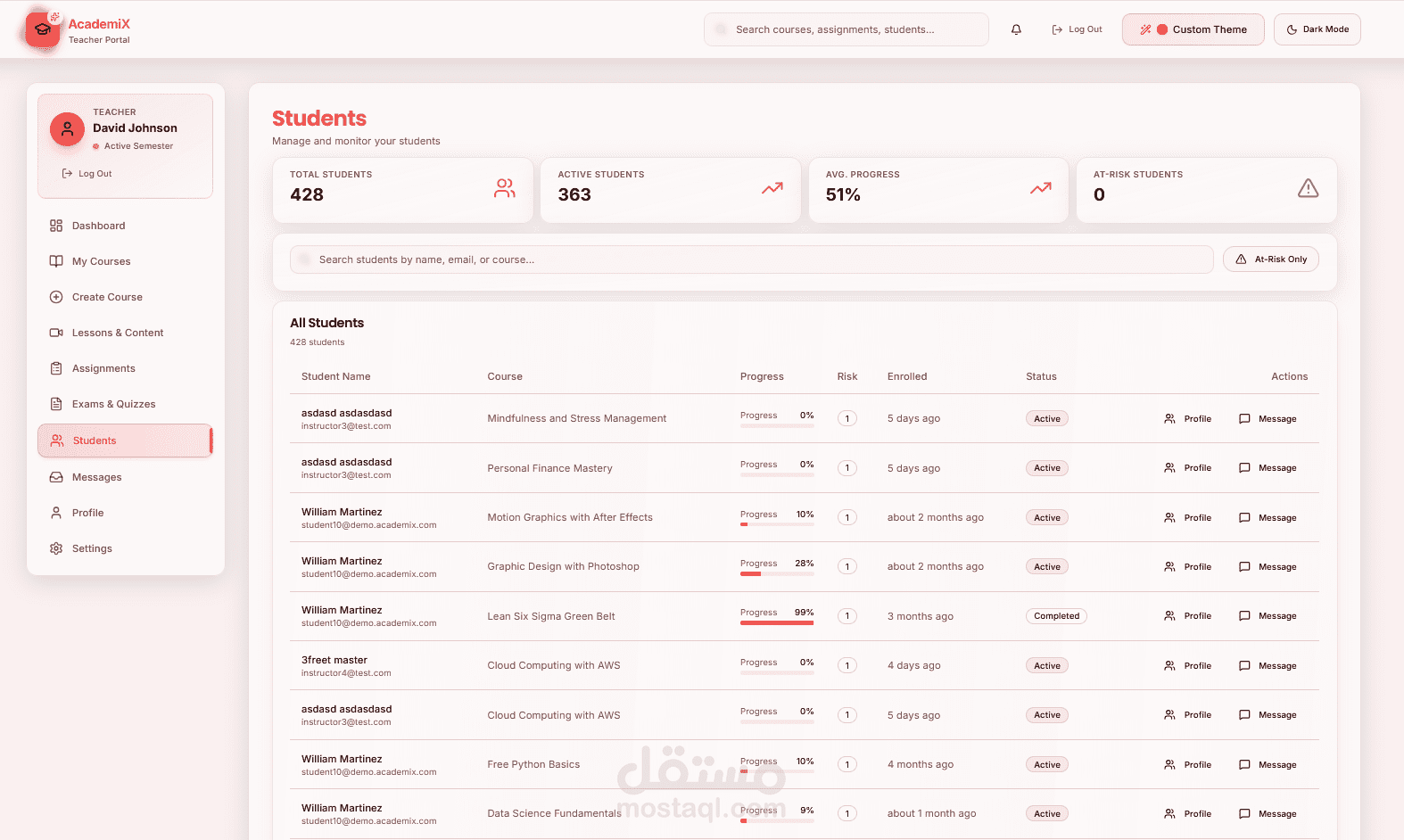
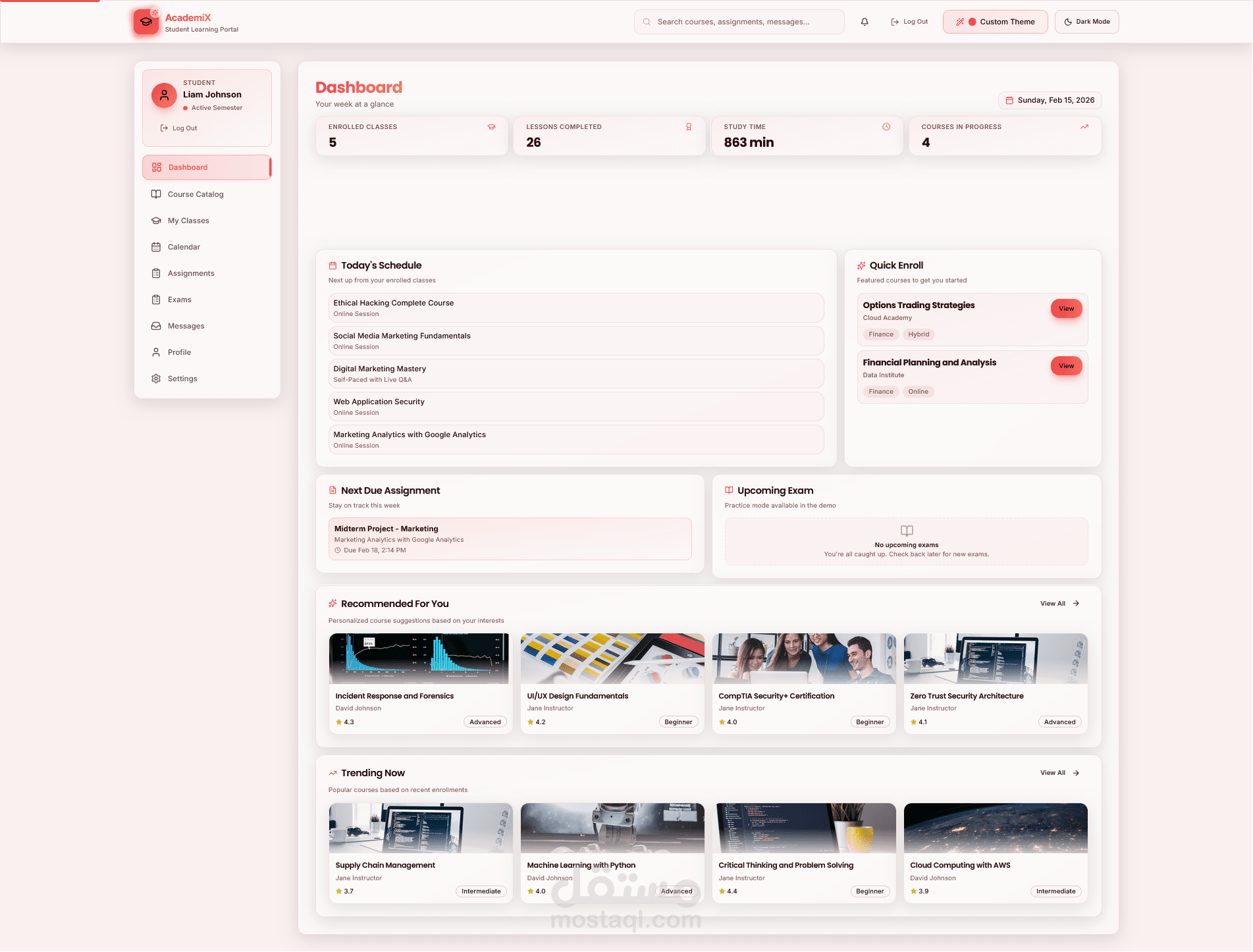
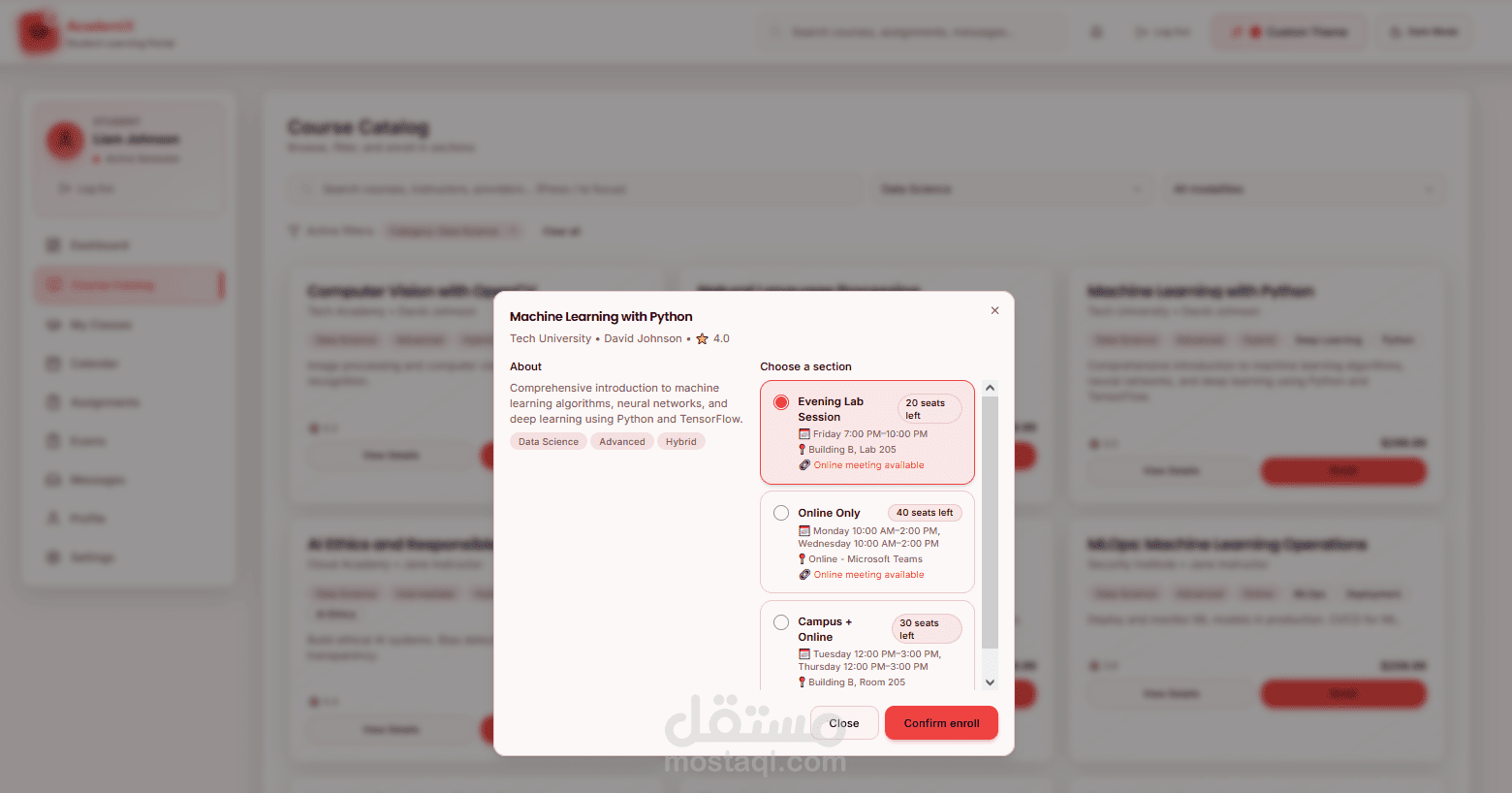
Overview
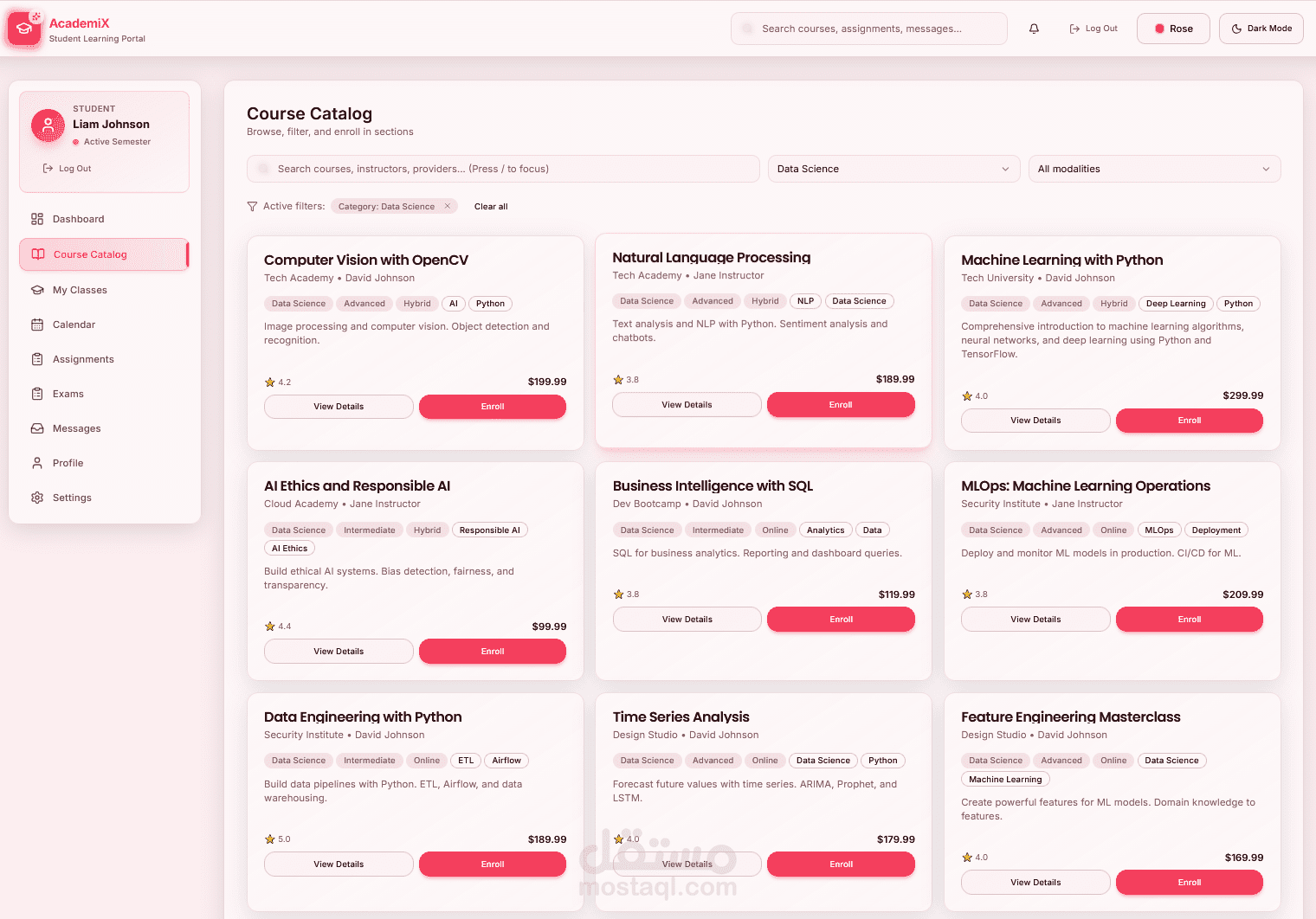
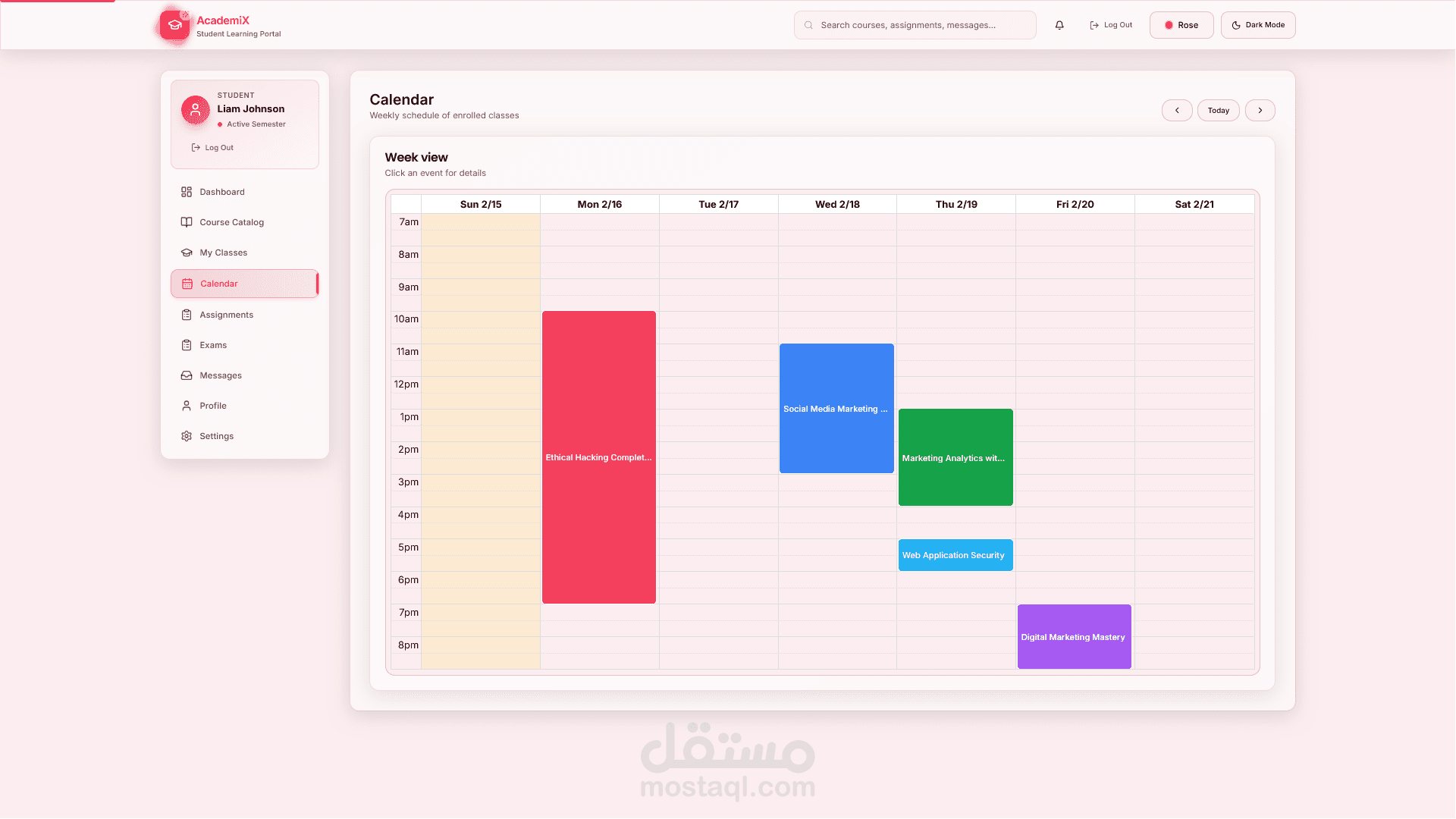
AcademiX is a modern Learning Management System (LMS) that enables organizations to deliver courses, manage instructors and learners, and track progress—all through a single web application. The system includes a public-facing marketing site, role-based portals for Students, Teachers, and Administrators, and a .NET API back-end with a React front-end.
What We Delivered
Public Website
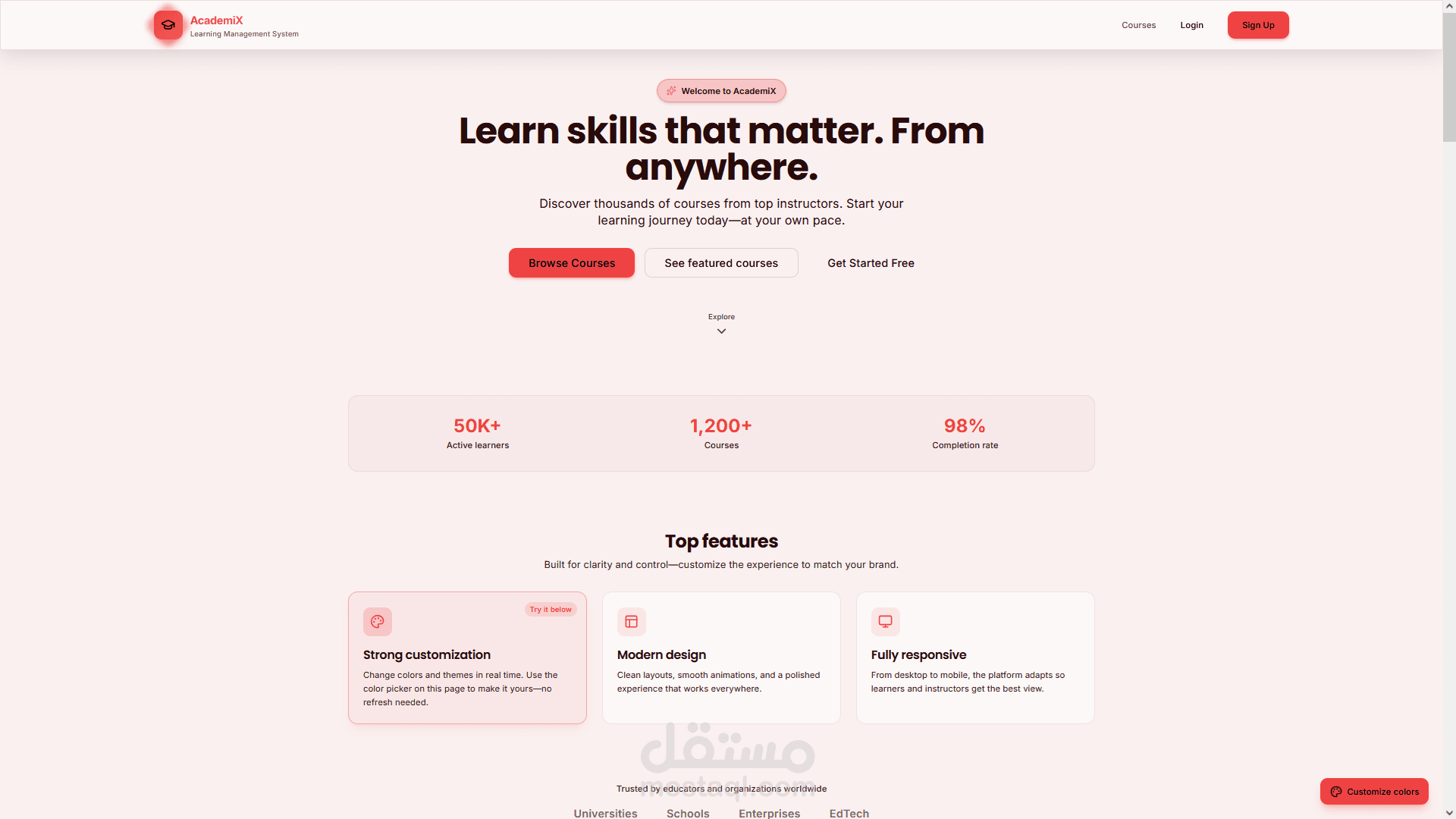
Landing page with hero, stats, features, testimonials, FAQ, and email capture
Course catalog with filtering and course detail pages
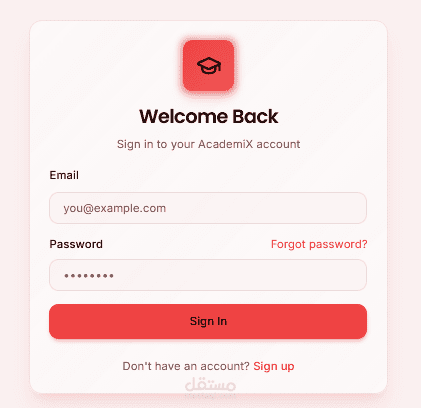
Login and registration with role-aware redirects
Theme customization — multiple preset themes (Light, Dark, Purple, Sky Blue, Sky & Purple, Green, Emerald, Orange, Amber, Red, Rose, Pink, Indigo) plus mix colors (Red & Blue, White & Black, Sky Blue & Purple, Black & Gold) and a custom color picker
Animations — scroll progress, staggered section reveals, hover effects, and subtle motion on cards and CTAs
Student Portal (/student/*)
Dashboard, course catalog, my classes, lesson viewer
Calendar, assignments, exams
Messages, profile, settings
Teacher Portal (/teacher/*)
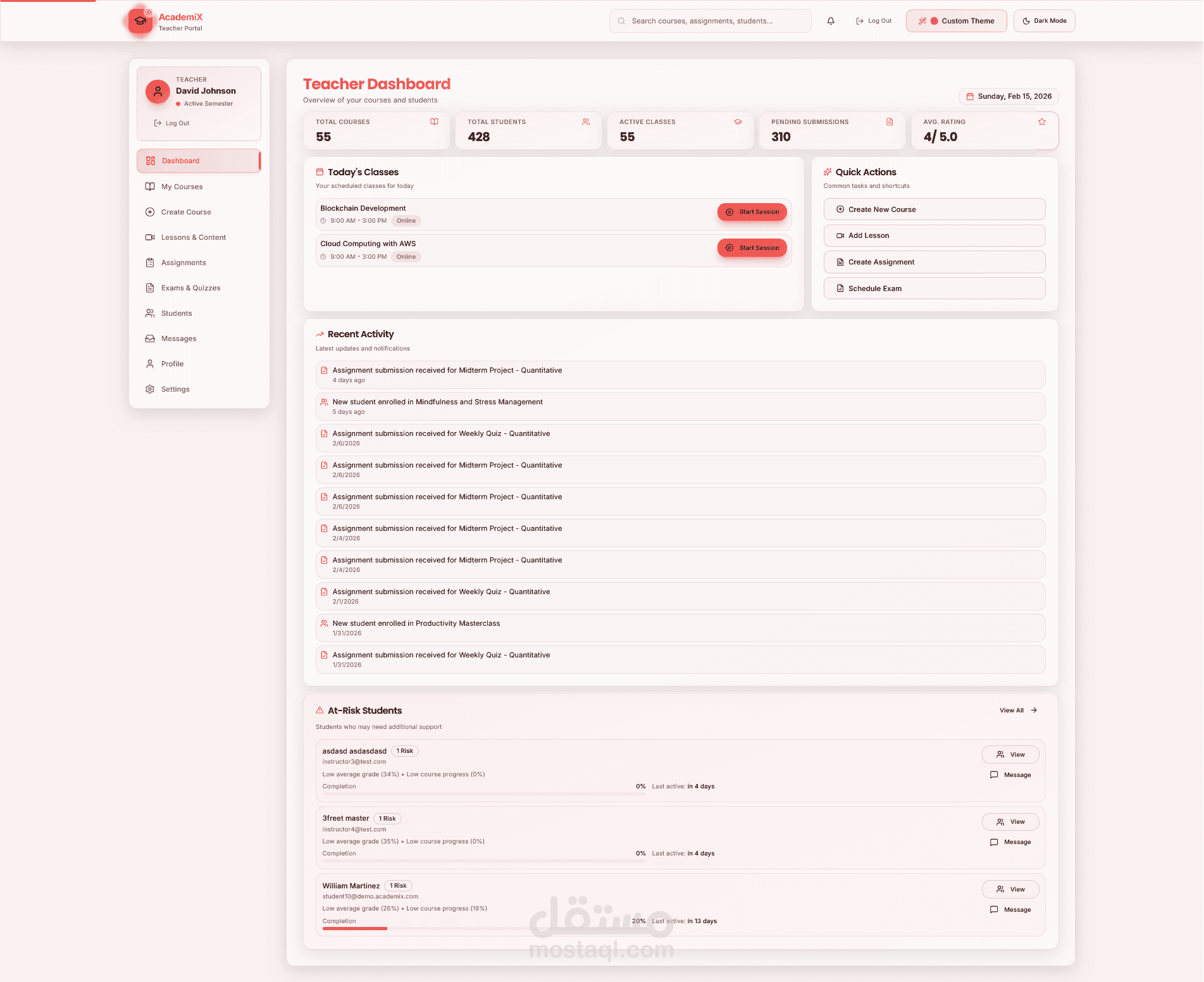
Dashboard, my courses, create/edit course, lessons management
Course students, assignments (create/view), exams
Students list, messages, profile, settings
Admin Portal (/admin/*)
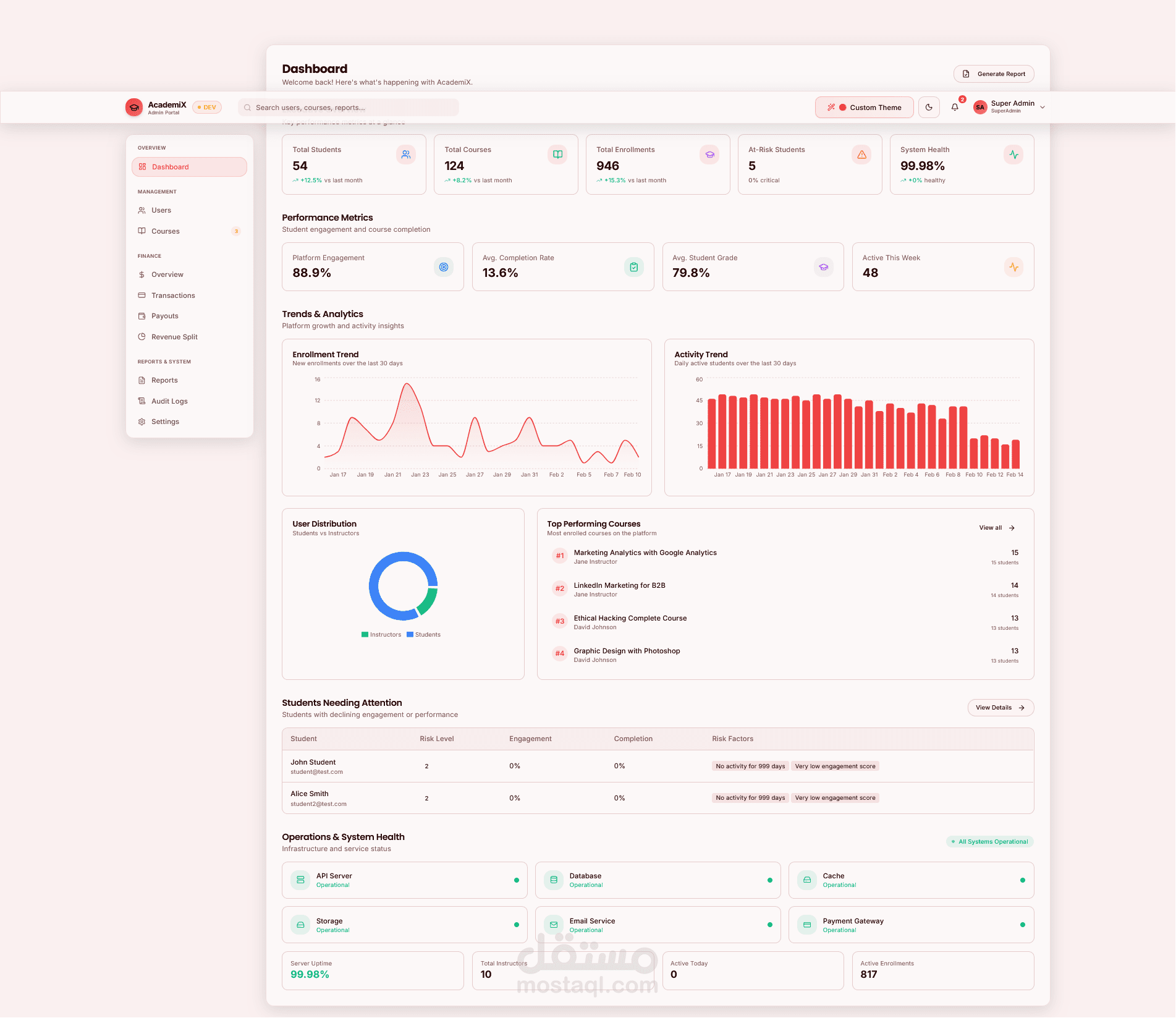
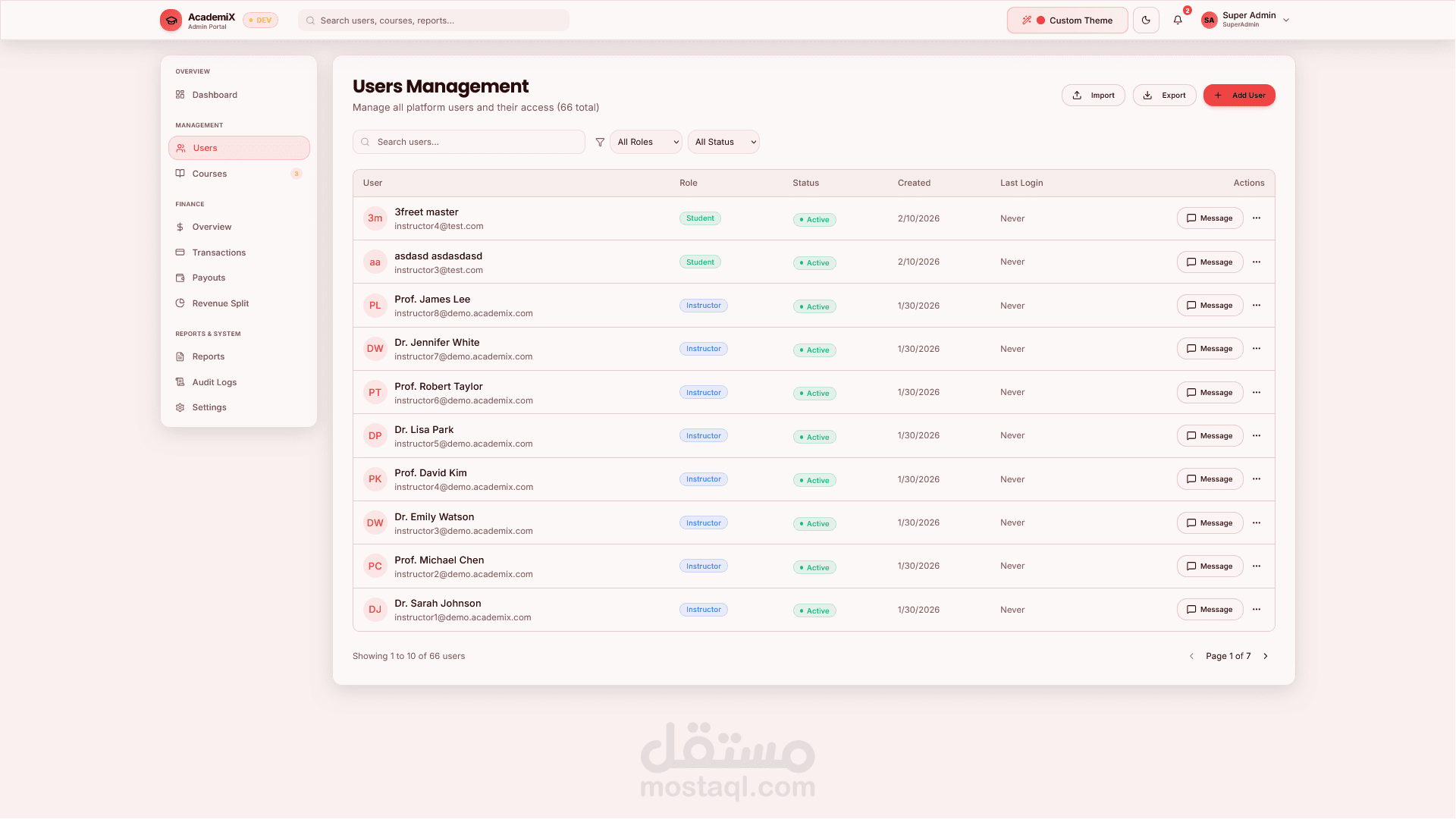
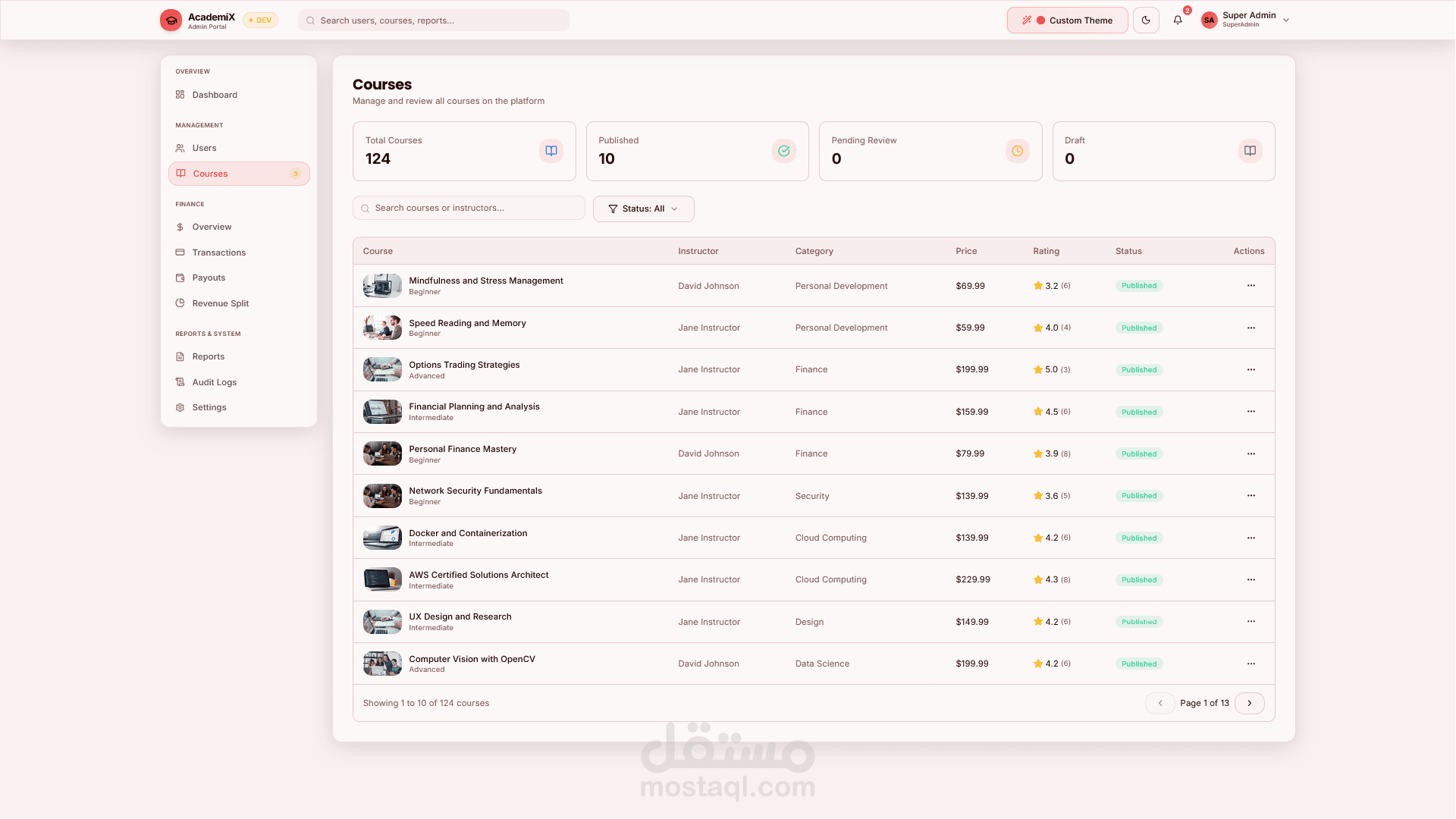
Dashboard, user management, course oversight
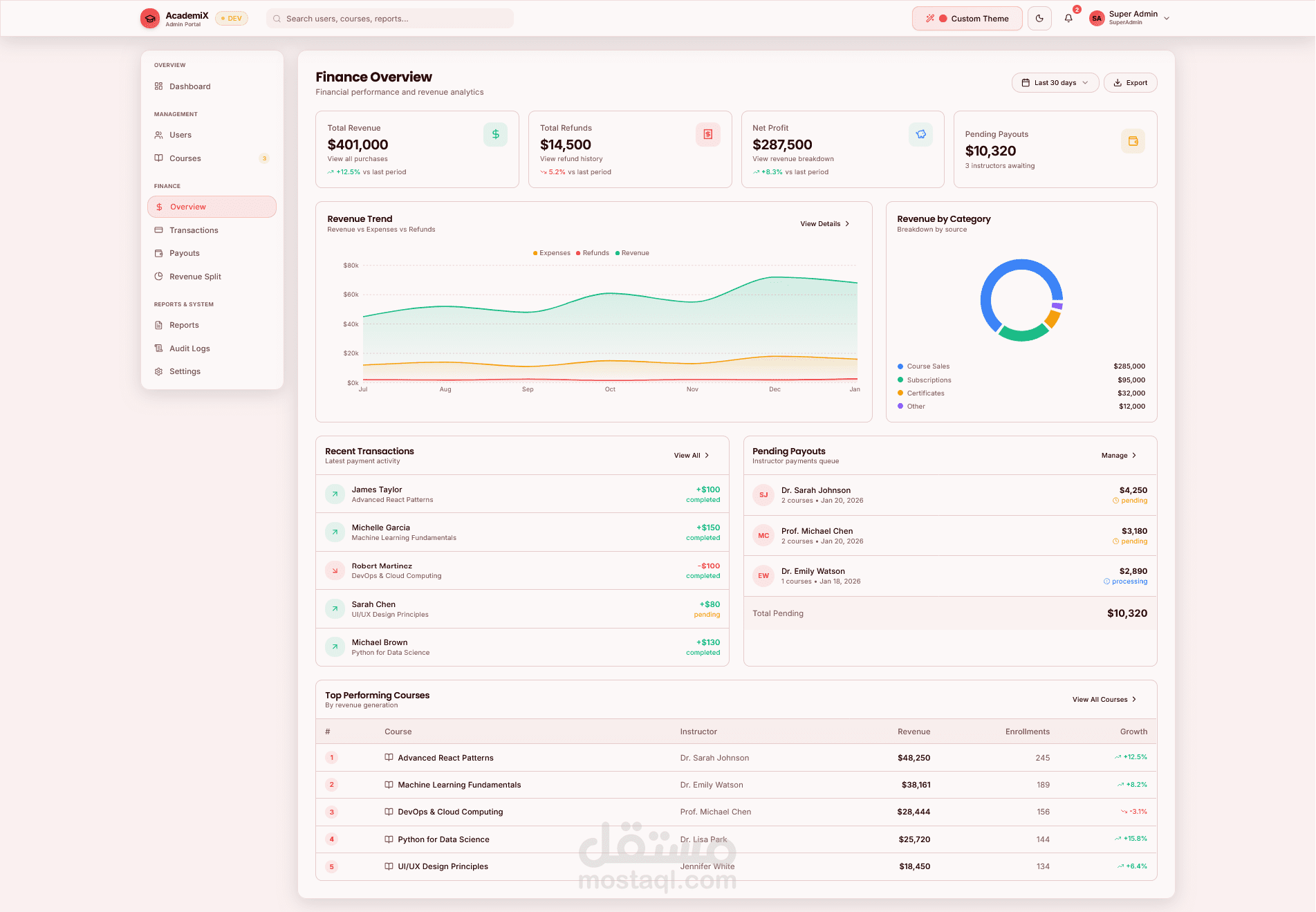
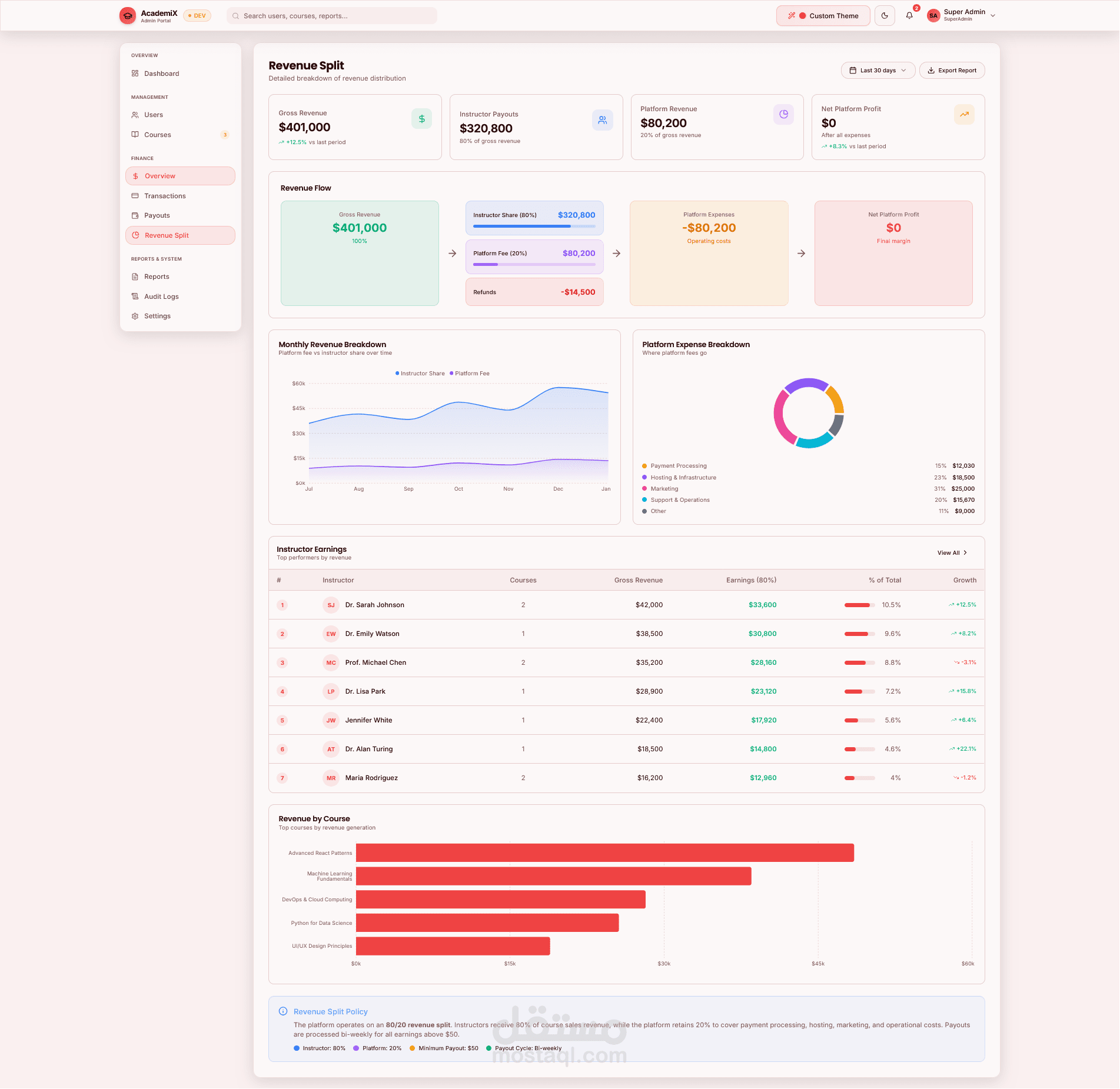
Finance — transactions, payouts, revenue split
Reports, audit logs, system settings
Technical Stack
Frontend: React 19, Vite 7, TypeScript, Tailwind CSS, Framer Motion, Radix UI, Zustand
Backend: .NET 8 Web API
Real-time: Signal R (where applicable)
Data: PostgreSQL (back-end)
Highlights for the Customer
Single codebase for public site and all three roles (Student, Teacher, Admin).
Responsive design — works on desktop, tablet, and mobile.
Strong theming — preset themes and gradient “mix” themes with readable text and clear contrast; theme choice persists across sessions.
Polished UI — modern components, smooth animations, and a consistent look across portals.
Role-based access — users are routed to the correct portal after login based on their role.