تطبيق روبوت سعود - Saud Robot App
تفاصيل العمل
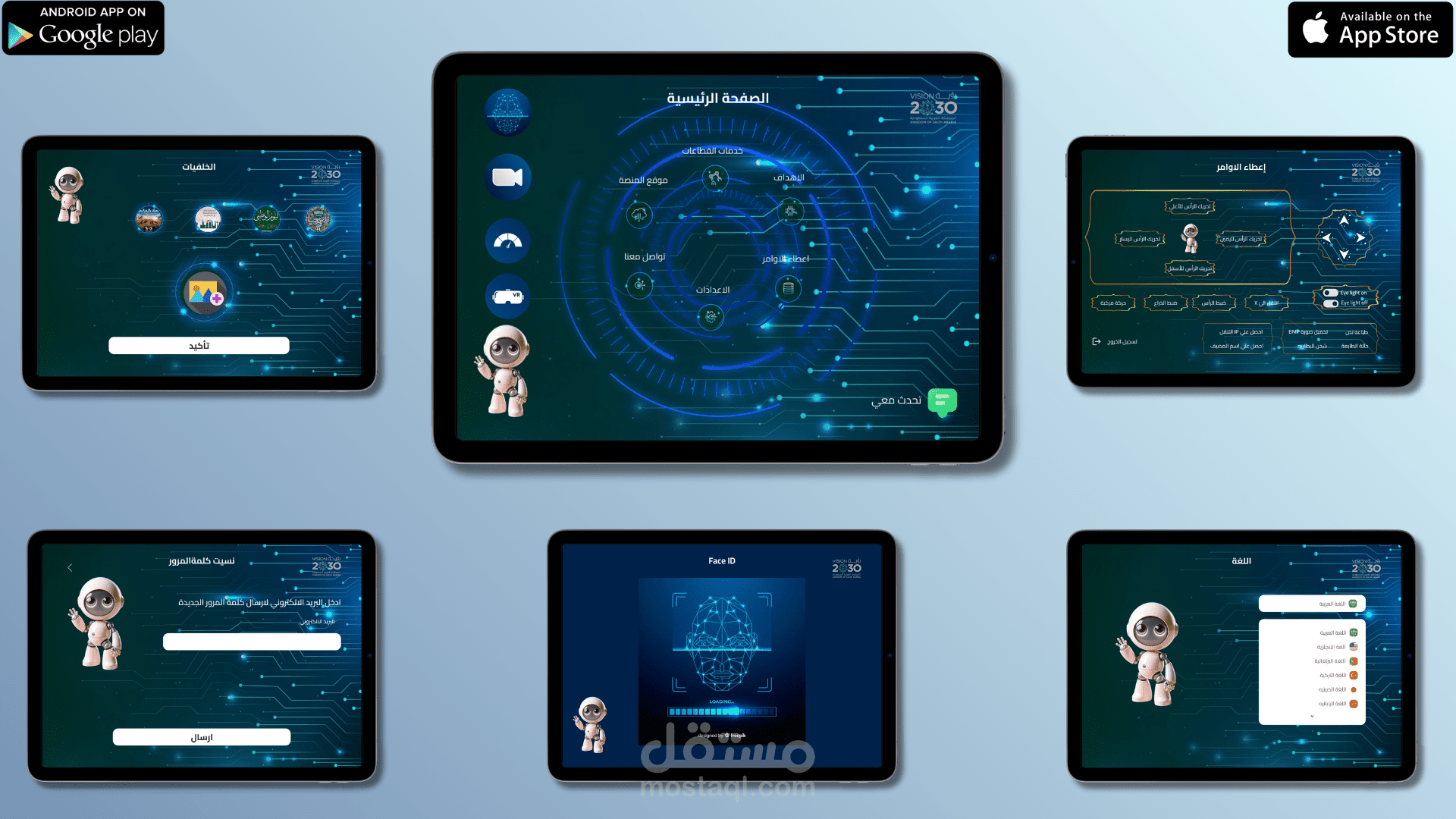
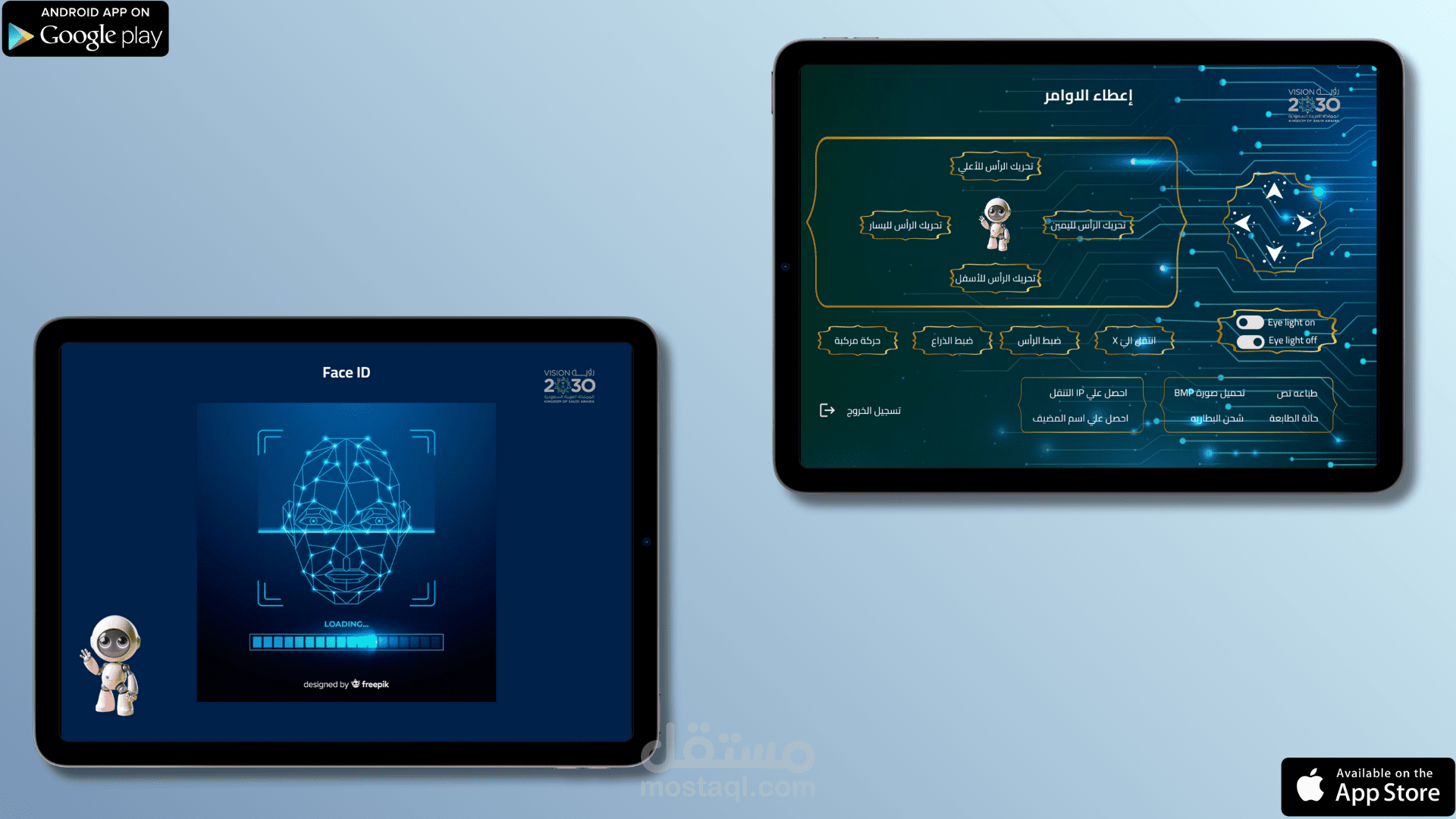
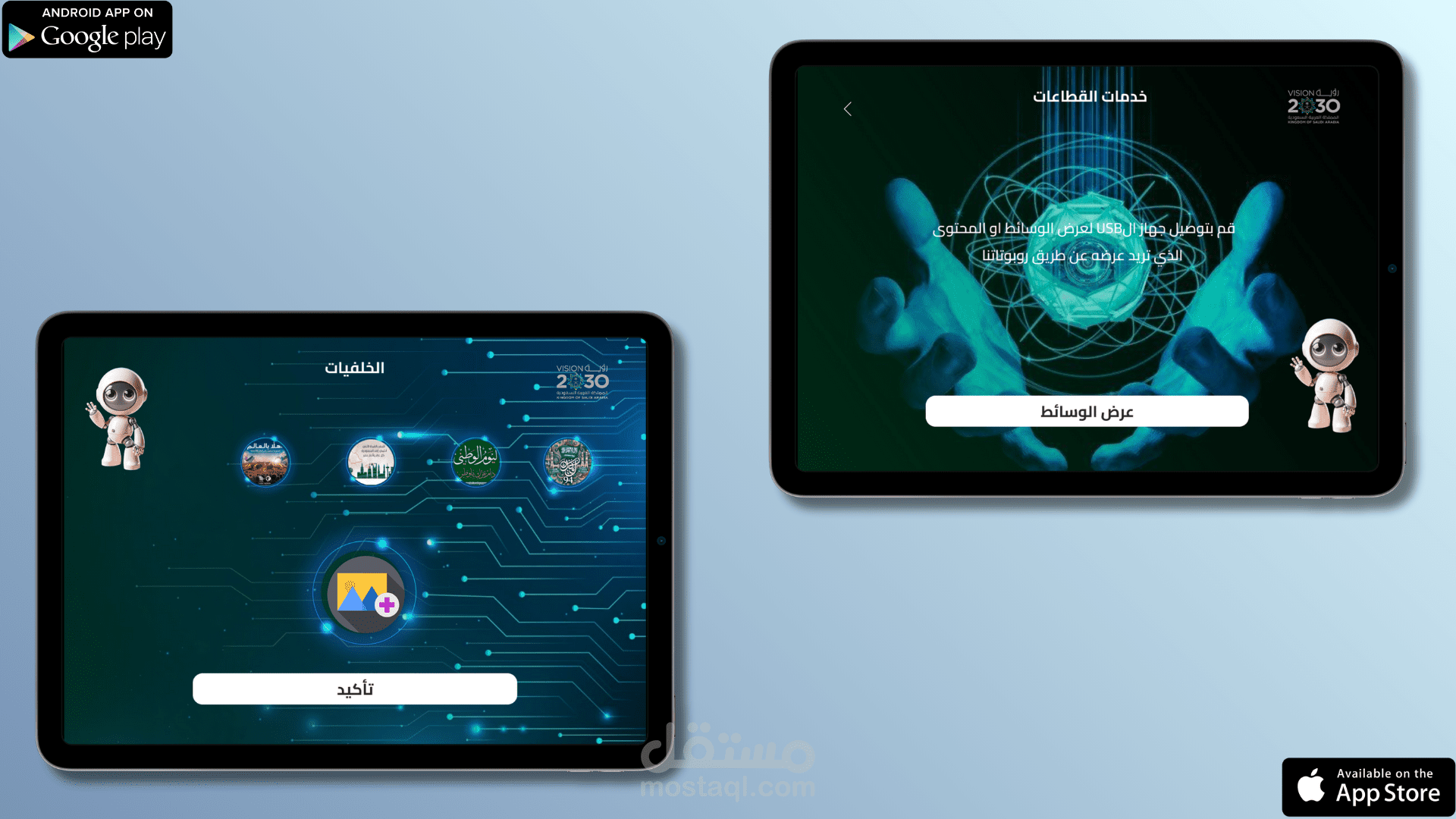
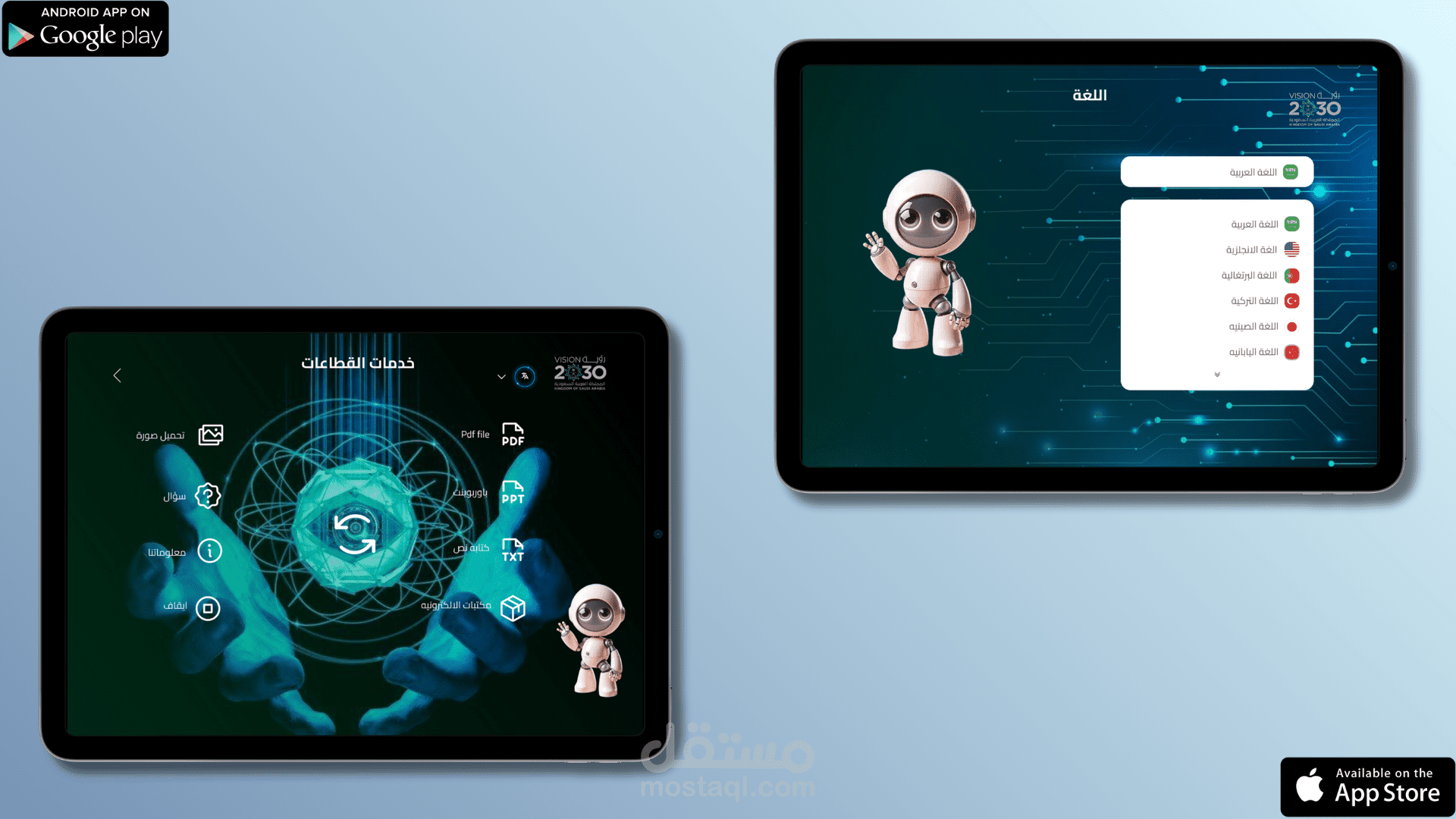
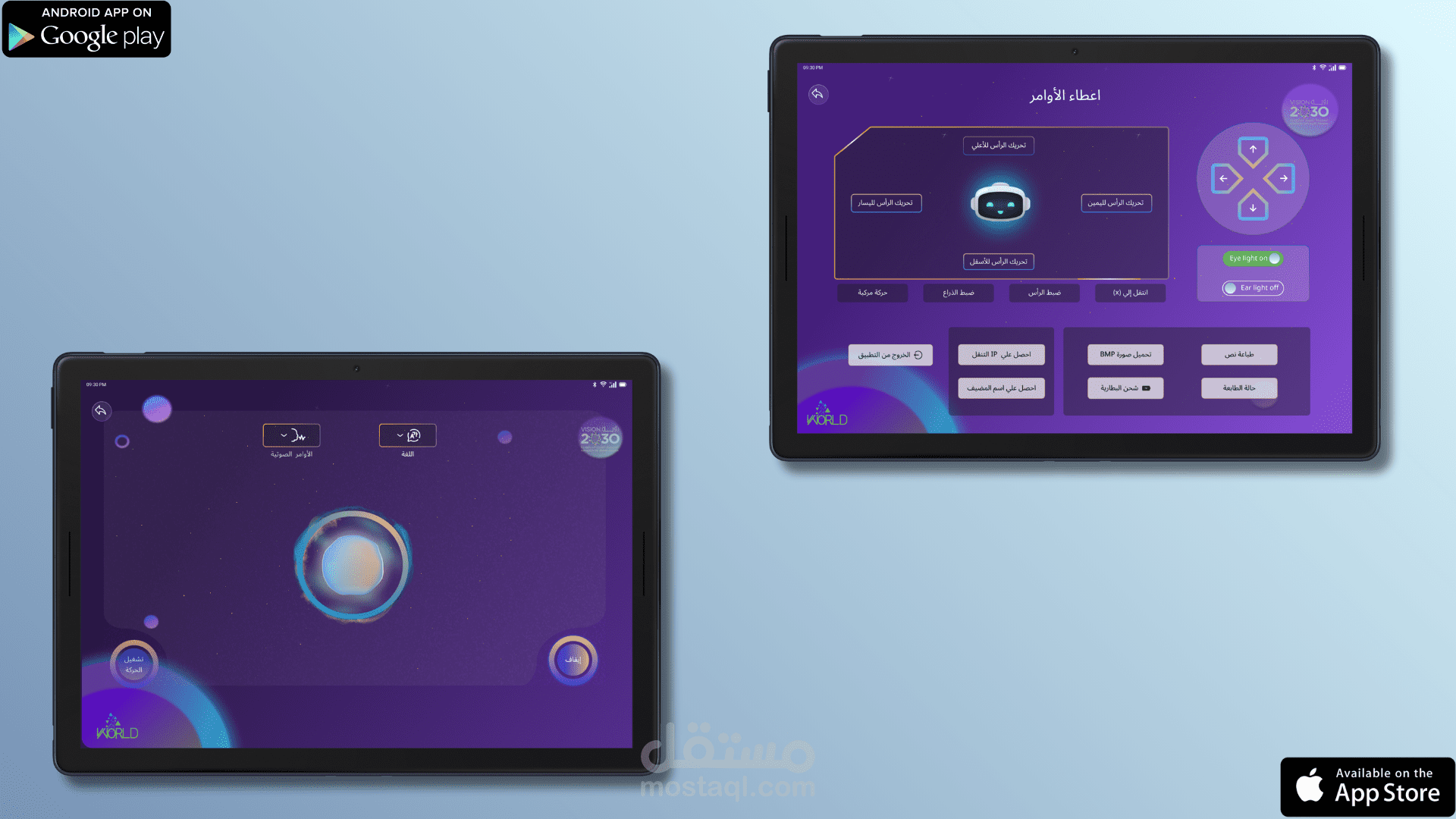
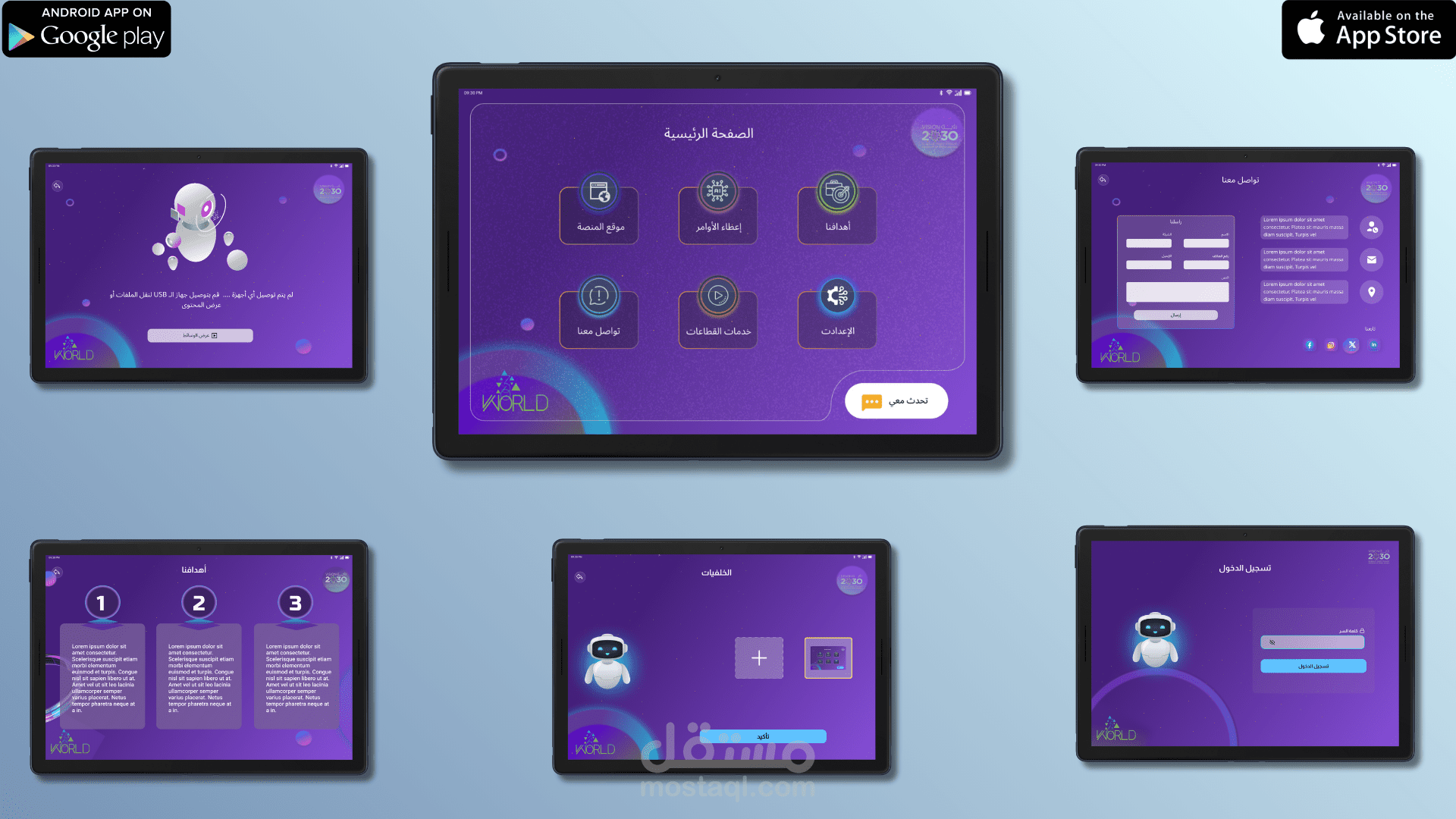
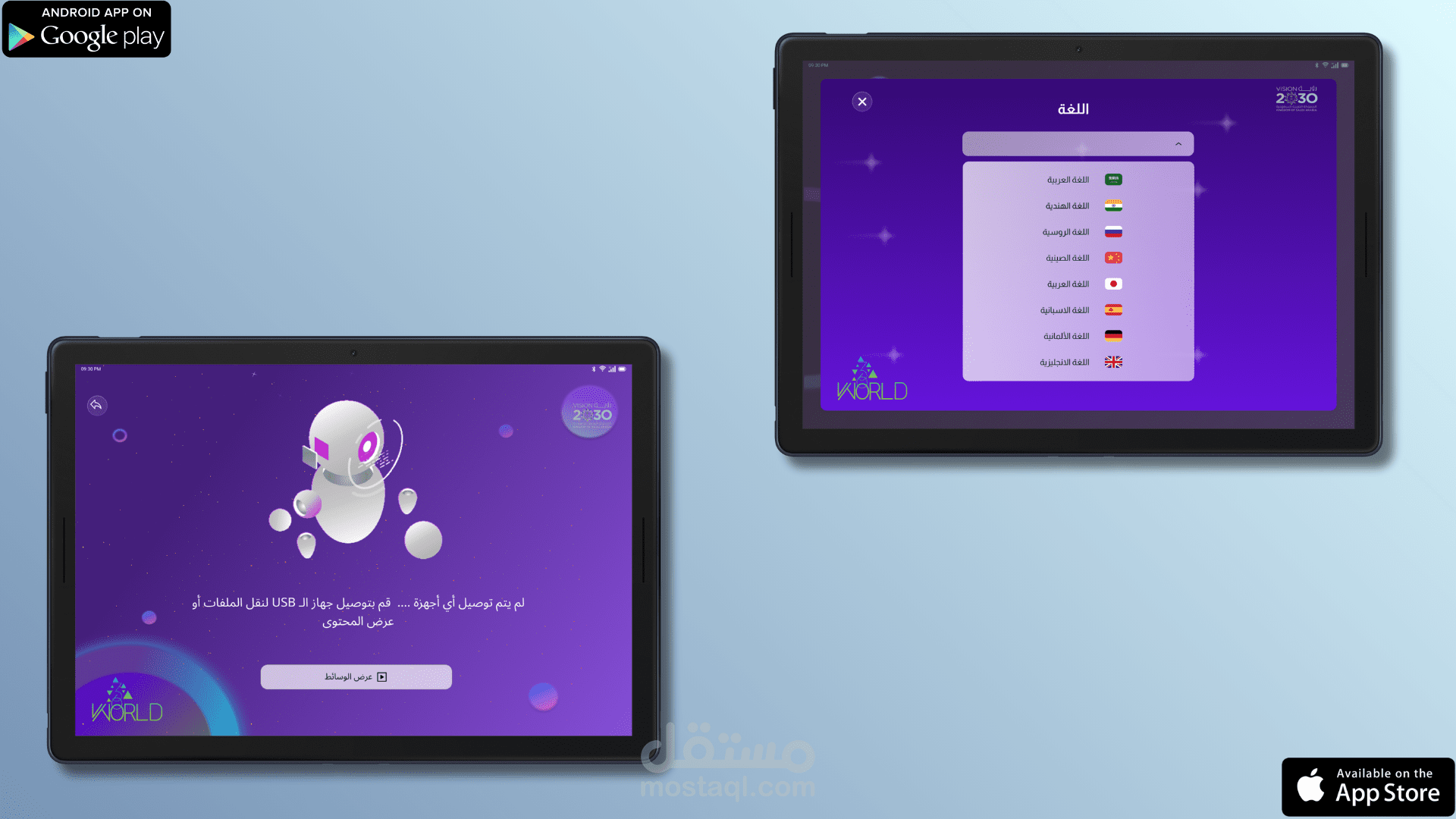
تطبيق التحكم في الروبوت سعود - Saud هو تطبيق موبايل تم تطويره لإدارة والتفاعل مع جهاز روبوت ذكي، حيث يوفّر واجهة استخدام عصرية وسهلة تُمكّن المستخدم من التحكم في وظائف الروبوت ومتابعة حالته بكل سلاسة.
• يتيح التطبيق ربط الروبوت بالتطبيق،
• إرسال اوامر التحرك ، اضاءه العينين والاذنين ، حركه الراس للروبوت ، تغيير اتجاه الروبوت.
• واجهه مربوطه بشات جي بي تي والتفاعل معه من خلال الصوت .
• امكانيه التعرف علي الوجه عند الوقوف امام الروبوت لتشغيل رساله تعريفيه بمميزات الروبوت.
• امكانيه تشغيل الوسائط تشمل صور ، فيديوا ، PDF ، كتب الكترونيه، WORD.
• امكانيه اضافه ملف نص ويتم تحويله الي صوت وتشغيله من خلال الروبوت.
• انشاء الصور من خلال وصف الصوره بالصوت.
• البحث عن الاماكن القريبه - بالصوت.
• دعم 32 لغة مختلفة.
• امكانيه توصيل نظاره الواقع الافتراضي Meta والتحكم في الروبوت من خلالها.
• امكانيه عقد الاجتماعات من خلال Zoom Sdk .
• اعطاء الاوامر للروبوت من خلال الاوامر الصوتيه.
• إدارة الإعدادات،
• واستعراض الأقسام والخدمات المتاحة،
• بالإضافة إلى واجهة مخصصة للتواصل والدعم.
تم تصميم التطبيق ليعمل بسلاسة على الأجهزة اللوحية والهواتف، مع تجربة استخدام تفاعلية تناسب مختلف الفئات.
تم تطوير التطبيق باستخدام Java لنظام Android مع التركيز على الاستقرار، الأداء العالي، وتنظيم الكود، مع الالتزام بأفضل ممارسات تطوير تطبيقات أندرويد لضمان تجربة استخدام موثوقة وفعالة عند التعامل مع الجهاز الذكي.
الأدوات والتقنيات المستخدمة:
• Java (Android Native)
• Android SDK
• UI/UX Custom Design
• Device Connectivity & Communication
• Command Handling System
• Material Design Components
• Tablet & Phone Support
--------------------------------------
: Robot Control App Description (English)
The (Saud) robot control application is a mobile app developed to manage and interact with a smart robot device. It provides a modern and easy-to-use interface that enables users to control the robot’s functions and monitor its status smoothly.
• The application allows you to connect the robot to the app.
• Send commands for movement, eye and ear lighting, head movement, and direction changes.
• A ChatGPT interface with voice interaction.
• Facial recognition capability when standing in front of the robot to play an introductory message about the robot's features.
• Media playback capability including images, videos, PDFs, ebooks, and Word documents.
• Ability to add a text file, which will be converted to audio and played by the robot.
• Creating images by describing them with voice.
• Searching for nearby places using voice commands.
• Support for 32 different languages.
• Ability to connect a Meta virtual reality headset and control the robot through it.
• Ability to hold meetings using the Zoom SDK.
• Giving commands to the robot via voice commands.
• Managing settings, browsing available sections and services, and a dedicated interface for communication and support.
• Manage settings, browse available sections and services, and access a dedicated interface for communication and support.
The app allows connecting the robot to the application, sending commands, managing settings, and browsing available sections and services, in addition to a dedicated interface for communication and support. The application is designed to run smoothly on both tablets and smartphones, offering an interactive user experience suitable for different users.
The application is developed using Java for Android, with a focus on stability, high performance, and clean code structure, following Android best practices to ensure a reliable and efficient user experience when interacting with the smart robot device.
: Tools & Technologies Used
• Java (Android Native)
• Android SDK
• Custom UI/UX Design
• Device Connectivity & Communication
• Command Handling System
• Material Design Components
• Tablet & Phone Support