برنامج لادارة اعمال المعارض
تفاصيل العمل
Fleet Manager Pro – Enterprise Fleet Management System
Tech Stack: React (frontend), NestJS (backend), Electron (desktop integration), TailwindCSS, Framer Motion, Lucide Icons
Overview:
Fleet Manager Pro is a full-stack enterprise-grade fleet management solution designed for rental agencies and logistics companies. Built with a modular architecture using NestJS for the backend and React for the frontend, the system delivers a seamless experience across authentication, vehicle tracking, reporting, and administrative control.
? Key Features
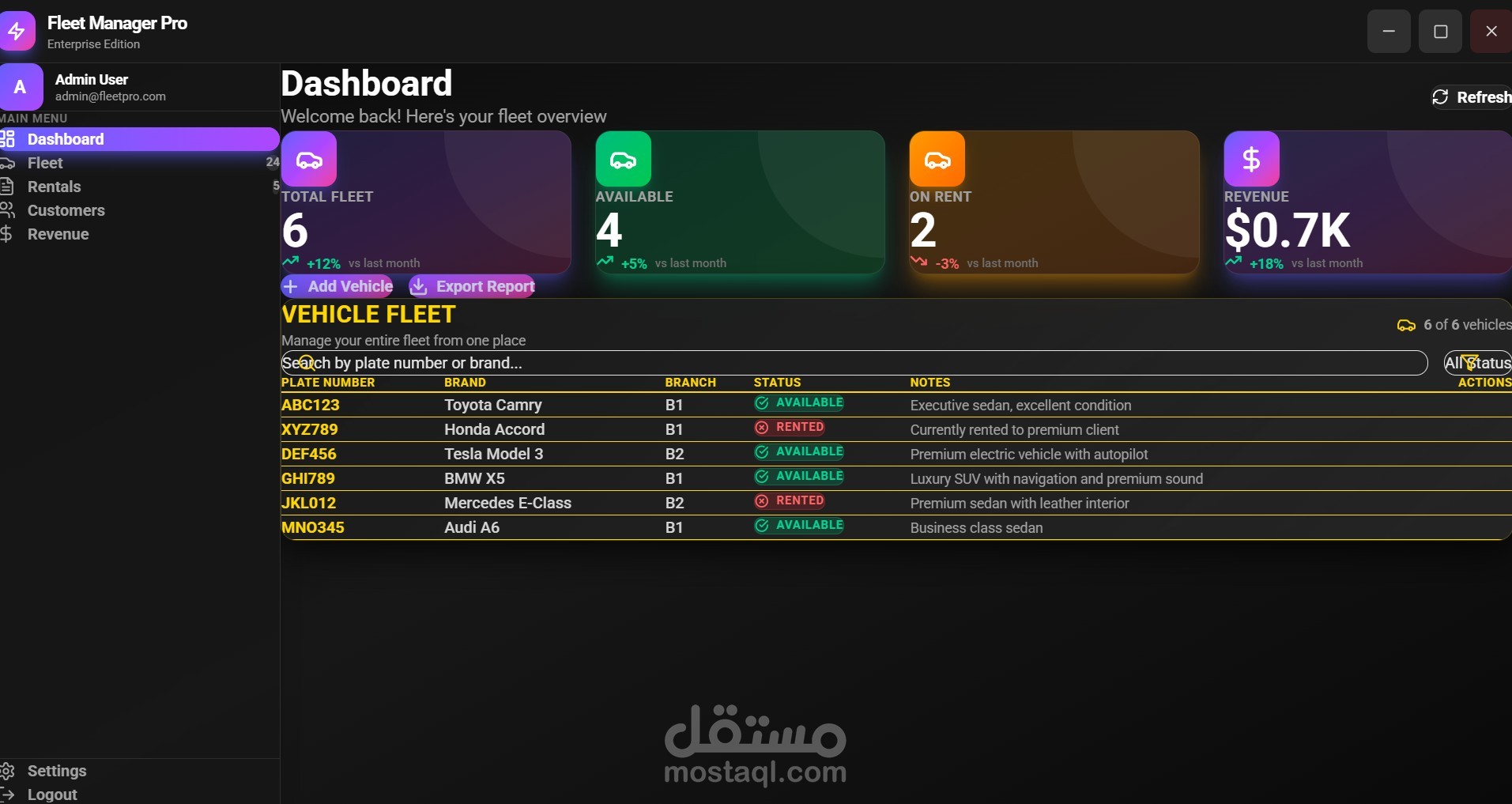
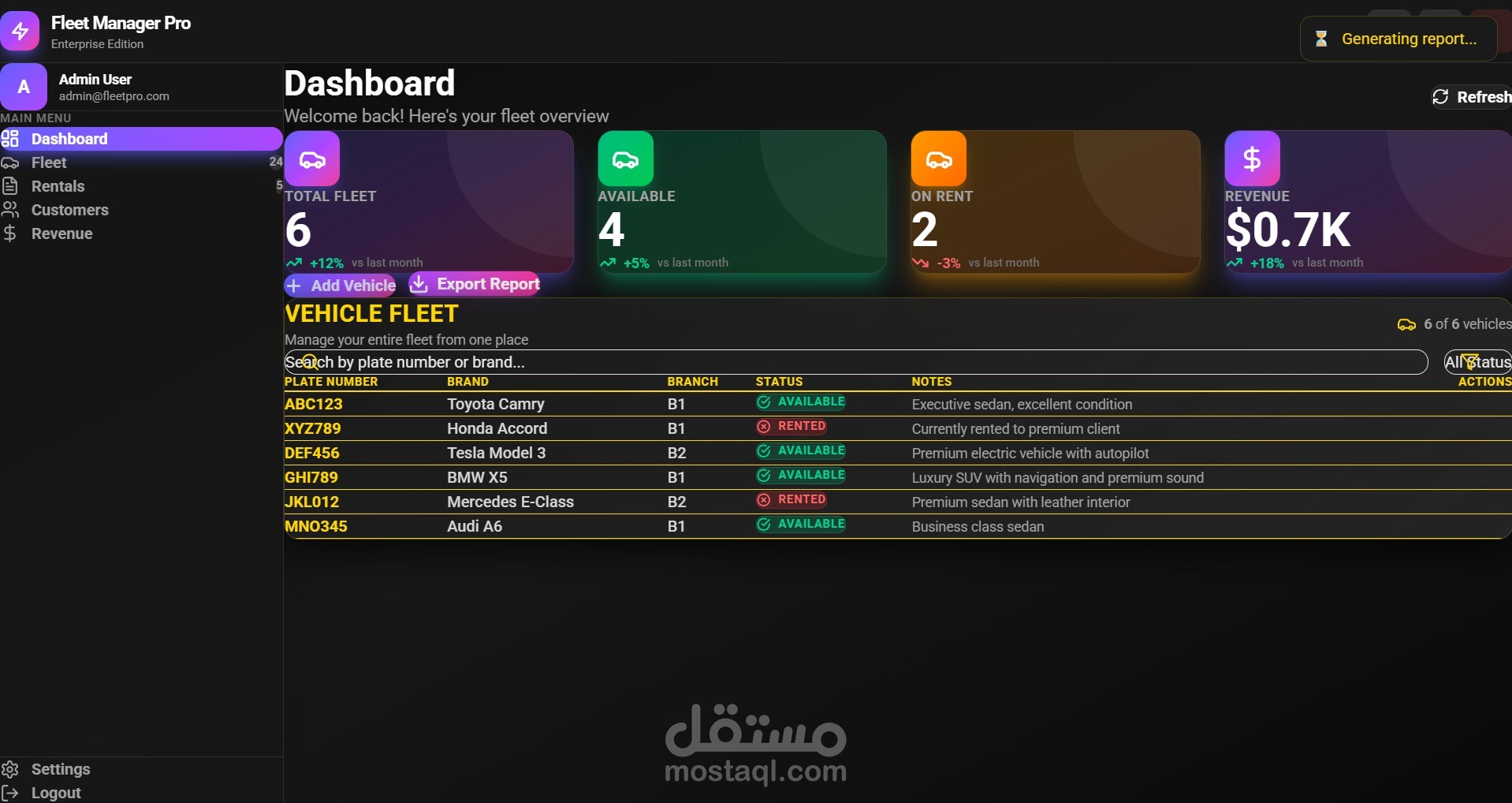
Real-Time Fleet Monitoring: Dashboard displays live metrics including total fleet size, availability, rental status, and revenue trends.
Multi-Branch Support: Vehicles are categorized by branch, enabling decentralized fleet operations with centralized oversight.
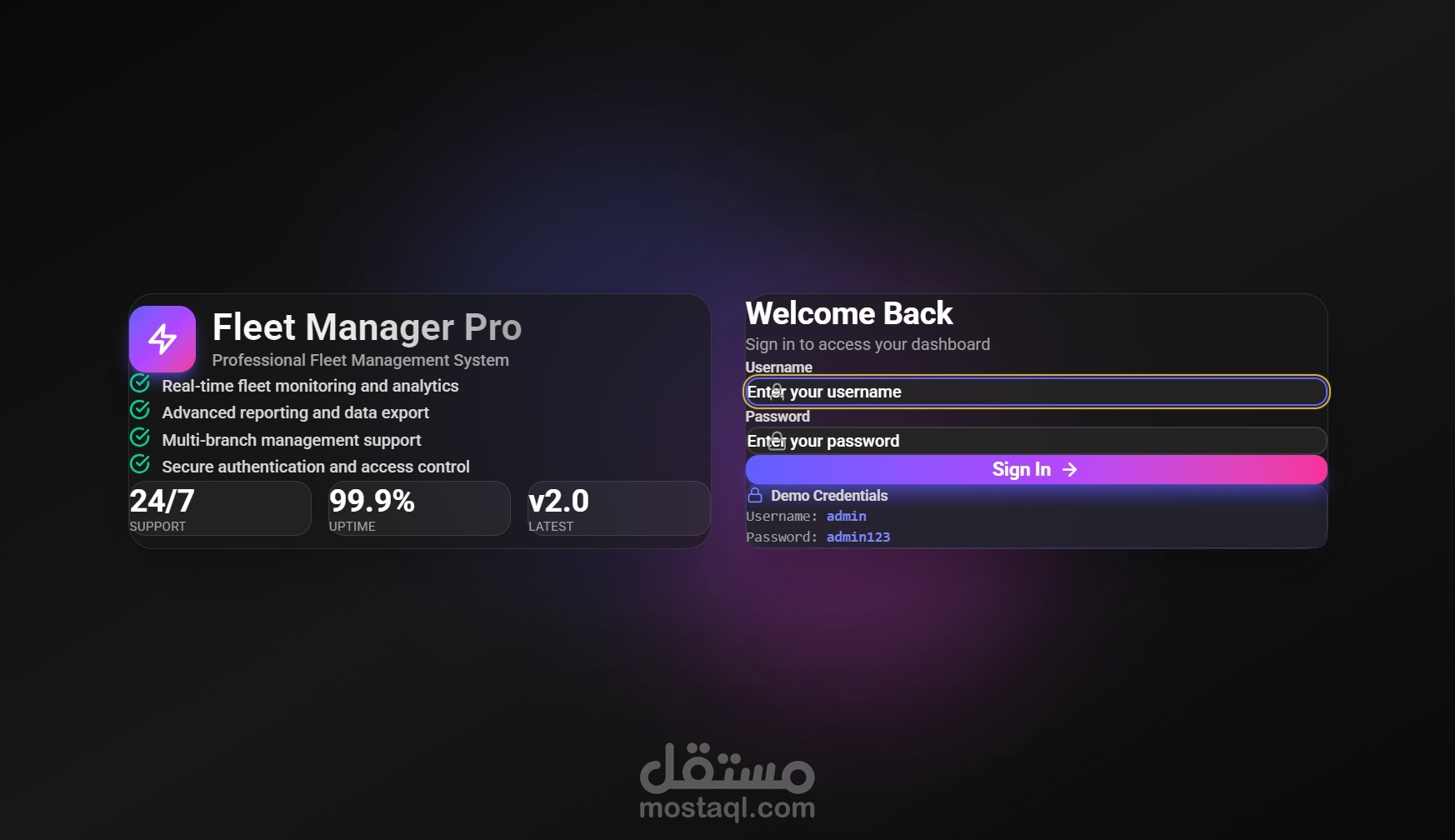
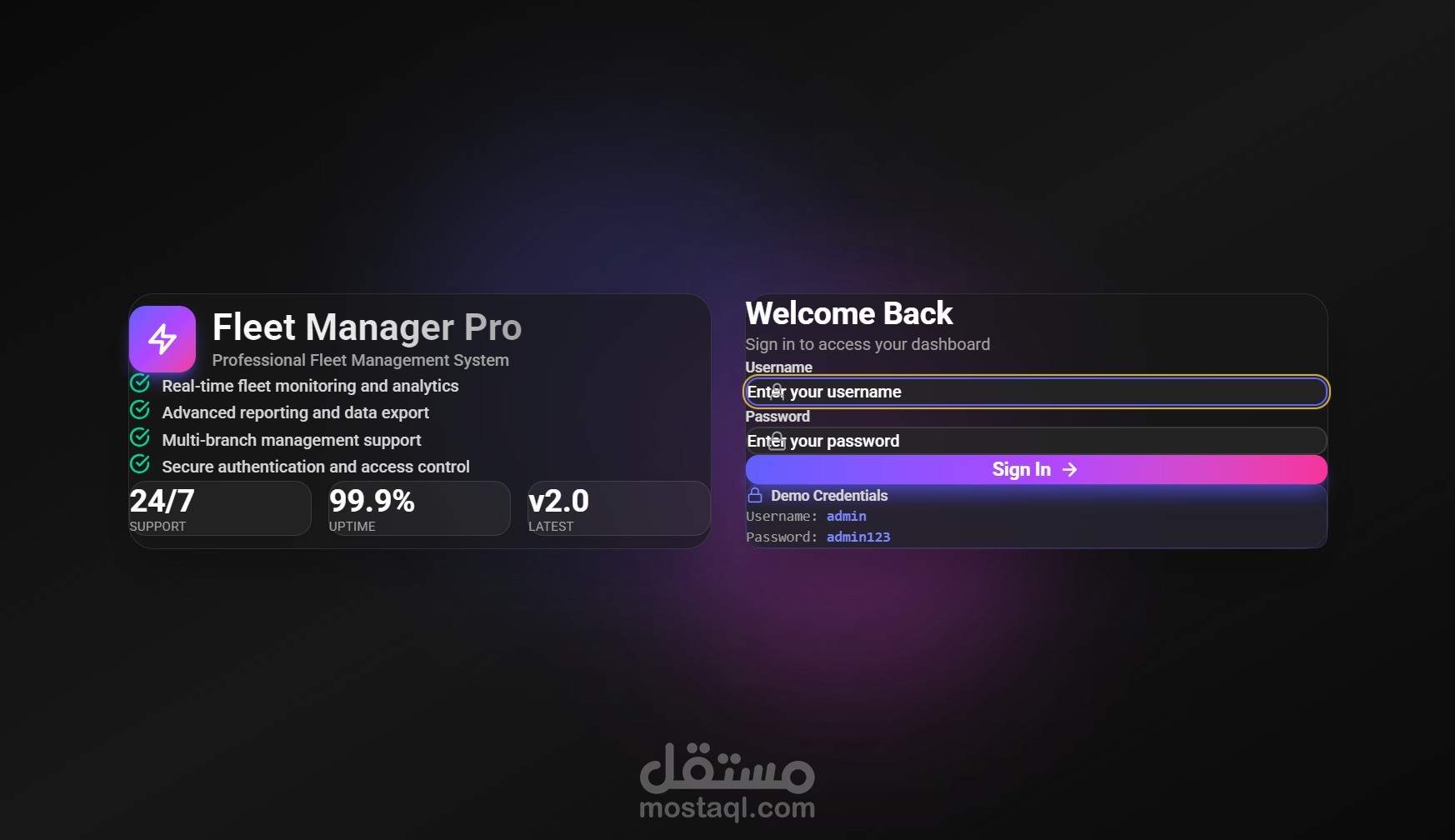
Secure Authentication: Role-based access control with demo credentials and session management.
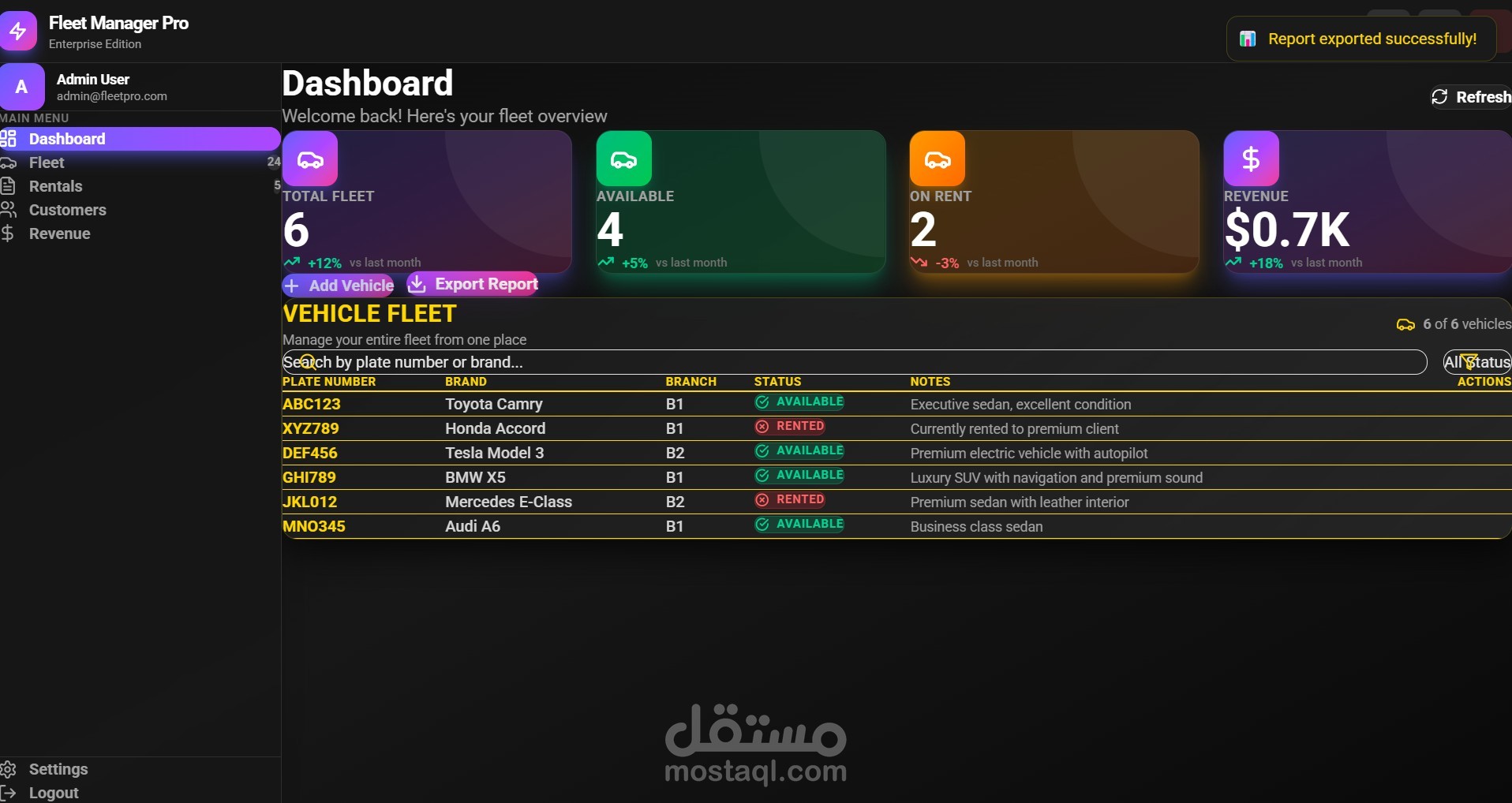
Advanced Reporting: Exportable reports with visual summaries and performance deltas (e.g., +12% fleet growth, +18% revenue).
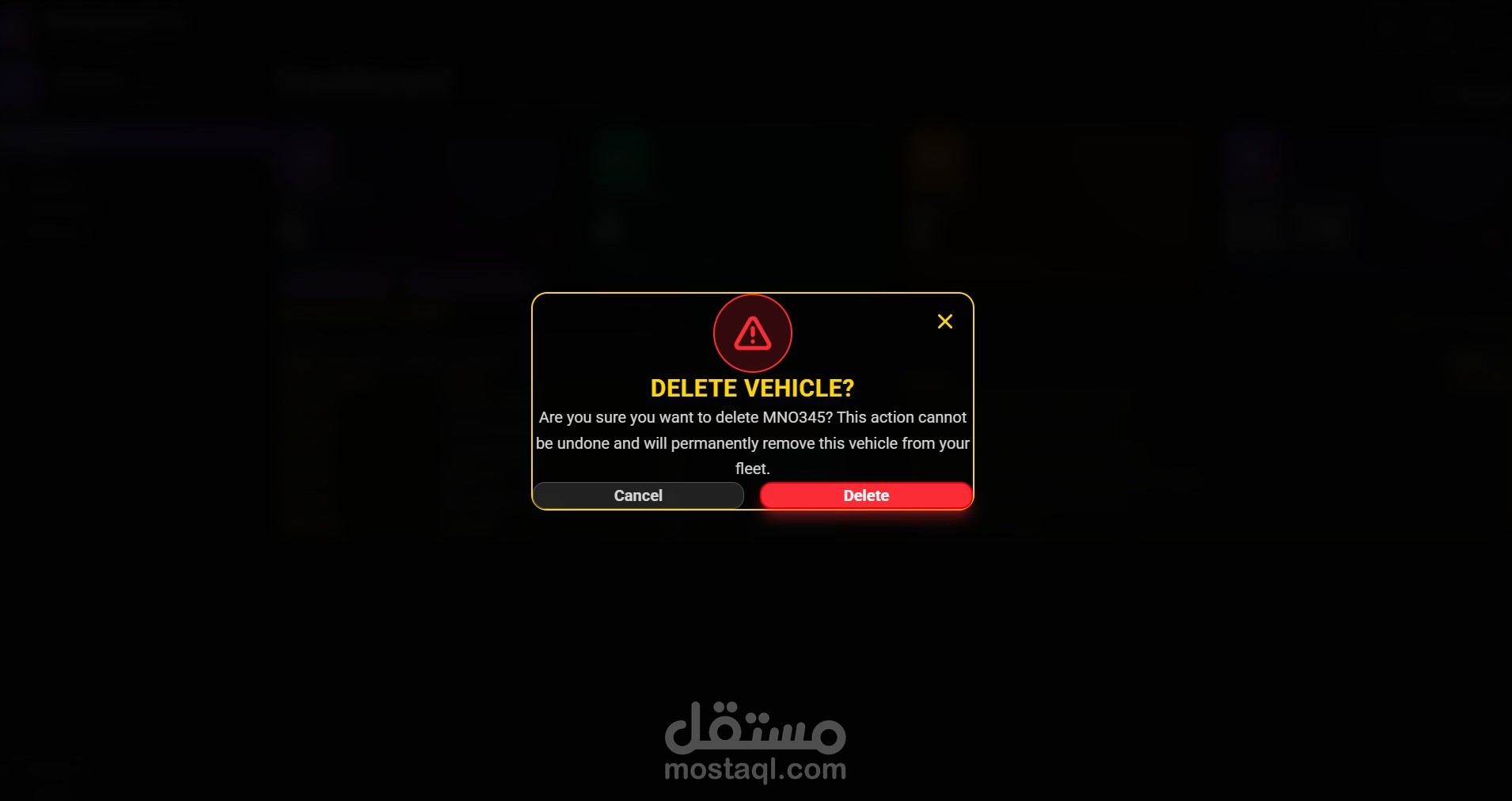
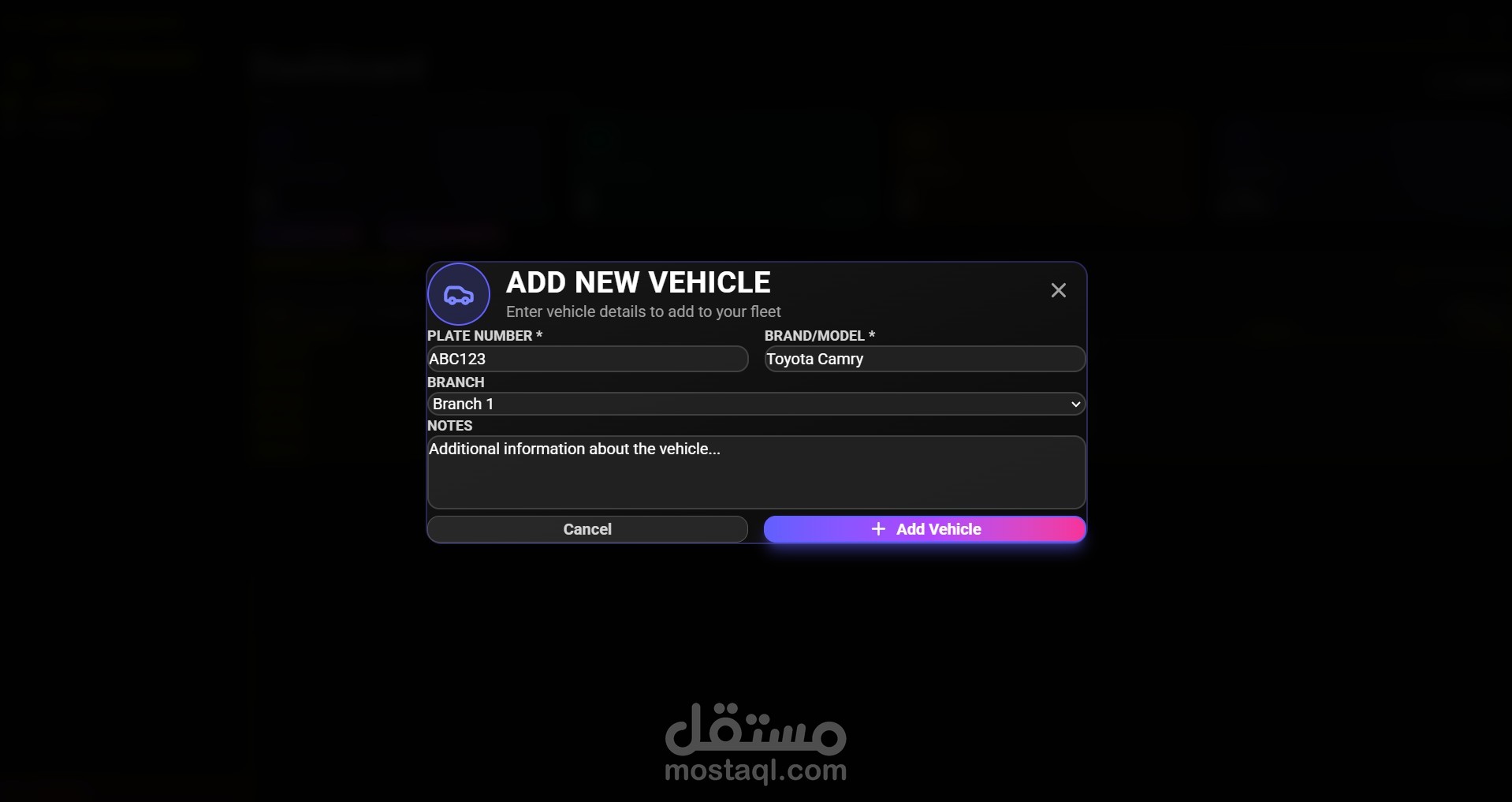
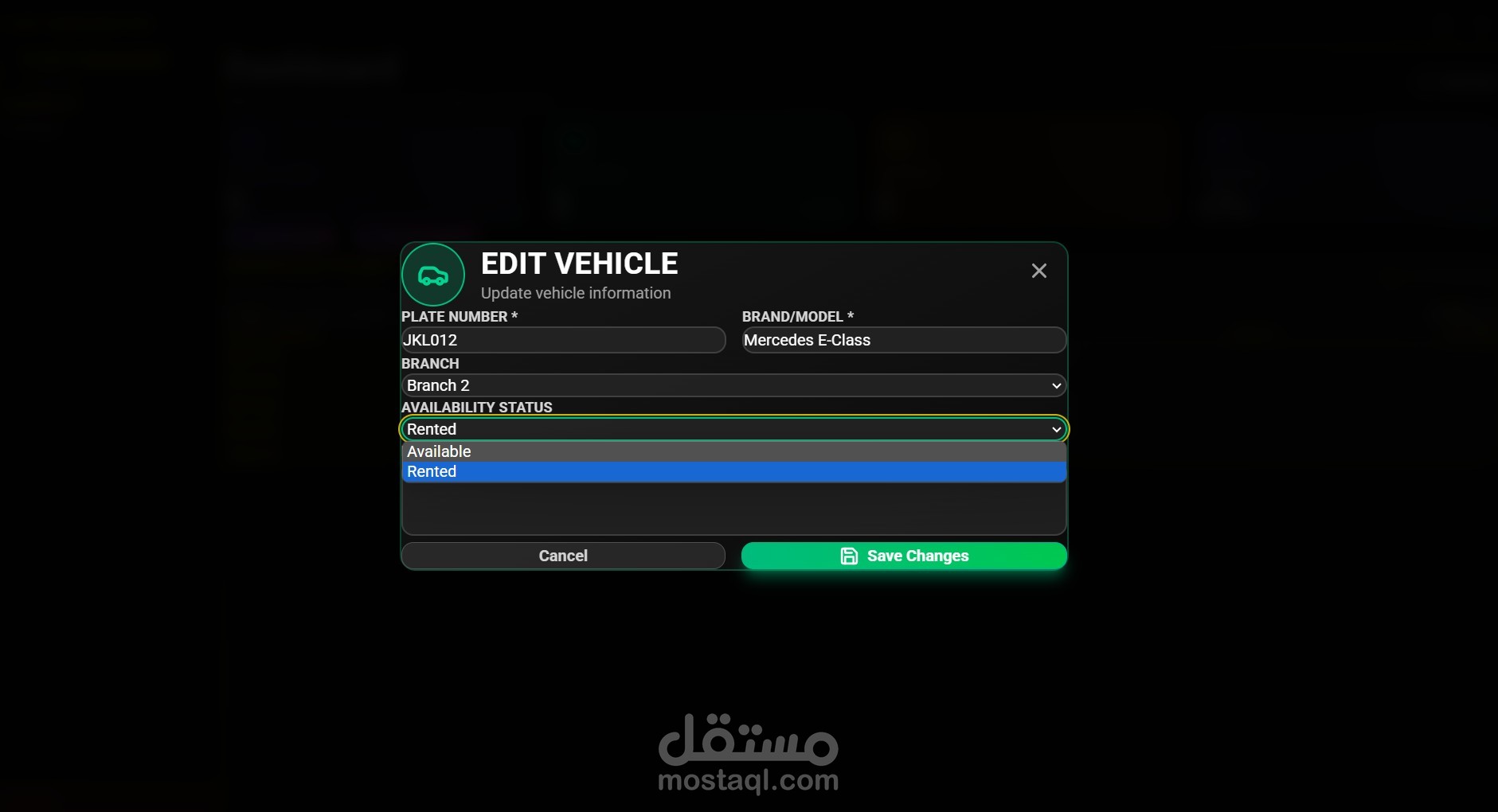
Vehicle Lifecycle Management: Add, edit, and delete vehicles with modal-driven UI and confirmation dialogs.
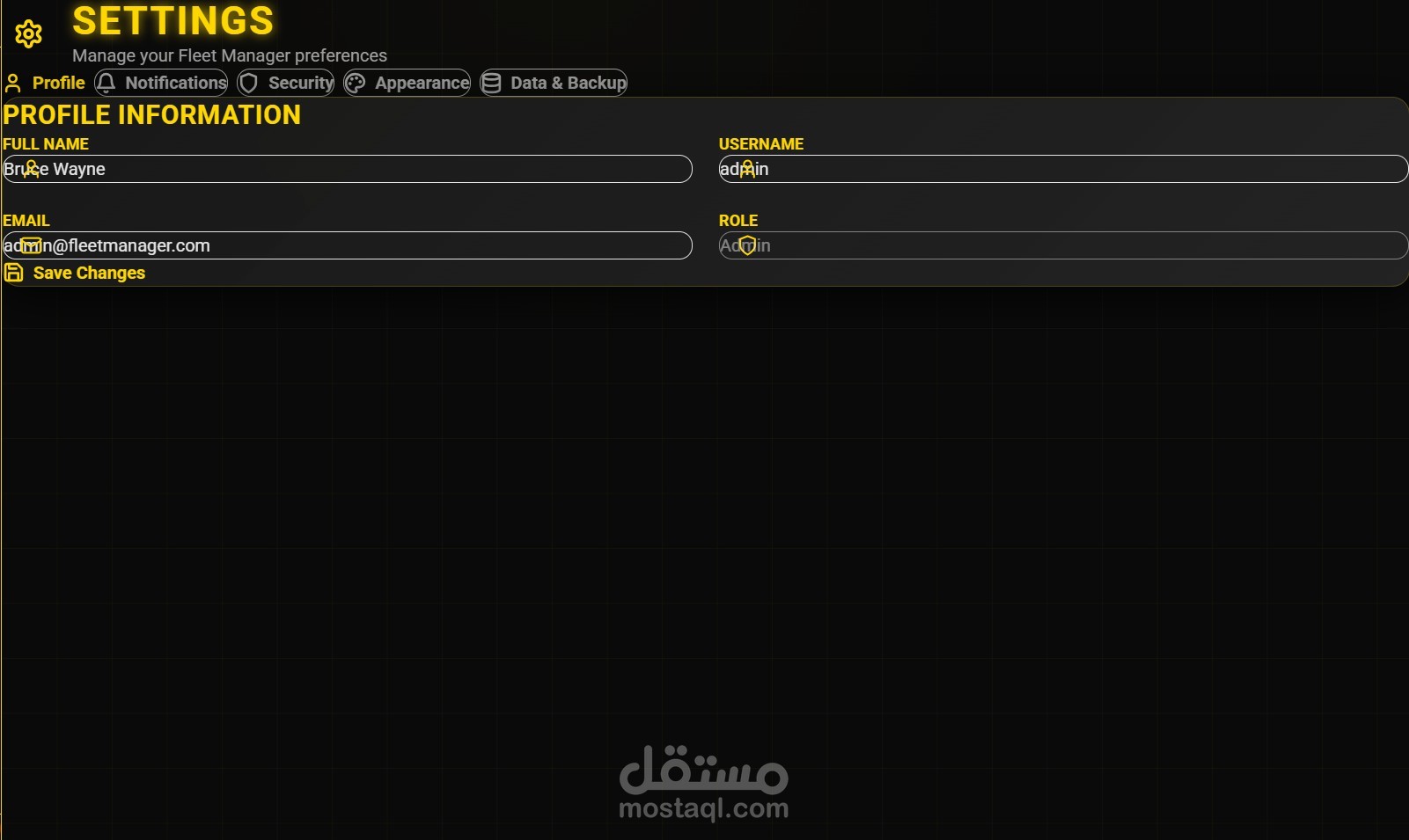
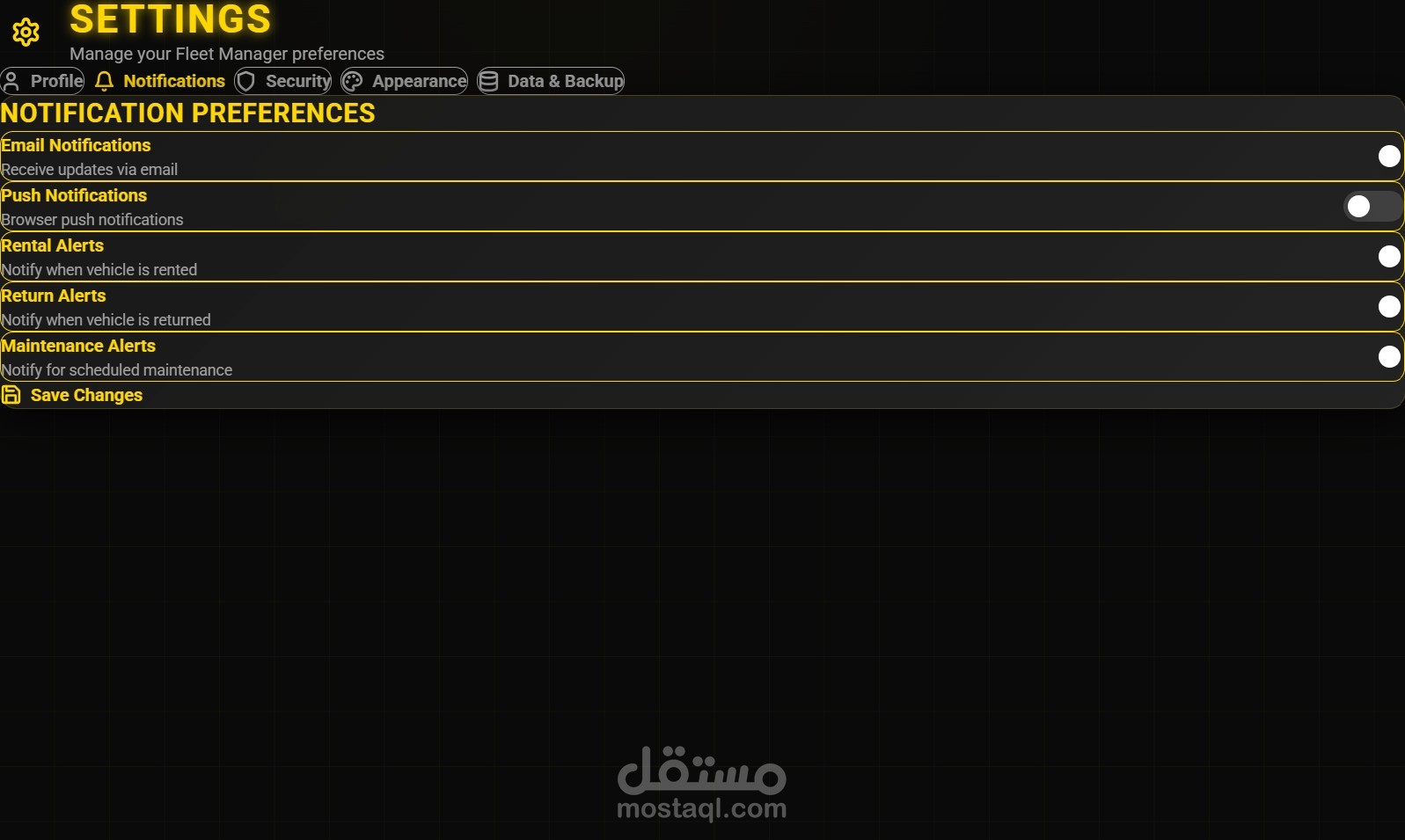
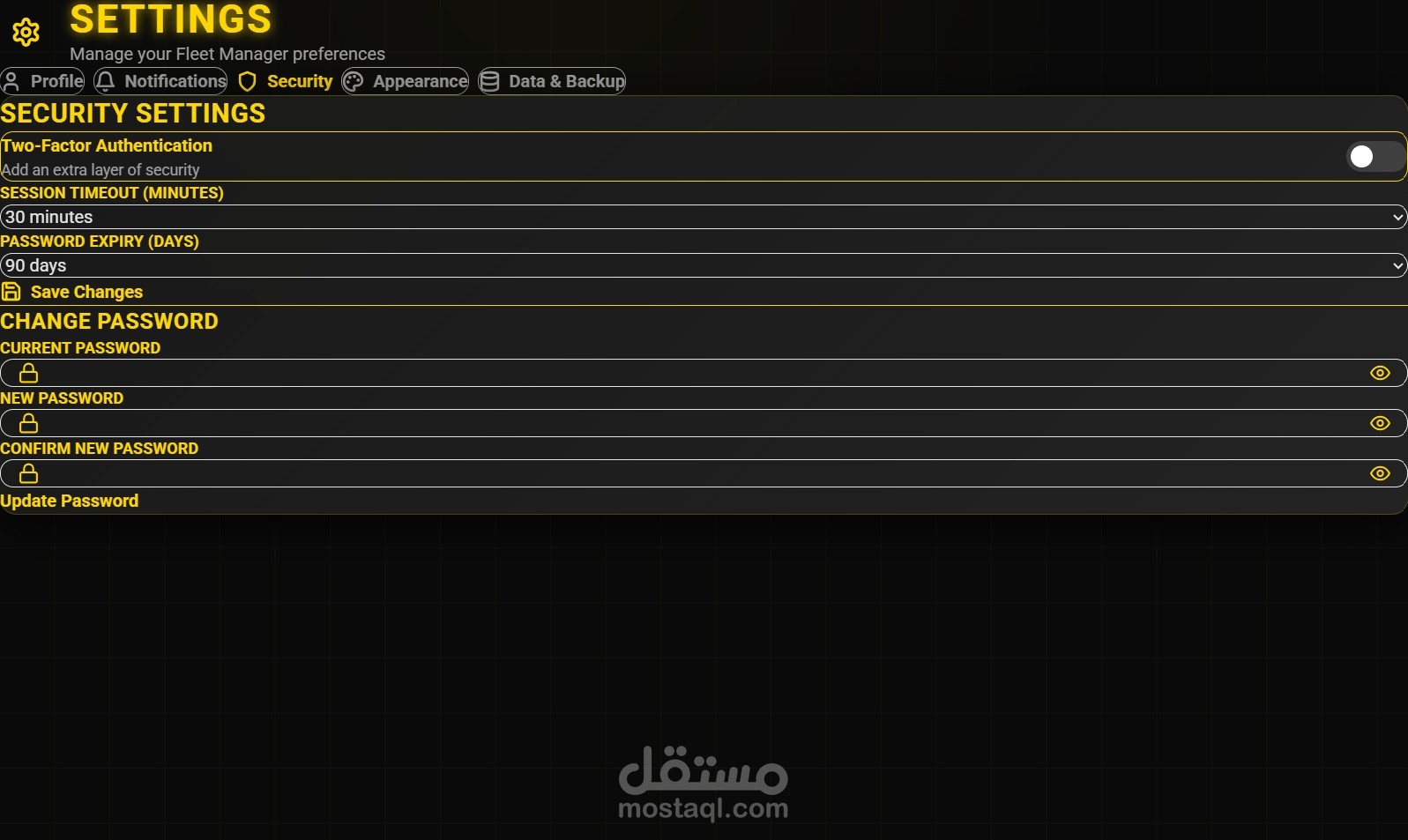
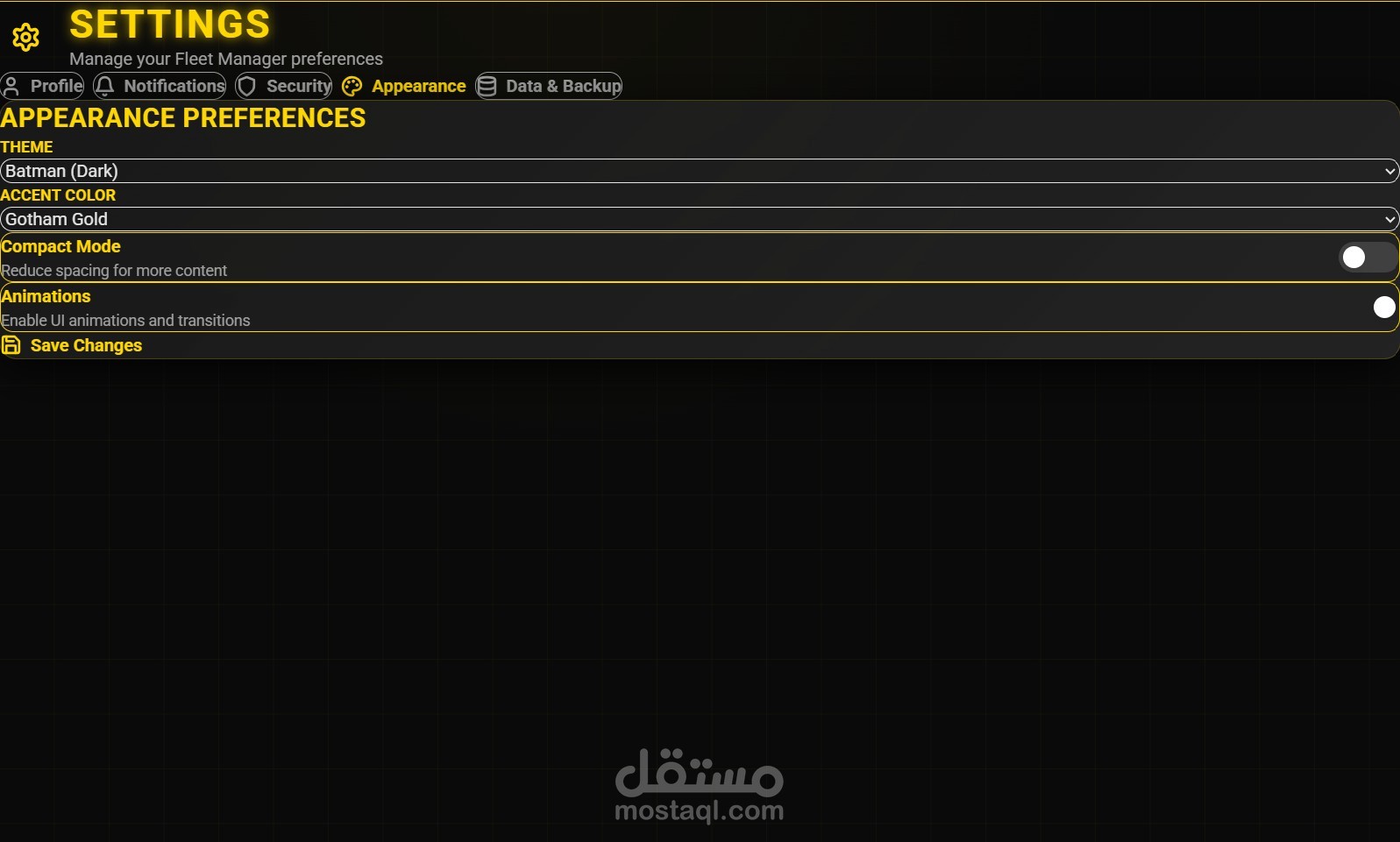
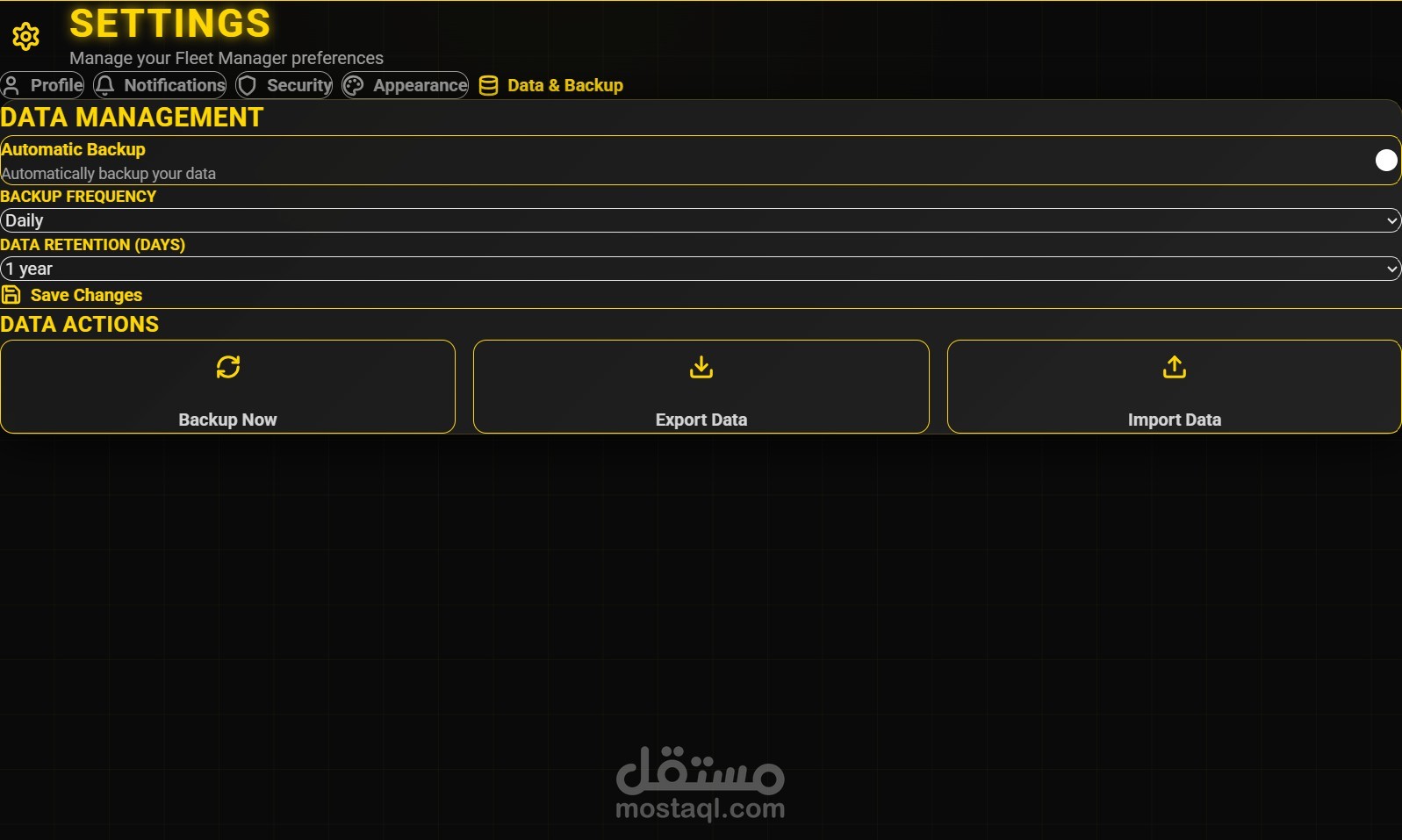
Settings Panel: Includes profile customization, notification preferences, security controls (2FA, session timeout), appearance themes, and data backup options.
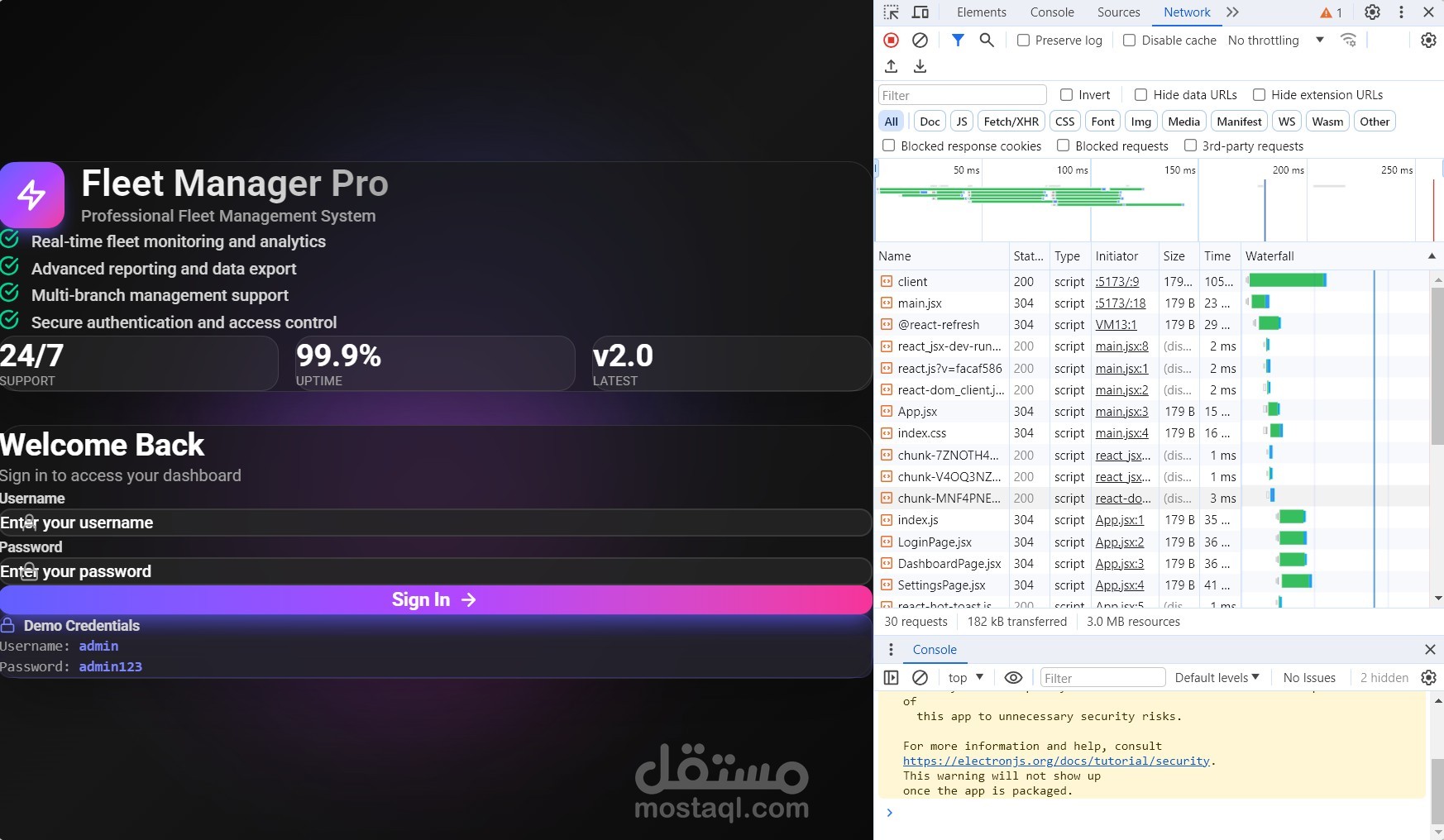
Offline-Ready Desktop App: Electron integration ensures cross-platform deployment with local storage fallback and backend connectivity.
? Architecture Highlights
Frontend (React):
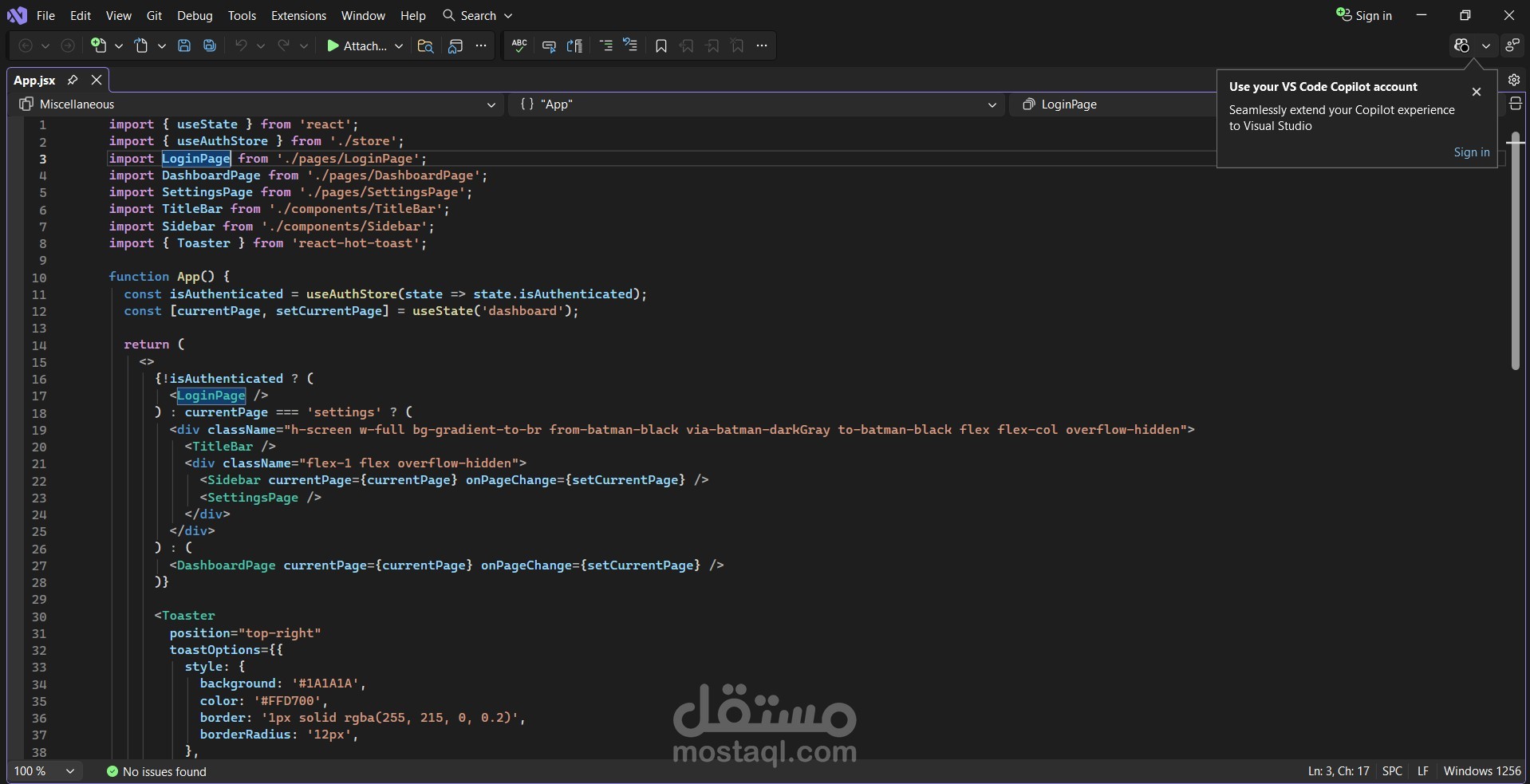
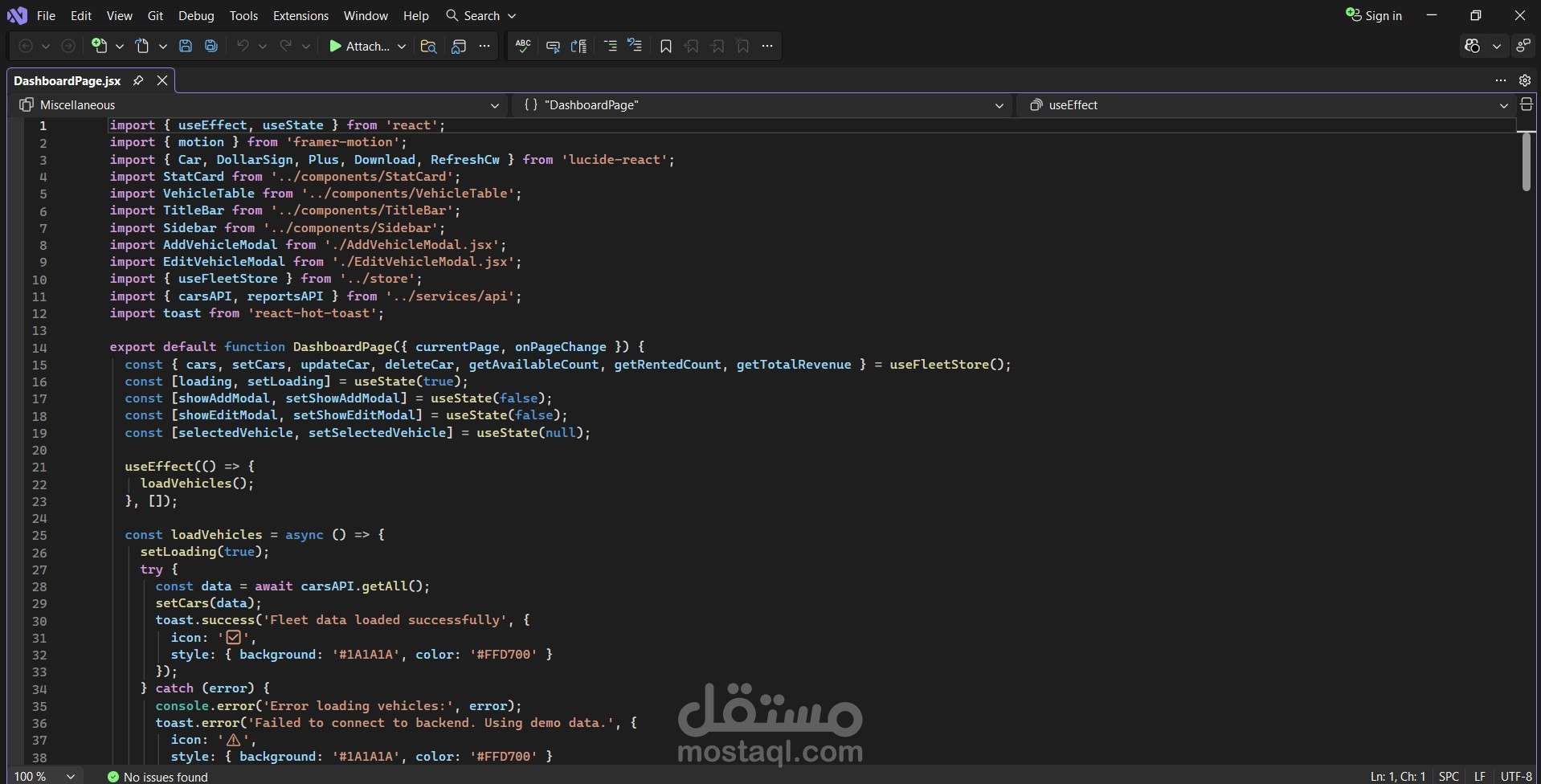
Modular components (DashboardPage, LoginPage, SettingsPage)
State management via custom hooks (useFleetStore, useAuthStore)
UI/UX polish with Framer Motion, Lucide Icons, and toast notifications
Responsive layout with gradient themes and compact mode toggle
Backend (NestJS):
RESTful API endpoints for vehicle CRUD, reporting, and authentication
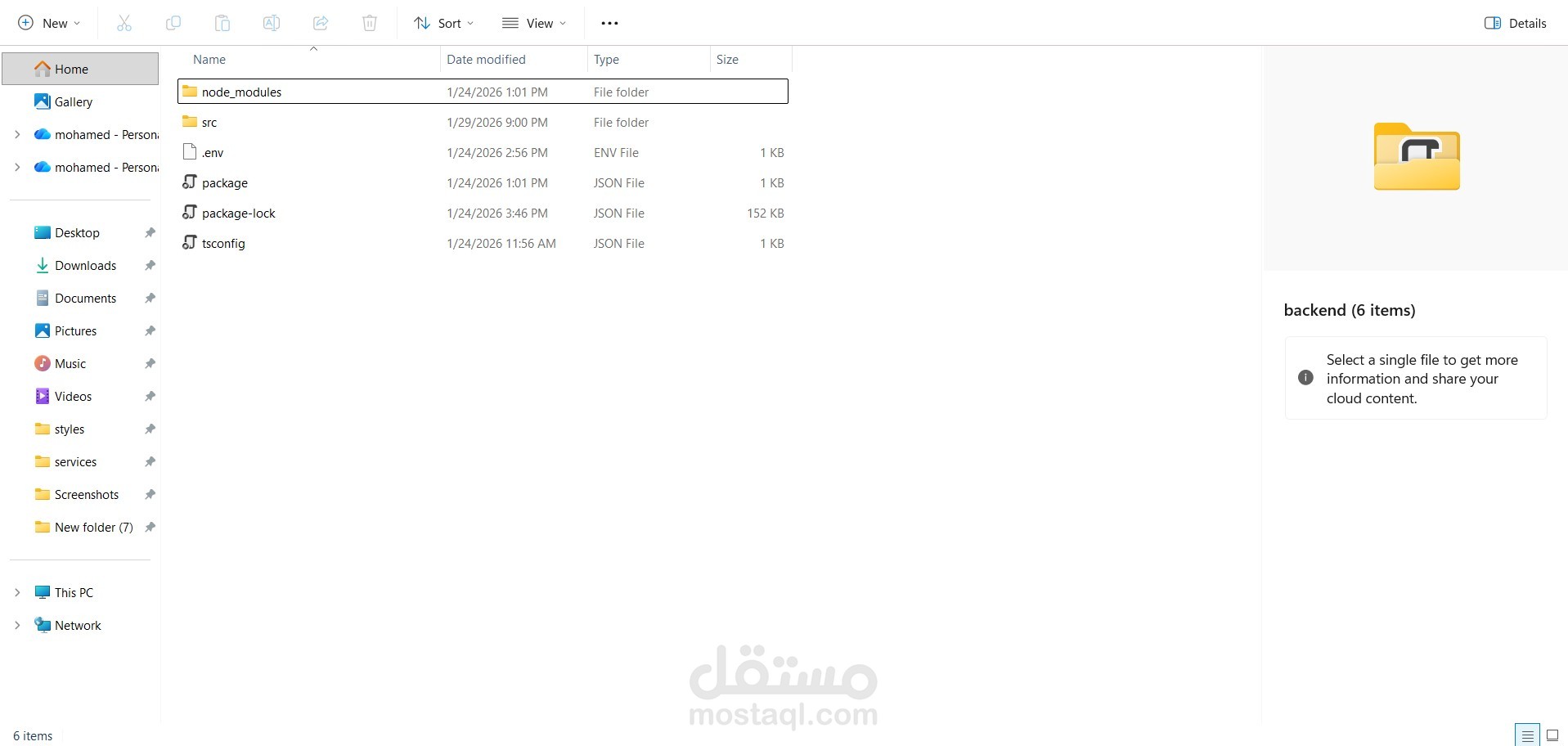
Environment-based configuration (.env)
TypeScript with strict typing and scalable folder structure (src, services, store)
Daily backups, data retention policies, and import/export utilities
Electron Integration:
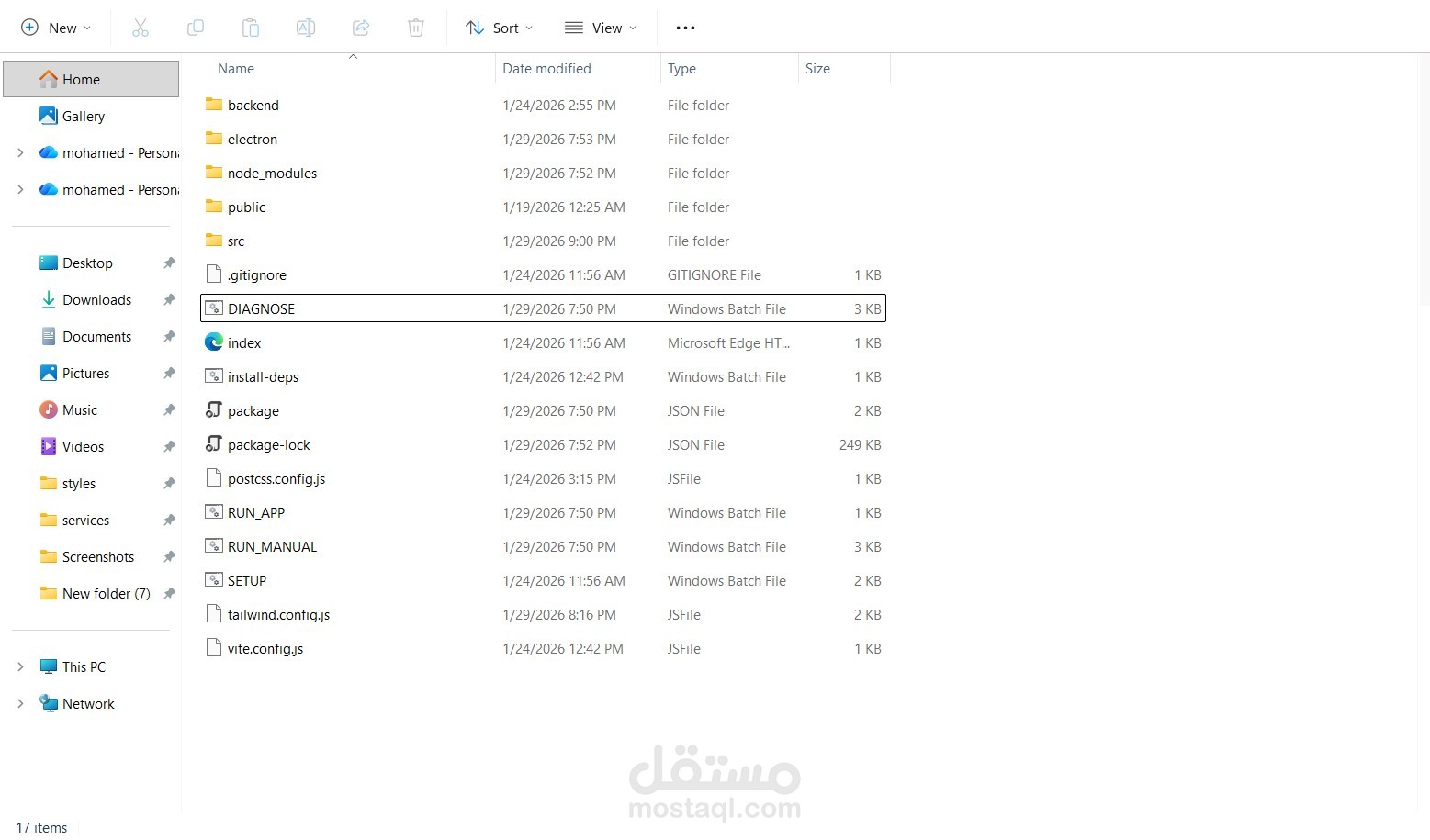
Desktop packaging with security warnings and sandboxing
Batch scripts for setup, diagnostics, and launching (RUN_APP, SETUP, DIAGNOSE)
Custom title bar and sidebar navigation for native feel
? Project Assets
VS Code screenshots of core components (App.jsx, DashboardPage.jsx)
File structure showing backend setup (package.json, tsconfig.json, .env)
UI walkthrough: login screen, dashboard metrics, vehicle table, modals, settings tabs