Genie AI – The Ultimate AI-Powered PC Builder & Hardware Hub
تفاصيل العمل
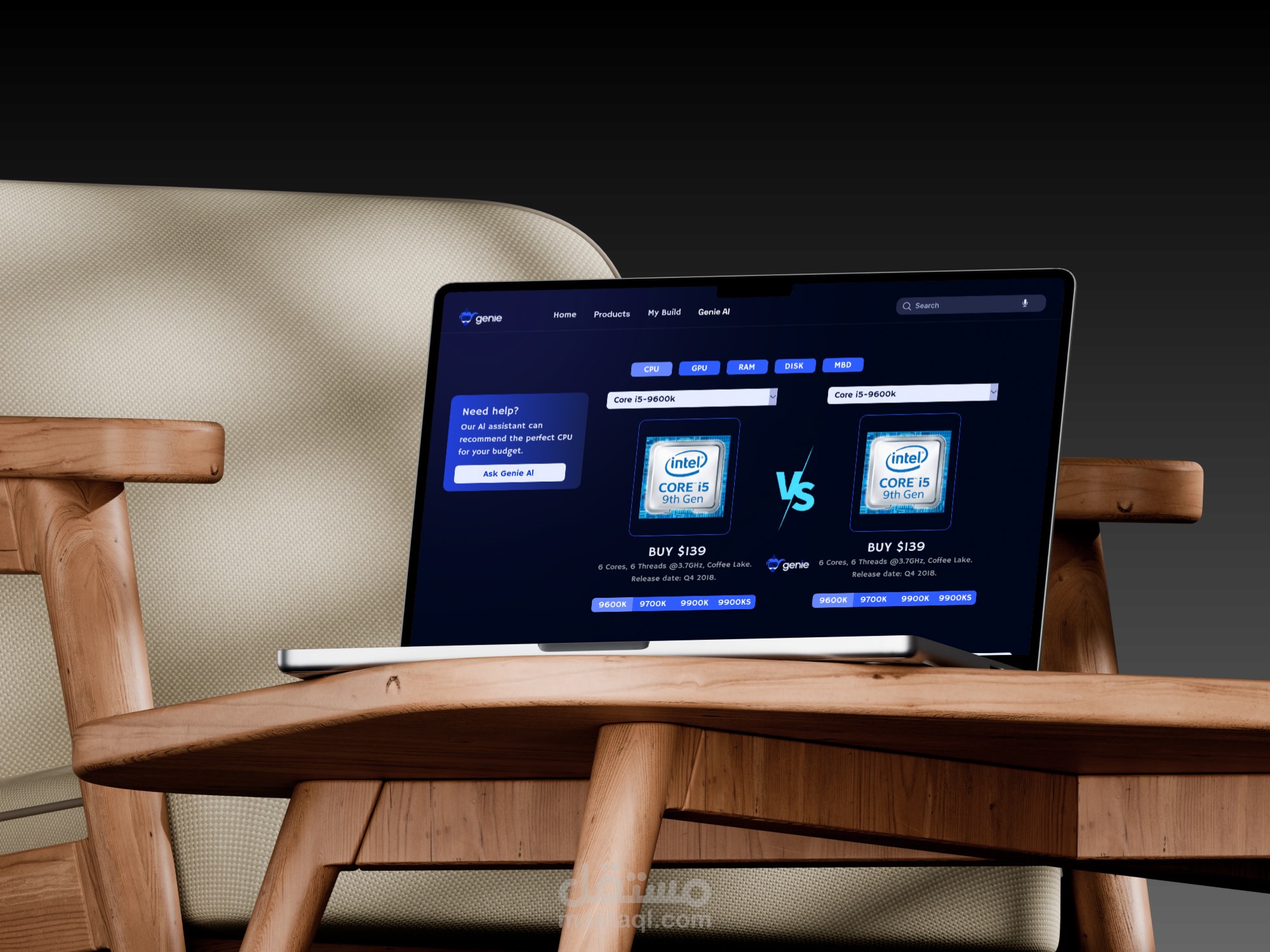
UI/UX Design Analysis
The interface follows a "Tech-Noir" aesthetic, blending high-end performance vibes with a user-centric layout. It is specifically designed to make the complex task of PC building feel accessible and modern.
1. Visual Language & Branding
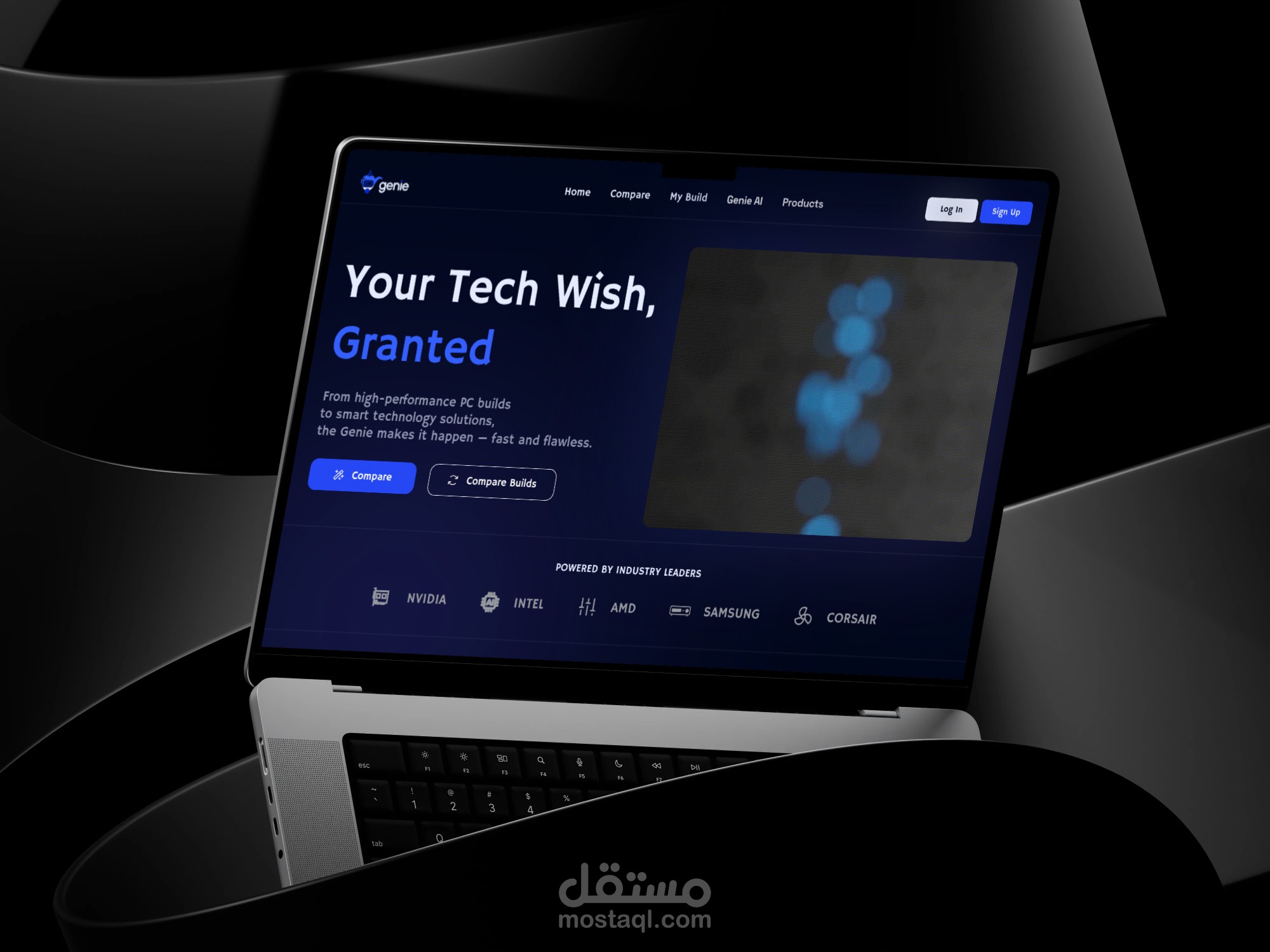
Deep Dark Theme: The UI uses a sophisticated palette of deep navy and charcoal blacks. This reduces visual clutter and makes the hardware components (like CPUs and GPUs) "pop" as the main focus.
High-Contrast Accents: Using Electric Blue and Vibrant Purple for Call-to-Action (CTA) buttons ensures that users always know the next step in their journey, providing a clear path to conversion.
2. Streamlined Build Process (User Flow)
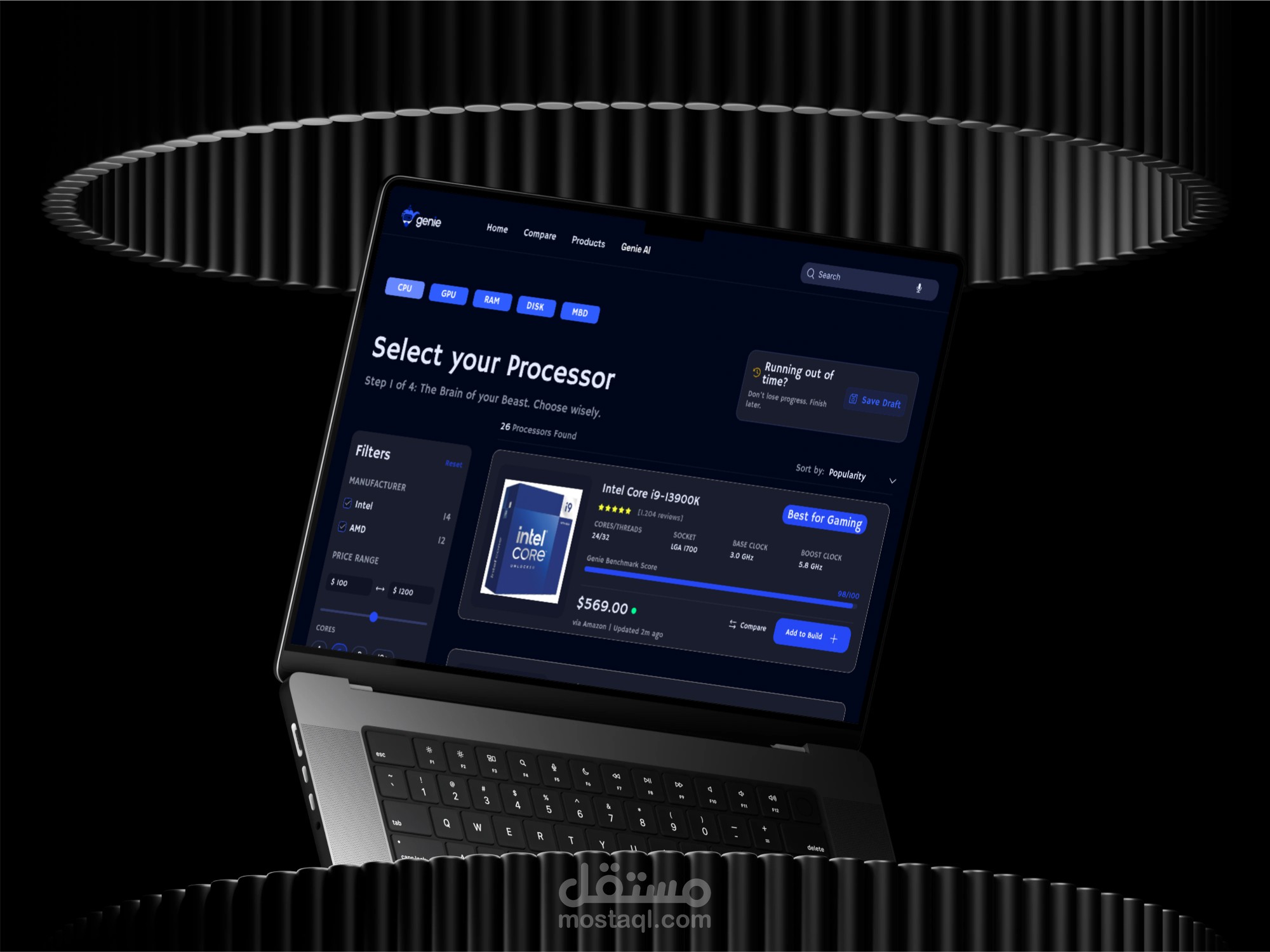
Step-by-Step Guidance: The interface breaks down the build into a "Step 1 of 4" wizard. This minimizes "choice paralysis" by focusing the user on one component at a time (The Brain, The Graphics, etc.).
Smart Product Cards: Each component card (e.g., Intel i9-13900K) is data-rich but clean. It highlights essential specs like Cores/Threads, Clock Speed, and a proprietary Genie Benchmark Score for quick performance assessment.
Real-Time Indicators: Small details like the "Updated 2m ago" price tag via Amazon build trust through transparency and real-time accuracy.
3. AI-First Experience
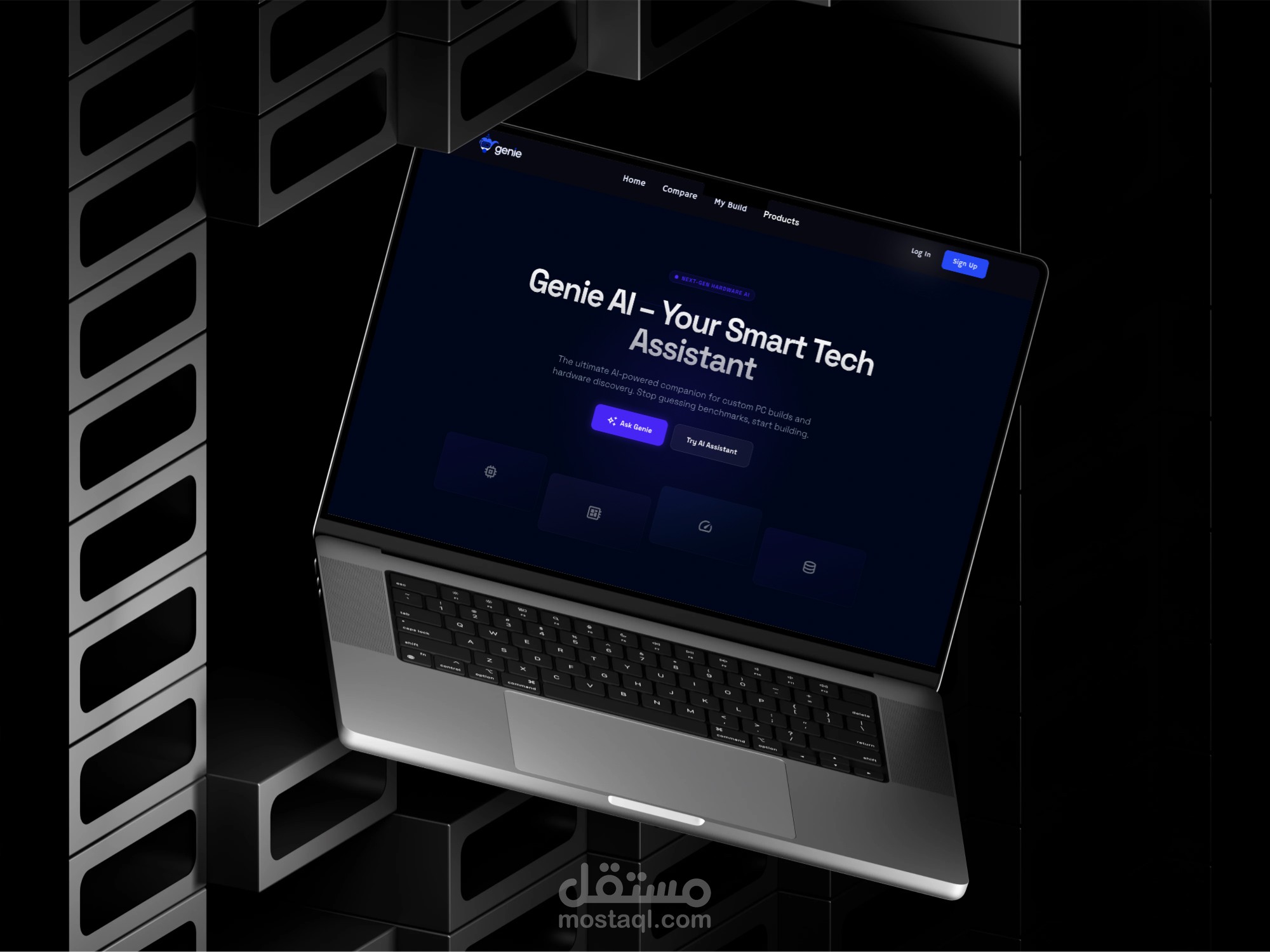
Genie AI Assistant: The platform positions AI as a "Thought Partner." Whether it's the "Ask Genie" button or the automated recommendations, the UI emphasizes that the user is being guided by a smart system to ensure part compatibility.
Urgency & Retention: The "Running out of time? Save Draft" pop-up is a clever UX micro-copy move that encourages users to save their progress without feeling pressured.
4. Layout & Functionality
Filtering & Sorting: The sidebar filters use clean sliders and checkboxes, allowing users to narrow down 26+ processors to their specific needs in seconds.
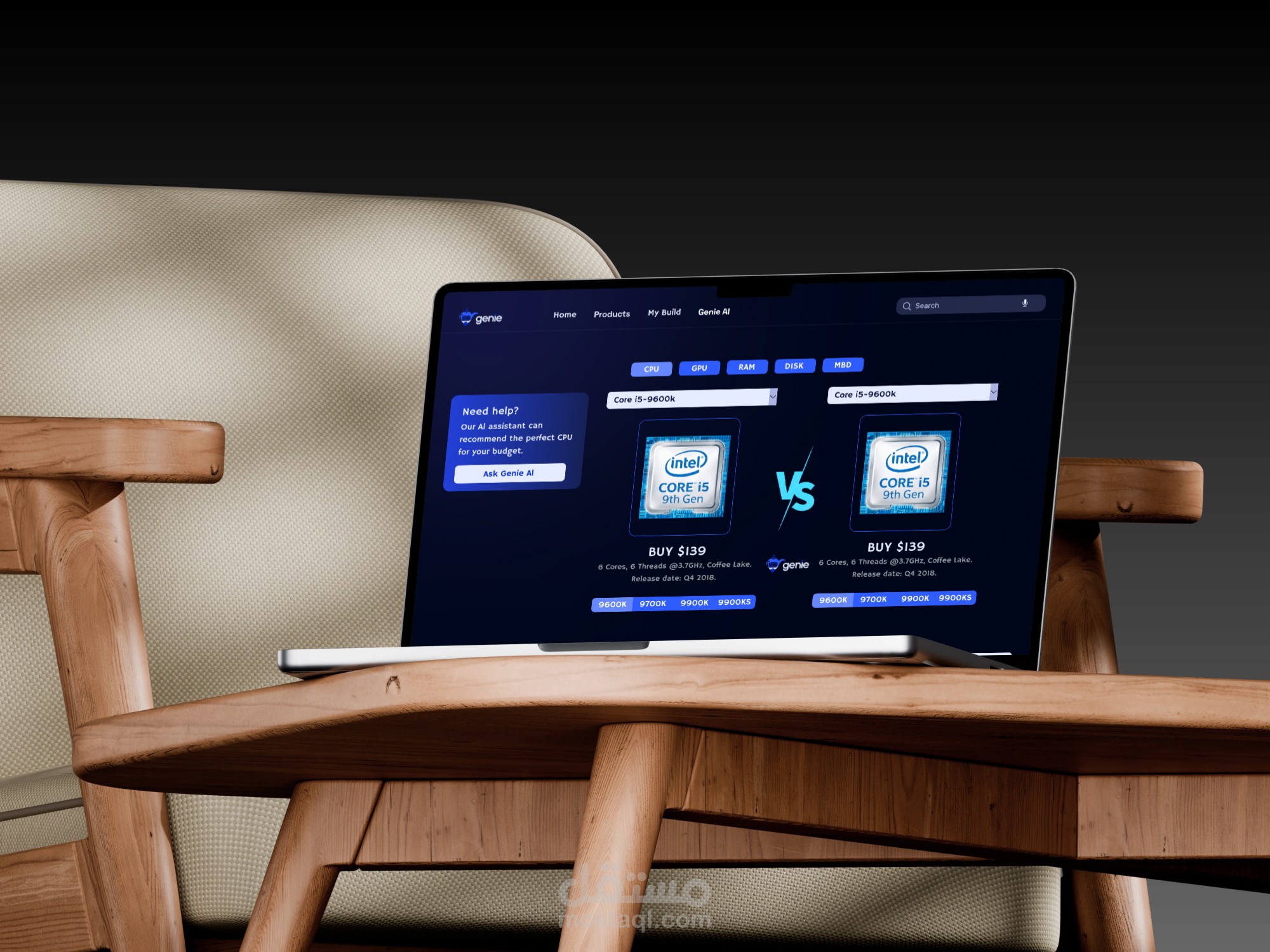
Side-by-Side Comparison: The "VS" comparison screen (e.g., comparing Intel i5 generations) uses a minimalist approach to highlight value and release dates, making the decision-making process data-driven.
Summary
The Genie UI is a masterclass in "Complexity Simplified." It takes the intimidating world of PC hardware and wraps it in a sleek, premium, and easy-to-navigate digital environment that caters to both hardcore enthusiasts and first-time builders.