SchoolProject.API
تفاصيل العمل
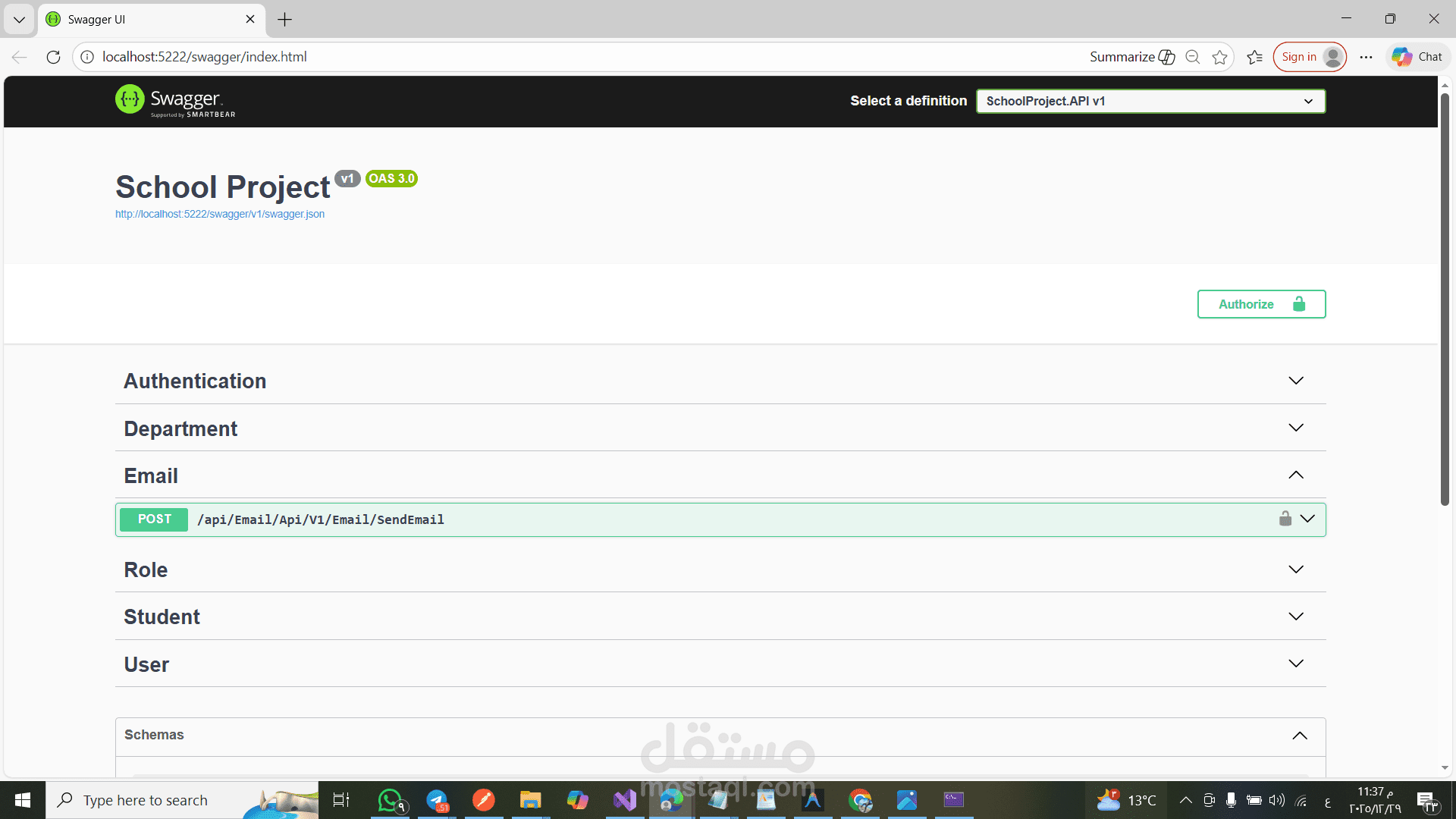
# School Management System API
A comprehensive School Management System built with **.NET 9** using **Clean Architecture** and **CQRS** pattern. This API handles Students, Departments, Authentication, and more, serving as a backend for school administration platforms.
## ? Features
- **Clean Architecture**: Separation of concerns into Core, Application, Infrastructure, and API layers.
- **CQRS Pattern**: Implemented using **MediatR** for separating Read and Write operations.
- **Authentication & Authorization**: Secure JWT-based authentication and Role-Based Access Control (RBAC).
- **Localization**: Supports multiple languages including English (en-US), Arabic (ar-EG), German (de-DE), and French (fr-FR).
- **Entity Framework Core**: Code-First approach with SQL Server.
- **Swagger UI**: Interactive API documentation.
- **Validation**: FluentValidation for request validation.
- **Global Error Handling**: Centralized middleware for exception management.
## ? Tech Stack
- **Framework**: .NET 9.0
- **Database**: SQL Server
- **ORM**: Entity Framework Core
- **Mediator**: MediatR
- **Documentation**: Swagger / OpenAPI
- **Logging**: Serilog (implied or standard built-in logging)
## ? Project Structure
```text
School-Project-master/
├── SchoolProject.API # Entry point, Controllers, Configuration
├── SchoolProject.Core # Domain Entities, Interfaces, Specifications, Features (CQRS)
├── SchoolProject.Service # Business Logic (if separated from Features)
├── SchoolProject.Data # DB Context, Migrations, Data Seeding
├── SchoolProject.Infrastructure # Repositories, External Services implementations
```
## ⚡ Getting Started
### Prerequisites
- [.NET 9.0 SDK](https://dotnet.microsoft....)
- [SQL Server](https://www.microsoft.com...)
### Installation
1. **Clone the repository**
```bash
git clone https://github.com/Ahmed-...
cd School-Project-master
```
2. **Configure Database**
Update the connection string in `SchoolProject.API/appsett...`:
```json
"ConnectionStrings": {
"DBContext": "Server=YOUR_SERVER;Database=SchoolProjectDb;Trusted_Connection=True;TrustServerCertificate=True;"
}
```
3. **Apply Migrations**
Navigate to the solution folder and run:
```bash
dotnet ef database update --project SchoolProject.Data --startup-project SchoolProject.API
```
4. **Run the Application**
```bash
cd SchoolProject.API
dotnet run
```
5. **Explore API**
Open your browser and navigate to:
- Swagger UI: `https://localhost:7194/sw...` (Port may vary)
## ? Key Modules
- **Authentication**: Login, Register, Refresh Token.
- **Students**: Create, Update, Delete, Get, List with Pagination.
- **Departments**: Manage school departments.
- **Emails**: Email services included.
- **Users**: User management features.
## ? Localization
The API supports localization via headers. To switch language, send the `Accept-Language` header:
- `ar-EG` (Arabic)
- `en-US` (English)
- `de-DE` (German)
- `fr-FR` (French)
## ? License
This project is open-source and available under the MIT License.