Personal Portfolio
تفاصيل العمل
# ? Rawaq Emerald - Professional Portfolio System
[](https://dotnet.microsoft....)
[](https://www.microsoft.com...)
[](https://blog.cleancoder.c...)
[](LICENSE)
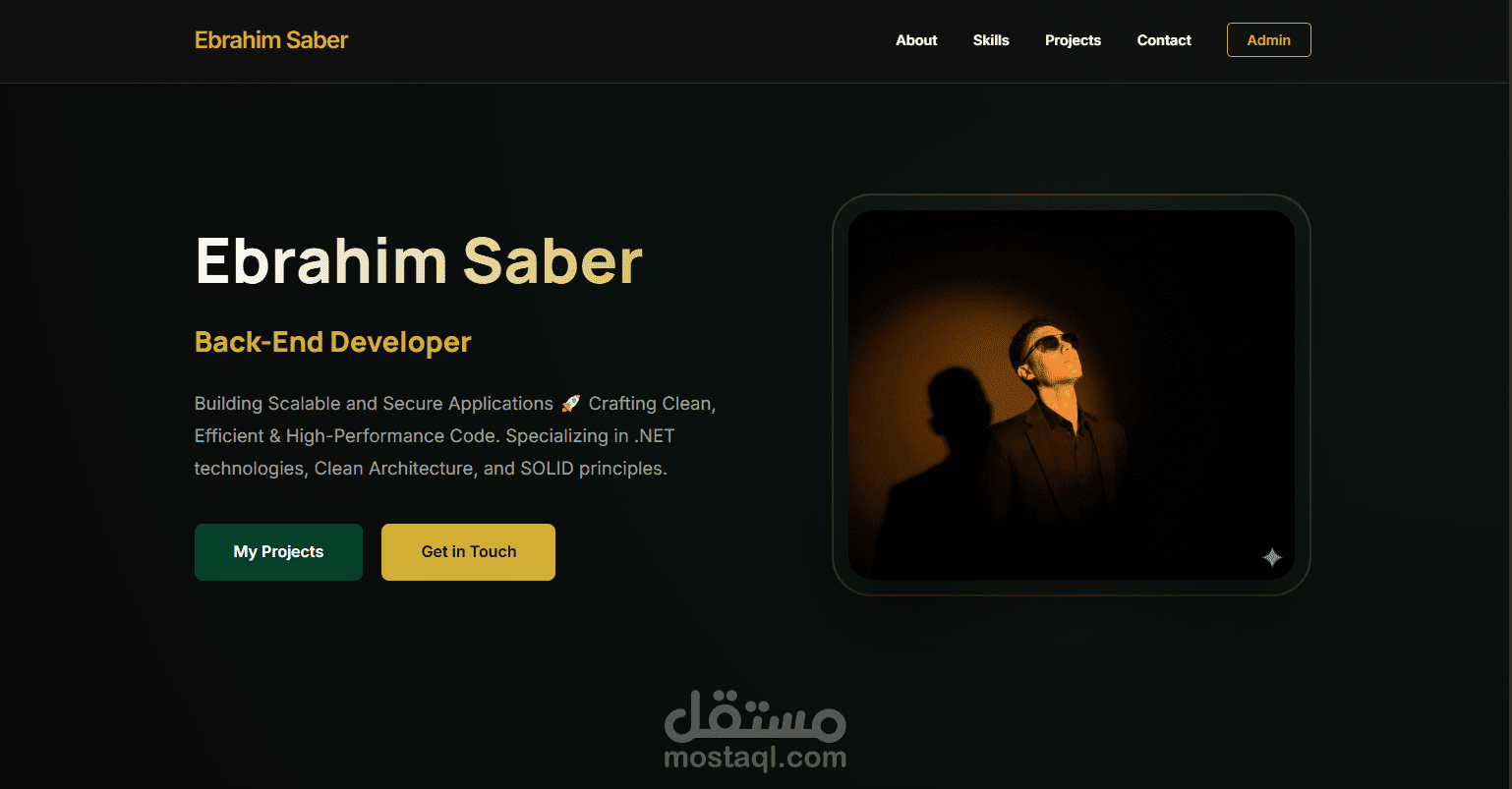
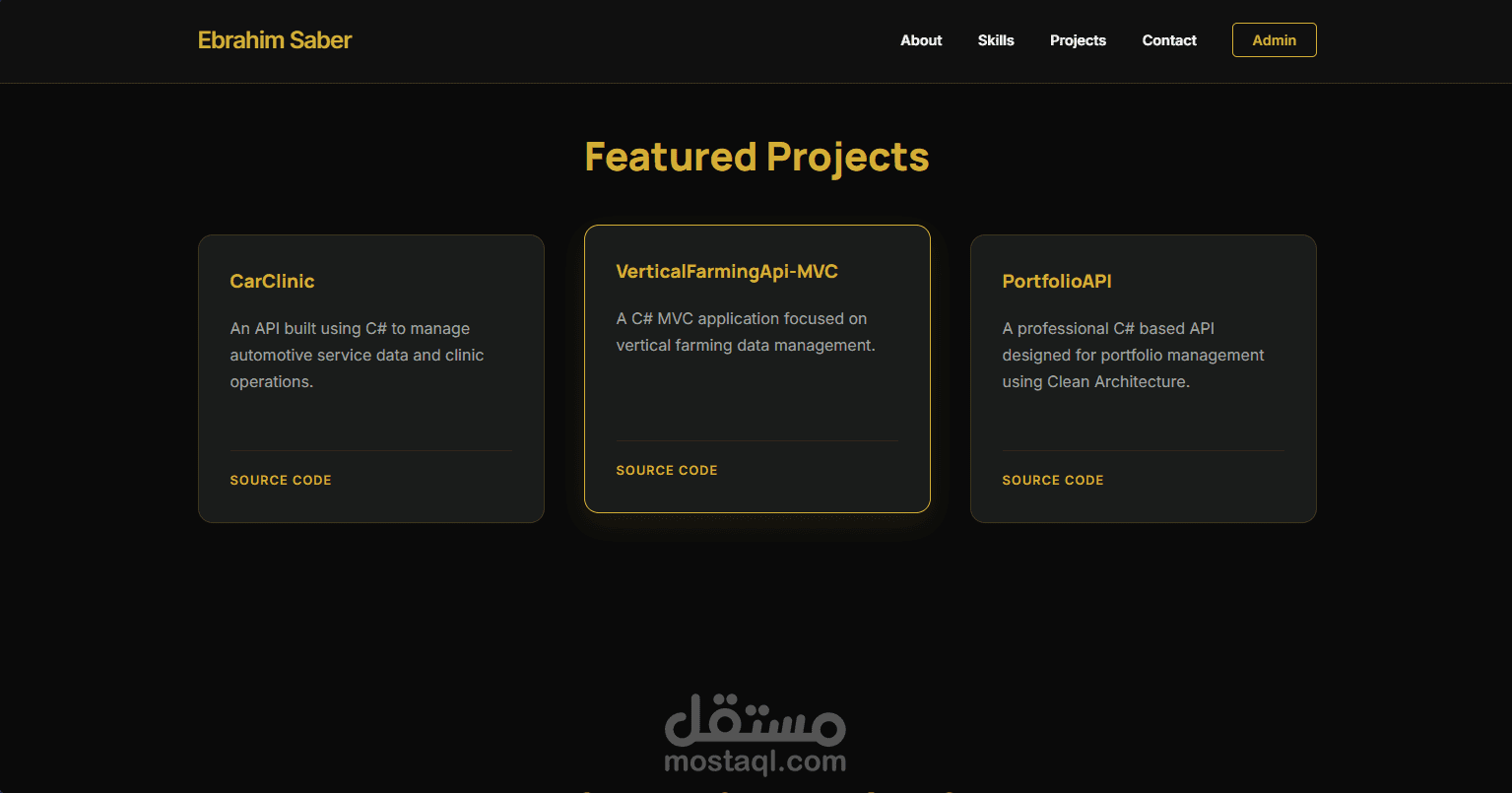
**Rawaq Emerald** is a premium, enterprise-grade portfolio management system built with **ASP.NET Core** and following the **Clean Architecture** pattern. It features a stunning "Emerald & Gold" aesthetic, providing a high-end digital presence for software architects and senior developers.
---
## ✨ Key Features
### ? Public Showcase
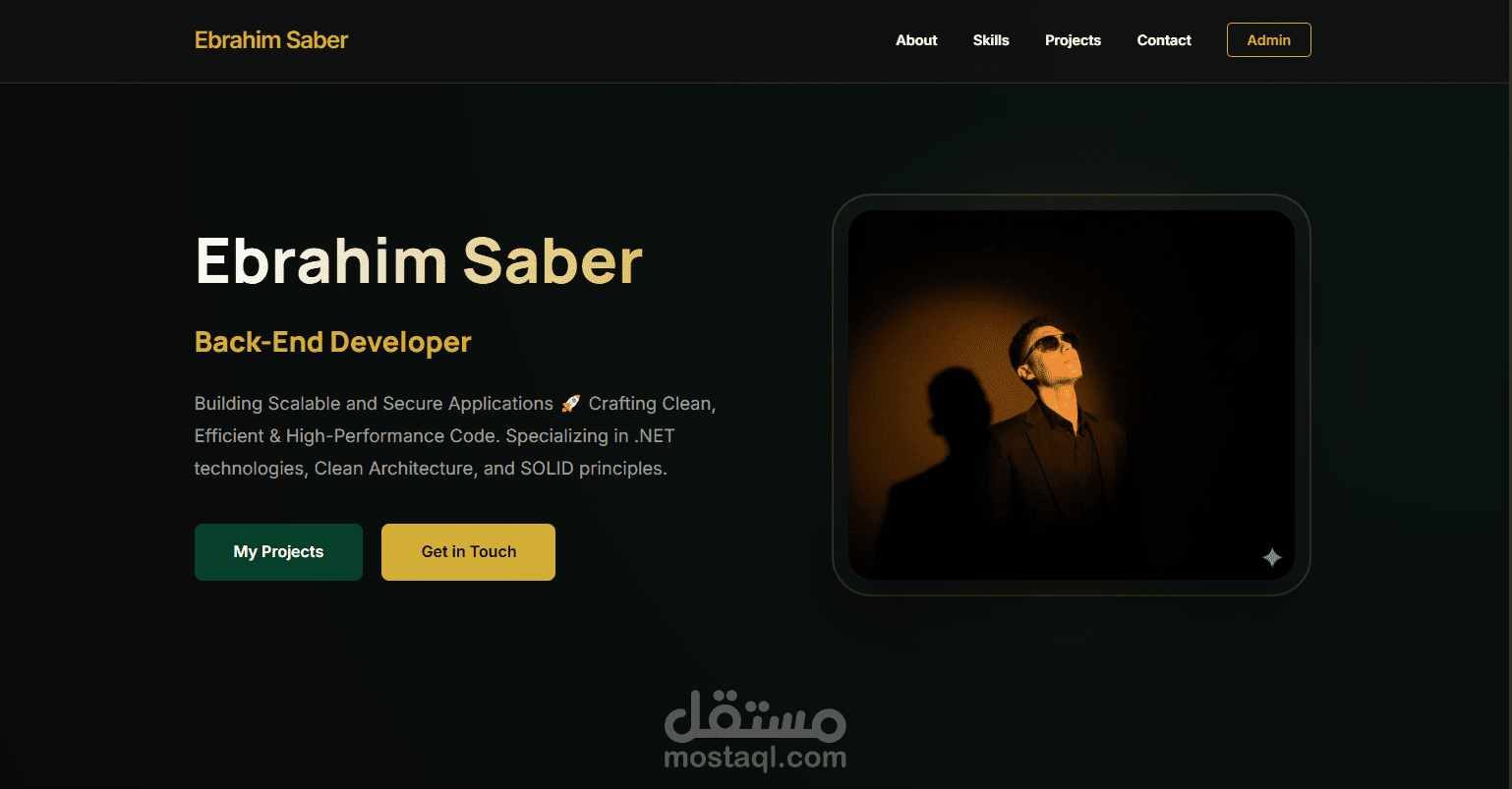
- **Dynamic Hero Section**: Real-time biography and role display.
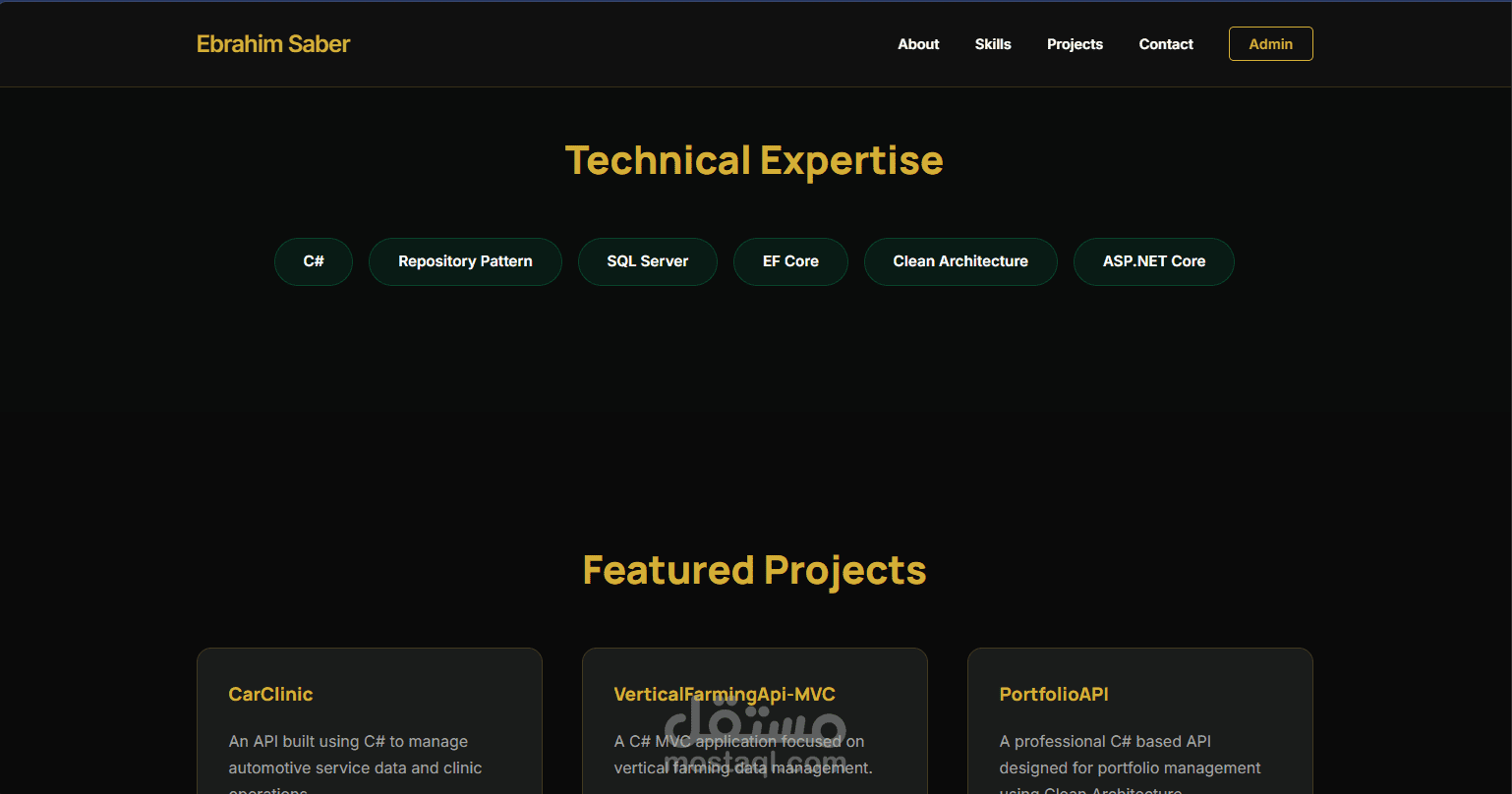
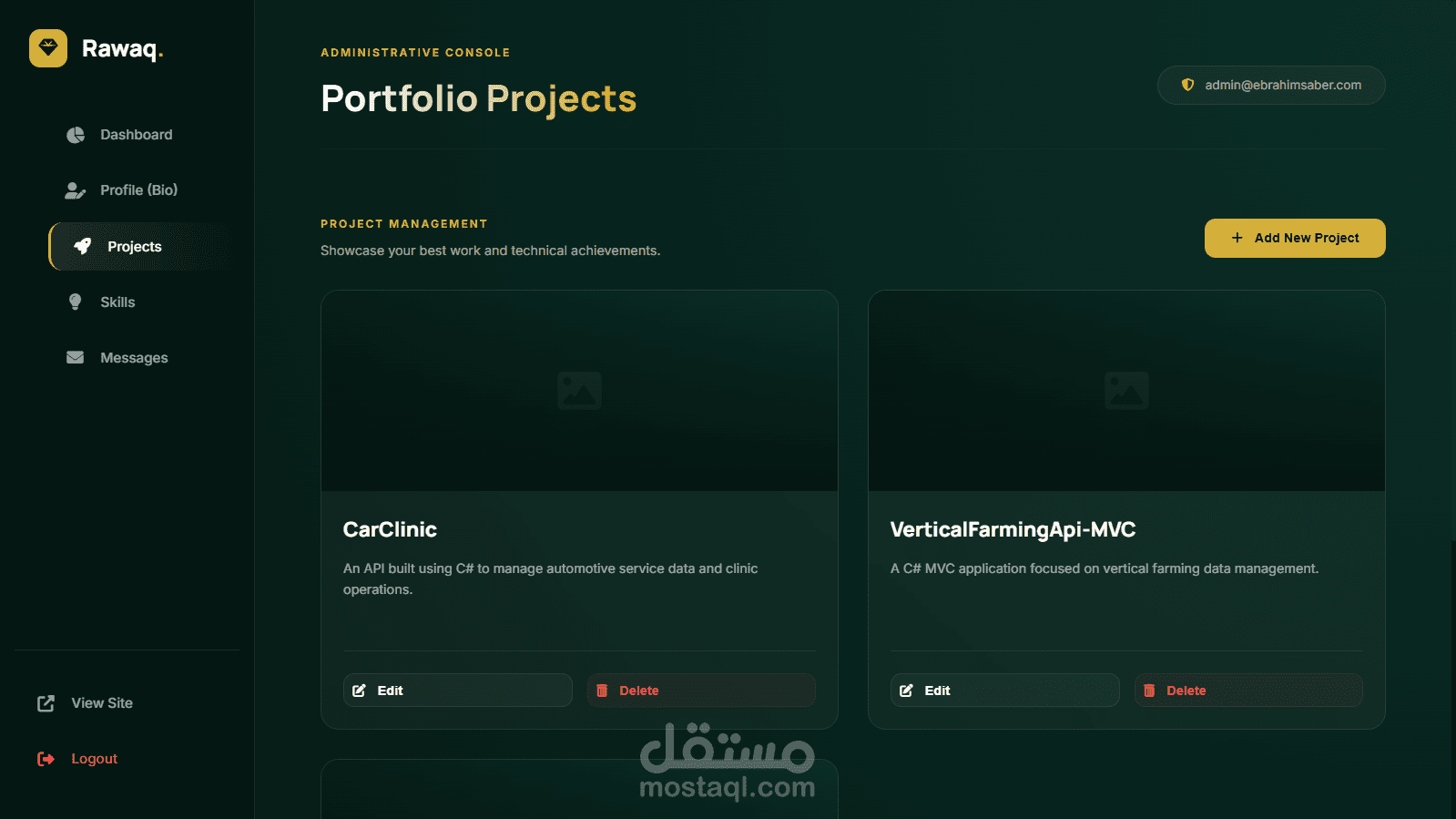
- **Project Gallery**: Automated showcase with technology badges, live previews, and source code links.
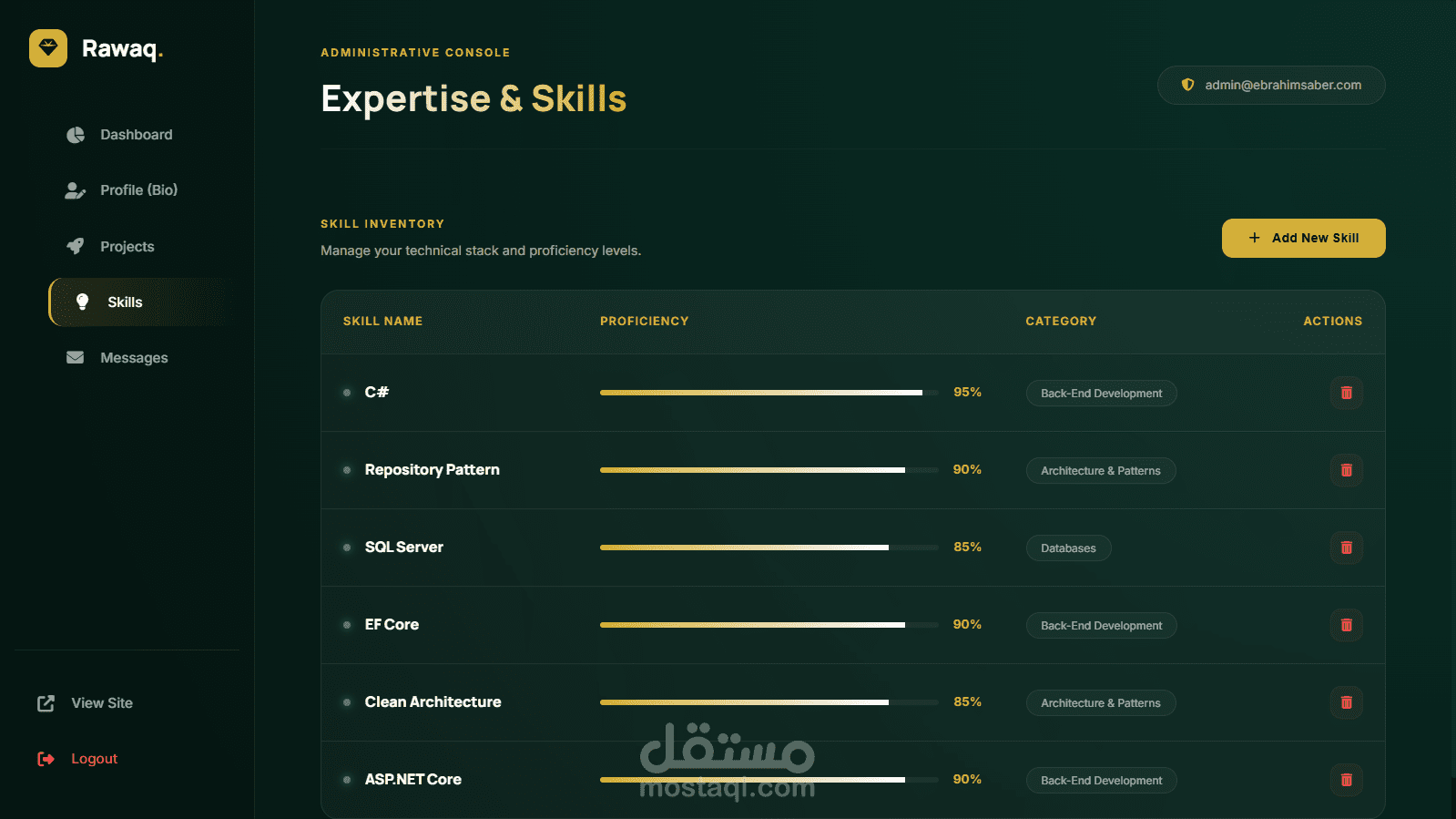
- **Skill Inventory**: Categorized technical expertise with proficiency visualization.
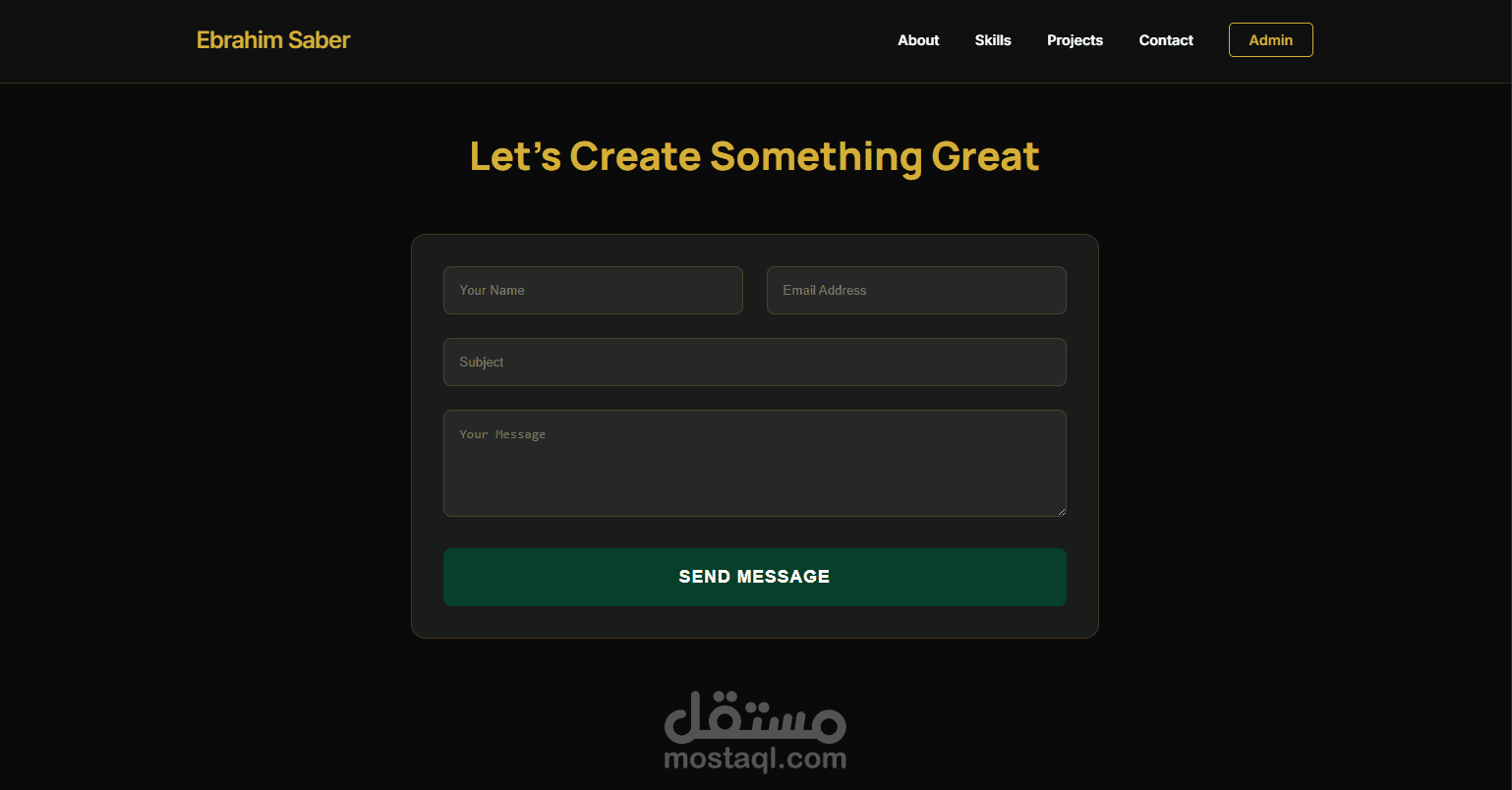
- **Contact Pipeline**: Integrated messaging system with instant validation.
- **SEO Optimized**: Fully compliant with modern SEO standards (Meta tags, Open Graph, Sitemap, Robots.txt).
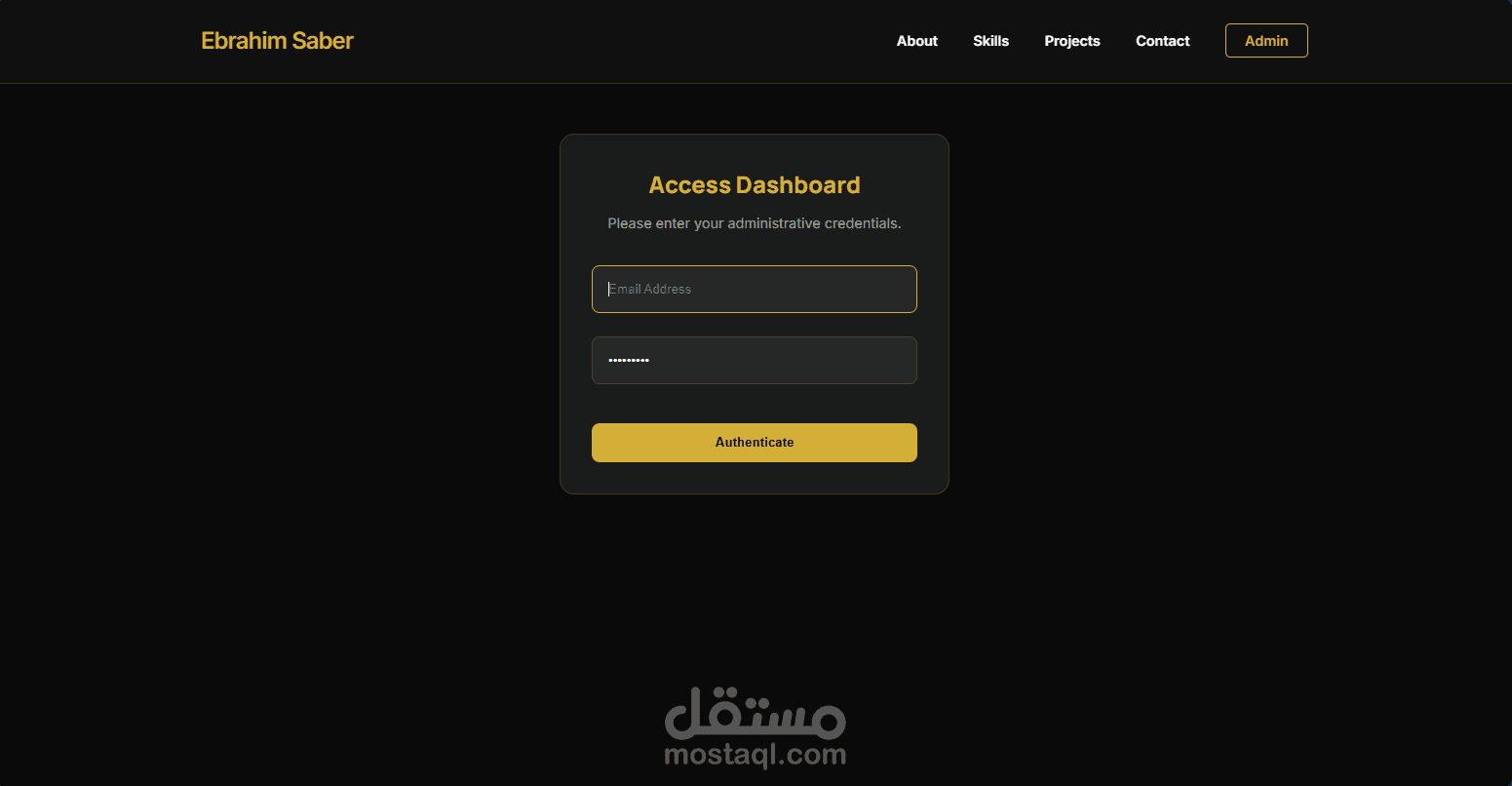
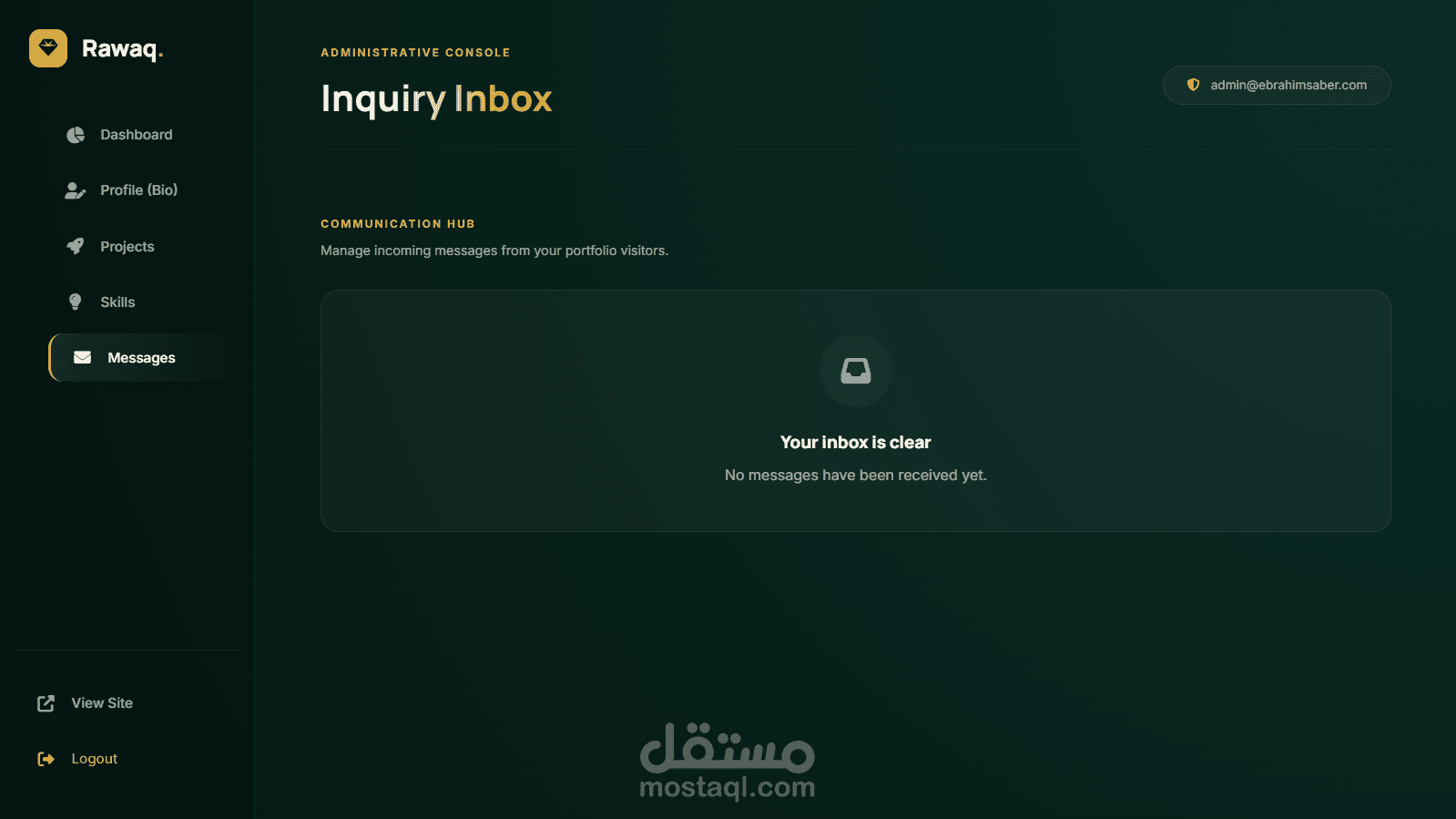
### ? Administrative Suite (Rawaq Console)
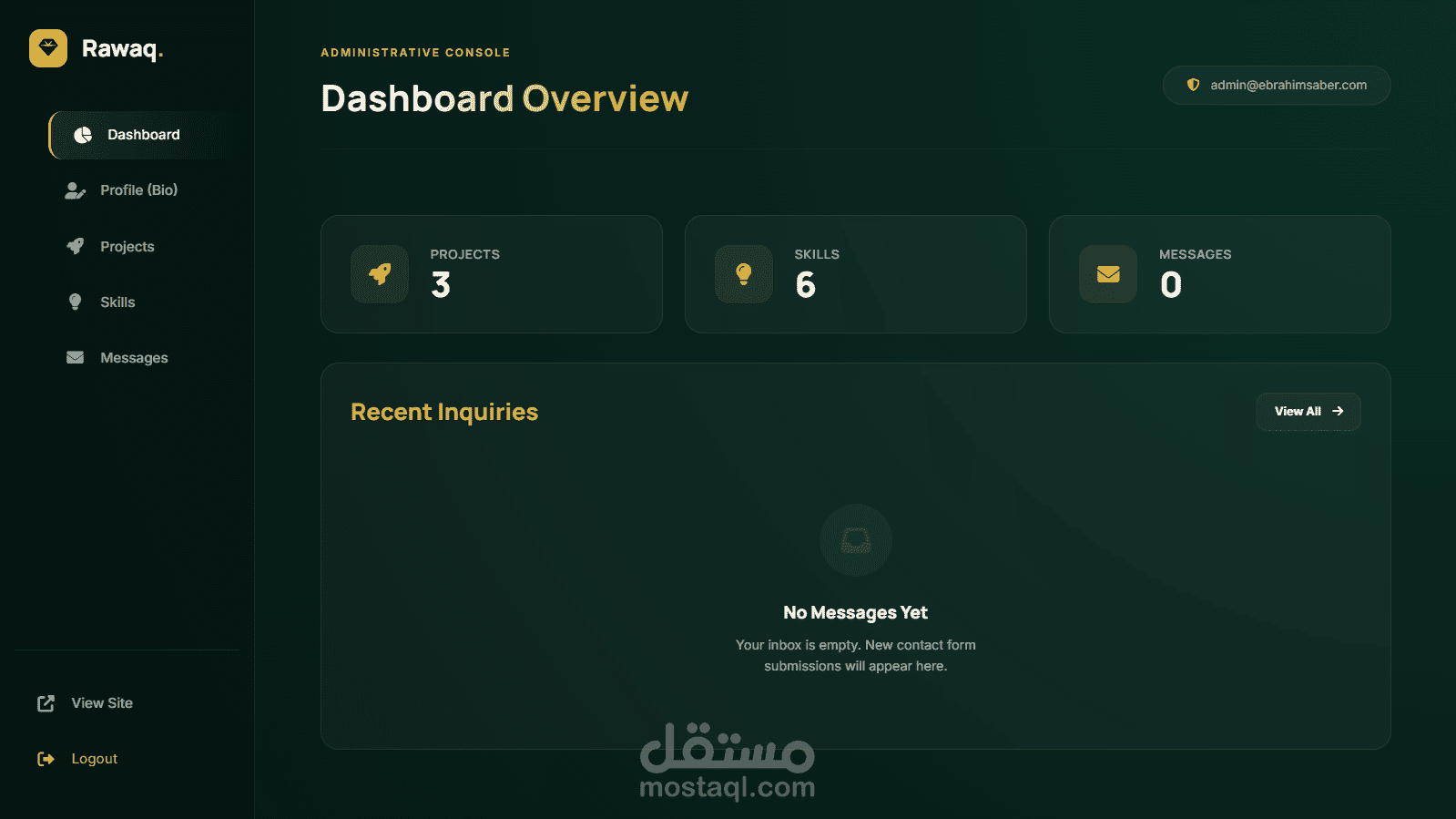
- **Dashboard Overview**: Analytics on projects, messages, and technical reach.
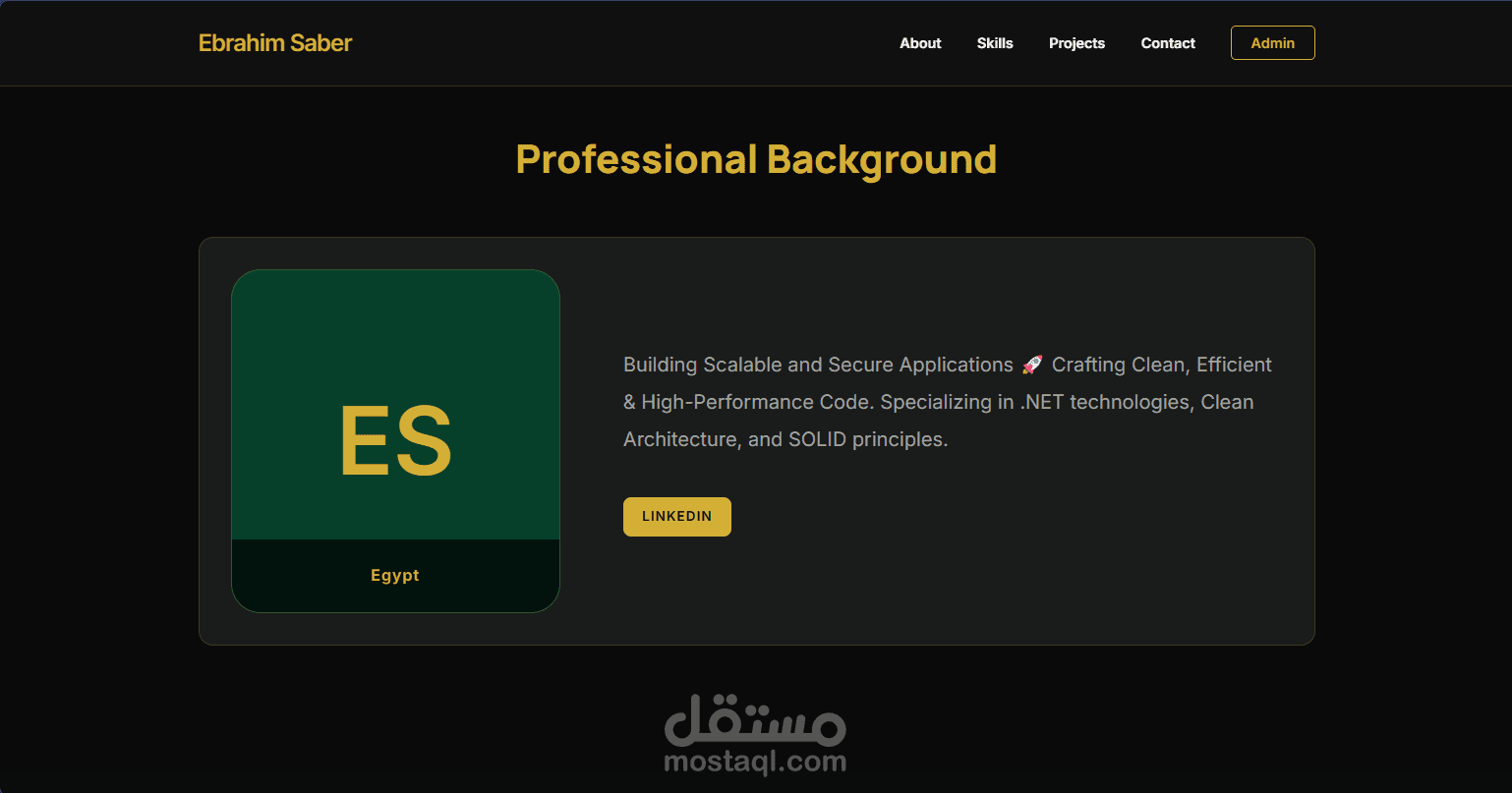
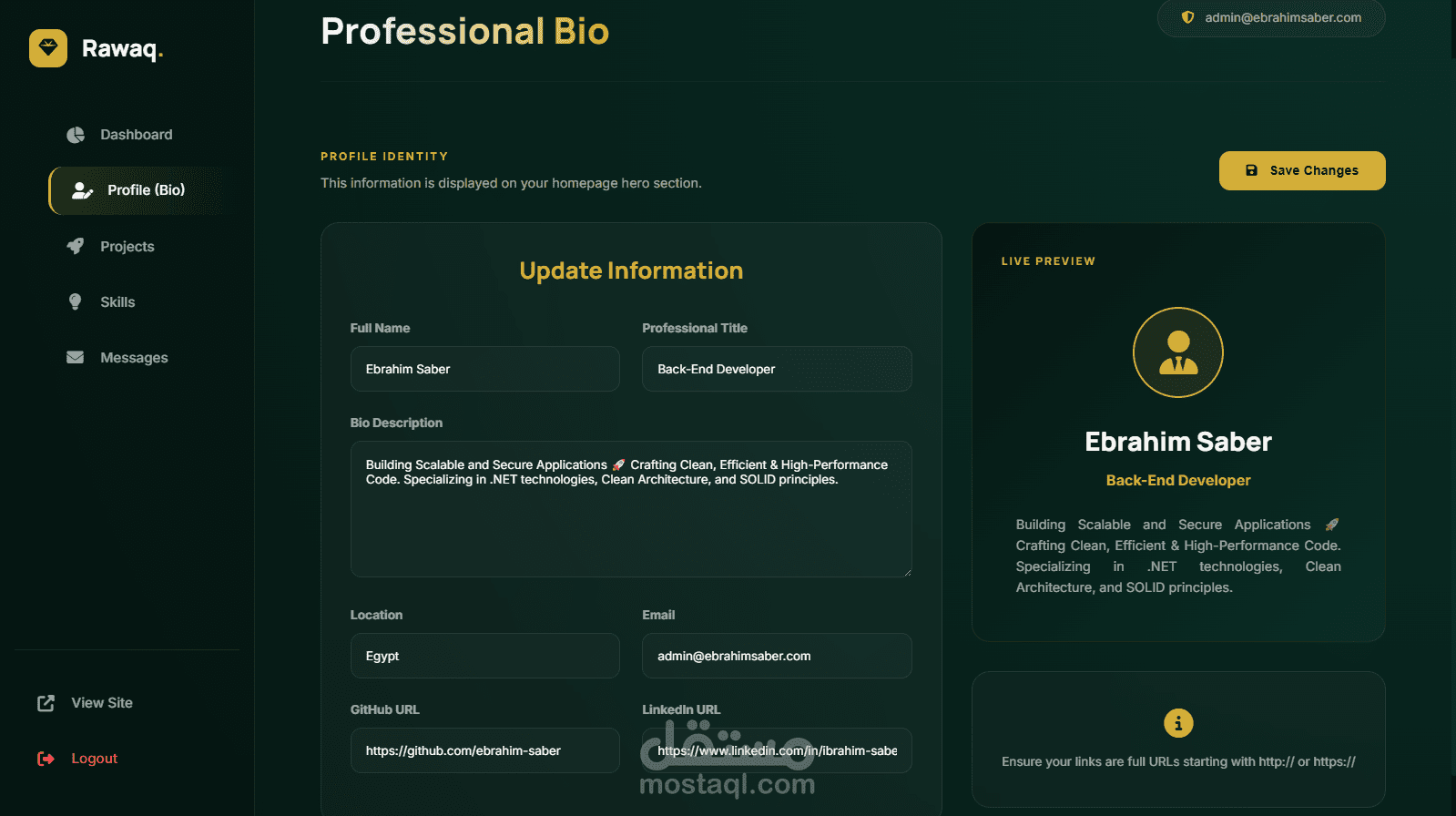
- **Bio Management**: Complete control over professional identity and social presence.
- **Project Engine**: Advanced CRUD operations with image support and skill mapping.
- **Skill Orchestrator**: Dynamic management of technical stacks.
- **Inquiry Inbox**: Management of visitor inquiries with a modern interface.
---
## ?️ Architectural Overview
The system is engineered using **Clean Architecture** principles to ensure maintainability, testability, and scalability.
### ? Project Structure
- **`Portfolio.Domain`**: Core entities, value objects, and repository interfaces.
- **`Portfolio.Application`**: Business logic, DTOs, AutoMapper profiles, and service implementations.
- **`Portfolio.Infrastructure`**: Data persistence (EF Core), SQL Server configuration, and external services.
- **`Portfolio.Web`**: The presentation layer (MVC), API controllers, and premium UI assets.
---
## ?️ Technology Stack
| Layer | Technologies |
| :--- | :--- |
| **Framework** | ASP.NET Core 8.0 MVC / Web API |
| **Database** | SQL Server 2022 |
| **ORM** | Entity Framework Core (Code First) |
| **Mapping** | AutoMapper |
| **Styling** | Premium Vanilla CSS (Emerald-Gold Design System) |
| **Frontend Logic** | Modern JavaScript (Asynchronous Fetch API) |
| **Security** | Role-based authentication & Robots protection |
---
## ? Getting Started
### Prerequisites
- [.NET 8.0 SDK](https://dotnet.microsoft....)
- [SQL Server](https://www.microsoft.com...) (LocalDB or Express)
### Installation
1. **Clone the repository**
```bash
git clone https://github.com/ibrahi...
cd Rawaq-Emerald
```
2. **Database Configuration**
Update the connection string in `src/Web/appsettings.json`:
```json
"ConnectionStrings": {
"DefaultConnection": "Server=(localdb)\\mssqllocaldb;Database=PortfolioDb;Trusted_Connection=True;"
}
```
3. **Apply Migrations**
```bash
dotnet ef database update --project src/Infrastructure --startup-project src/Web
```
4. **Run Application**
```bash
dotnet run --project src/Web
```
---
## ? Design Philosophy
**Rawaq Emerald** isn't just a portfolio; it's a visual statement. The design system is built on:
- **Emerald Deep (#051612)**: For visual depth and professional stability.
- **Gold Accent (#D4AF37)**: Representing excellence and premium quality.
- **Glassmorphism**: Subtle translucent surfaces for a modern, airy feel.
- **Typography**: A mix of *Manrope* for bold headings and *Inter* for readable body text.
---
## ? Contributing
Contributions are welcome! Please feel free to submit a Pull Request.
1. Fork the Project
2. Create your Feature Branch (`git checkout -b feature/AmazingFeature`)
3. Commit your Changes (`git commit -m 'Add some AmazingFeature'`)
4. Push to the Branch (`git push origin feature/AmazingFeature`)
5. Open a Pull Request
---
## ? License
Distributed under the MIT License. See `LICENSE` for more information.
---
## ? Contact
**Ebrahim Saber** - [ibrahimsaber4231@gmail.com](mailto:admin@ebrahimsaber.com)
<div align="center">
<p>Crafted with Precision ? Passion ? .NET Excellence</p>
</div>