Library
تفاصيل العمل
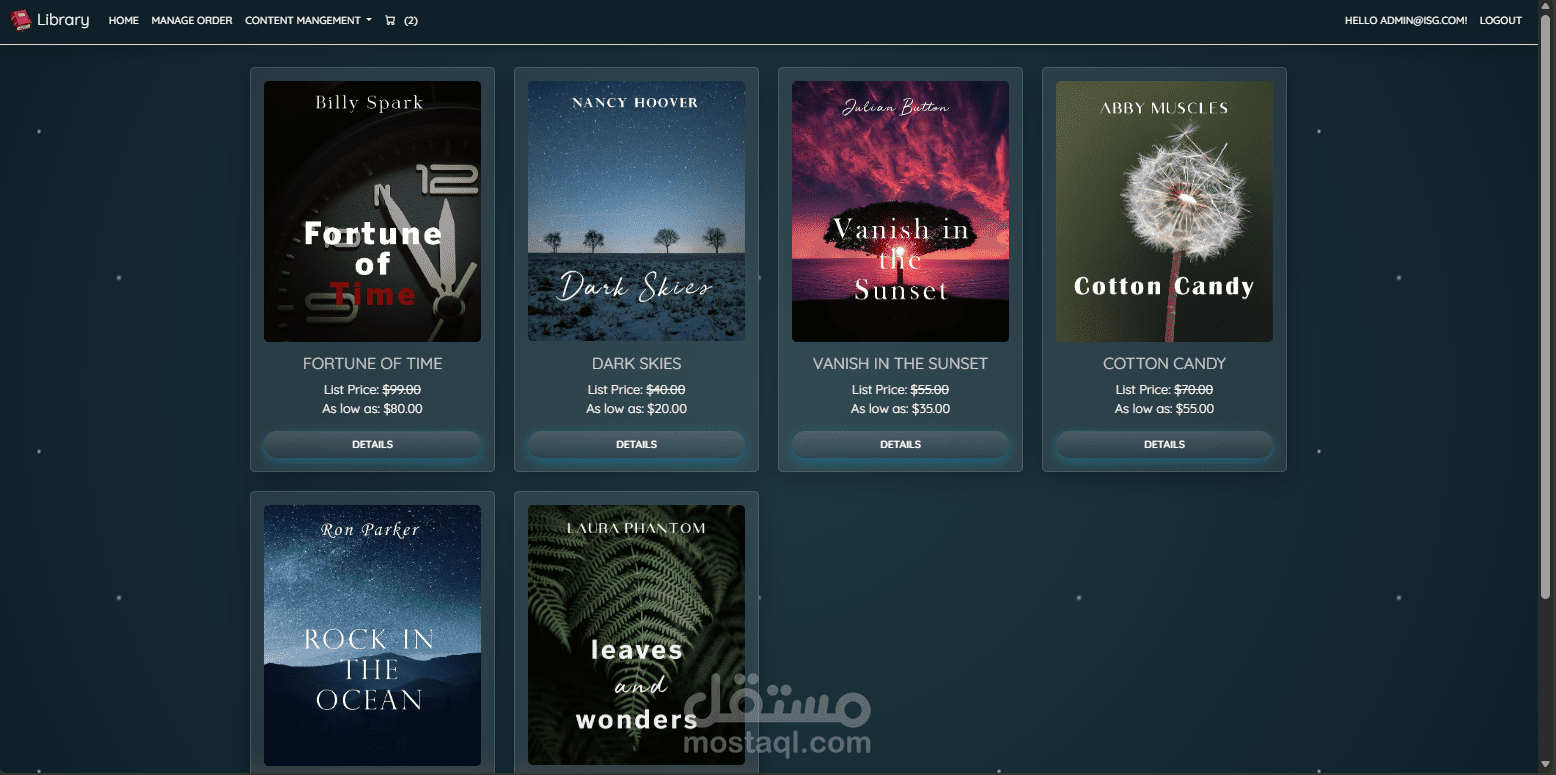
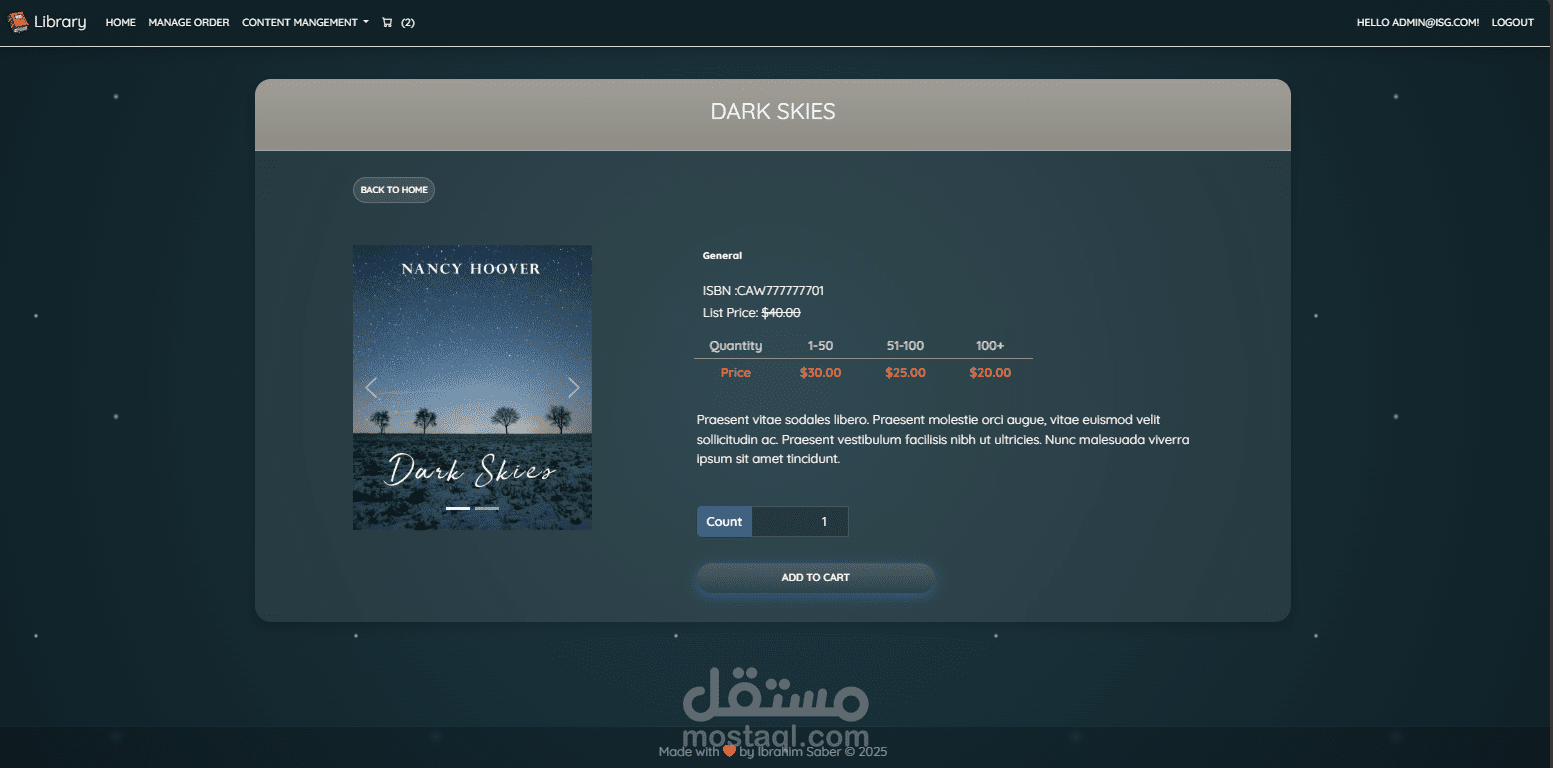
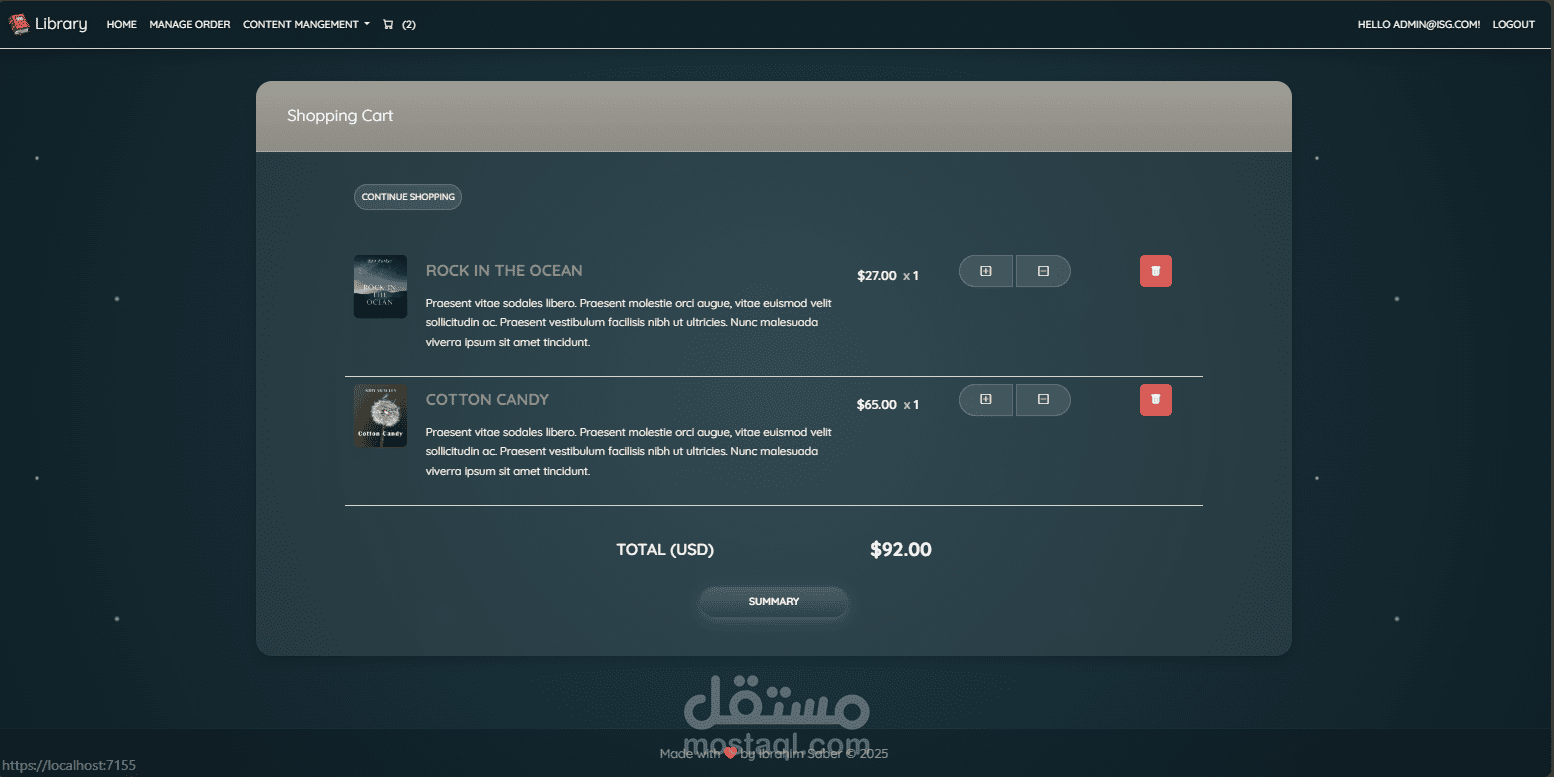
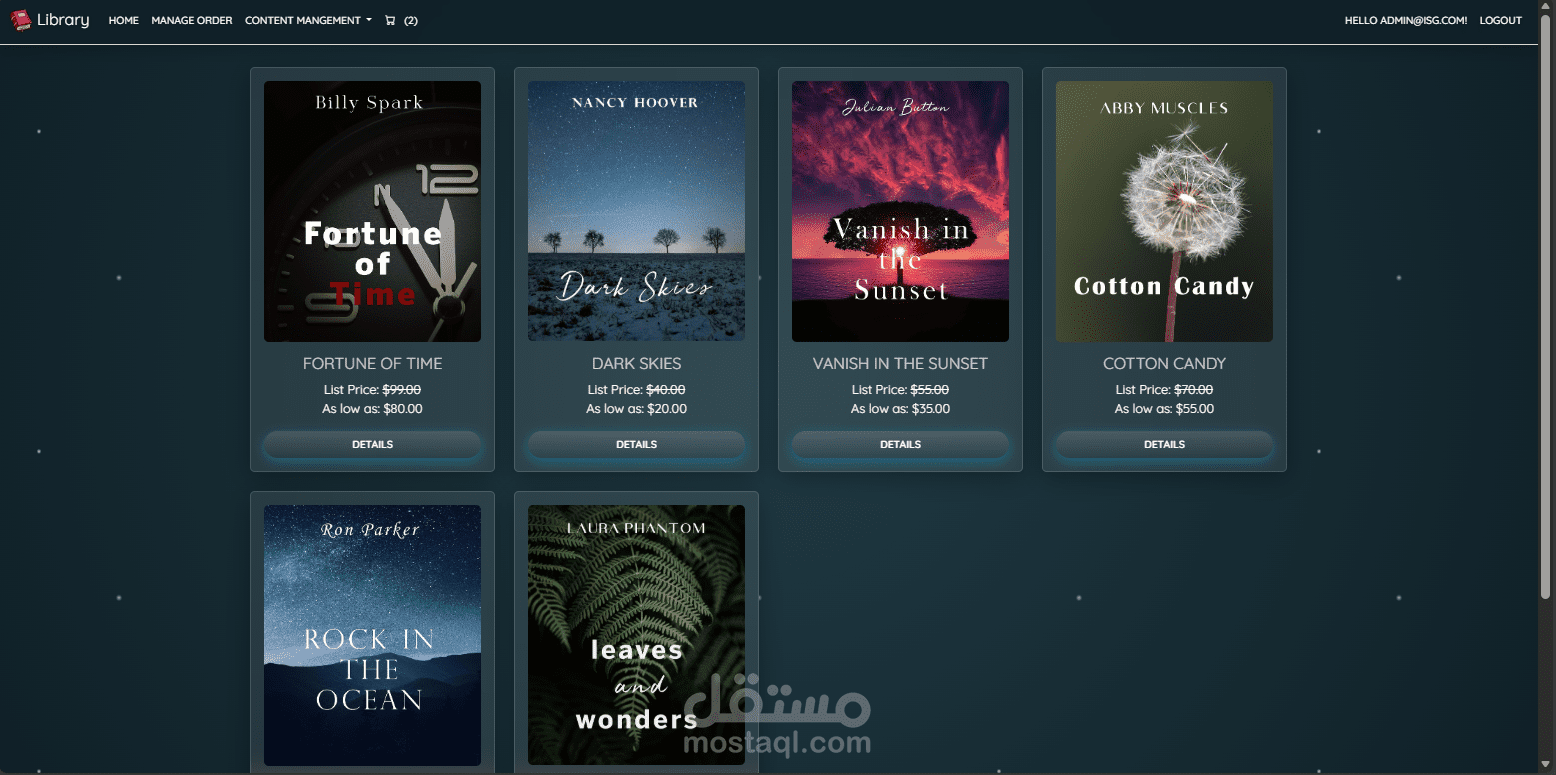
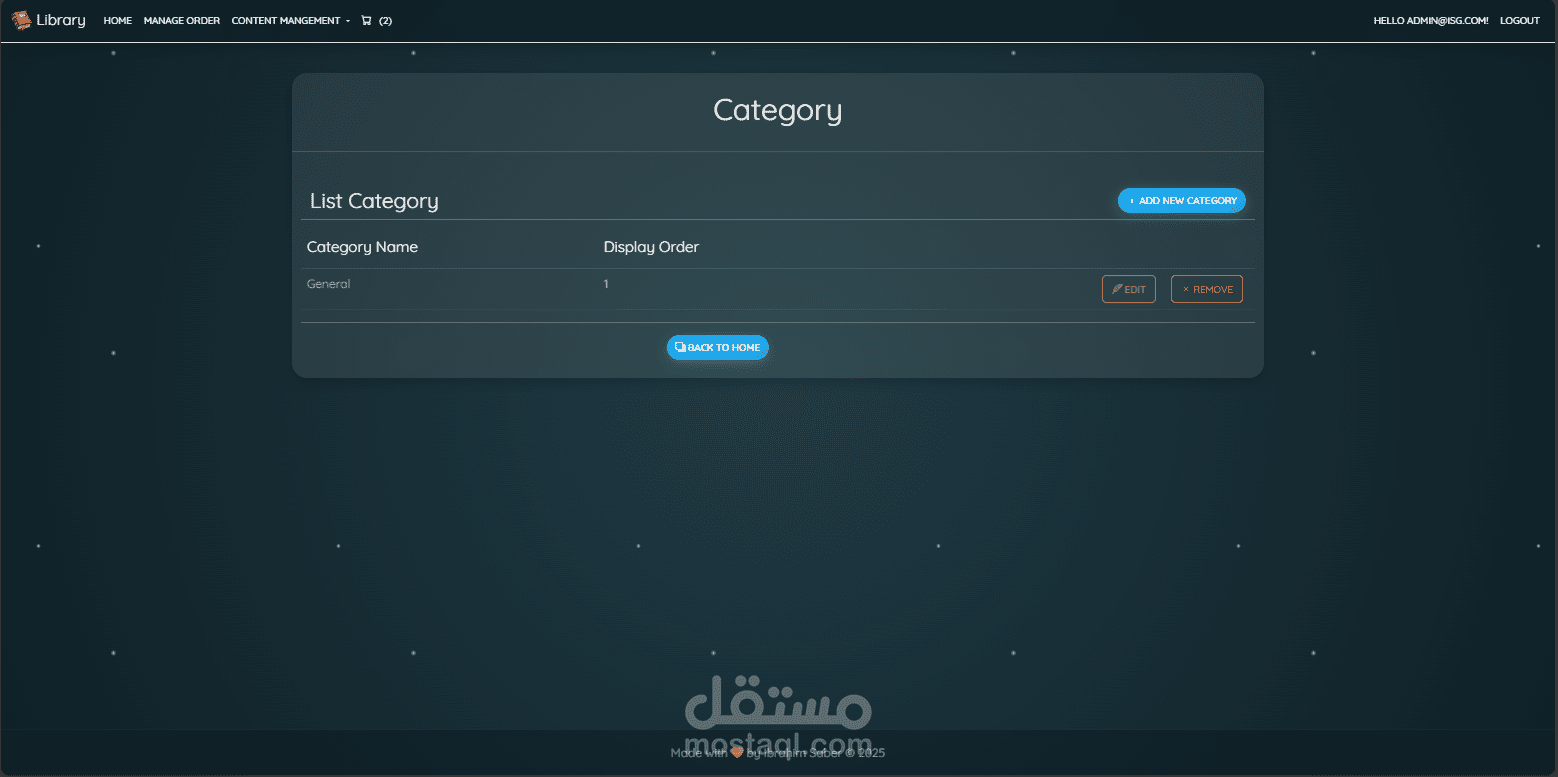
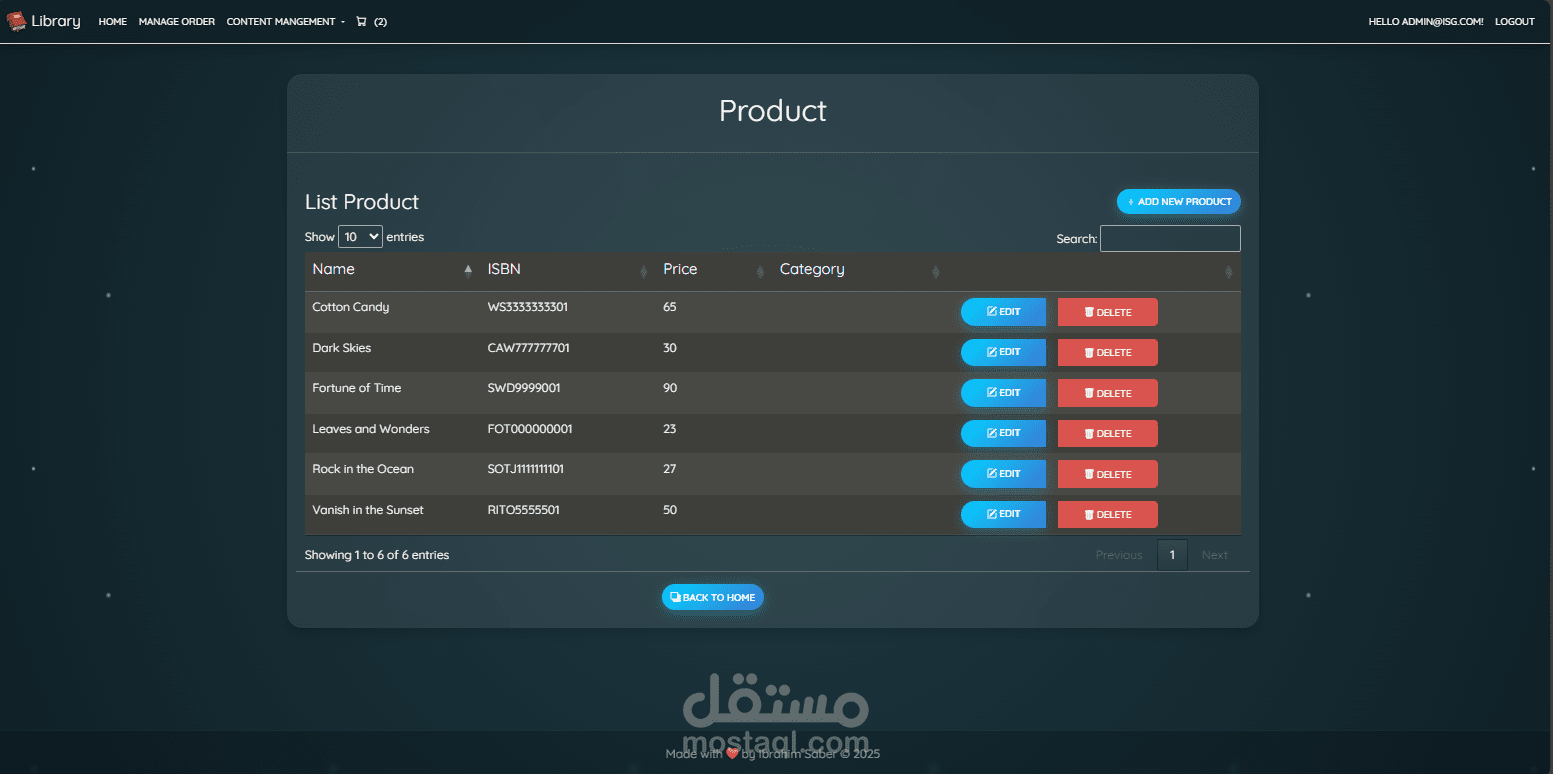
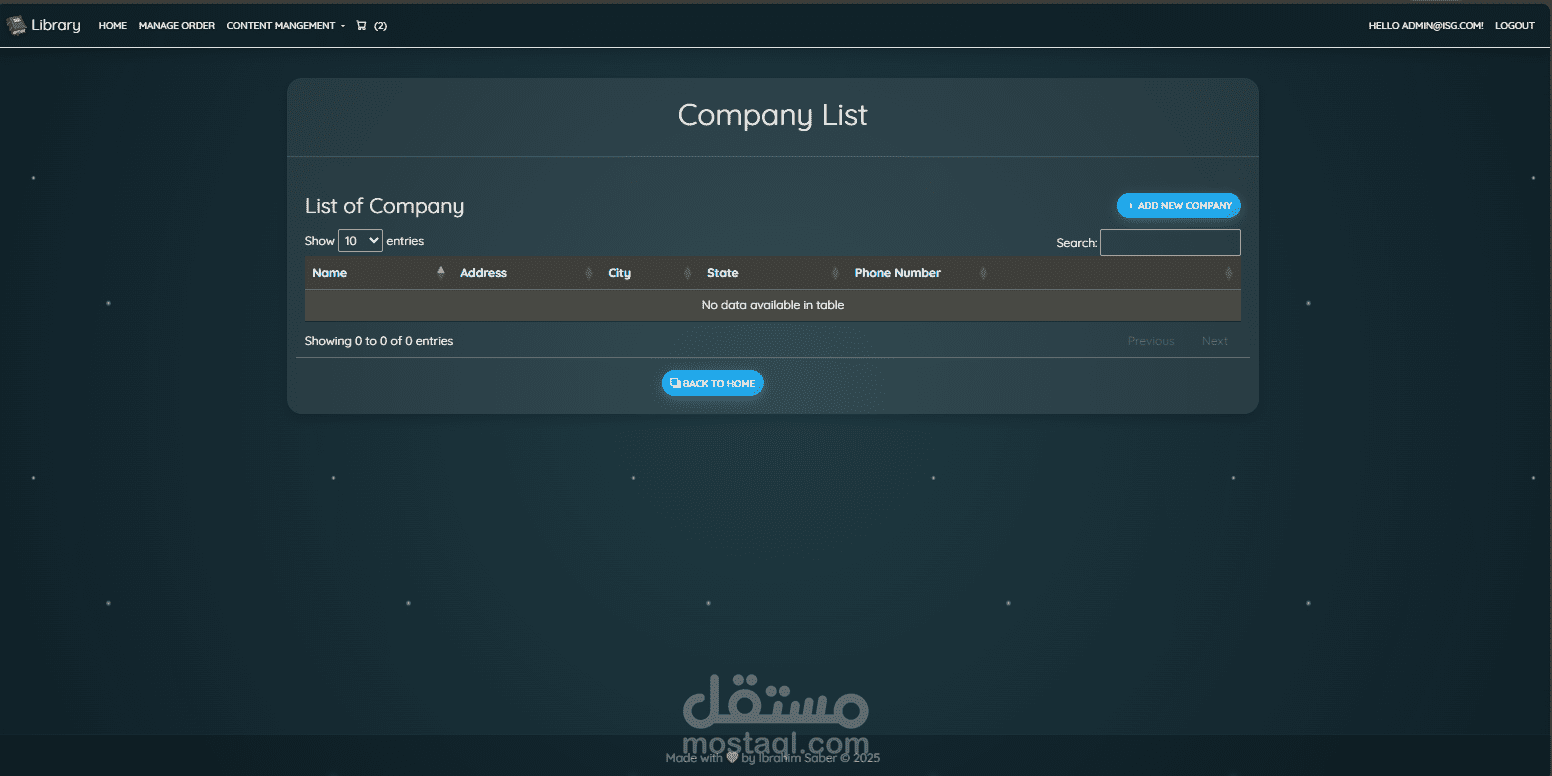
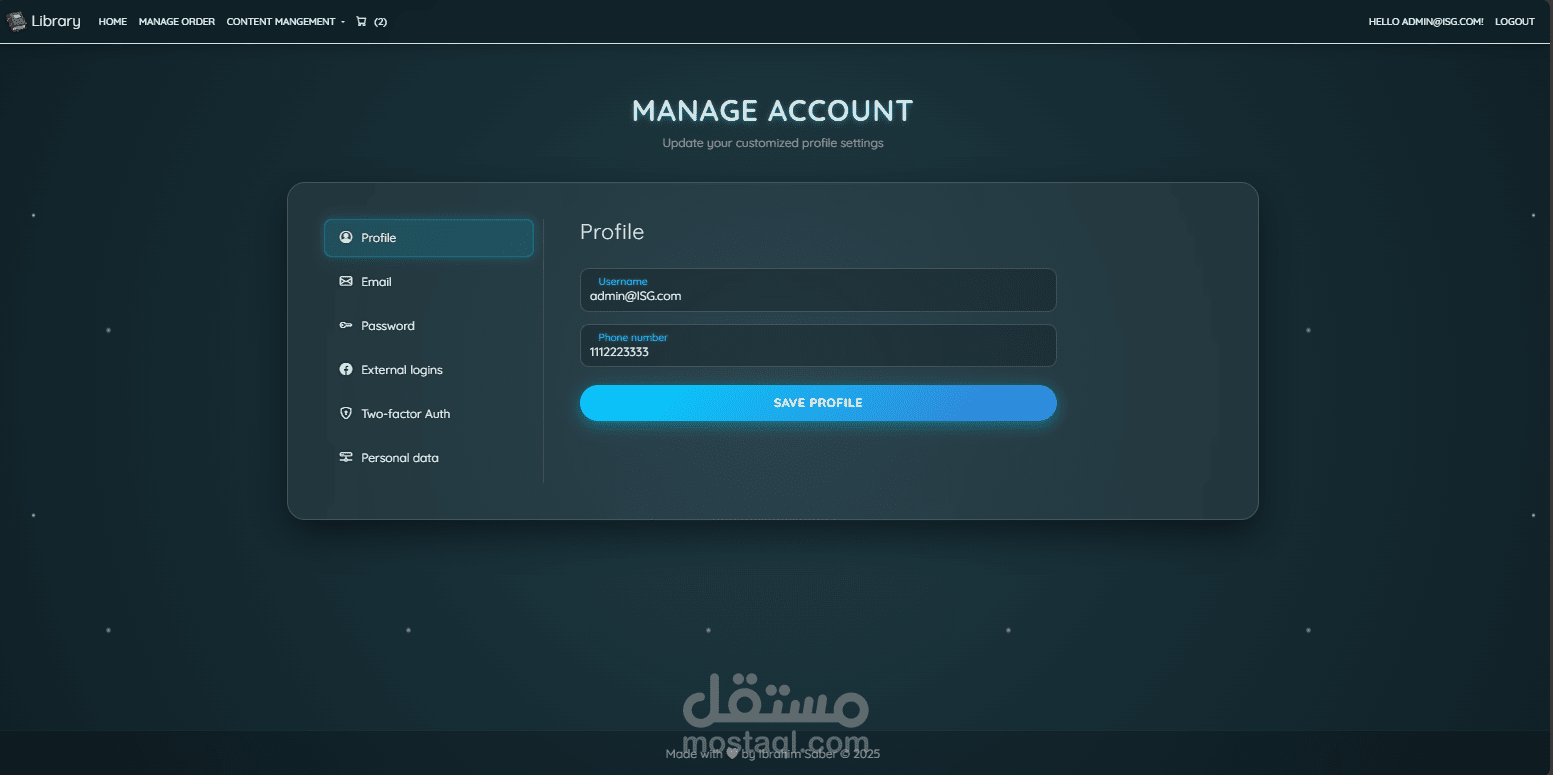
# ?️ Library | Premium Management System
   
A modern, high-performance Library Management System built with **ASP.NET Core 8** and **MongoDB**. Featuring a stunning **"Frost/Glass" UI theme**, secure authentication, and a seamless checkout experience.
---
## ✨ Key Features
### ? Premium User Experience
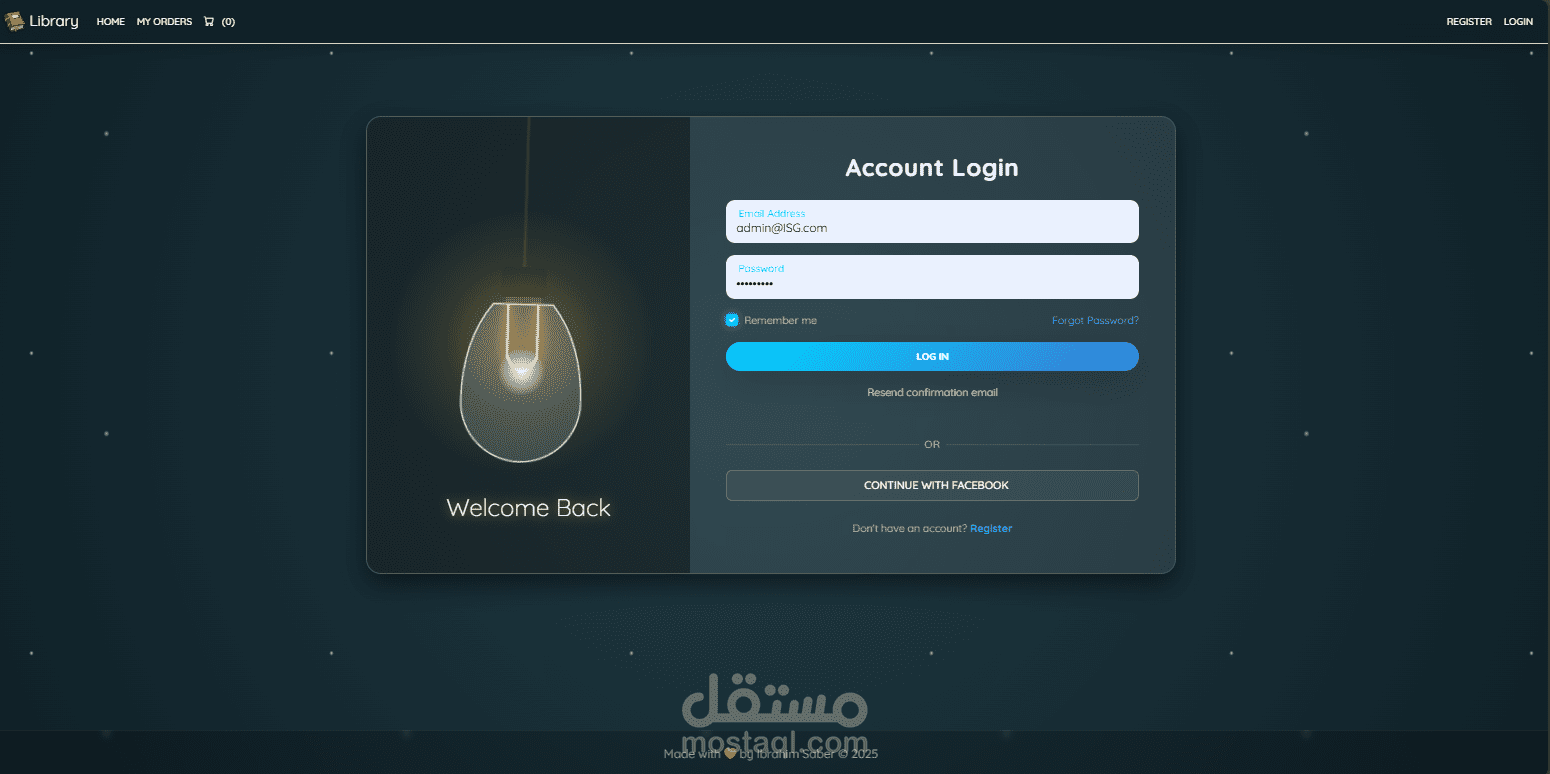
* **Frosted Glass UI**: A cohesive, modern design with translucent cards, icy gradients, and neon accents.
* **Interactive Dashboard**: Dynamic charts and real-time data visualization.
* **Responsive**: Fully optimized for desktops, tablets, and mobile devices.
### ? Security & Identity
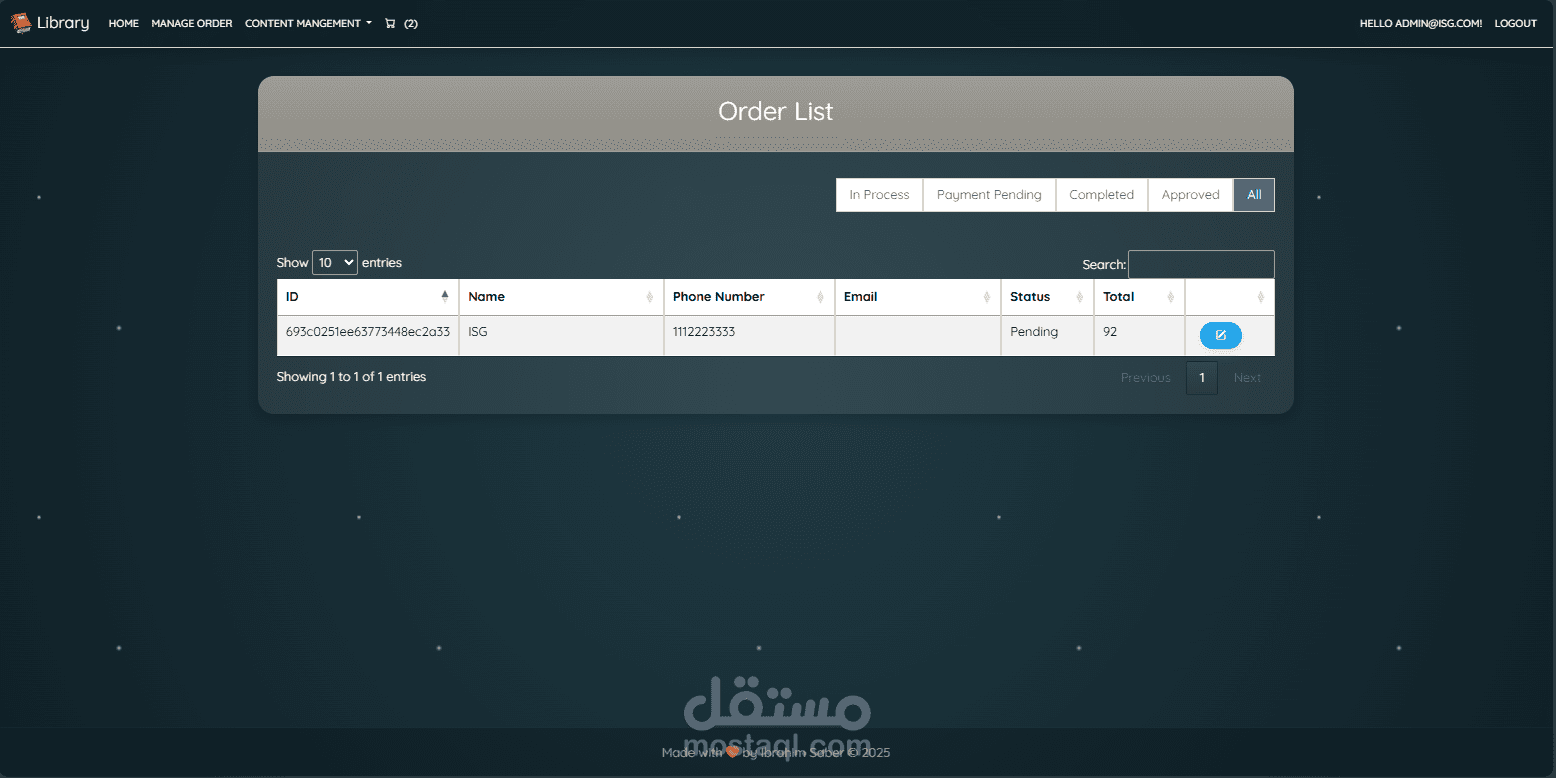
* **Role-Based Access**: Granular control for **Admin**, **Company**, and **Customer** roles.
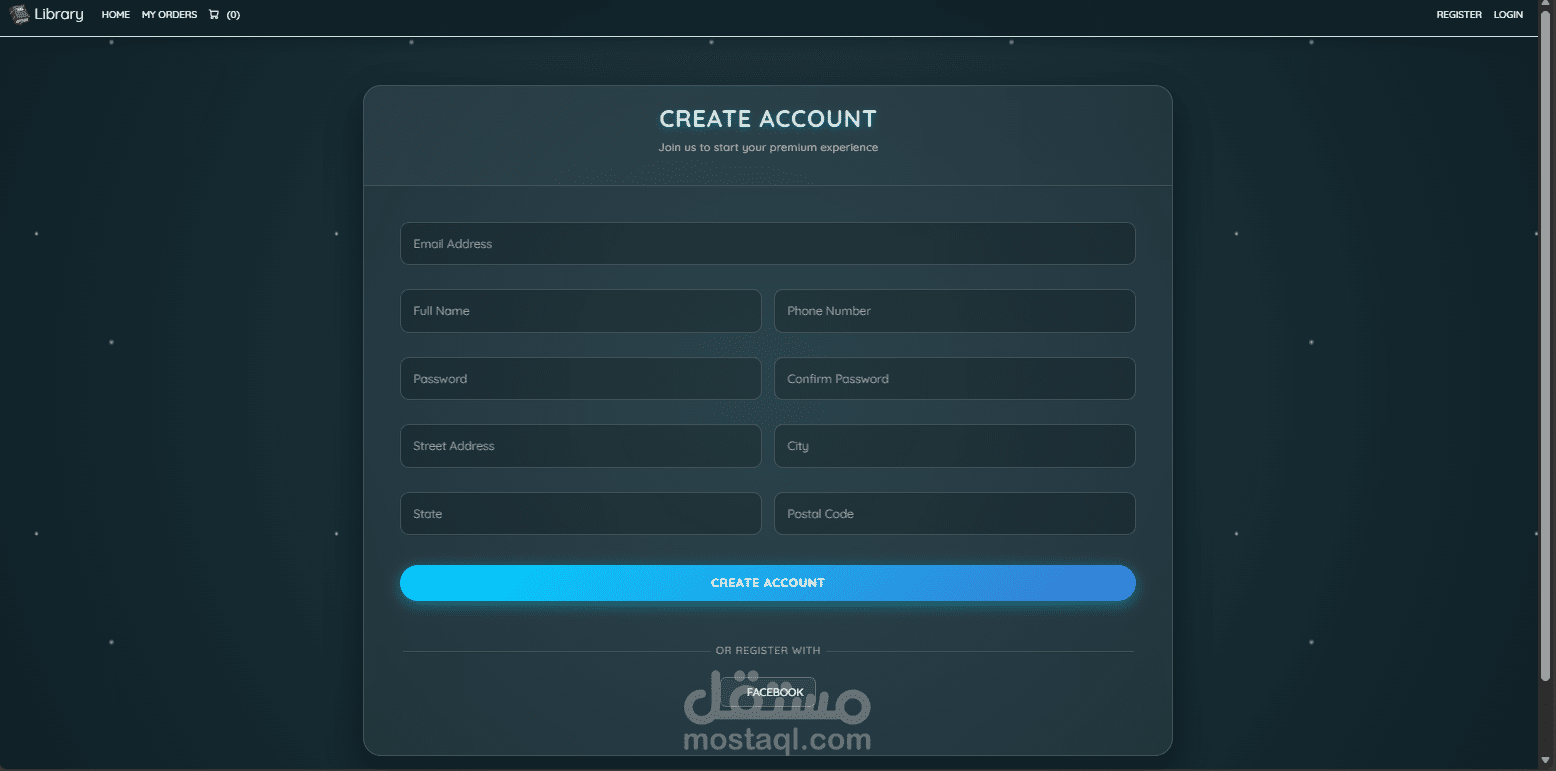
* **Secure Authentication**: Powered by ASP.NET Core Identity with Two-Factor Authentication (2FA) support.
* **Profile Management**: Dedicated dashboard for users to manage profiles, passwords, and personal data.
### ? E-Commerce & Management
* **Product Management**: Full CRUD capabilities for menu items with image uploads.
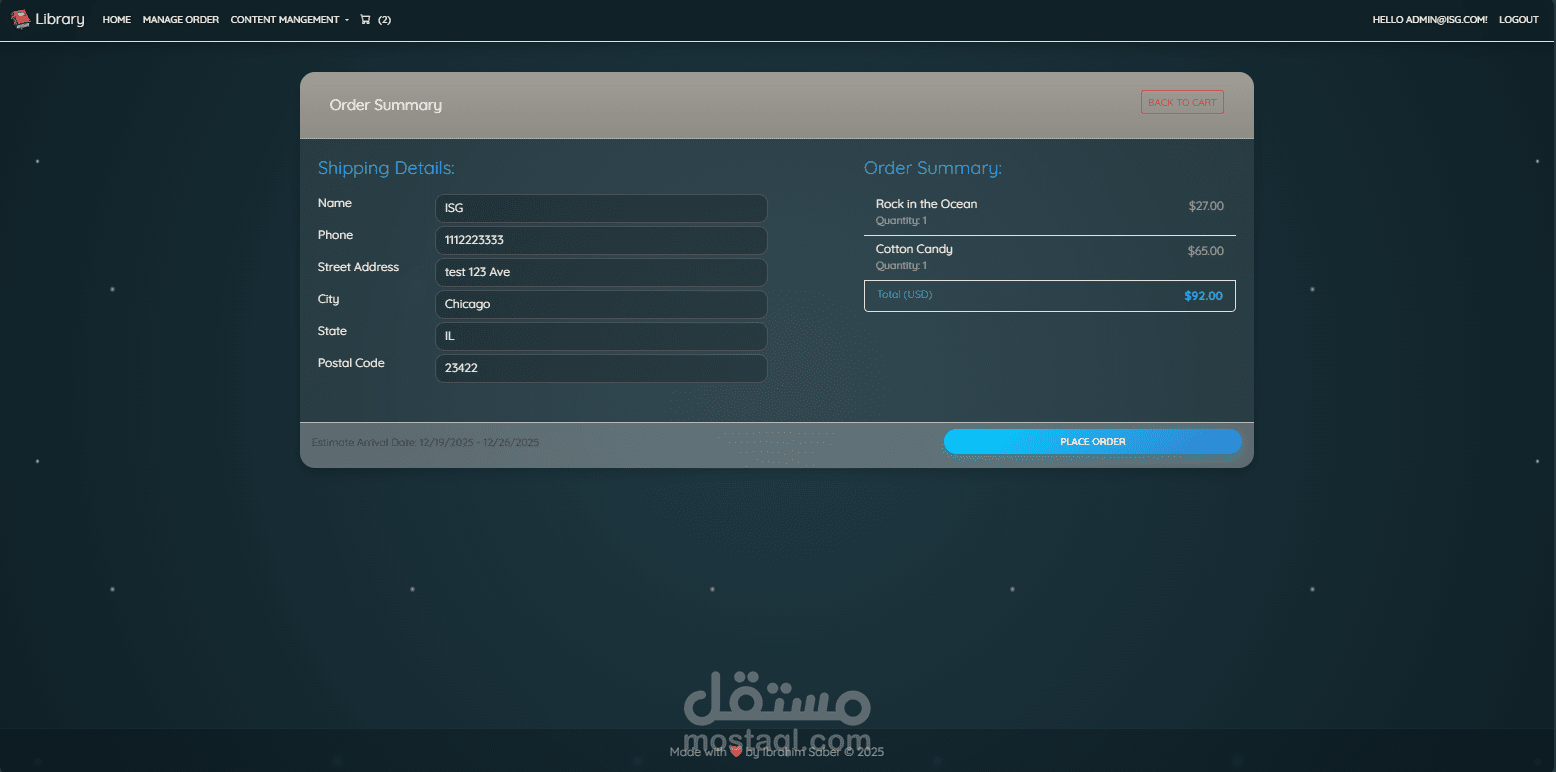
* **Smart Cart**: Real-time shopping cart with quantity adjustments and session persistence.
* **Stripe Integration**: Secure, PCI-compliant checkout flow for credit card payments.
* **Order Tracking**: Comprehensive order history and status updates.
---
## ?️ Tech Stack
* **Framework**: ASP.NET Core 8.0 (MVC)
* **Database**: MongoDB (NoSQL)
* **Authentication**: AspNetCore.Identity.MongoDbCore
* **Frontend**: Bootstrap 5, Custom CSS3 (Glassmorphism), JavaScript
* **Payments**: Stripe API
* **Email**: SendGrid (Production) / File Logger (Development)
---
## ? Getting Started
### 1. Prerequisites
* [.NET 8 SDK](https://dotnet.microsoft....)
* [MongoDB Server](https://www.mongodb.com/t...) (Local or Atlas)
### 2. Configuration
1. Navigate to `Library/appsettings.json`.
2. Update the **MongoDbSettings** with your connection string:
```json
"MongoDbSettings": {
"ConnectionString": "mongodb://localhost:27017",
"DatabaseName": "ResturantPro_DB"
}
```
3. Add your **Stripe** keys:
```json
"Stripe": {
"SecretKey": "sk_test_...",
"PublishableKey": "pk_test_..."
}
```
### 3. Run the Application
```bash
cd "Library"
dotnet run
```
### 4. Default Credentials (Seeded)
The application automatically seeds these accounts on the first run:
| Role | Email | Password |
| :--- | :--- | :--- |
| **Admin** | `admin@ISG.com` | `Admin123*` |
| **Customer** | `customer@company.com` | `Admin123*` |
---
## ? Troubleshooting
### ? Email Issues (Development)
If you don't have a SendGrid key configured:
* Emails will **not** be sent.
* Instead, check **`email_log.txt`** in the project root folder.
* Copy the "Confirmation Link" from the file to verify accounts manually.
### ? Payment Testing
Use Stripe's test card numbers:
* **Card Number**: `4242 4242 4242 4242`
* **Expiry**: Any future date (e.g., `12/30`)
* **CVC**: `123`
* **ZIP**: `12345`
---
Copyright © 2025 Ibrahim Saber(01090057724). All rights reserved.