REPO care tab Bug
تفاصيل العمل
Bug Report
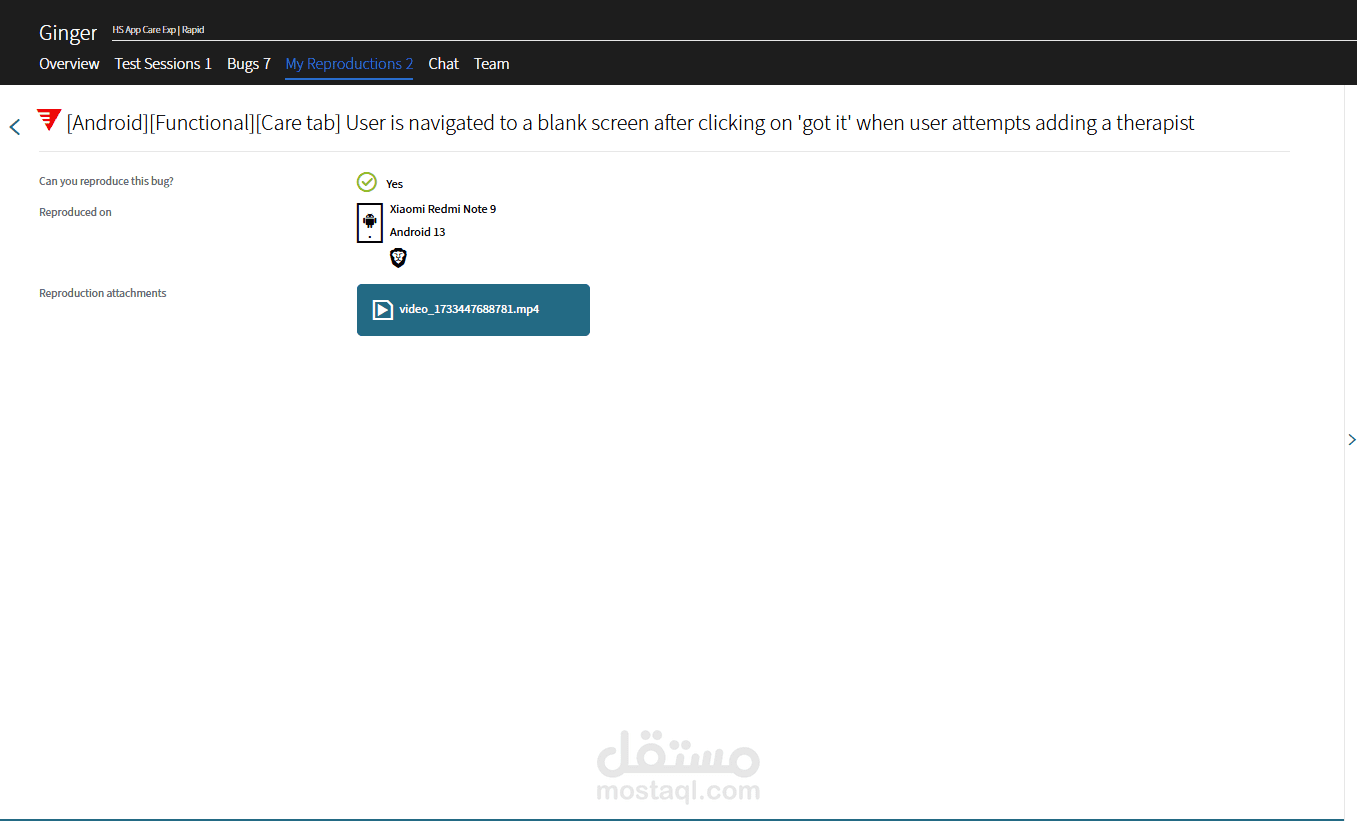
Title: [Android][Functional][Care Tab] User is navigated to a blank screen after clicking on “Got it” when attempting to add a therapist
App Version: Headspace Production App v4.234.1 (399880)
Platform: Android
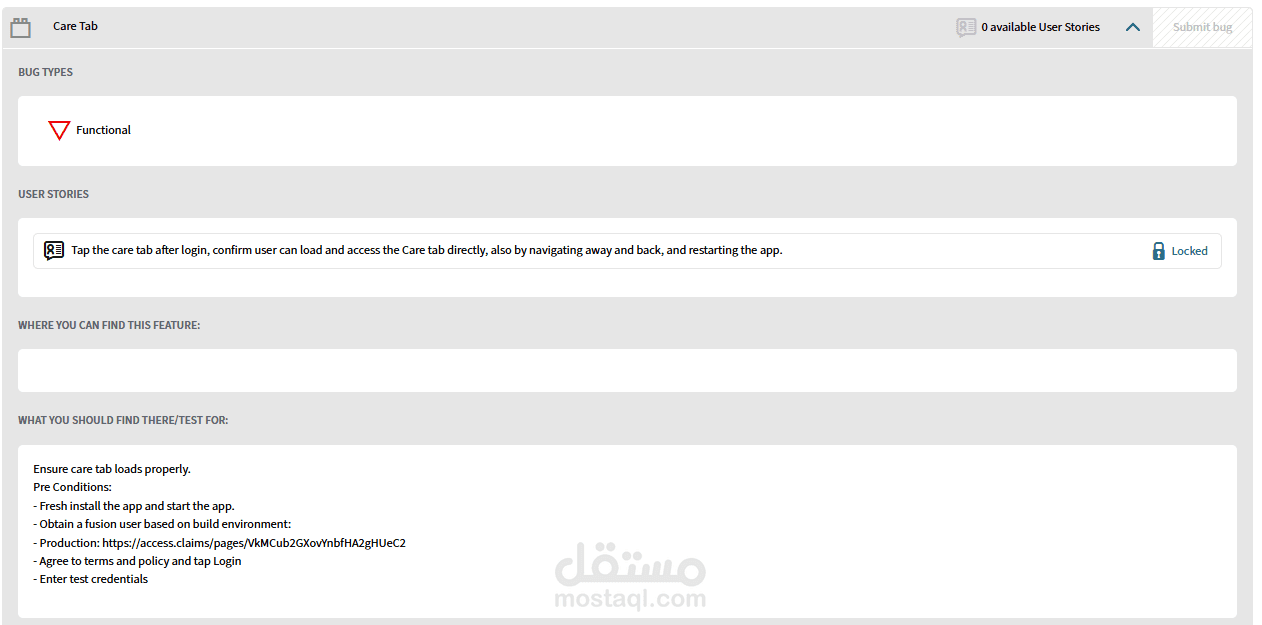
Feature Tested: Care Tab – Add a Therapist Flow
Bug Type: Functional
? Steps to Reproduce:
Launch the Headspace app (v4.234.1) and log in using a test account.
Navigate to the Care Tab.
Tap “Schedule Clinic Care” or the option to add a therapist.
When the “Almost there!” pop-up appears, tap on “Got it.”
️ Actual Result:
After tapping “Got it,” the user is navigated to a white blank screen, and the process does not continue.
Expected Result:
The user should be redirected to the appropriate therapist scheduling or next flow screen without encountering a blank page.
Reproducibility:
Reproduced multiple times using different test accounts (e.g., ruel+84145@ginger.io, ruel+83826@ginger.io).
? Additional Notes:
Verified that the issue persists after restarting the app and clearing cache.
Video evidence recorded including app version from Settings > My Data.
Included User ID and account credentials in the bug report as per test guidelines.