Digital Image Processing Project
تفاصيل العمل
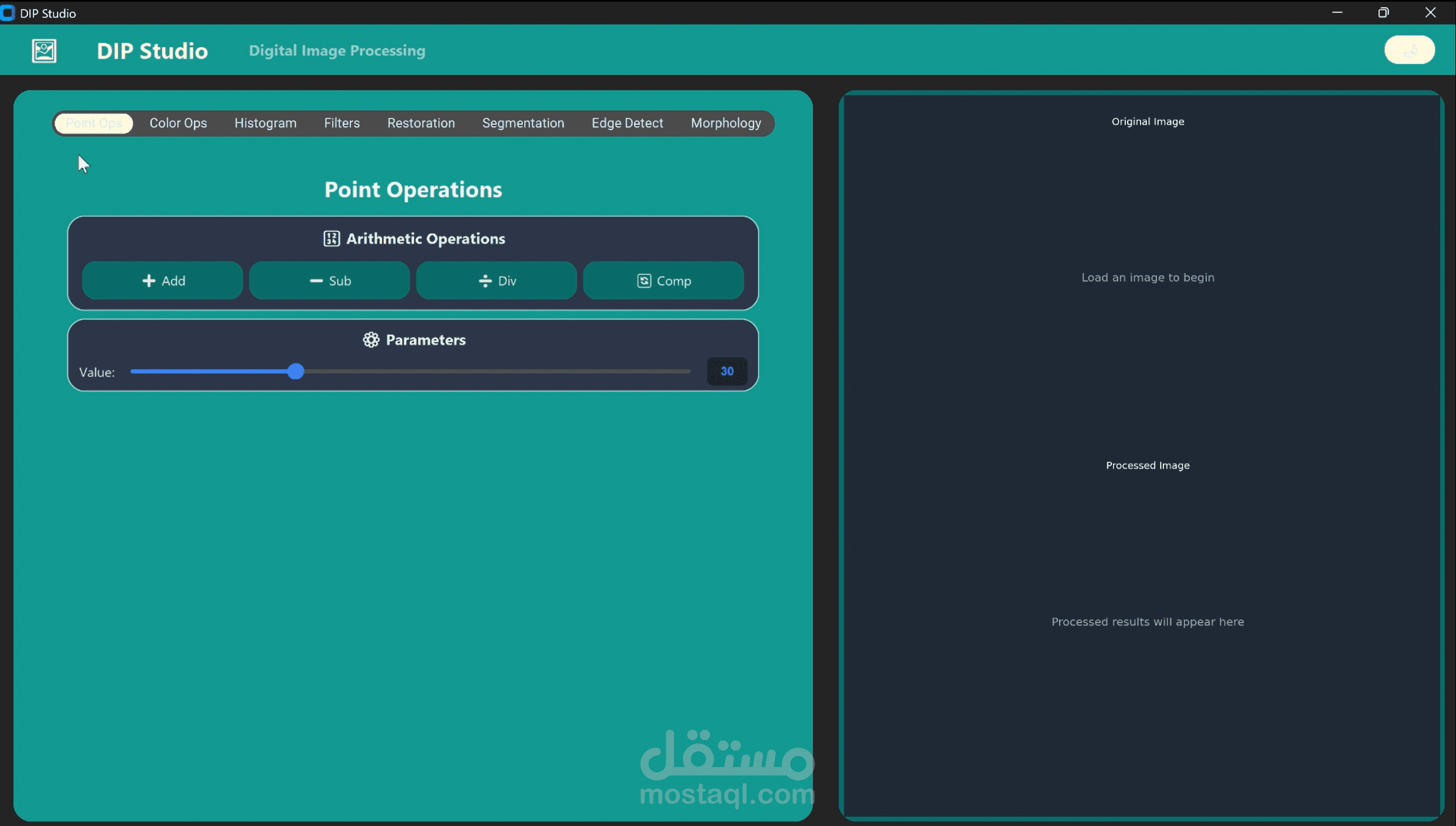
Project Overview:
As part of our coursework at the Faculty of Artificial Intelligence, we developed a comprehensive Digital Image Processing application — an all-in-one GUI-based tool that brings core image processing concepts to life.
This project transforms theory into an interactive visual experience, allowing users to apply and observe real-time image transformations. ?
Core Functionalities:
1. Point Operations
Addition, Subtraction, Division, Complement
2. Color Image Manipulation
Lighting adjustment (e.g., modify red channel)
Channel swapping (e.g., R → G)
Channel removal (e.g., remove red)
3. Histogram Techniques
Histogram Stretching (Grayscale)
Histogram Equalization (Grayscale)
4. Neighborhood-Based Filters
Linear: Average, Laplacian
Non-linear: Max, Min, Median, Mode
5. Image Restoration
Salt & Pepper noise removal (Average, Median, Outlier)
Gaussian noise reduction (Image Averaging, Average Filter)
6. Image Segmentation
Global Thresholding
Automatic Thresholding
Adaptive Thresholding
7. Edge Detection
Sobel Edge Detector
8. Mathematical Morphology
Dilation
Erosion
App Interaction:
For every operation, users can upload an image, apply the technique, and view the result alongside the original image using subplot visualization — making it easy to compare before and after effects.
? Tech Stack:
Python – CustomTkinter – OpenCV – NumPy – Matplotlib