Set Alarm Screen – Minimal Mobile UI/UX Design
تفاصيل العمل
Set Alarm — UI Description
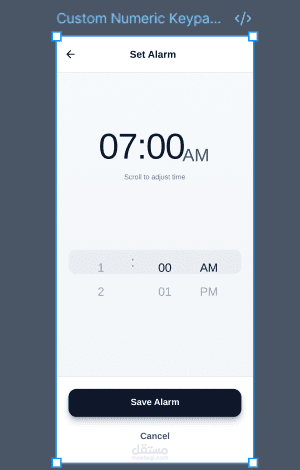
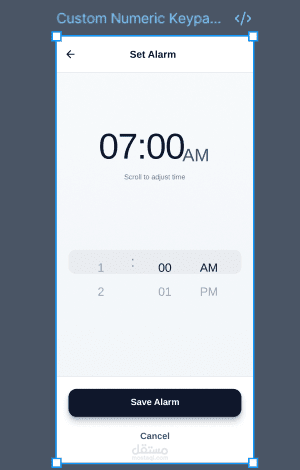
A clean, minimal Set Alarm screen designed for fast time selection and easy confirmation. The layout centers a large, high-contrast time display (07:00 AM) as the primary focus, supported by a subtle helper text (“Scroll to adjust time”) to guide the user. Below, a compact scroll picker allows users to adjust hours, minutes, and AM/PM with clear column separation for accuracy. The primary action is emphasized with a full-width “Save Alarm” button for confident completion, while a secondary “Cancel” option provides a safe exit without visual clutter. The overall design uses generous spacing, strong hierarchy, and a single primary CTA for a frictionless experience.