Food Application
تفاصيل العمل
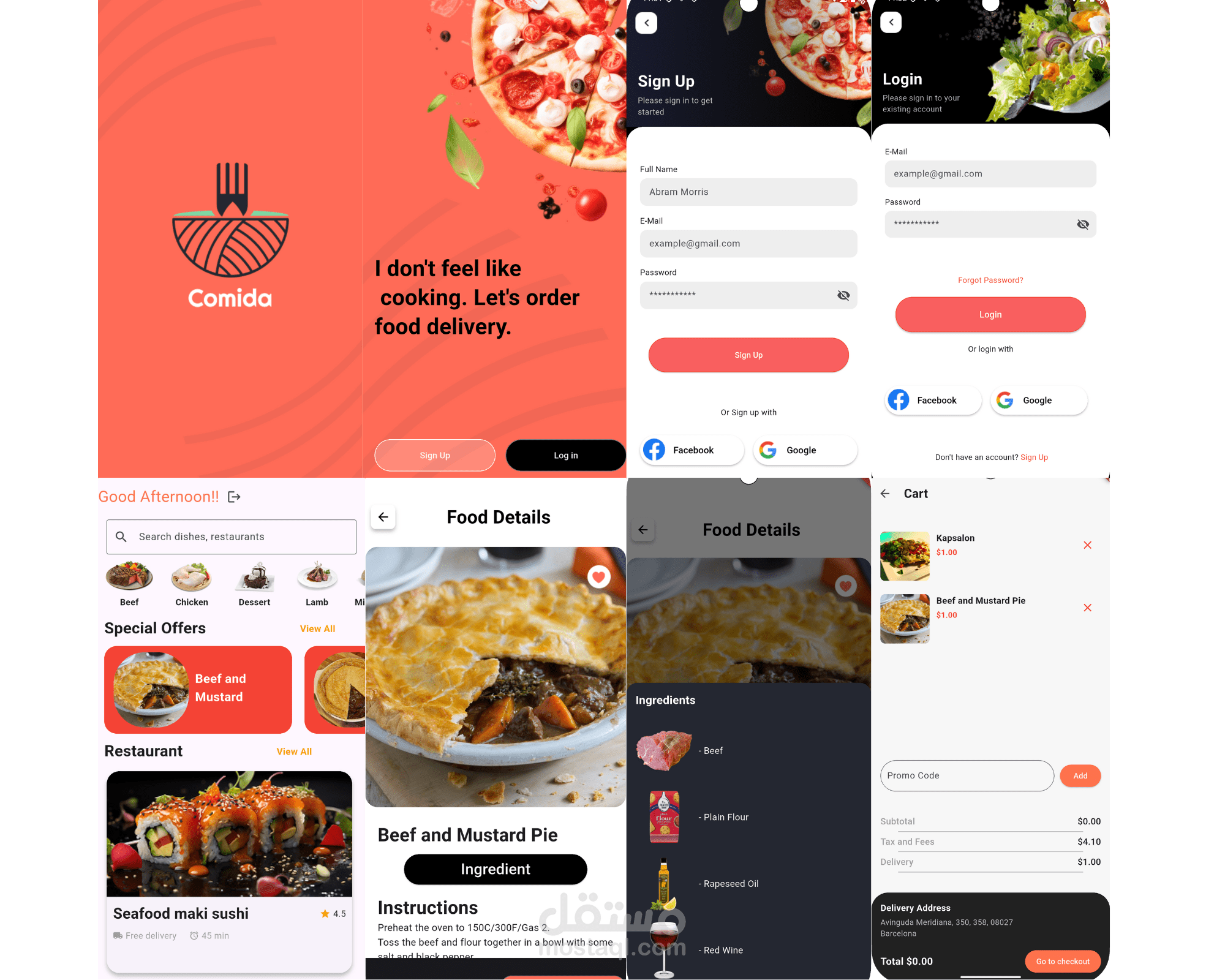
This looks like a food delivery application! Here's a breakdown of what the different screens seem to show:
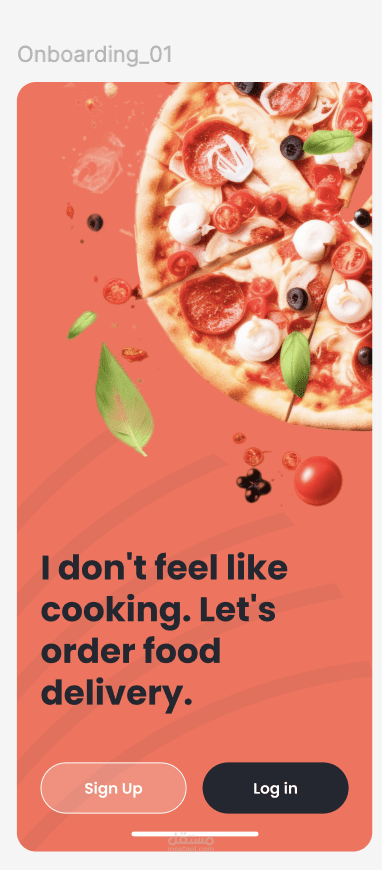
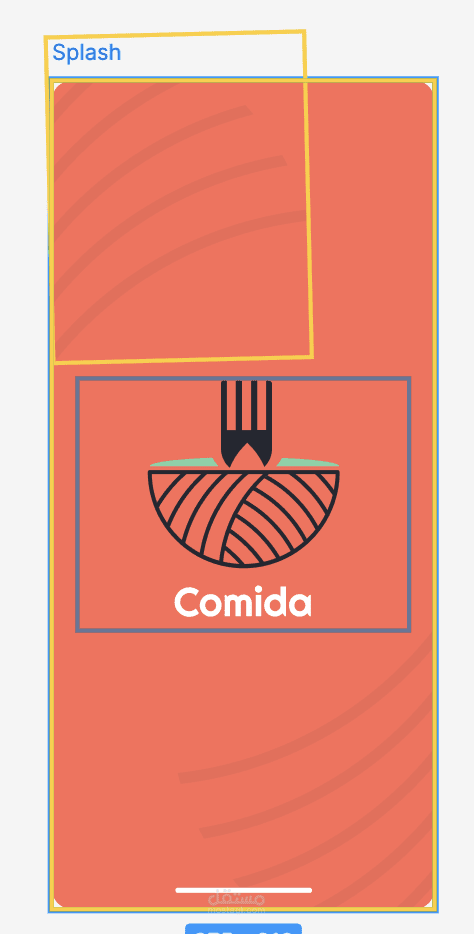
Splash Screen/Homepage: The first screen features the app's logo "Comida" and a tagline encouraging users to order food delivery instead of cooking. There are buttons for "Sign Up" and "Log In."
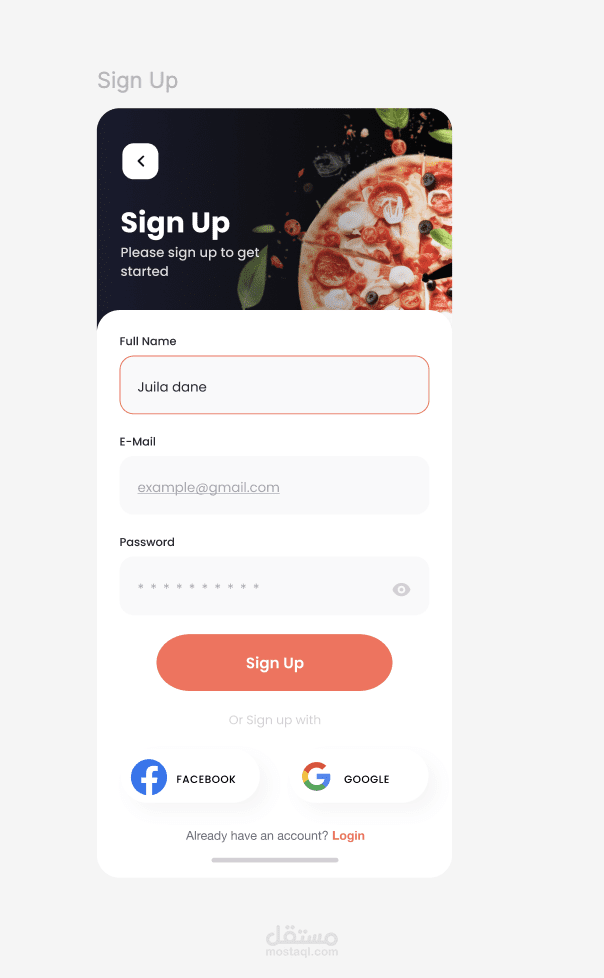
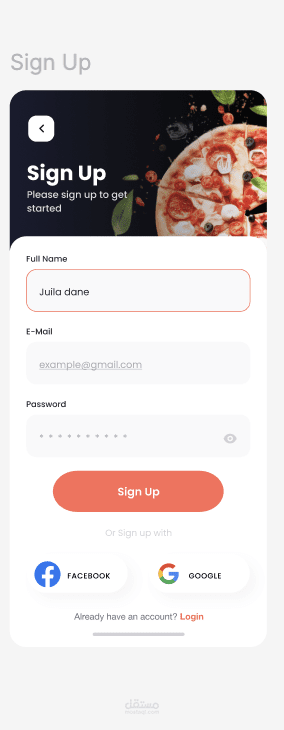
Sign Up Screen: This screen prompts new users to enter their full name, email, password, and confirm their password. There are also options to sign up with Facebook or Google.
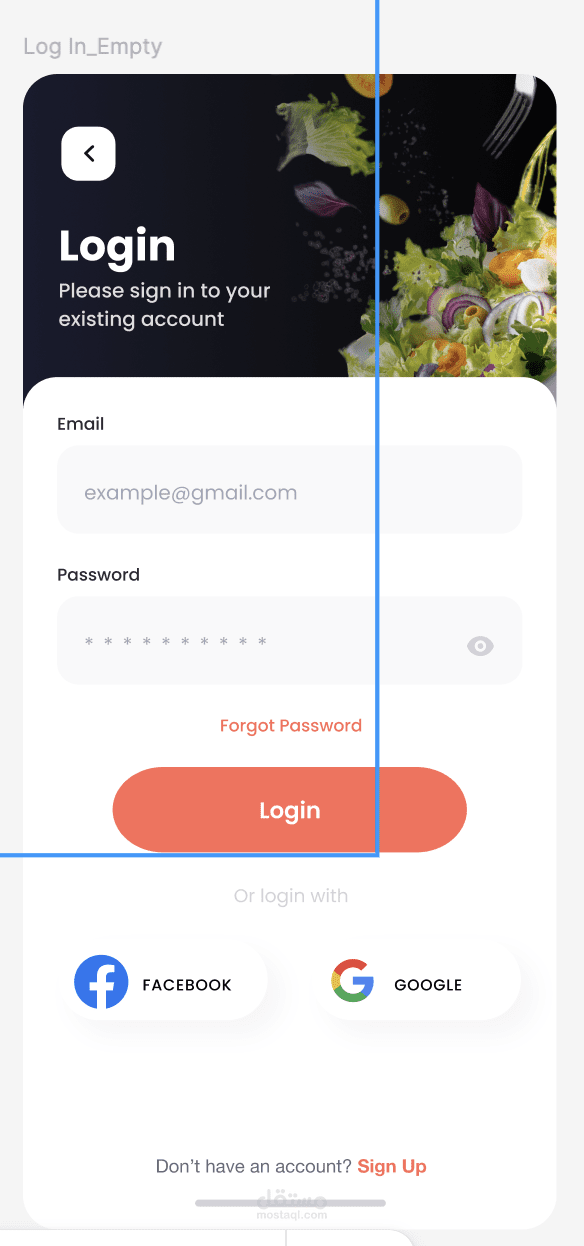
Log In Screen: Existing users can enter their email and password to log in. There are also "Forgot Password?" and social login options (Facebook and Google).
Main Menu/Browse Screen: This screen displays a "Good Afternoon!" greeting and a search bar. Below that, there are categories like Beef, Chicken, Dessert, Lamb, and more. A "Special Offers" section highlights dishes like "Beef and Mustard Pie." Further down, there's a "Restaurant" section showcasing various food options, including "Seafood maki sushi."
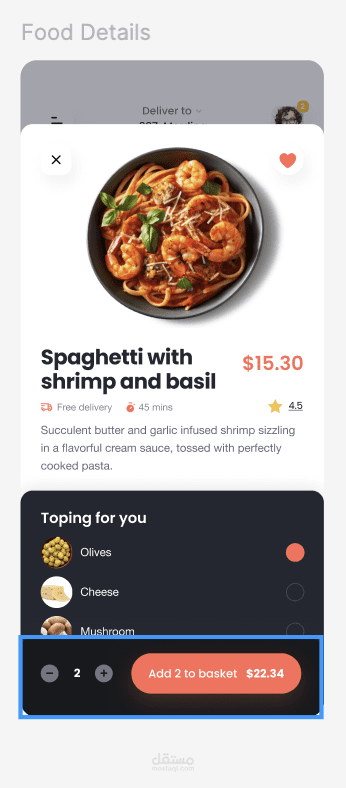
Food Details Screen (Beef and Mustard Pie): This screen provides a close-up view of the "Beef and Mustard Pie." It also has tabs for "Ingredient" and "Instructions." The "Ingredient" tab lists beef, puff pastry, chopped onion, rapeseed oil, and red wine. The "Instructions" tab provides cooking directions.
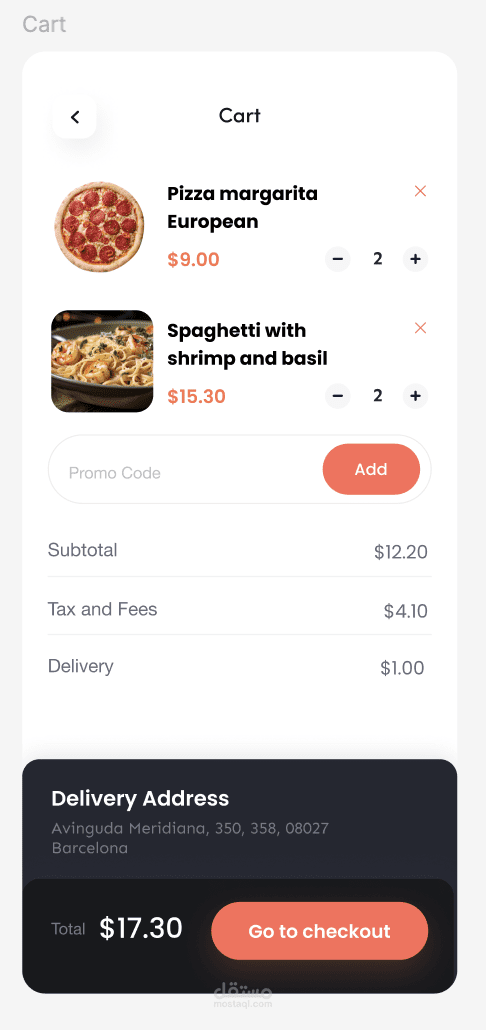
Cart Screen: This screen shows items added to the cart, including "Kapsalon" and "Beef and Mustard Pie" with their quantities and prices. It also displays a subtotal, delivery fee, and total amount. There's a field for a "Promo Code" and a section for the "Delivery Address."
Overall, the app appears to be designed for users to browse menus, select food items, add them to a cart, and place orders for delivery. The interface seems user-friendly with clear navigation and visuals.