تطبيق اختبار
تفاصيل العمل
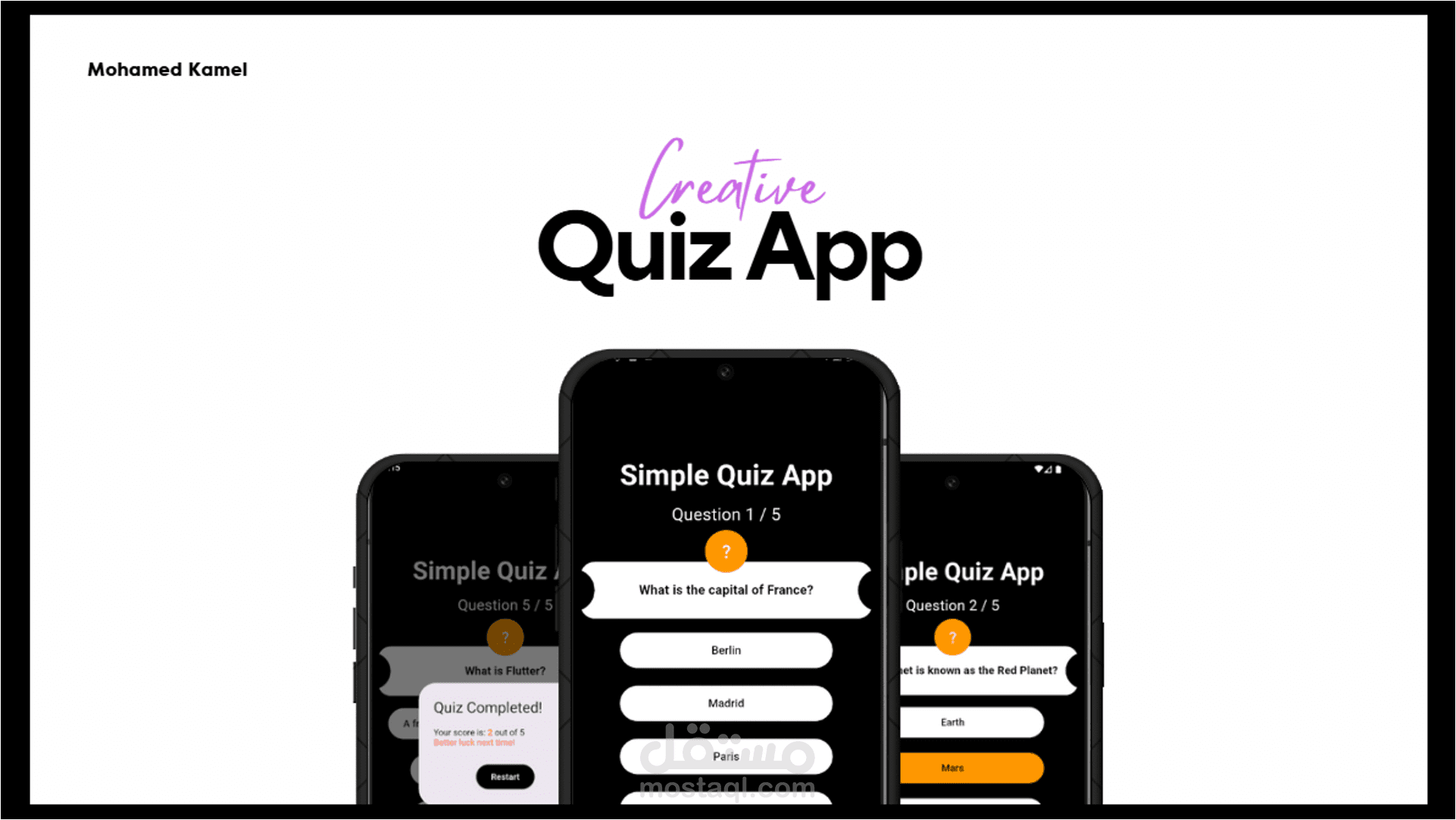
Question-Based Quiz:
Users are presented with a series of multiple-choice questions.
Each question has four possible answers.
Progress Tracking:
The top of the screen shows the current question number (e.g., "Question 1 / 5").
Answer Selection:
Users can select an answer by tapping on it.
The selected answer changes color (orange for selected).
Navigation:
After selecting an answer, users can proceed by tapping the "Next" button.
The final question has a "Finish" button instead of "Next."
Quiz Completion & Score Display:
At the end of the quiz, a results popup appears.
The popup shows the user's score (e.g., "2 out of 5").
A message provides feedback based on performance (e.g., "Better luck next time!").
Restart Option:
Users can restart the quiz by tapping the "Restart" button on the results screen.