Tic Tac Toe
تفاصيل العمل
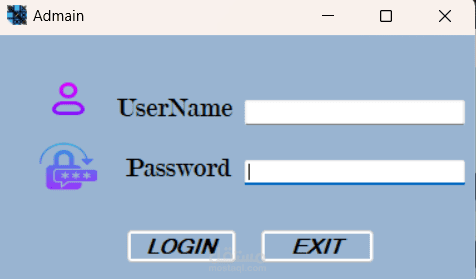
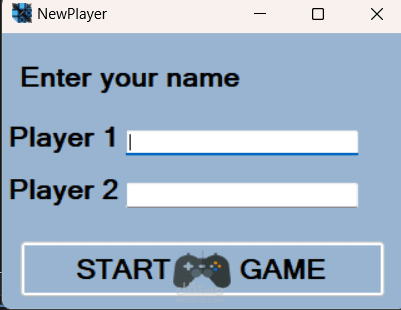
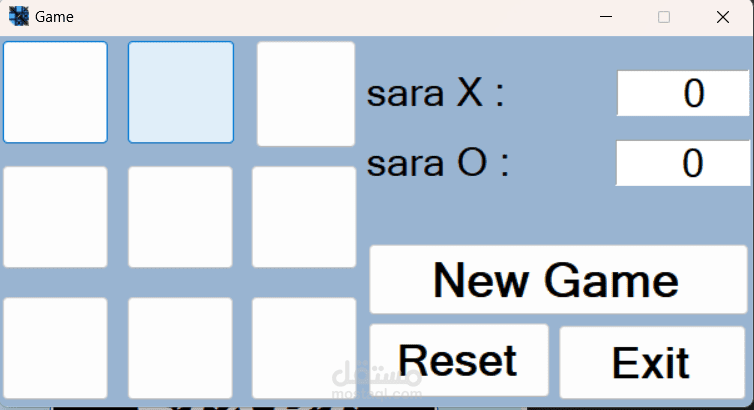
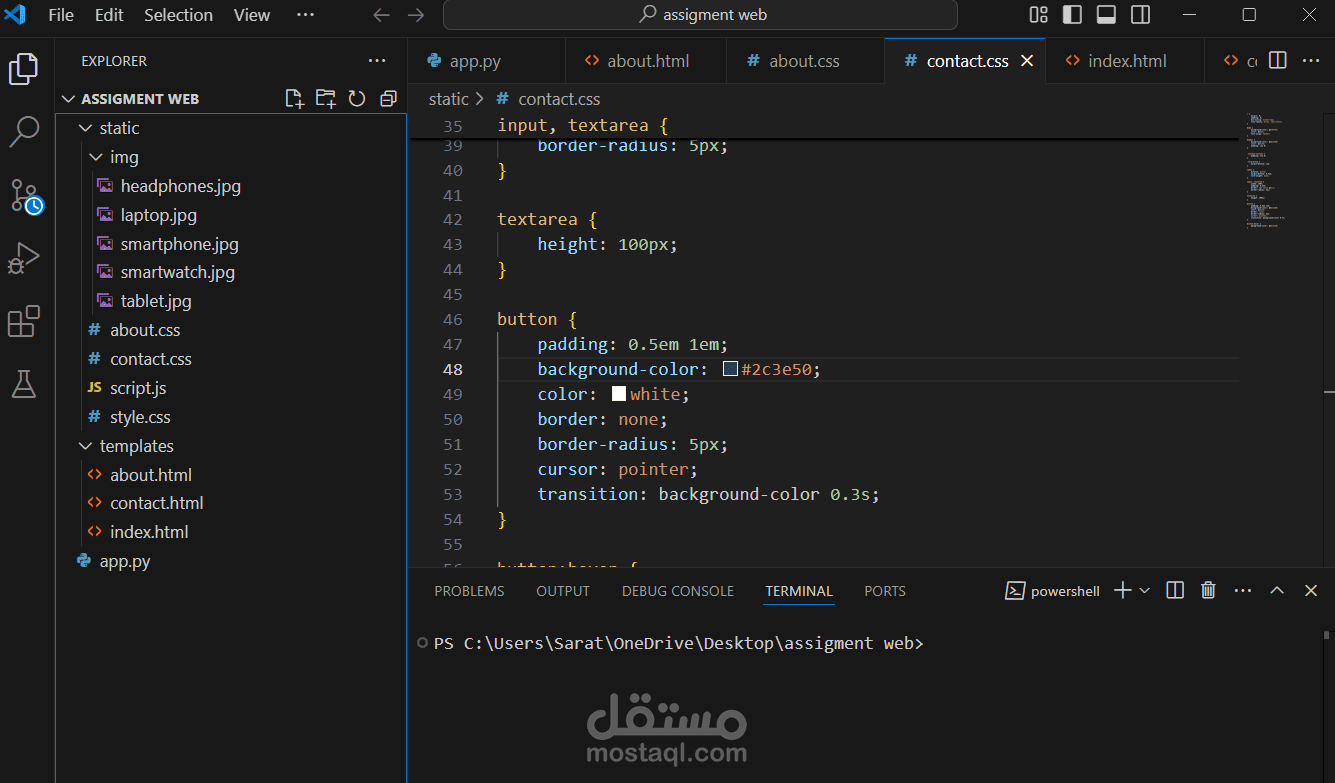
The Tic-Tac-Toe game application is a C# Windows Forms project that lets you play Tic-Tac-Toe with a simple graphical interface. It includes several forms, each with a specific job. Here’s a quick look at the main parts and what they do:
Start form
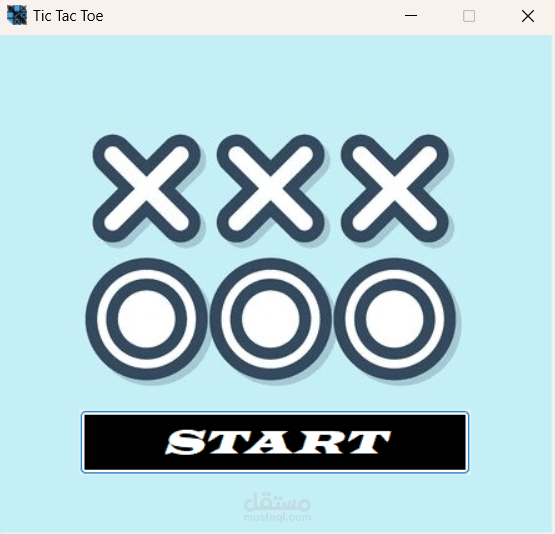
This is a basic structure for a form in a Windows Forms application where clicking a button (STARTGAME) opens another form (Login).
Login form
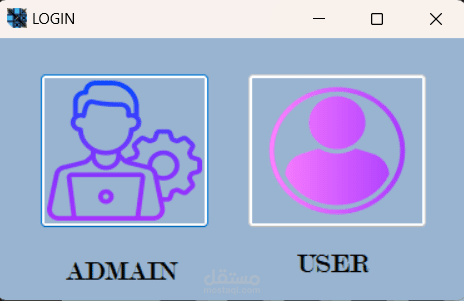
login code likely defines the Login form, responsible for handling different login options within the Tic-Tac-Toe application.
Admin form
After clicking on the start button another window appear and that is the login one , we should choose if we want to login in as an admin or a user.
Admindashboard.cs form
This C# code defines an Admin Dashboard form responsible for managing player data in a TicTac-Toe game. It uses a SQL Server database ("Tic Tac Toe") to store and retrieve player information.
AfterStartForm.cs
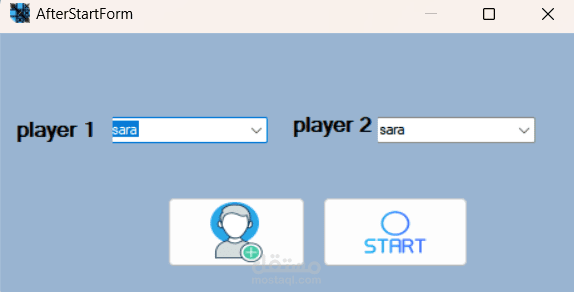
This code defines the AfterStartForm, likely displayed after a user logs in but before Starting a new game.
Nameform.cs
This code defines the NameForm form, likely used to collect player names before starting a new Tic-Tac-
Toe game. It performs basic validation, inserts the player names into the database, and then initiates the game.
Game.cs