e-food
تفاصيل العمل
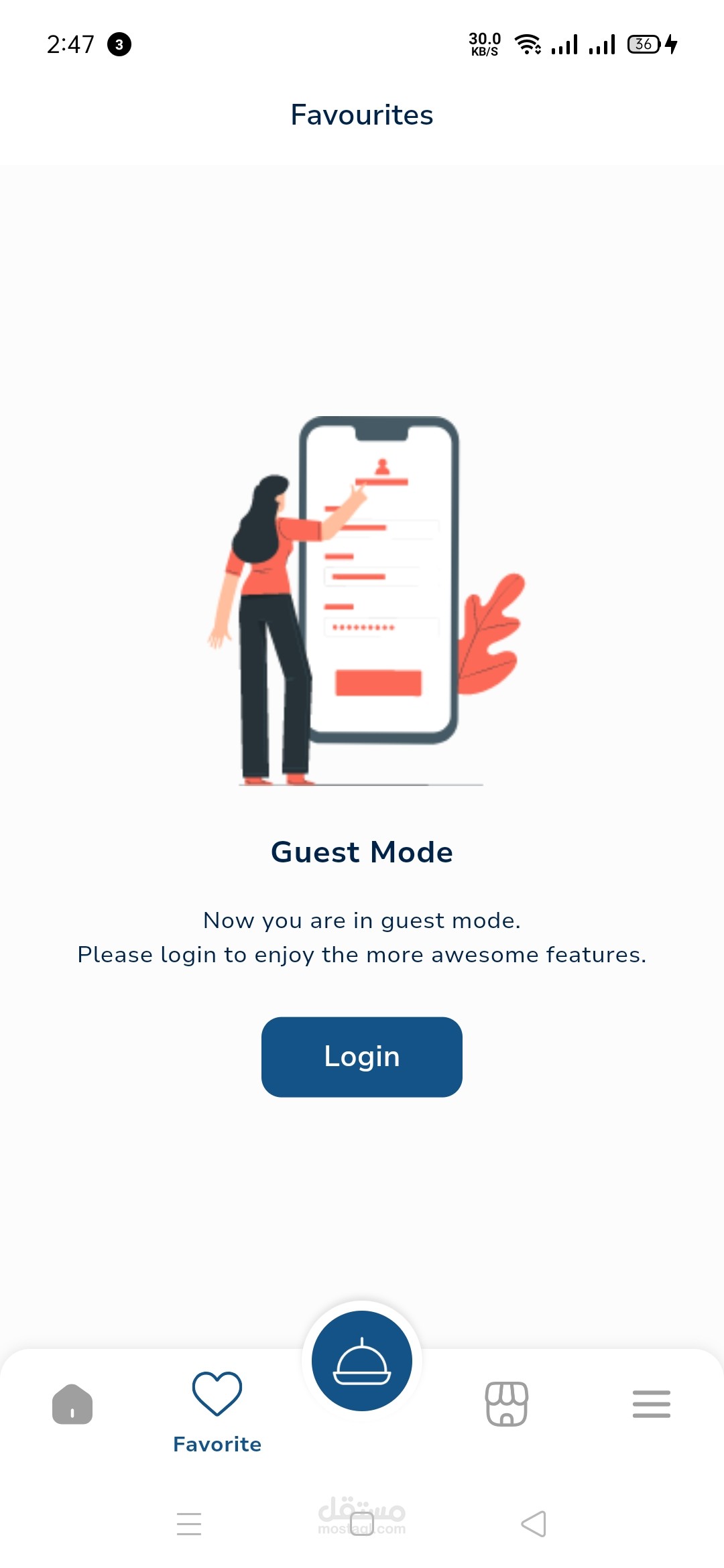
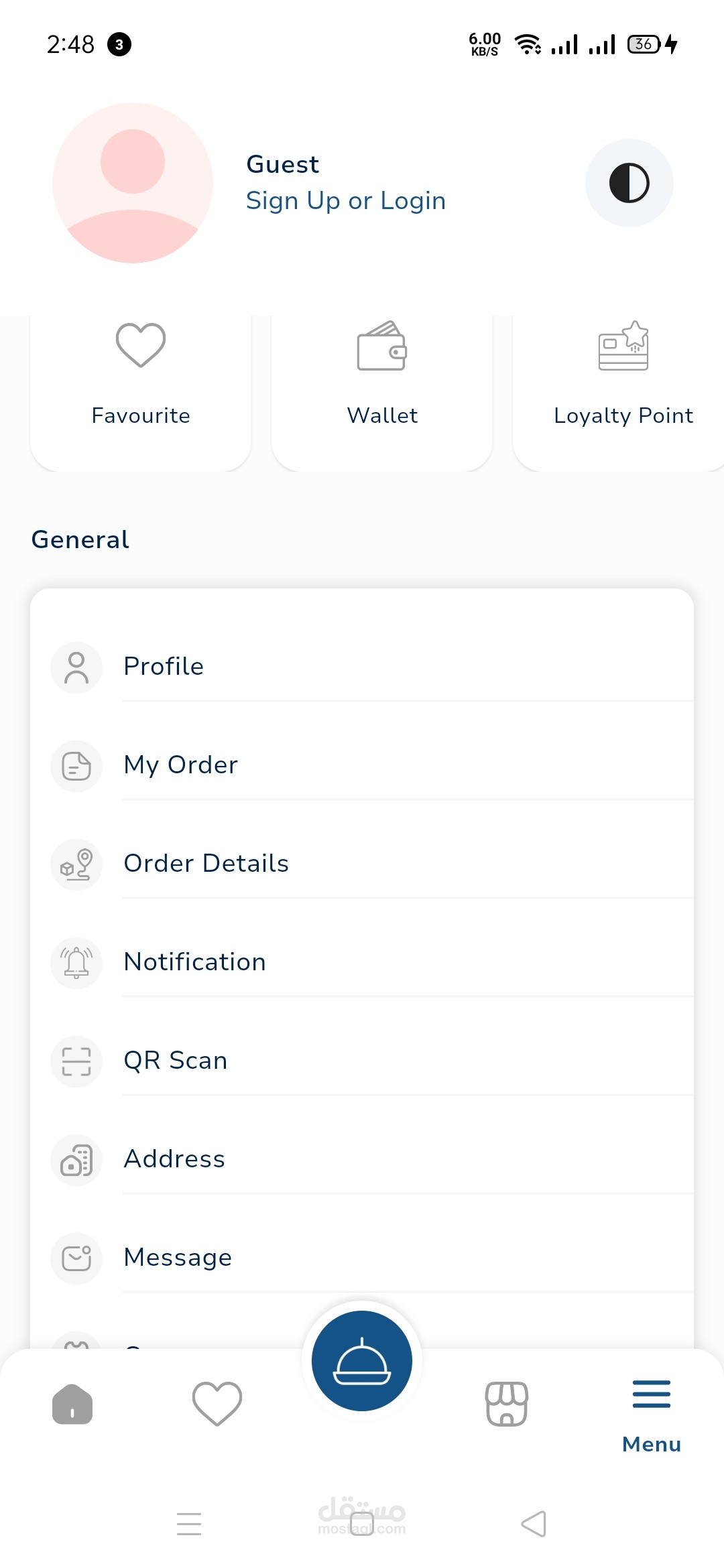
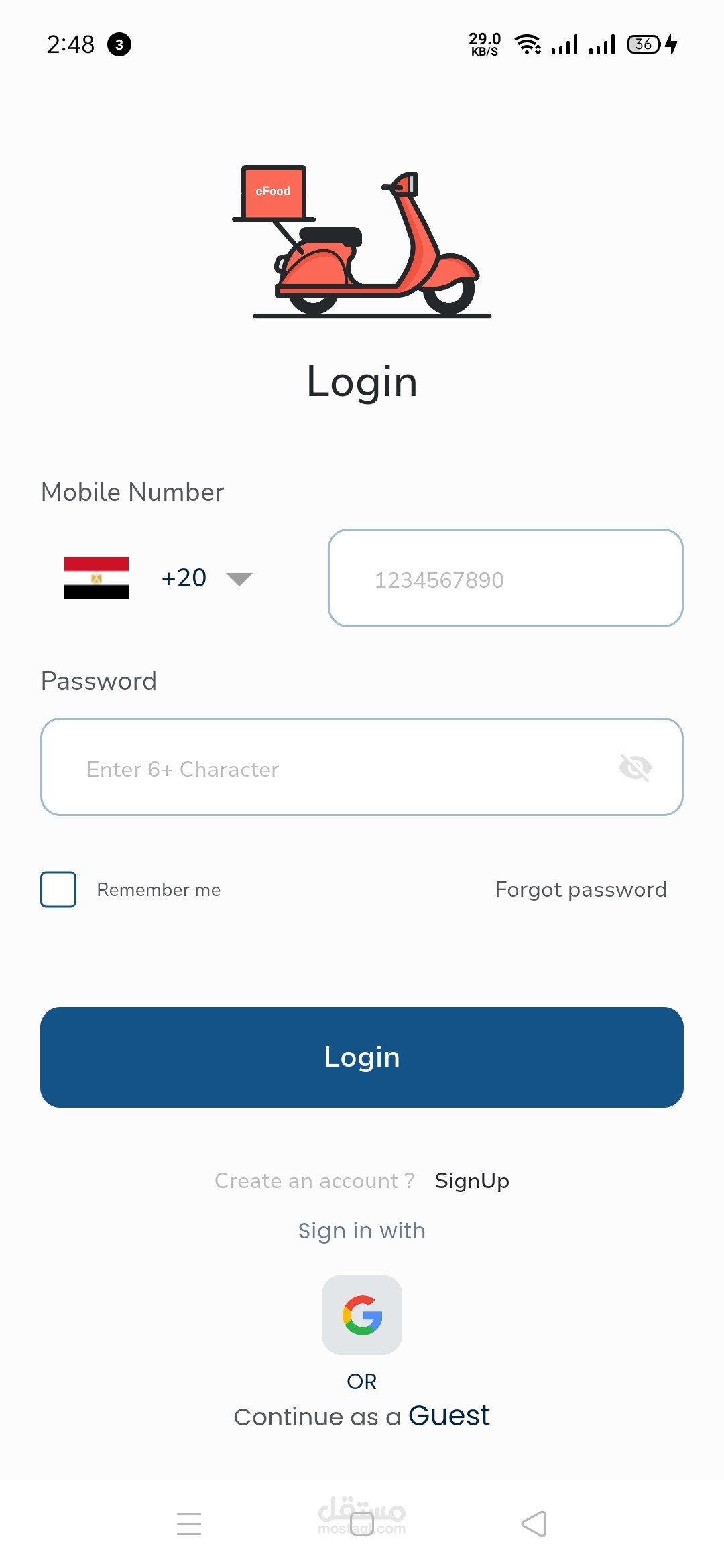
Customer App (e-Food Ordering App)
This app is designed to provide customers with a seamless food ordering experience, offering a wide range of features and conveniences.
Key Features:
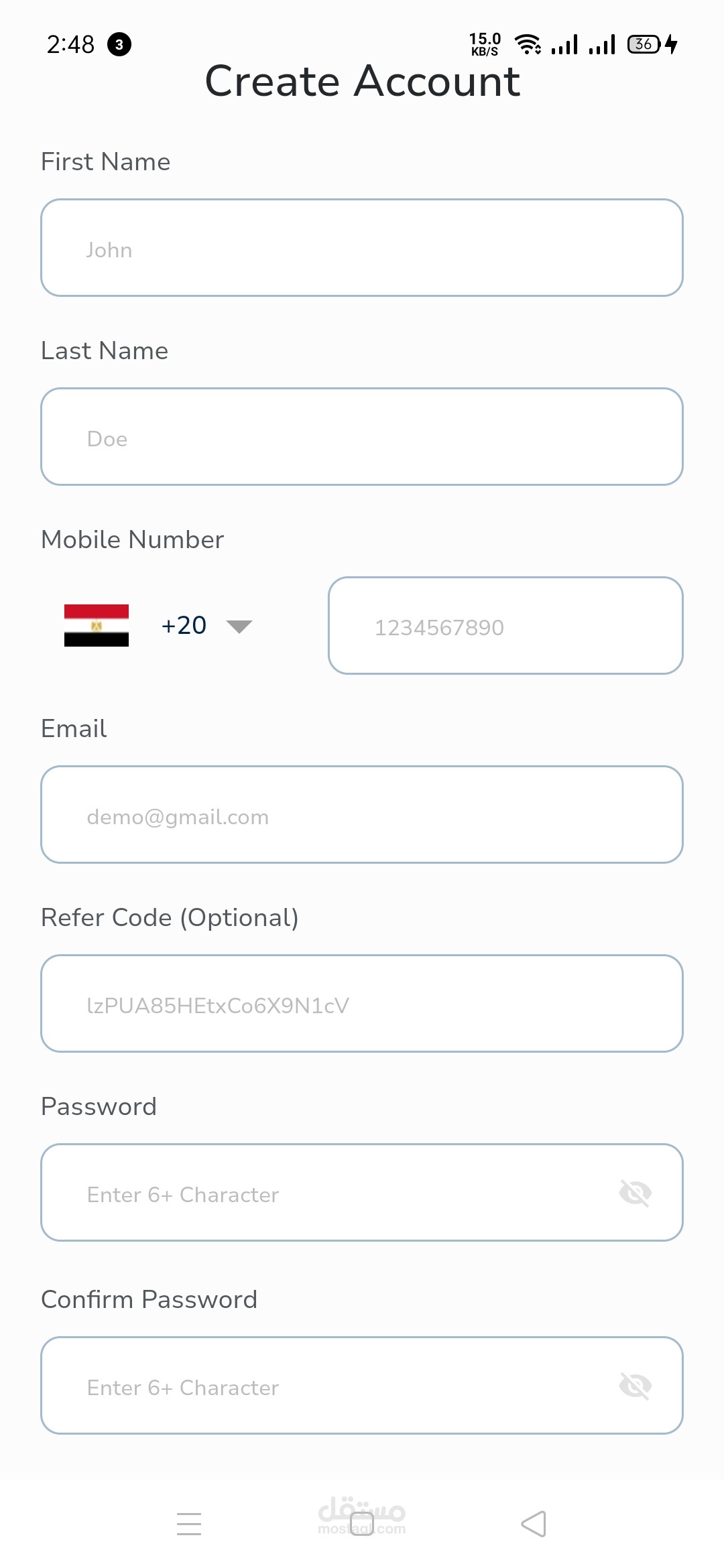
User Registration & Profile:
Customers can create profiles using their email, phone number, or social media accounts. The profile stores delivery addresses, payment methods, and order history for easy re-ordering.
Restaurant Discovery:
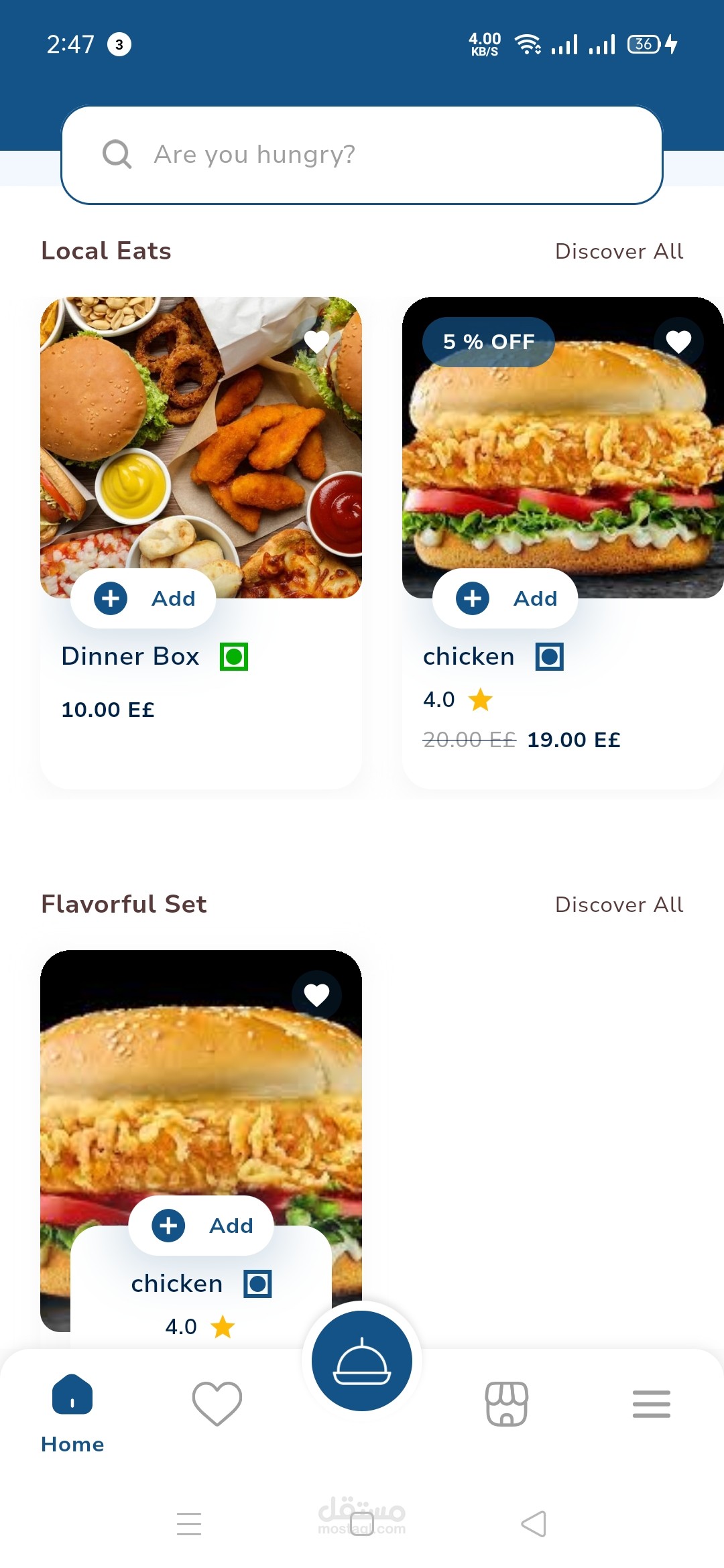
A comprehensive list of nearby restaurants categorized by cuisine, ratings, delivery time, or price range. Users can filter and search based on their preferences (e.g., vegan, gluten-free, fast food, etc.).
Users can also see restaurant profiles, including photos, customer reviews, menus, and delivery options.
Menu Browsing & Customization:
Customers can browse detailed menus with pictures, prices, and item descriptions. The app allows for customization of orders (e.g., extra toppings, spice levels, ingredient swaps).
Recommendations for popular items or special deals are prominently displayed.
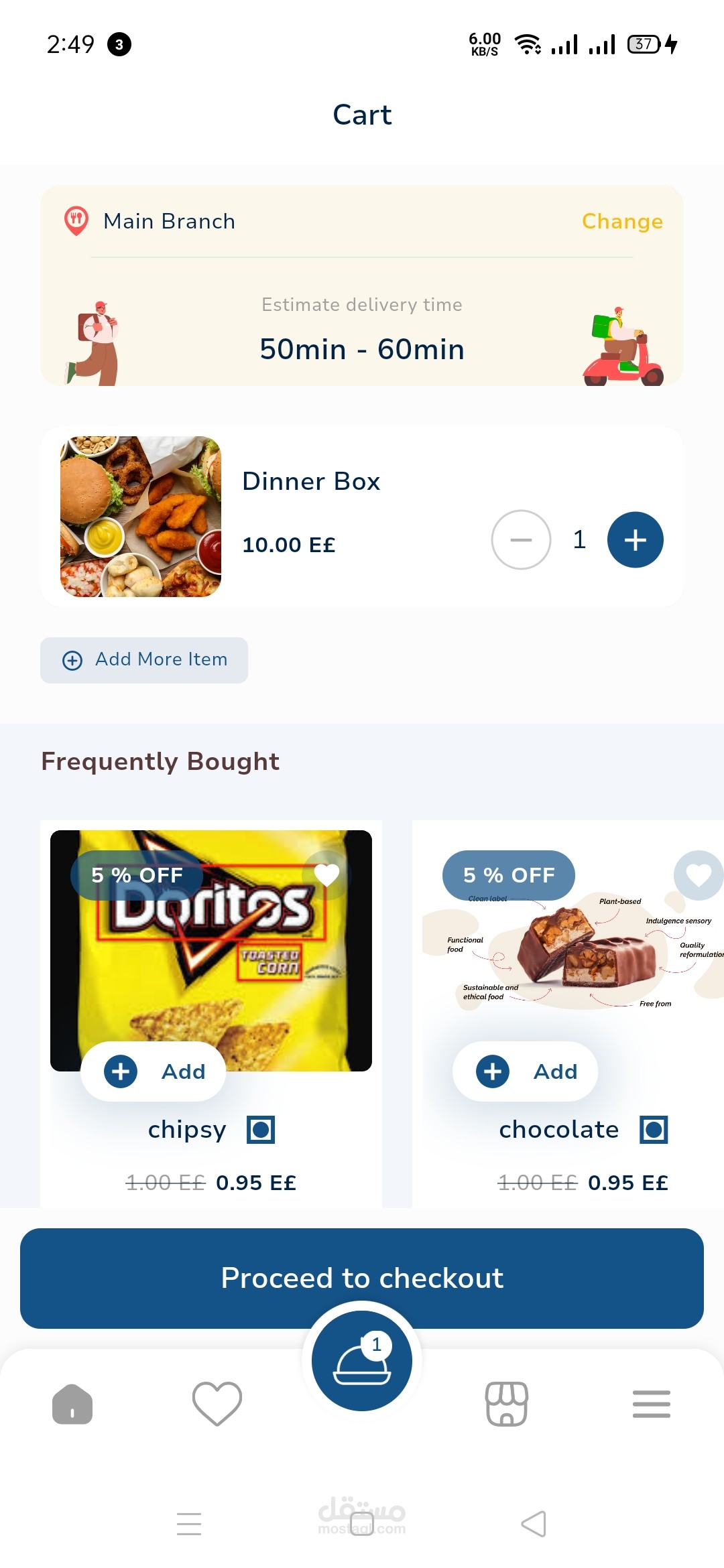
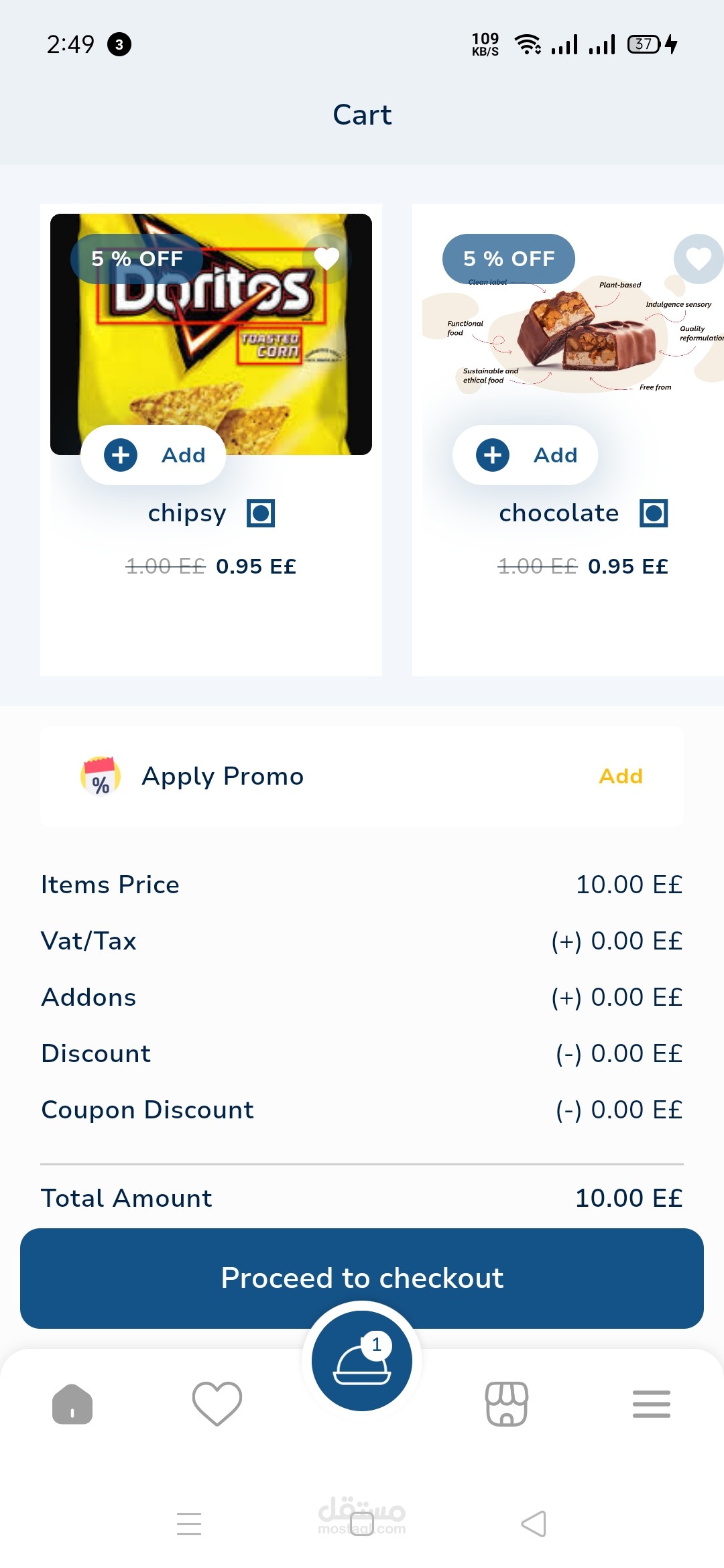
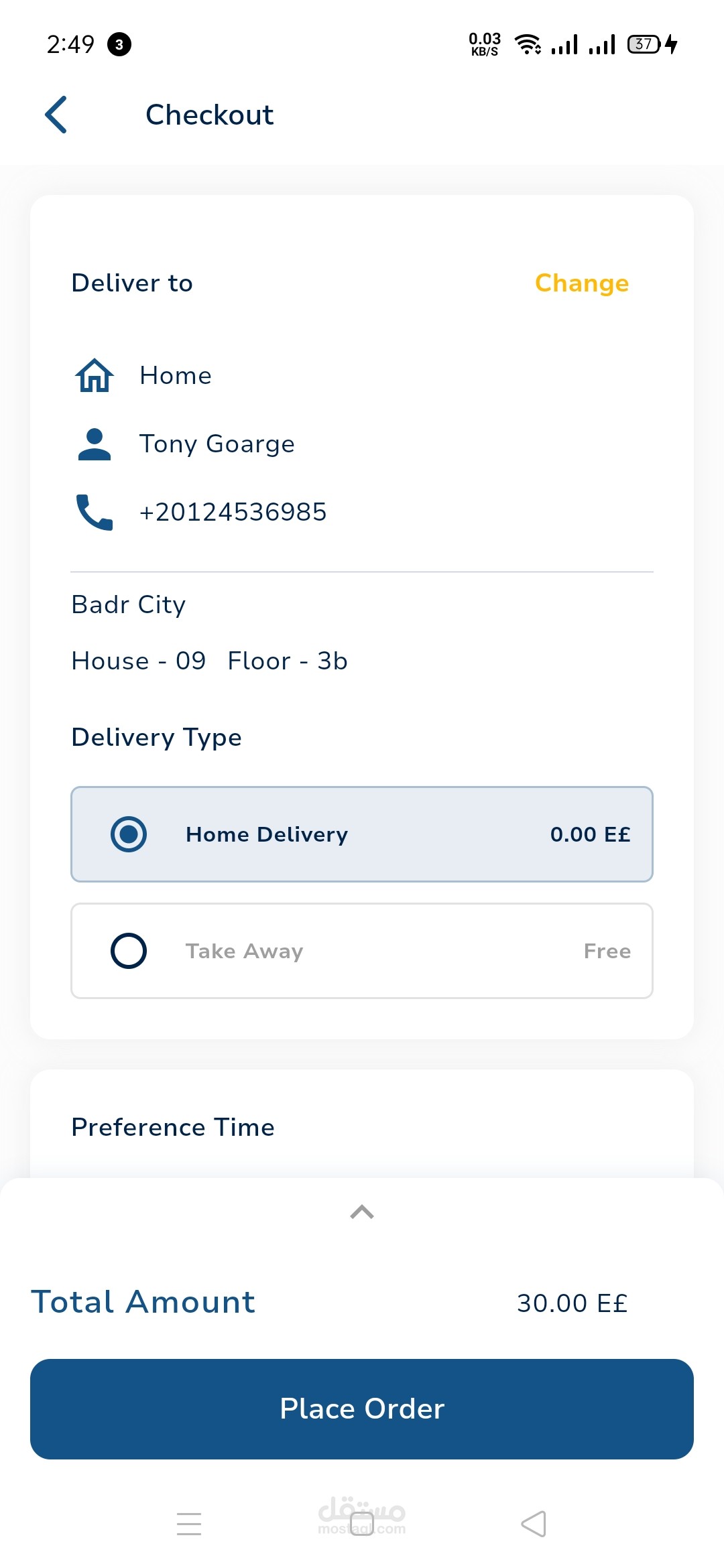
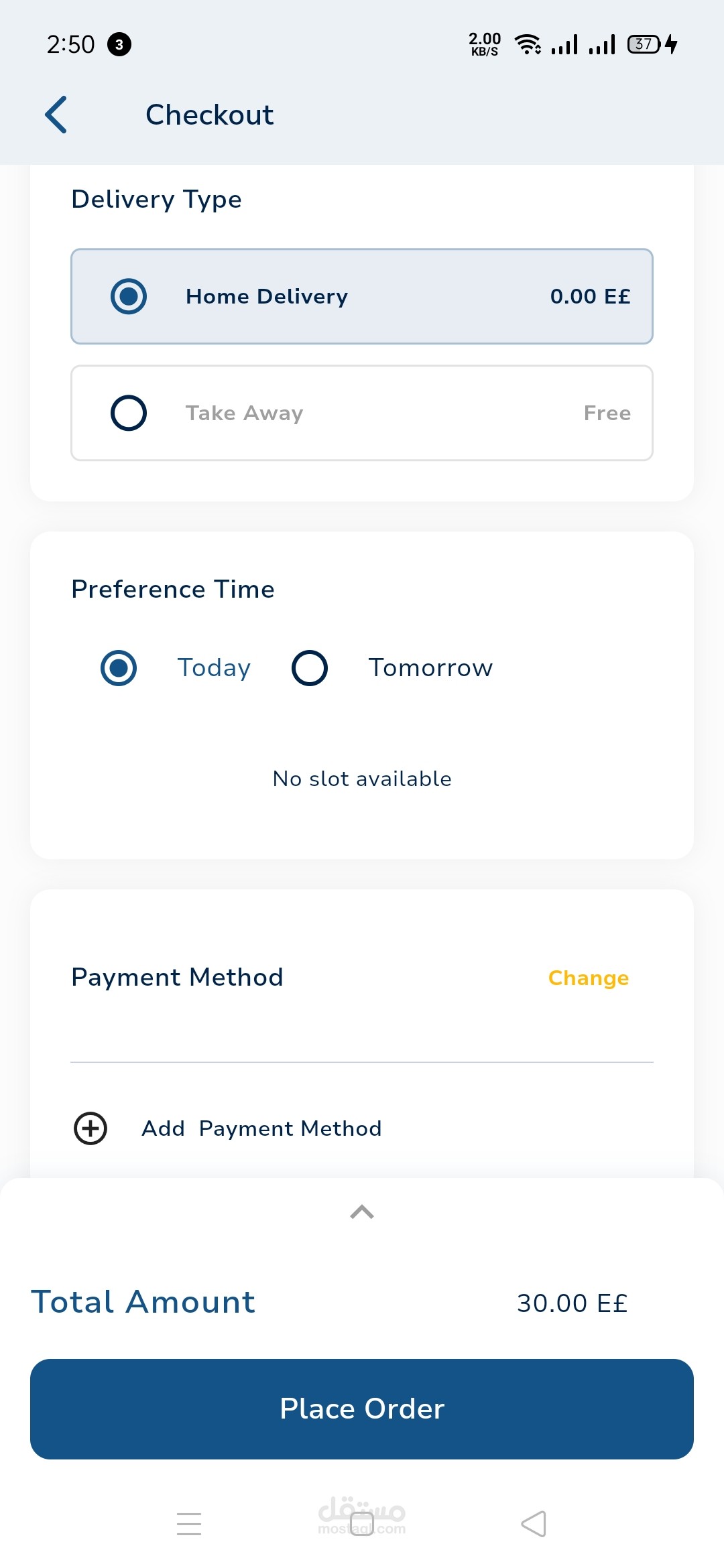
Cart & Checkout:
Users can easily add items to their cart, review the order, and modify quantities. They can also choose extras like drinks or desserts at checkout.
Payment options include credit/debit cards, mobile wallets (like Apple Pay, Google Pay), cash on delivery, or other localized payment options.
The app can offer promo codes, discounts, or loyalty points that can be applied at checkout.
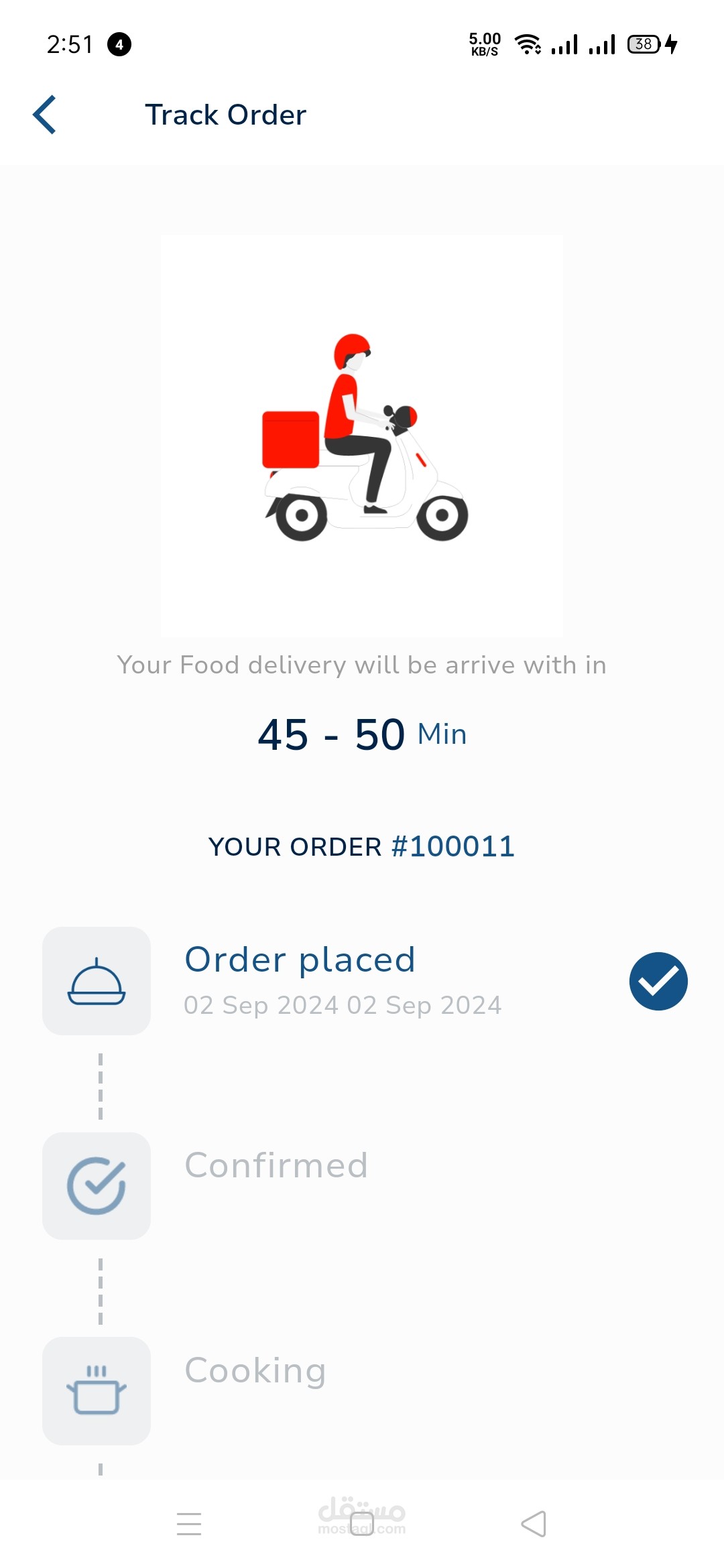
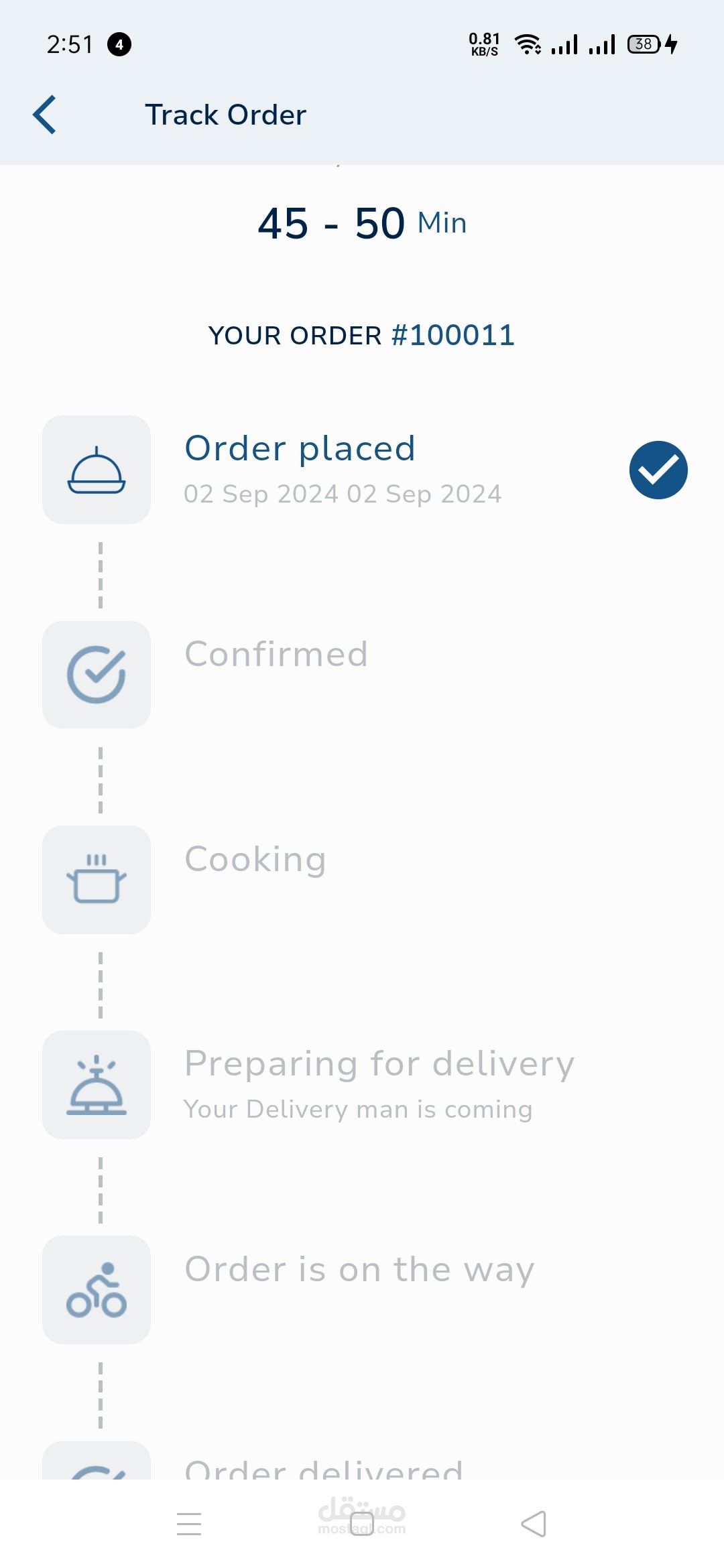
Order Tracking:
Real-time order tracking allows customers to follow their order from preparation to delivery. Users are notified when the restaurant accepts the order, when the food is prepared, and when the delivery person is en route.
GPS integration shows the exact location of the delivery personnel and estimated arrival time.
Ratings & Feedback:
After the meal is delivered, users can rate their food and delivery experience. The feedback is shared with the restaurant and can be used for performance tracking.
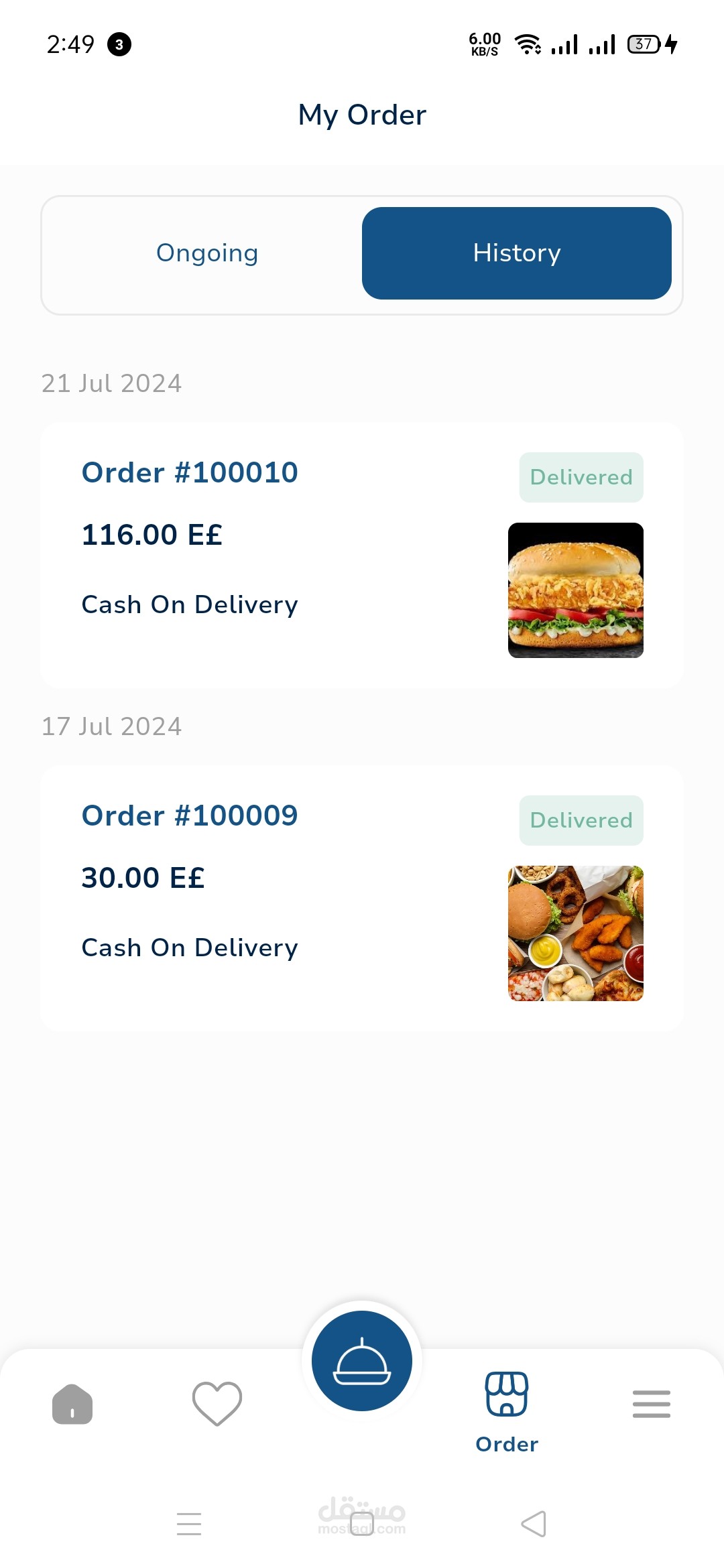
Order History & Reordering:
Customers can view their past orders and re-order their favorite meals with just a few clicks.
Customer Support:
Built-in customer support for any issues related to orders, payments, or app functionality. Live chat, email, and phone support options are often available.
2. Delivery App (For Delivery Personnel)
The delivery app is a separate platform designed for the delivery workforce. It helps them efficiently manage deliveries and ensure smooth communication with restaurants and customers.
Key Features:
User Registration & Verification:
Delivery personnel need to sign up, provide identification, and undergo verification before they can start receiving orders.
Order Management:
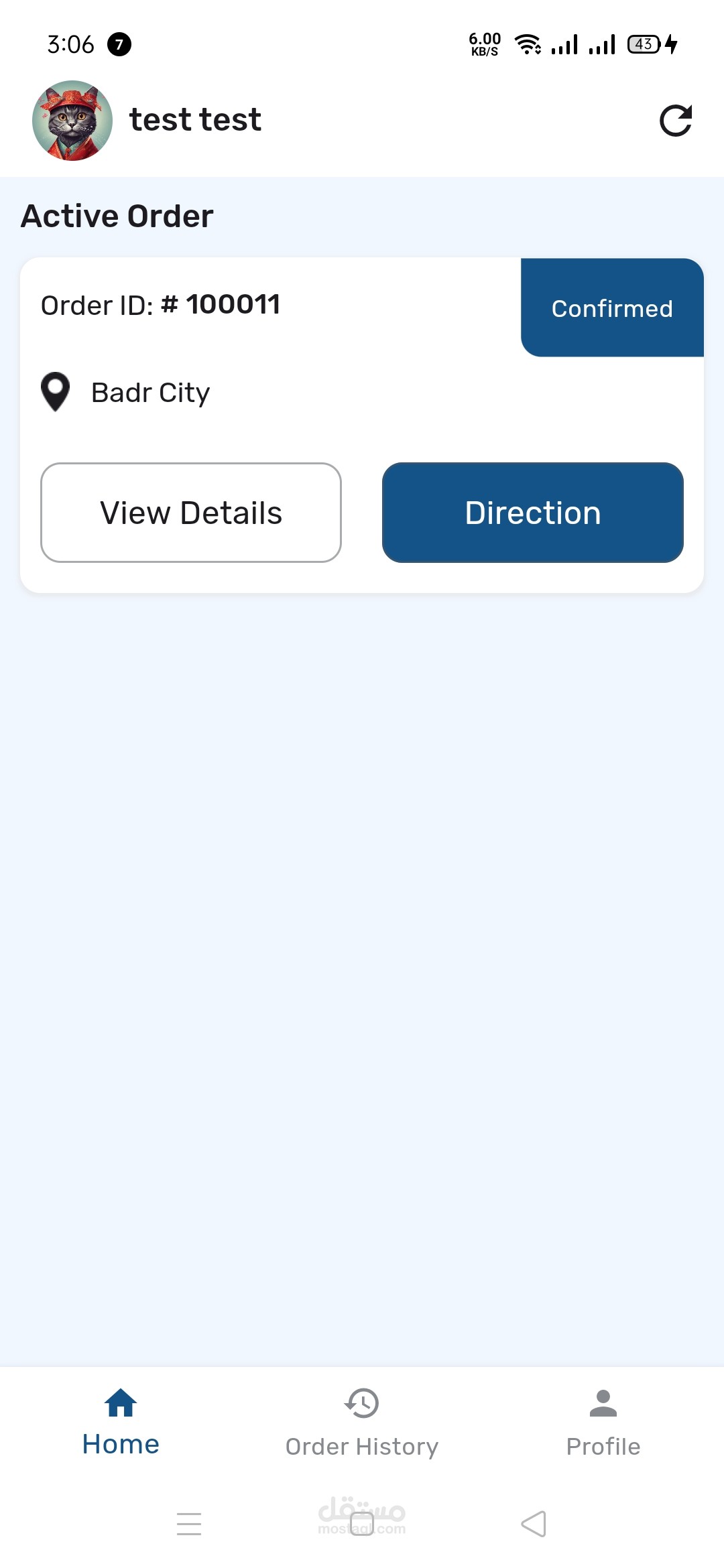
Delivery drivers receive real-time notifications when a new delivery request is available. They can accept or reject orders based on location, time, or capacity.
The app shows the pickup and delivery addresses, estimated delivery time, and order details.
GPS Navigation & Route Optimization:
GPS integration helps drivers find the quickest routes to the restaurant for pickup and to the customer's location. The app can offer real-time traffic updates and rerouting if necessary.
Earnings Tracking:
Drivers can track their earnings for each delivery and overall performance for the day, week, or month. The app may also offer bonuses for completing multiple deliveries in a short time.
Delivery Confirmation:
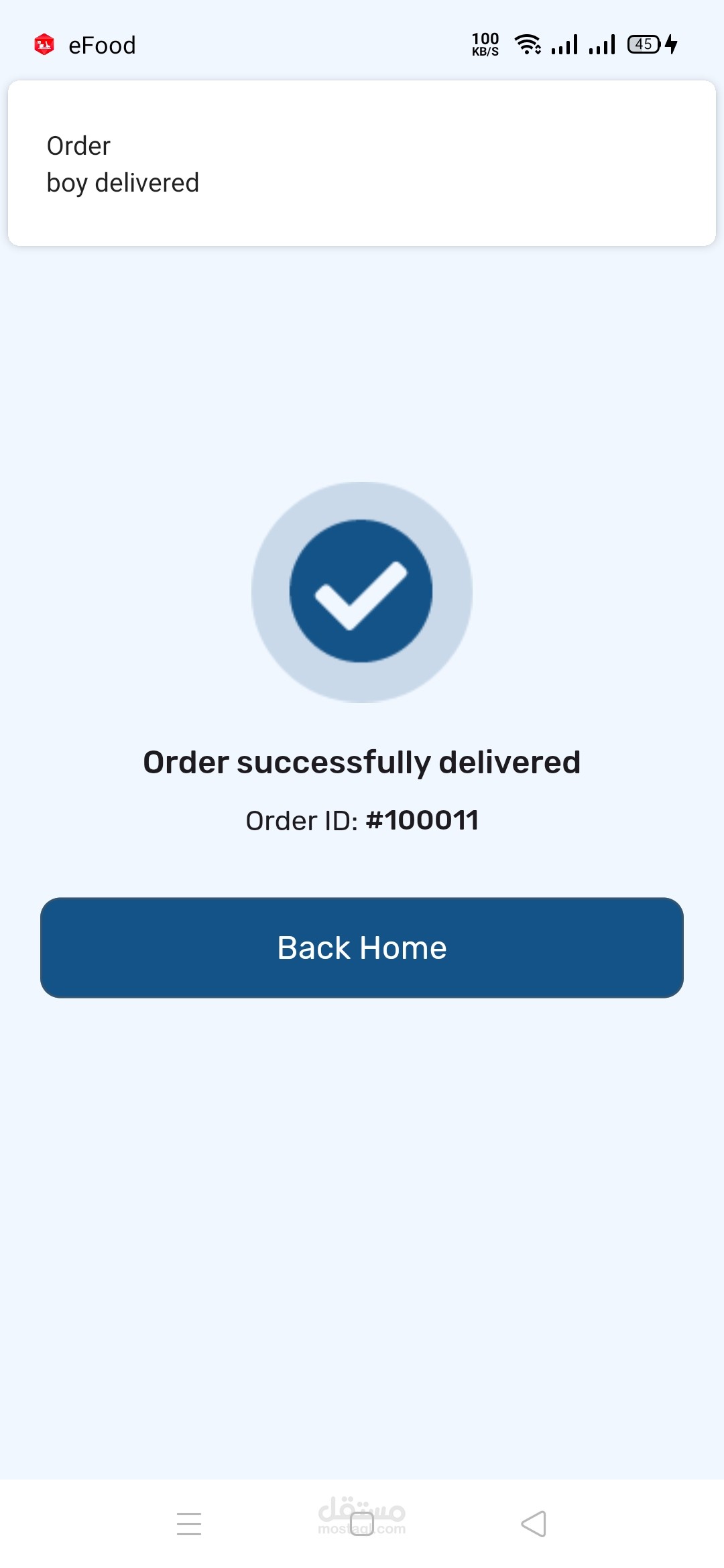
After delivering the order, drivers can collect signatures or take photos for proof of delivery. In the case of contactless delivery, they simply mark the delivery as complete.
Drivers can also communicate with customers for any clarification (like address issues or special delivery instructions).