Desktop Application (Employee-Manger)
تفاصيل العمل
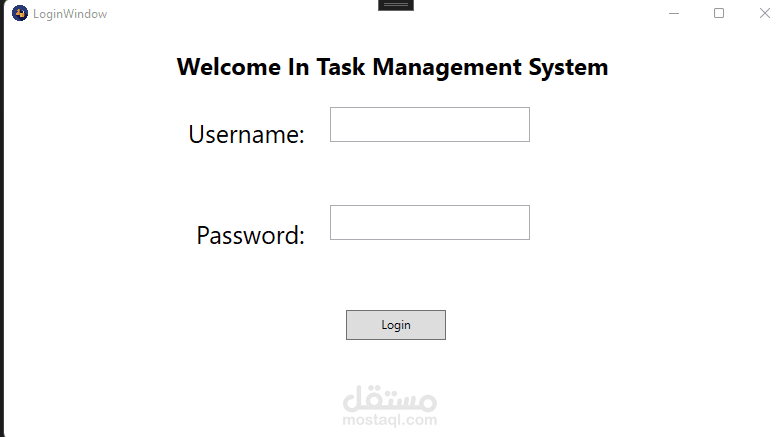
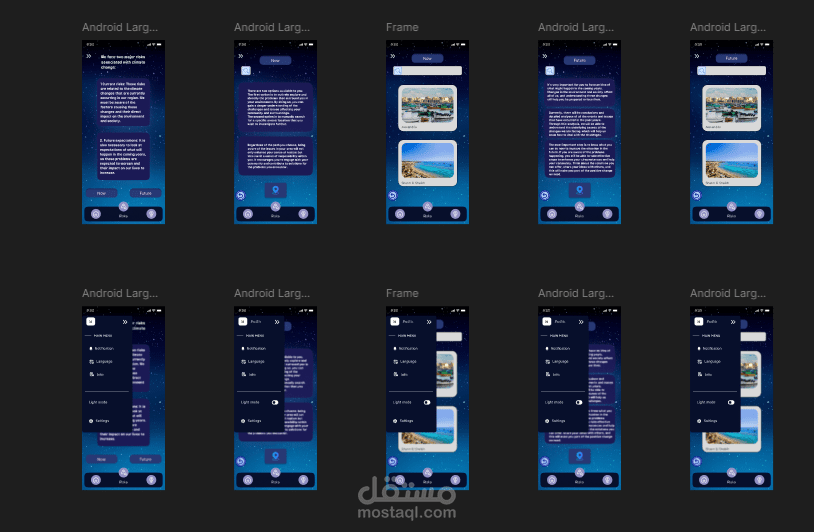
System Name: Task Management Application
Used Tool: WPF .NET
System Navigation Flow:
Log In Page
•The user enters their username and password.
•Based on the user’s role, they are directed to different pages:
If the user’s role is Employee, they are directed to the View Tasks page.
If the user’s role is Manager, they are directed to the User Management page.
Page Descriptions:
1.View Tasks Page (for Employees)
•The page displays the employee’s tasks, divided into two data grids:
The first data grid lists tasks with the statuses “Pending” and “In Progress.”
The second data grid shows tasks with the status “Completed.”
•Employees can update the status of their tasks directly on this page.
When employee change the status to “Completed”, it will appear in the second data grid.
2.User Management Page (for Managers)
•The page displays a list of employees along with their assigned tasks.
•The manager can perform task management functions, including adding, deleting, and updating tasks for employees.
Database: create two tables User and Tasks.
1.User table has the following attributes:
•UserID (Primary Key, int)
•Name (nvarchar, required)
•Password (nvarchar, required)
•Email (nvarchar, required, unique)
•Role (nvarchar, options: Manager, Employee)
2.Tasks table has the following attributes:
•TaskID (Primary Key, int)
•Title (nvarchar, required)
•Description (nvarchar, optional)
•Status (nvarchar, options: Pending, In Progress, Completed)
•DueDate (datetime)
UI Controls: Using the following controls in XML is a must
Label
Textbox
Combobox
Button
Radio button
Grid
Image
Style Controls: Using the following style controls in XML is a must
Font weight
Background
Margin
Border
Foreground
Font family