Library Management System
تفاصيل العمل
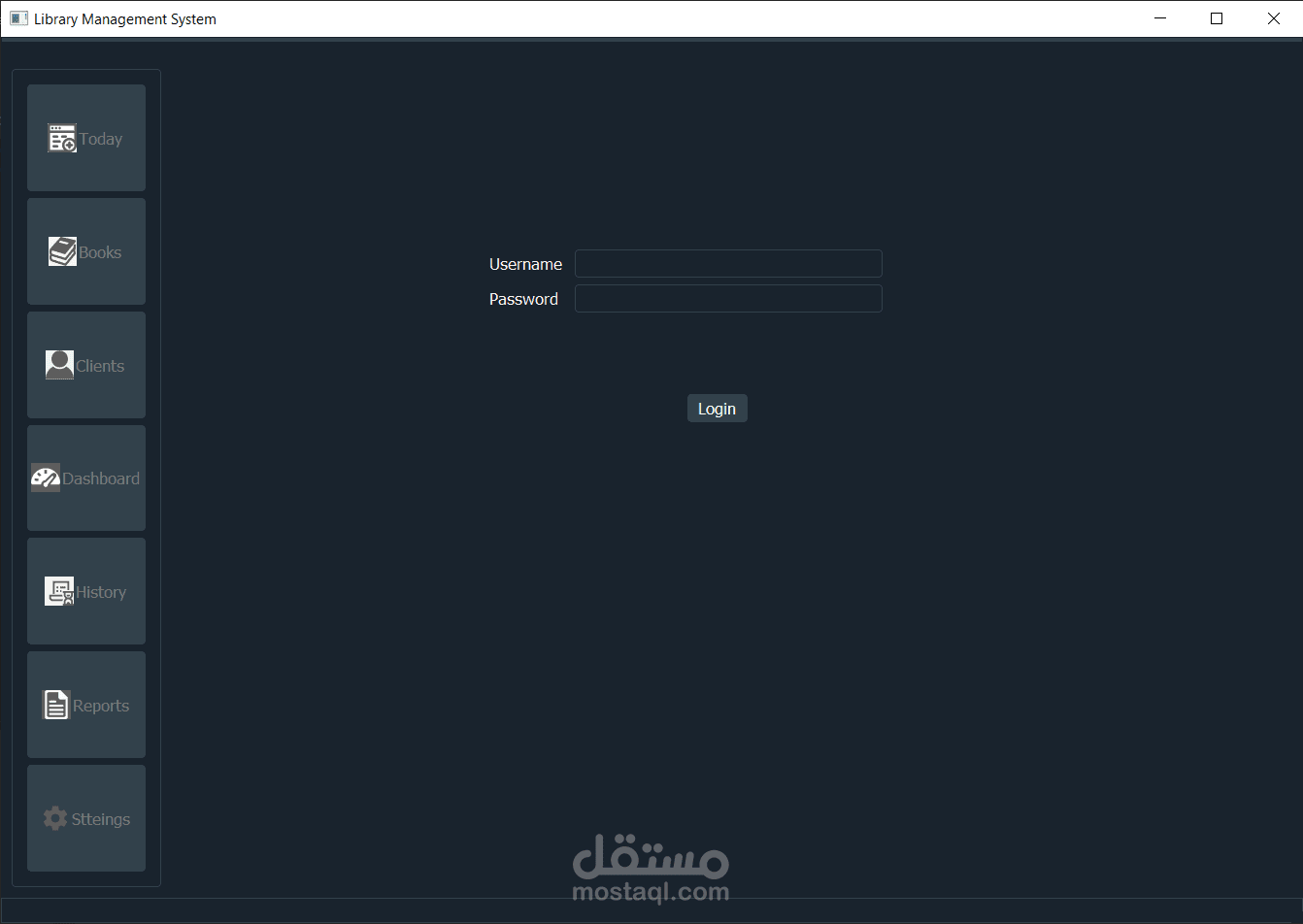
Build Library Management System | Python & PyQt5 & mysqldb
features provided by the application
add, edit, delete books
adding books categories
adding books Author
adding books Publisher
adding day to day operations for rent or retrieving books
Generate Excel reports from our data
Adding new users with user login and editing user data
The system provide the ability to add branches
The employee can view the history of the system at any time for any period
The admin can grant/revoke permissions to the different users
Librarians can access admin authorities through a login page.
Librarians can add/remove books to/from the library's collection.
Librarians can update existing book records in the library's collection.
Librarians can view all users that are registered in the library.
Librarians can add/remove users to/from the library’s database.
Librarians allow clients to borrow and return books.
Statistical reports are generated by this system.
steps to run the library application successfully
1- setup Mysql on Your computer 2- open 'library_database.sql' with any editor --> copy all the code in the file 3- go to mysql workbench --> file --> new Query tab --> paste the code and select all then run it 4- refresh all schemas then library_db schema will simply appear 5- note that defult you have one branch name 'Alex' and one employee name 'Ali' (username) with password '12345'and he has all the permissions you can simply change the data and click apply 6- I used some libraries you may need to install them (pyqt5, pyqtgraph, mysqldb, xlrd, xlsxwriter and python for sure) 7- simply run the 'Library_management_system.py' file to start the program