عمل registration form
تفاصيل العمل
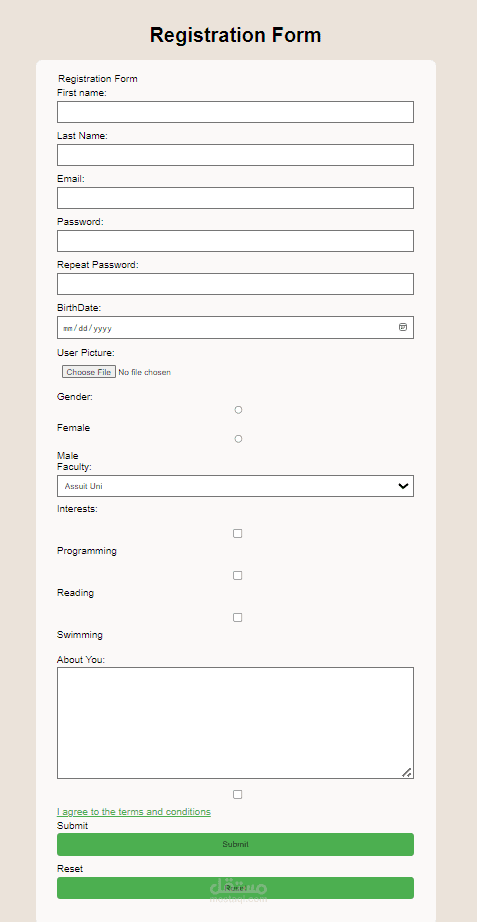
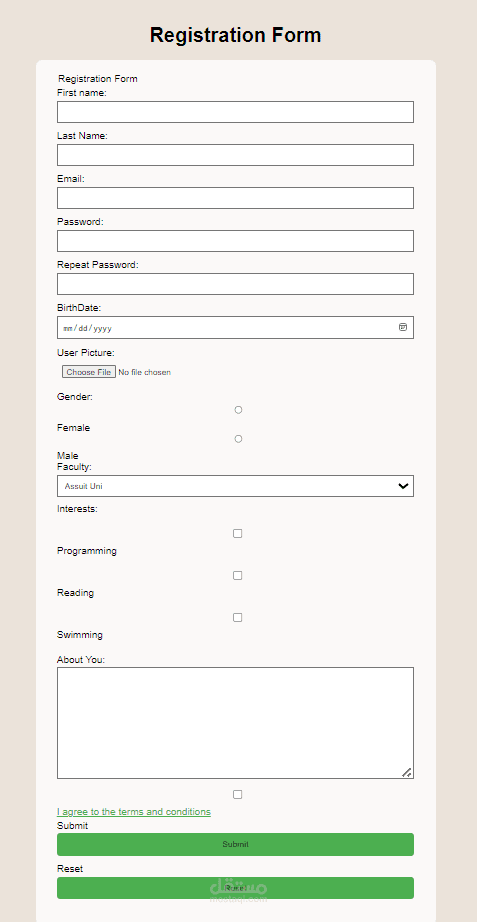
عمل registration form باستخدام لغه html,css,javascript
<!DOCTYPE html>: This is the doctype declaration, which specifies the version of HTML being used.
<html lang="en">: This is the opening tag for the HTML document. The lang attribute specifies the language of the document, in this case, English.
<head>: This is the opening tag for the head section of the HTML document. The head section contains meta-information about the document, such as the character encoding, viewport settings, and links to external resources.
<meta charset="UTF-8">: This meta tag specifies the character encoding for the document, which is UTF-8 in this case.
<meta http-equiv="X-UA-Compatible" content="IE=edge">: This meta tag specifies the compatibility mode for Internet Explorer.
<meta name="viewport" content="width=device-width, initial-scale=1.0">: This meta tag sets the viewport properties for responsive design, ensuring that the webpage is displayed properly on different devices.
<link rel="stylesheet" href="style.css">: This link tag is used to link an external CSS stylesheet to the HTML document. The href attribute specifies the path to the CSS file.
<script src="app.js" defer></script>: This script tag is used to link an external JavaScript file to the HTML document. The src attribute specifies the path to the JavaScript file, and the defer attribute indicates that the script should be executed after the HTML document has been parsed.
<title>Register</title>: This is the title tag, which specifies the title of the HTML document that will be displayed in the browser's title bar or tab.
<body>: This is the opening tag for the body section of the HTML document. The body section contains the visible content of the webpage.
<div class="container">: This div element with the class "container" is used to group the form elements together.
<form action="" id="form">: This form element is used to create a form. The action attribute specifies the URL to which the form data will be submitted, and the id attribute provides a unique identifier for the form.
<h1>Register</h1>: This h1 element is used to display the heading "Register" on the webpage.
<div class="input-group">: This div element with the class "input-group" is used to group each input field and its associated label and error message together.
<label for="username">Username</label>: This label element is used to create a label for the username input field. The for attribute specifies which input field the label is associated with.
<input type="text" id="username" name="username">: This input element is used to create a text input field for the username. The type attribute specifies the type of input field, the id attribute provides a unique identifier for the input field, and the name attribute specifies the name of the input field.
<div class="error"></div>: This div element with the class "error" is used to display an error message for the username input field.
The same structure is repeated for the email, password, and confirm password input fields.
<button type="submit">Register</button>: This button element is used to create a submit button for the form.
</form>: This is the closing tag for the form element.
</div>: This is the closing tag for the div element with the class "container".
</body>: This is the closing tag for the body section of the HTML document.
</html>: This is the closing tag for the HTML document.