Ejust Student Absence Management System
تفاصيل العمل
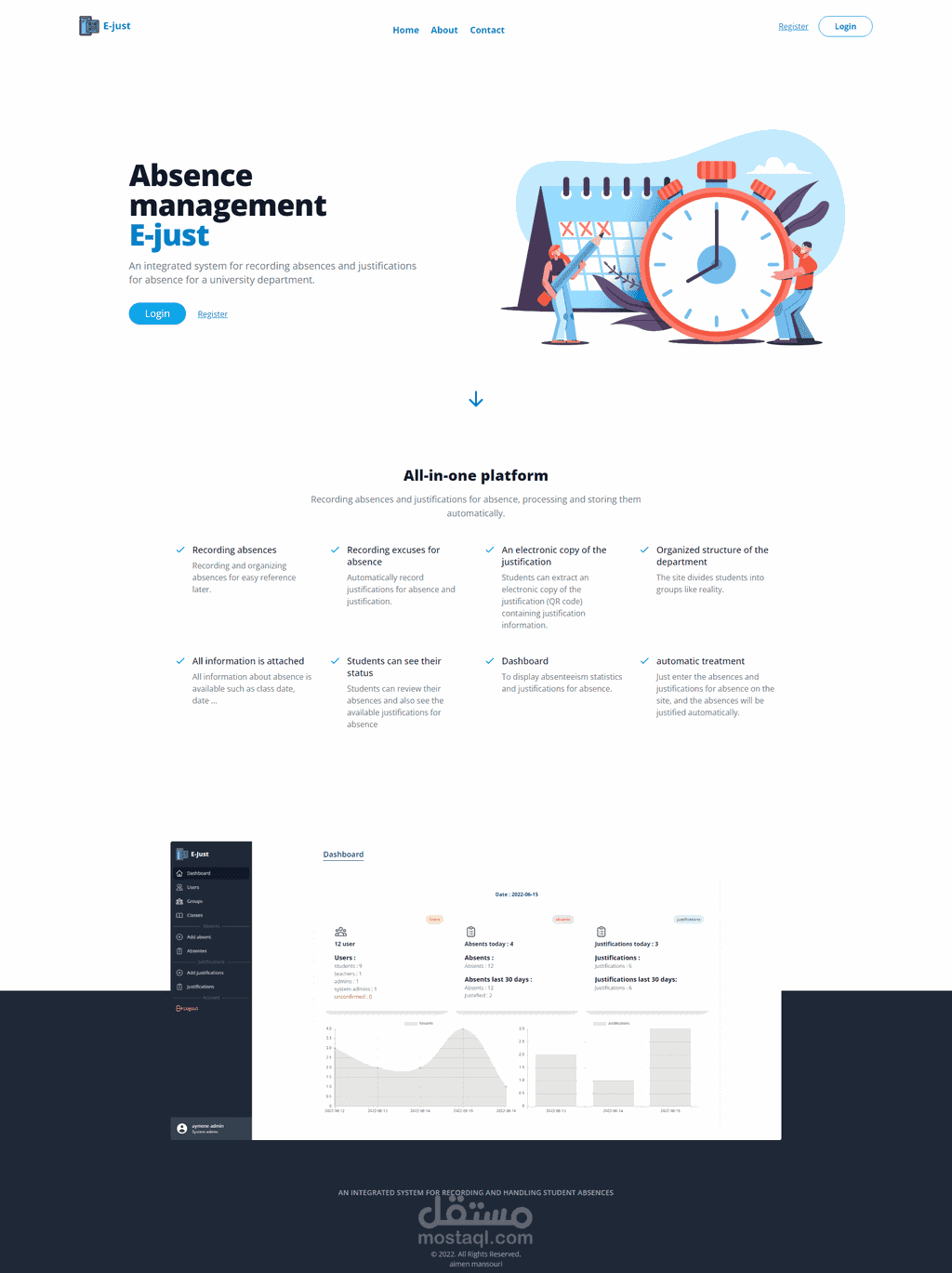
Student Absence Management System
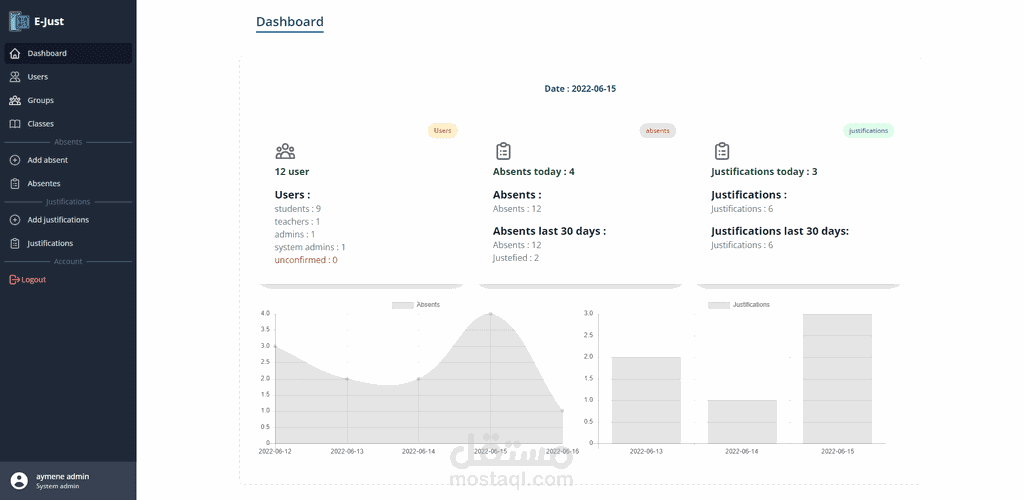
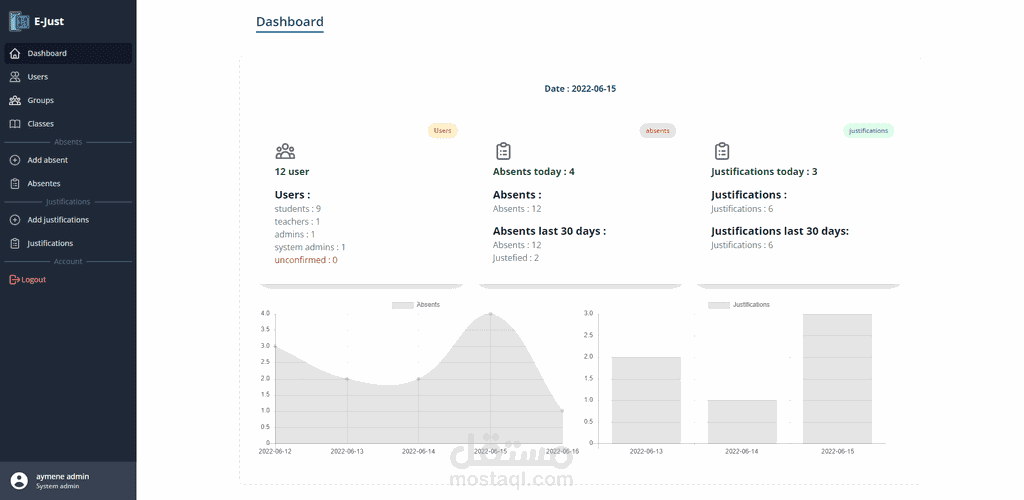
dashboard
Department Structure Management
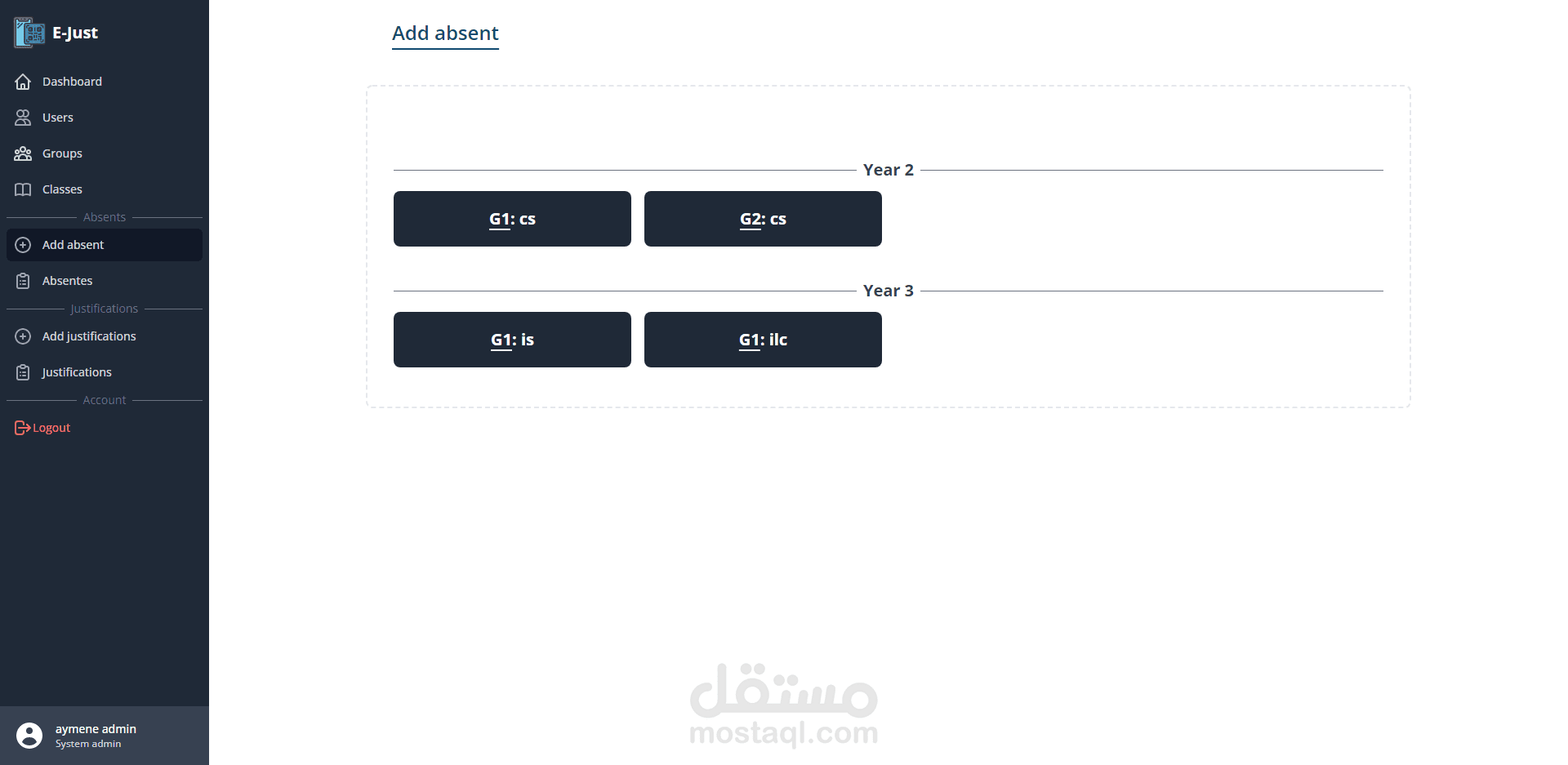
The university administration can determine the department's structure by adding classes and study levels with academic specializations as desired on the groups page.
Assigning Students to Classes
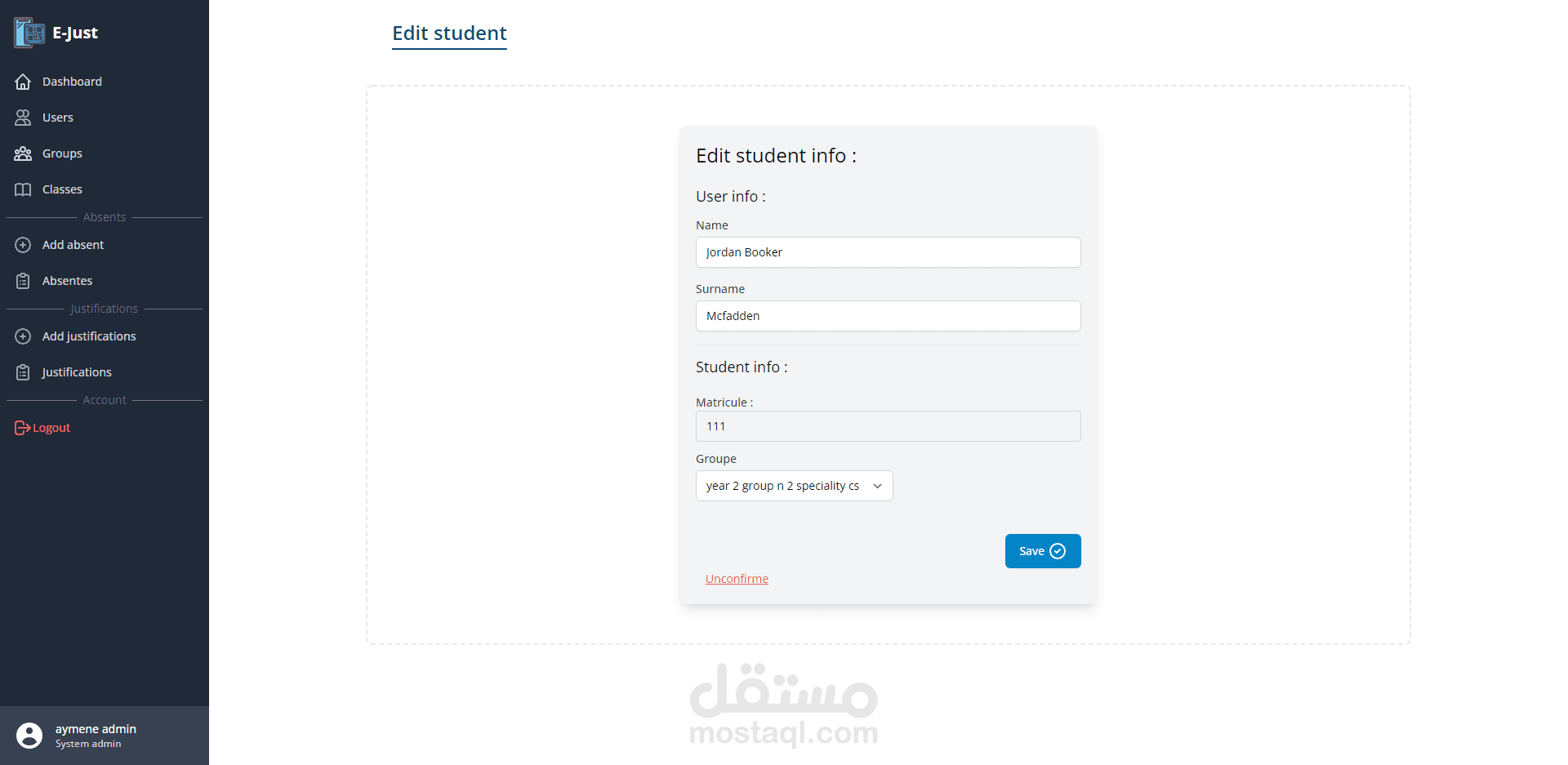
After that, the students registered on the site can be assigned to each of their classes.
User Access Control
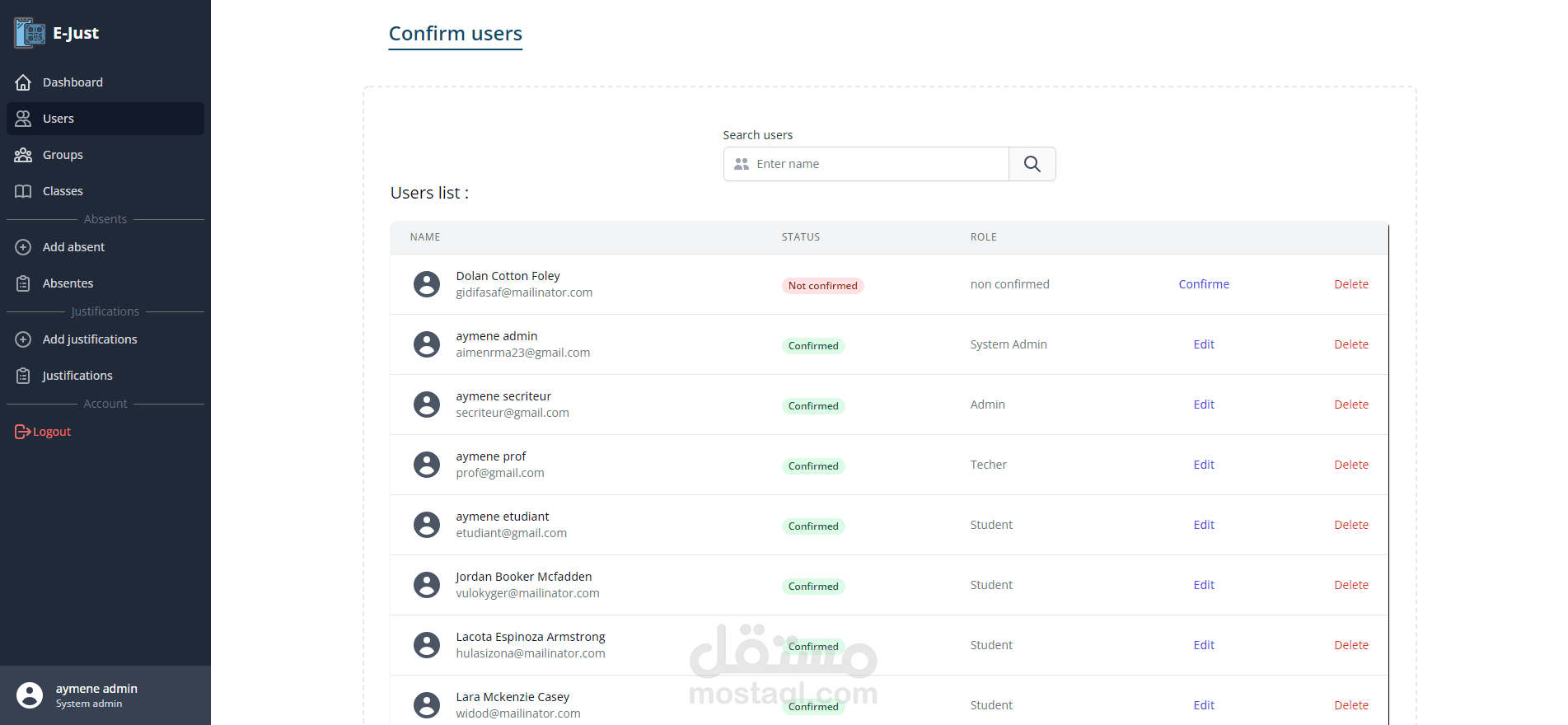
There are several types of users with specific capabilities, each according to their role on the site:
Teachers: Teachers can record absences only in the classes they are teaching.
Students: Students' accounts are limited to the pages allocated to them.
Department Administration: Only the department administration can manage the accounts and change the department's structure.
Automatic Absence Processing
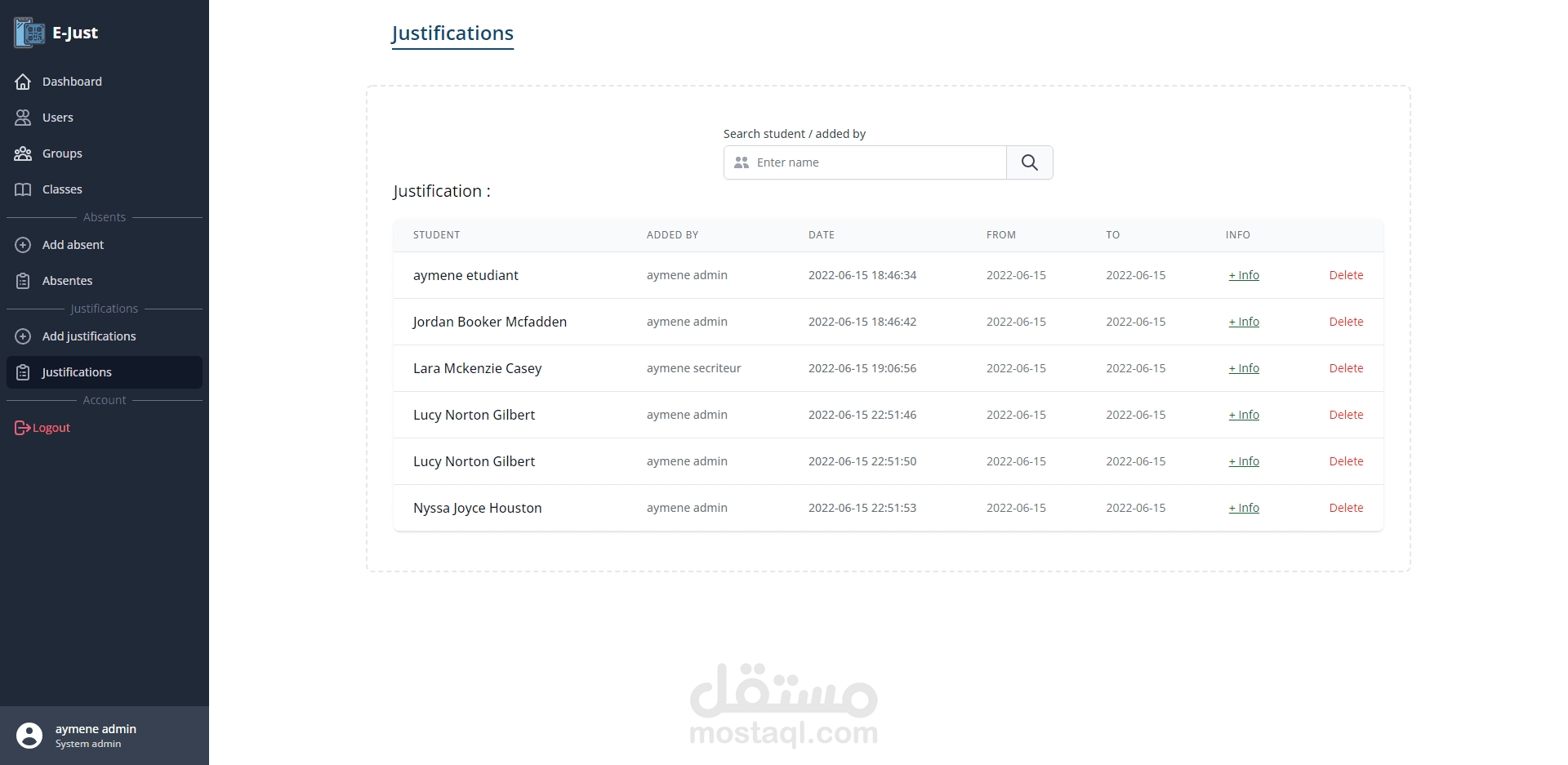
add justification
When adding a justification for an absence to a student, their absences are automatically justified in the system within the period specified by the justification.
QR Code for Absence Excuses
The site generates a QR code for excuses for absence, which the student can retrieve when needed.