https://github.com/afilahkle/shadertoy-to-threejs
تفاصيل العمل
Project description
Three.js ShaderToy Component with Vite and React
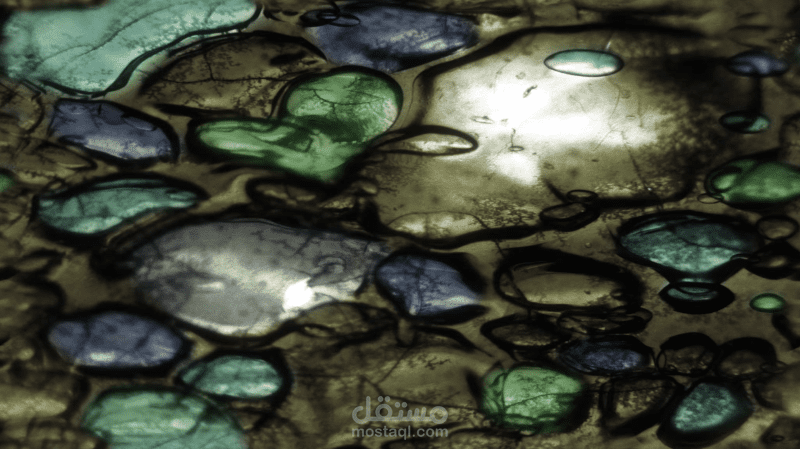
This project demonstrates the integration of a ShaderToy shader in a React app using Three.js and Vite.
Project Structure
App.jsx: This is the main entry point of our application. It sets up the Three.js scene, camera, and renderer. It also creates moving directional lights and manages window resizing.
ShaderToy.jsx: This component adds a custom shader to the scene provided as a prop. The shader is similar to those found on ShaderToy, and it has an animation loop that updates the time uniform.
Prerequisites
Ensure you have the following installed on your local machine:
Node.js (version 14.0.0 or later)
npm (version 5.2.0 or later)
Usage
After cloning the repository, you can run the project with the following commands:
npm install
npm run dev
This will start the Vite development server. Open your browser and visit http://localhost:5173 to see the application in action.
Integrating Shaders from ShaderToy
The shaders from ShaderToy can be integrated into this project by replacing the vertexShader and fragmentShader strings in ShaderToy.jsx.
Please note that not all shaders from ShaderToy will work out of the box due to differences in how ShaderToy and Three.js handle things like coordinates, precision, and varying variables. You might need to tweak the shader code to make it work.
// Replace this section with your ShaderToy shader
vertexShader: `
void main() {
gl_Position = vec4(position, 1.0);
}
`,
fragmentShader: `
// Your Shader Code Here...
`,