BeConnected
تفاصيل العمل

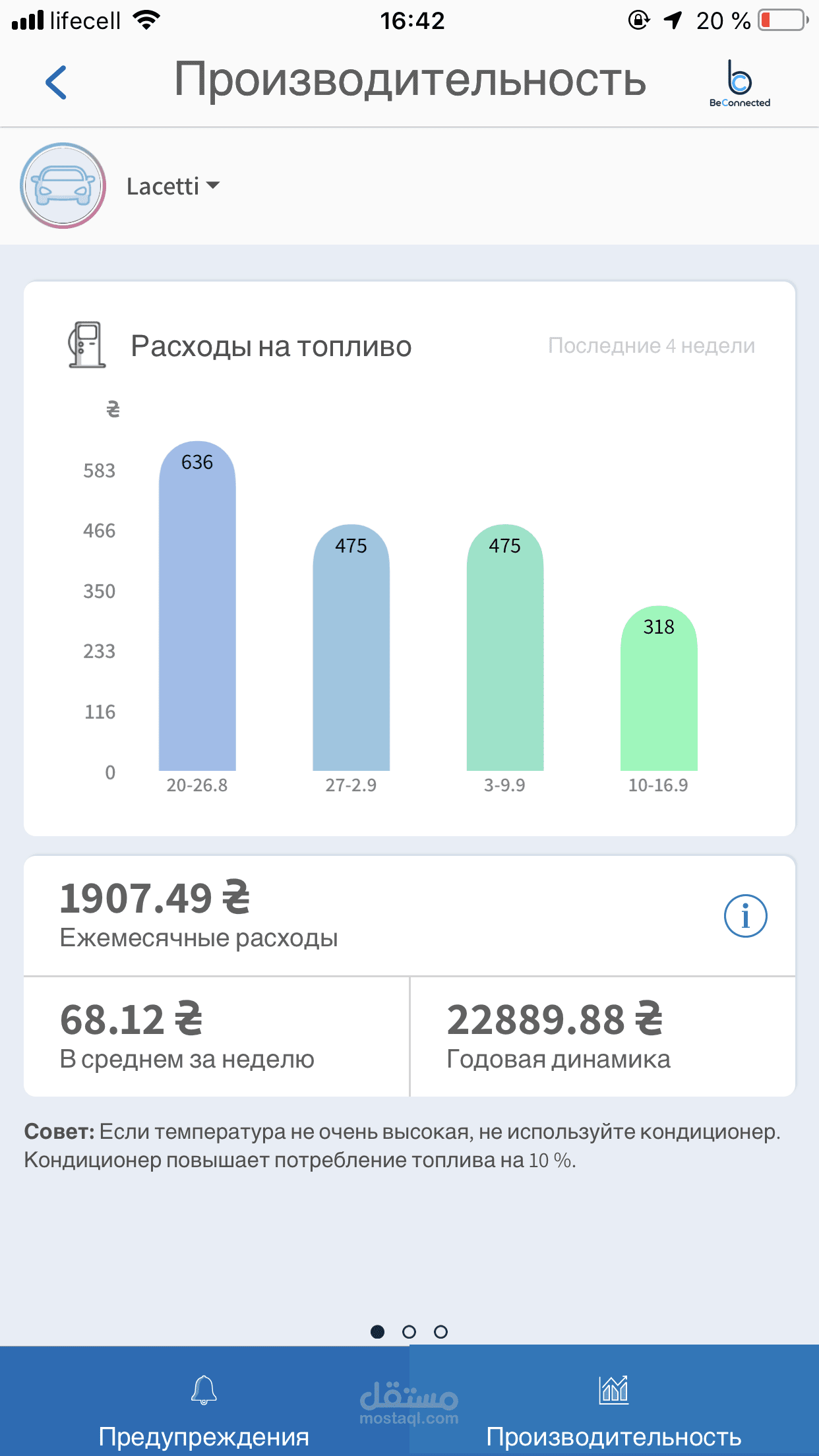
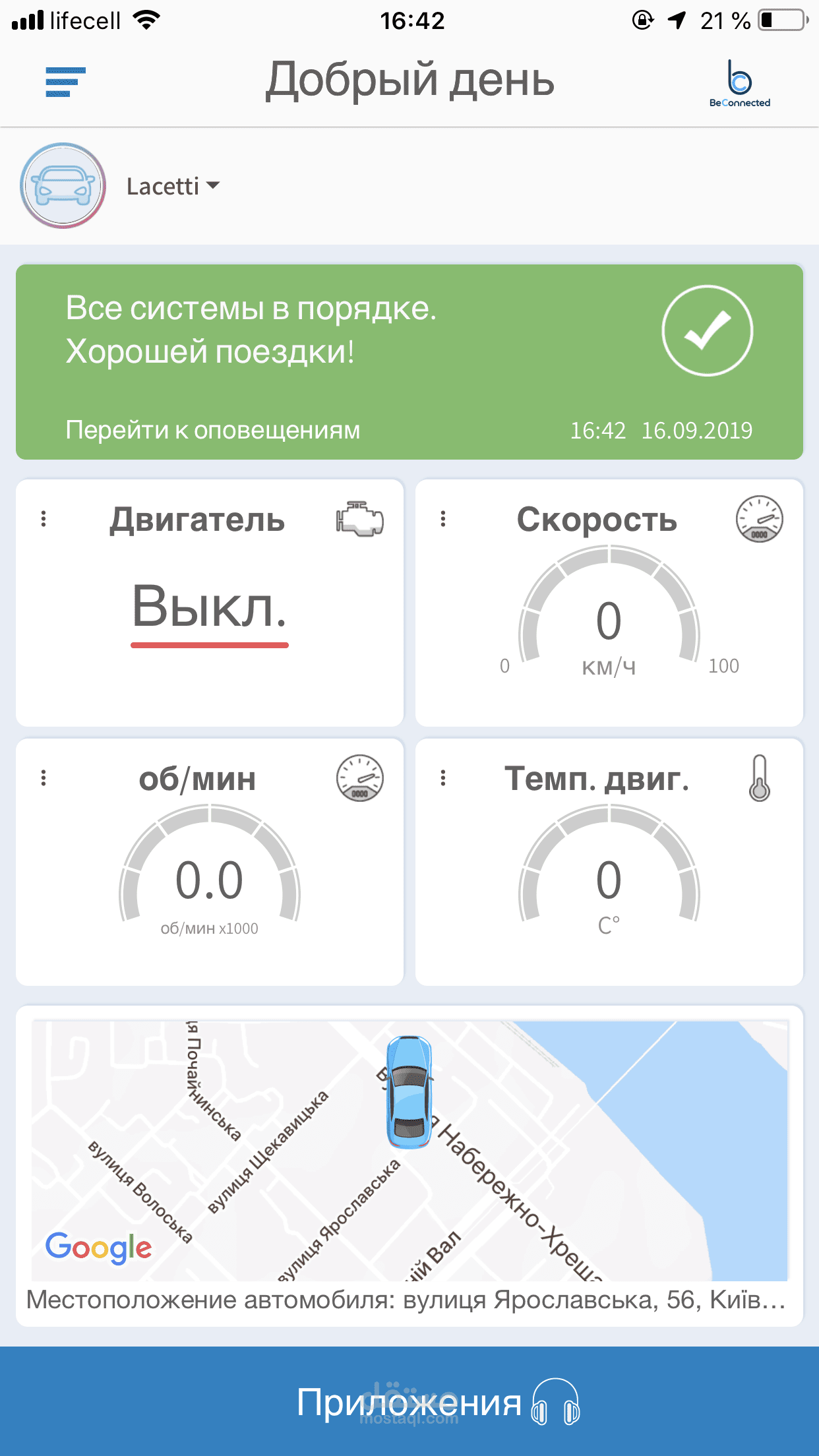
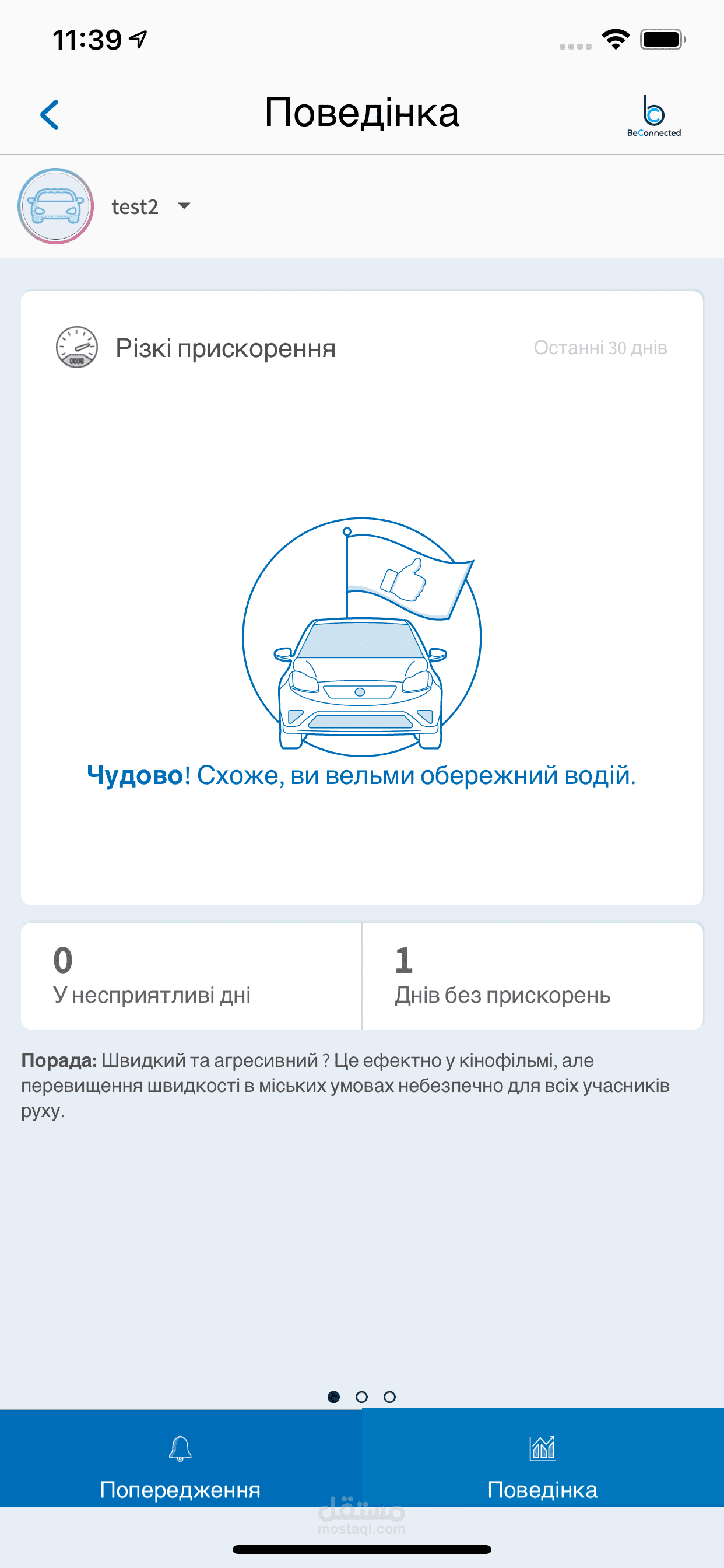
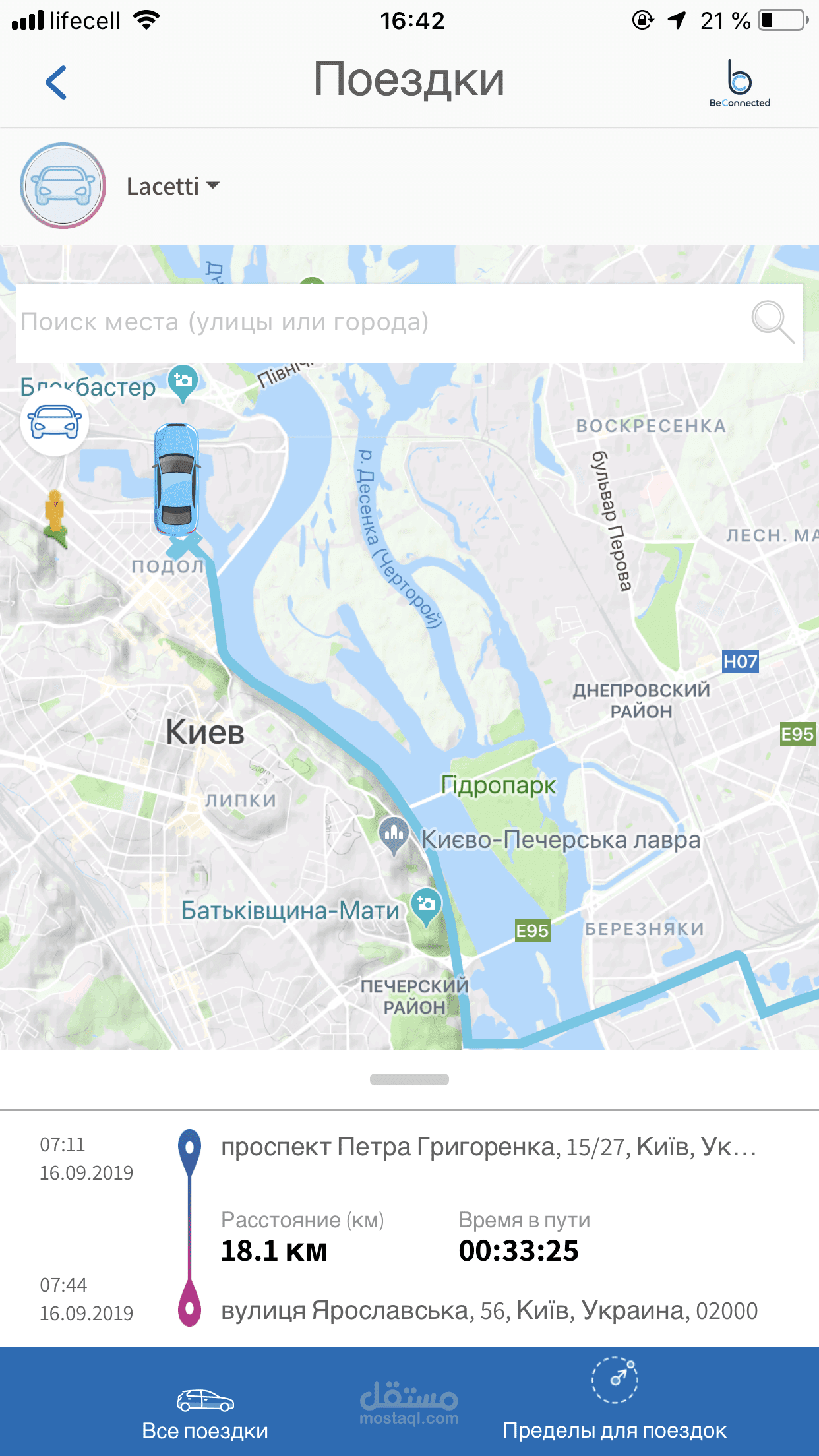
من الاعمال التي قمت بها اثناء عملي في الشركات كمطور تطبيقات
<<<<>>>>
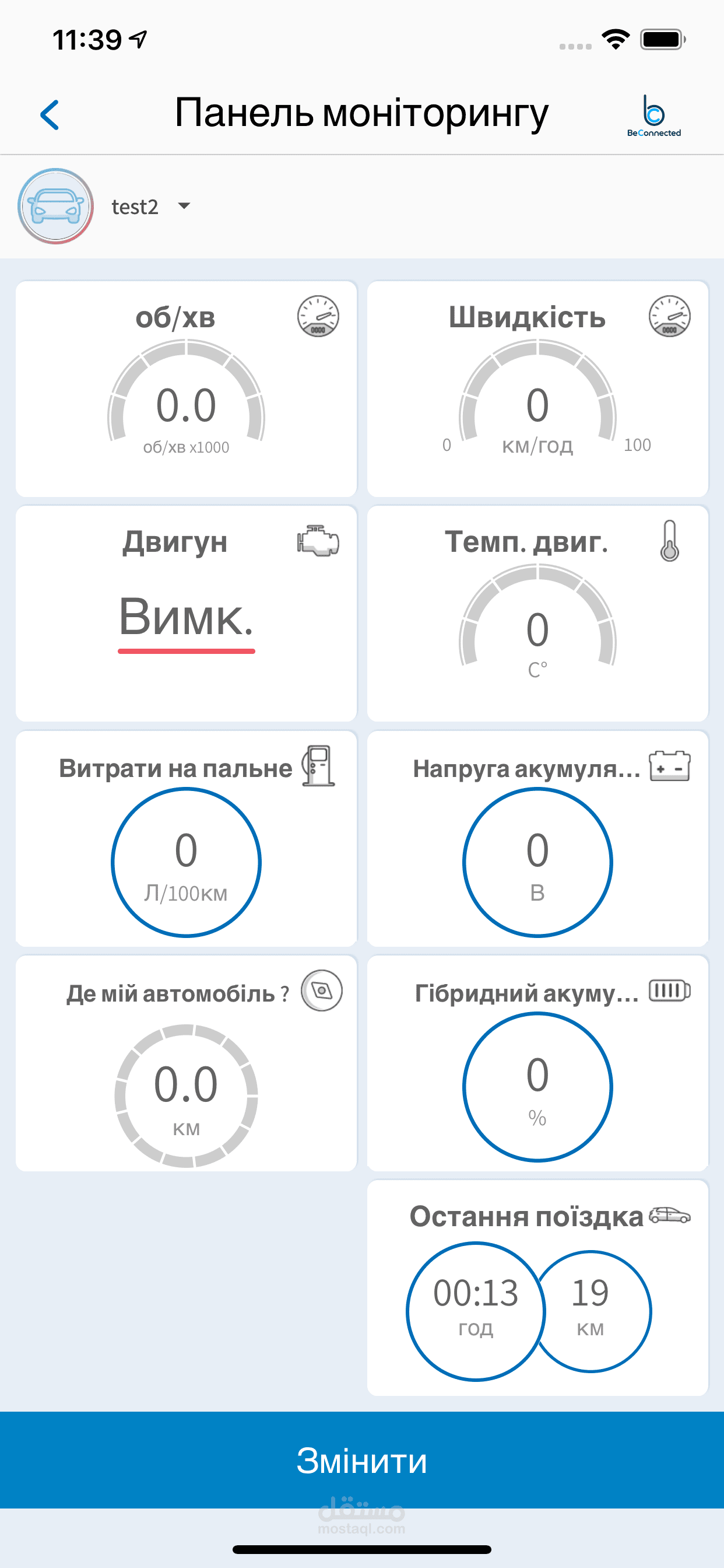
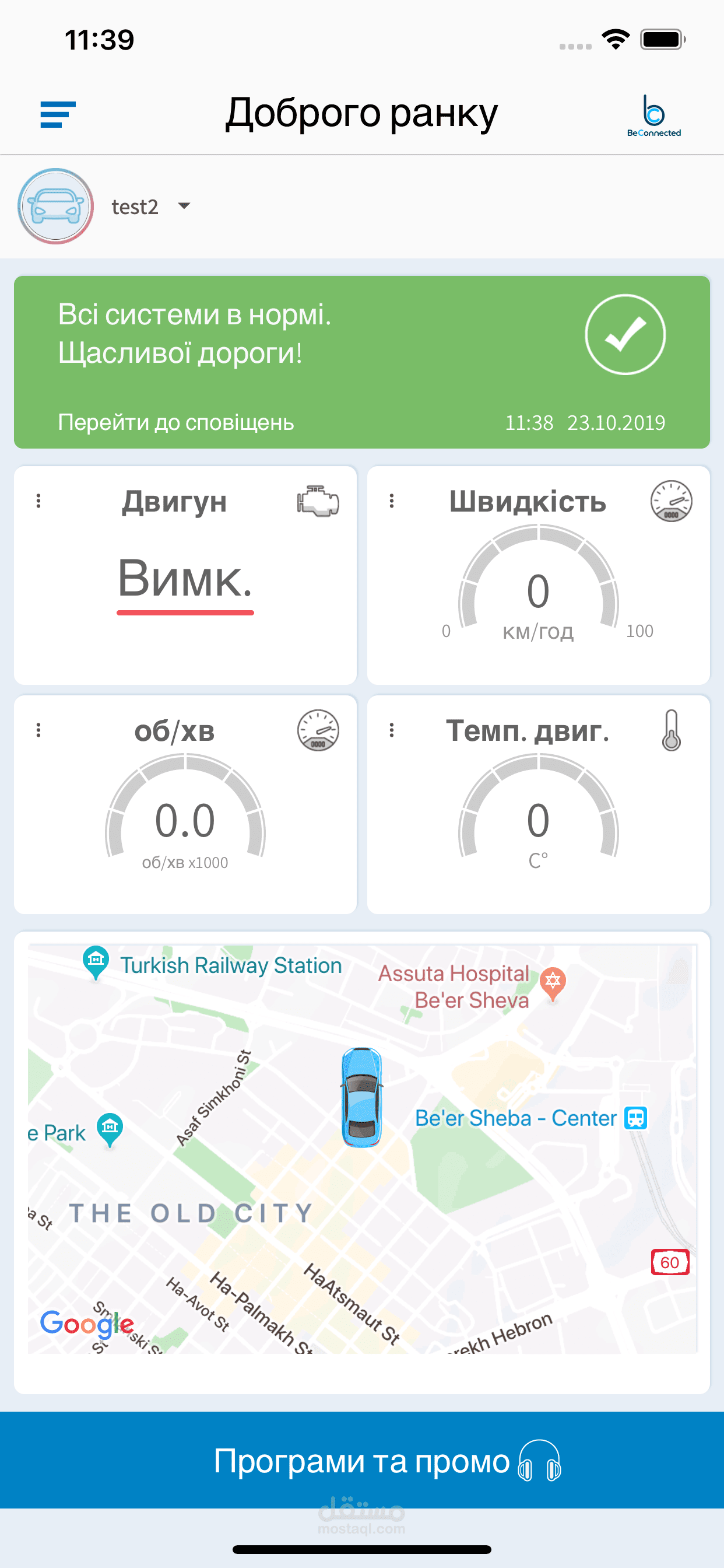
The DeConnected app is a part of car IOT system. It works with car OBDII plug. The plug and the app connects to server. With the application user can manage the plug settings and see its reports online (while the car is turned on).
The OBDII plug can only read the OBD information from the car, but not to affect the car in any way.
Login app:
First login to the application will be performed with OTP (One Time Password) authentication process. User enters his phone MSISDN and receives the temporary code by SMS. Due the limitation to send OTP SMS to all countries we providing preset MSISDN and static password for Apple test purposes.
· If user already has paired devices (cars) the next screen after login will be the main app screen.
The MSISDN provided for Apple test purposes already paired with a car. Pay attention, while your tests the car may be turned off, so the widgets will not show the online info.
· If still no cars paired for the user the “Start pairing process” screen will appear.
Pairing OBDII device:
Process that pairs the user phone (MSISDN) to OBD device (IMEI + MSISDN) connected to the car.
· User enters the device IMEI (can be scanned from OBD device or device box).
· Server sends the configuration SMS messages to OBD device.
At this point the device must be connected to the car OBD socket and the car must be turned on (the engine may be turned off or on).
· After device receiving the messages it configuring itself and starting to work with the server.
· This is the end of the pairing process and user will see the “Successfully pairing” message.
Please note, due the limitation to send configuration SMS the MSISDN provided for Apple test purposes already paired with a car.